Configuration
App Settings
-
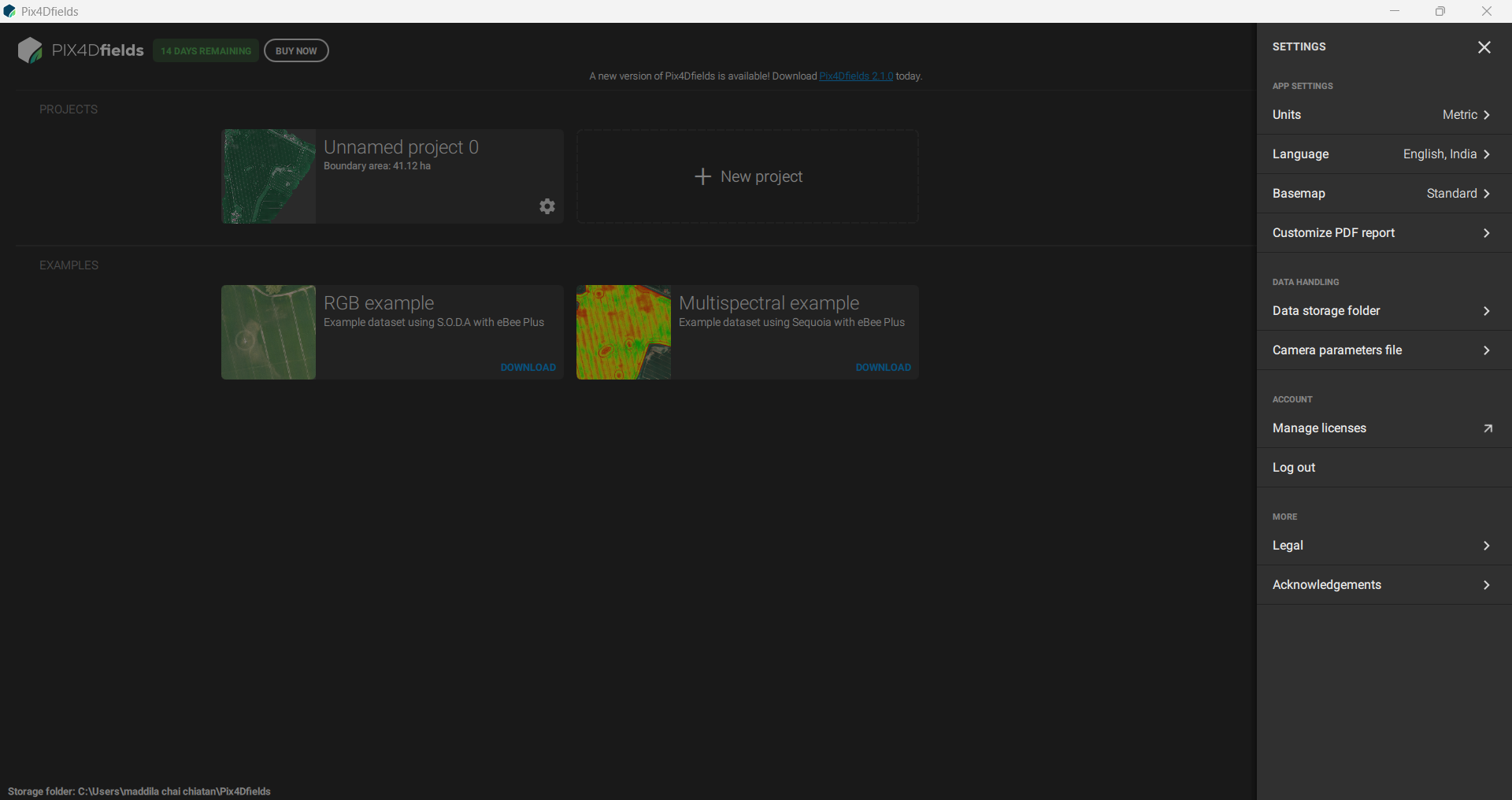
Navigate to the Settings option in the Category menu.
-
Customize application preferences:
-
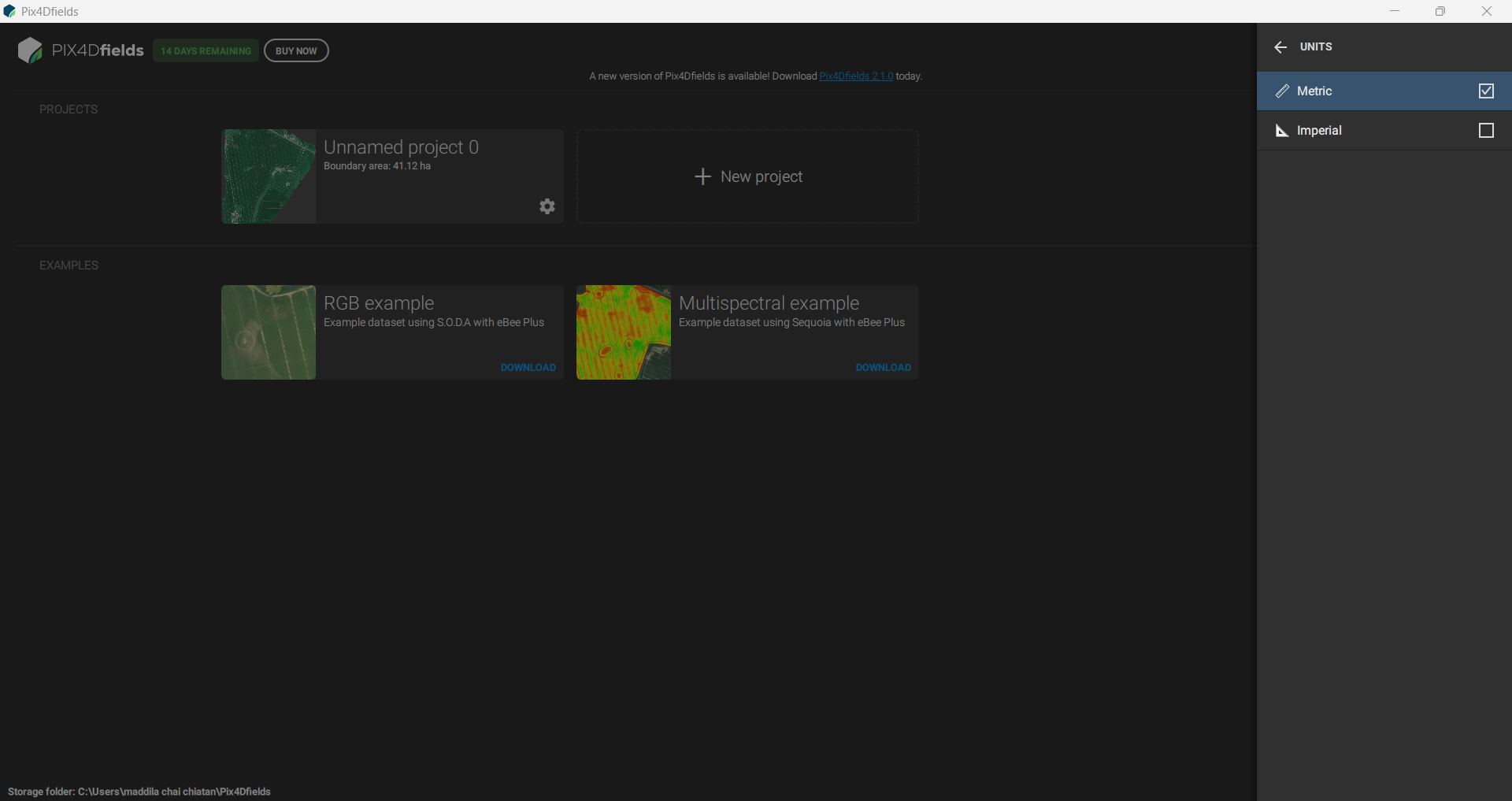
Units: Adjust measurement units.
-
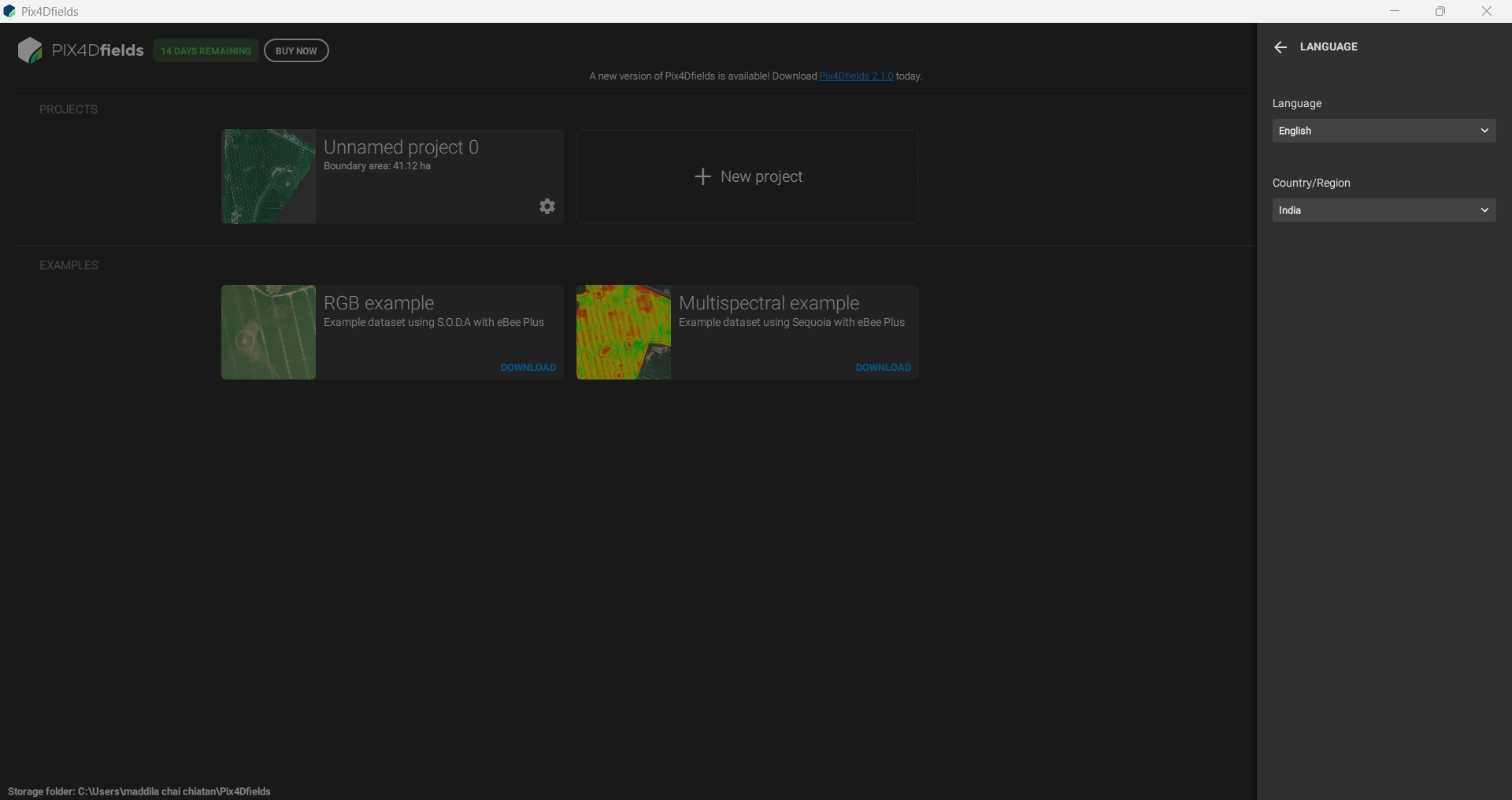
Language and Region: Set the preferred language and country/region.
-
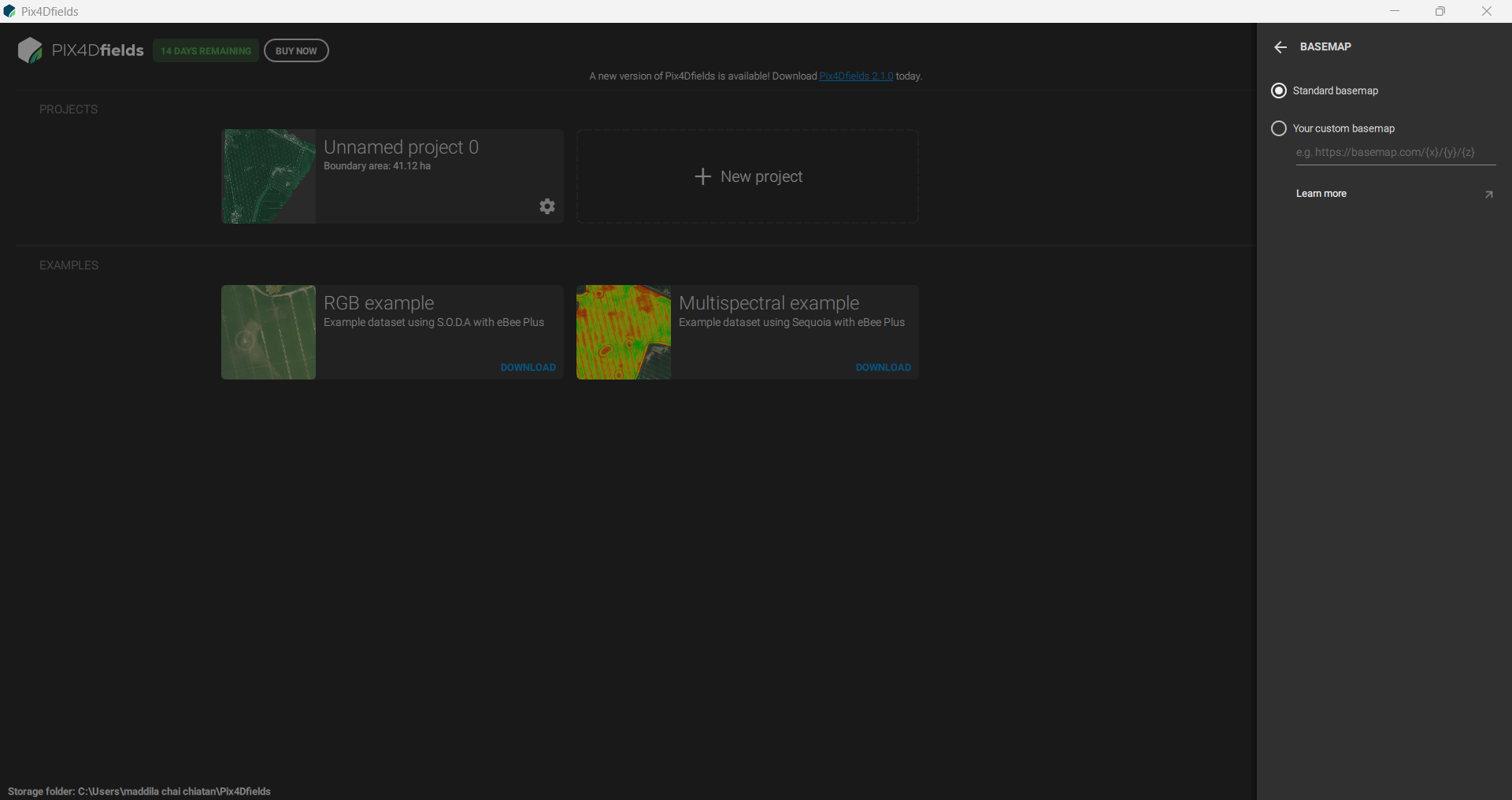
Base Map: Select the desired base map for your projects.
-
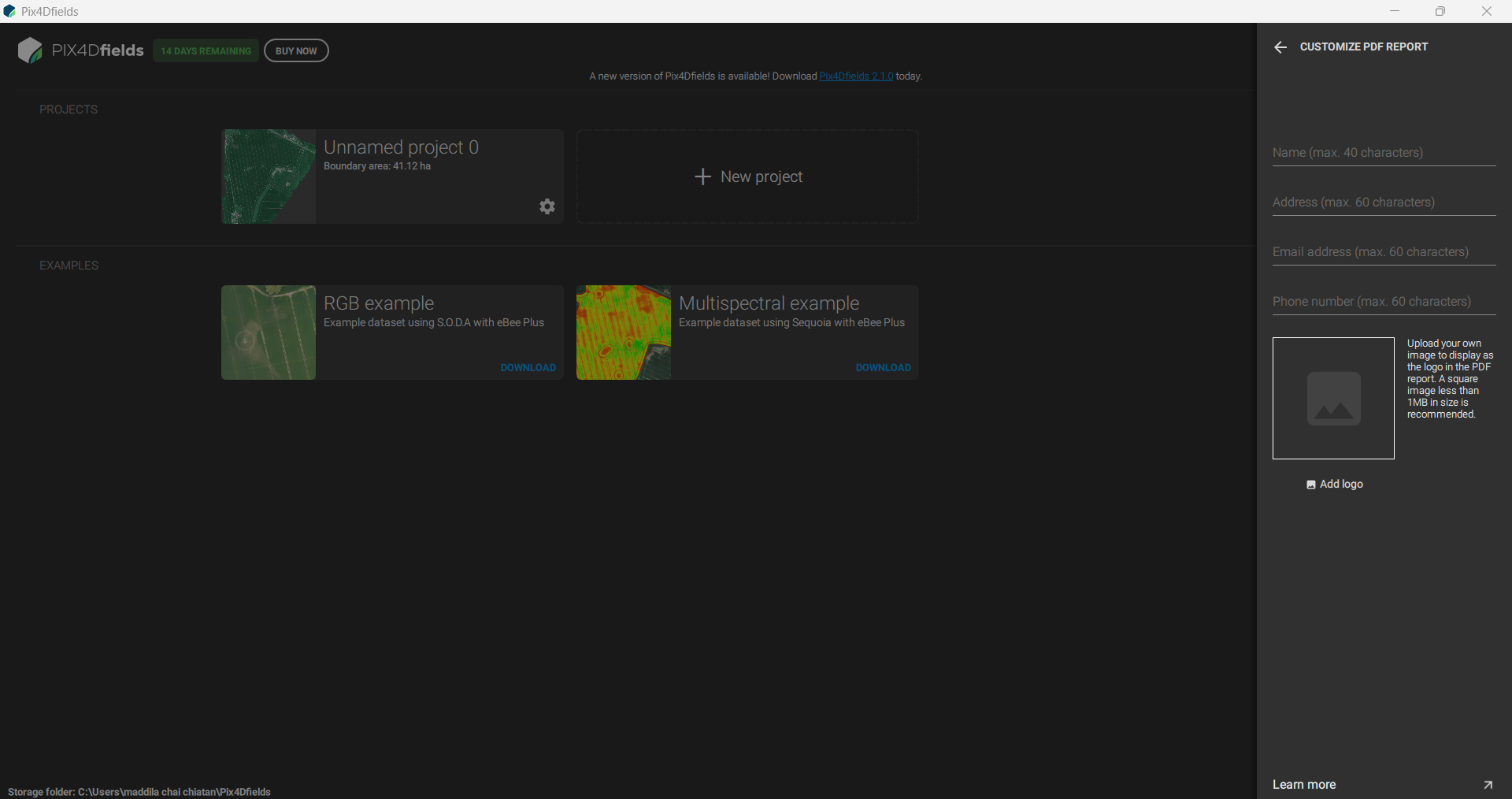
PDF Report: Customize the layout and content of generated PDF reports.
-
Data Handling
-
Configure how Pix4D Field handles project data:
-
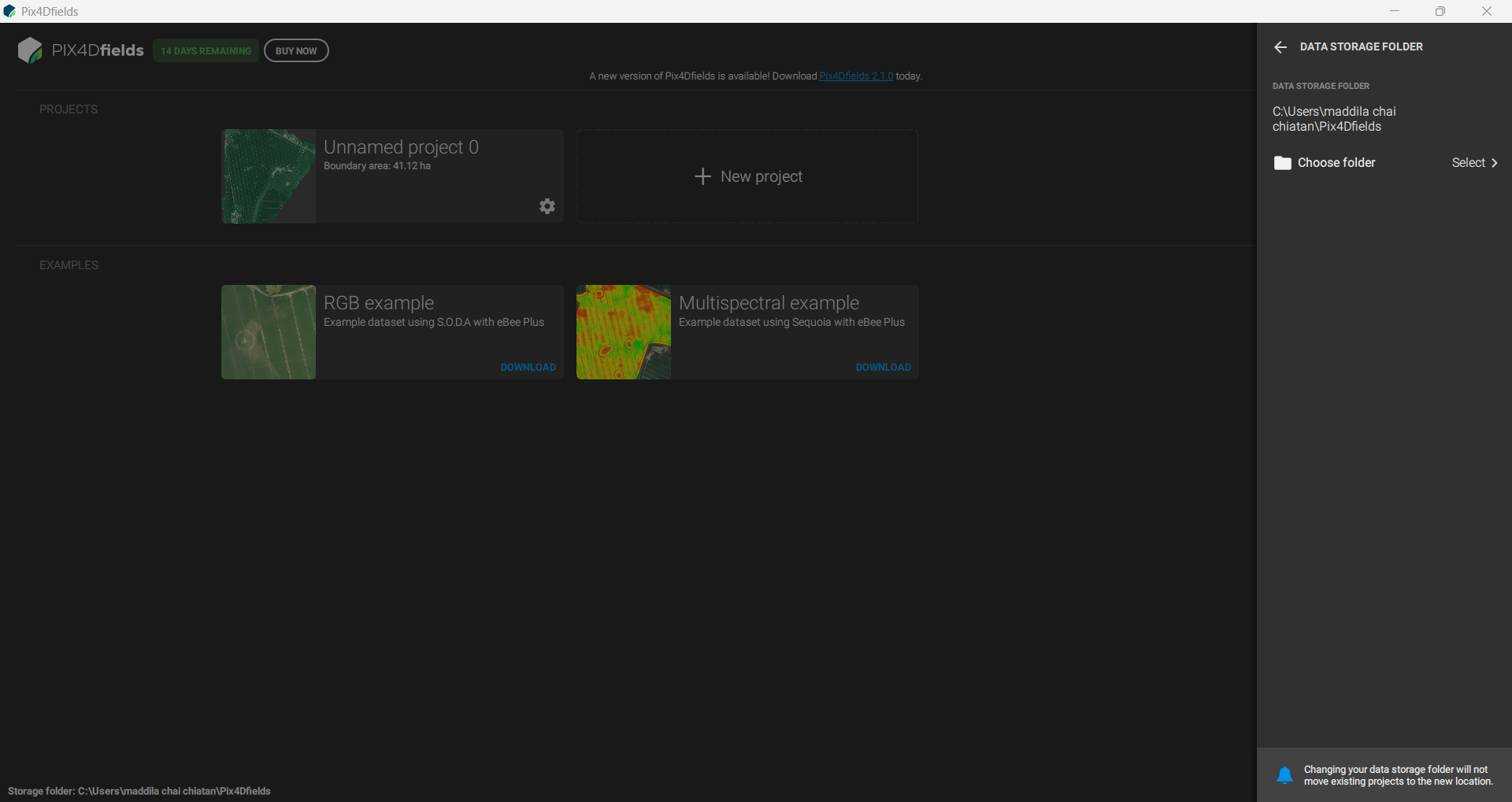
Data Storage Folder: Set the location for storing project files.
-
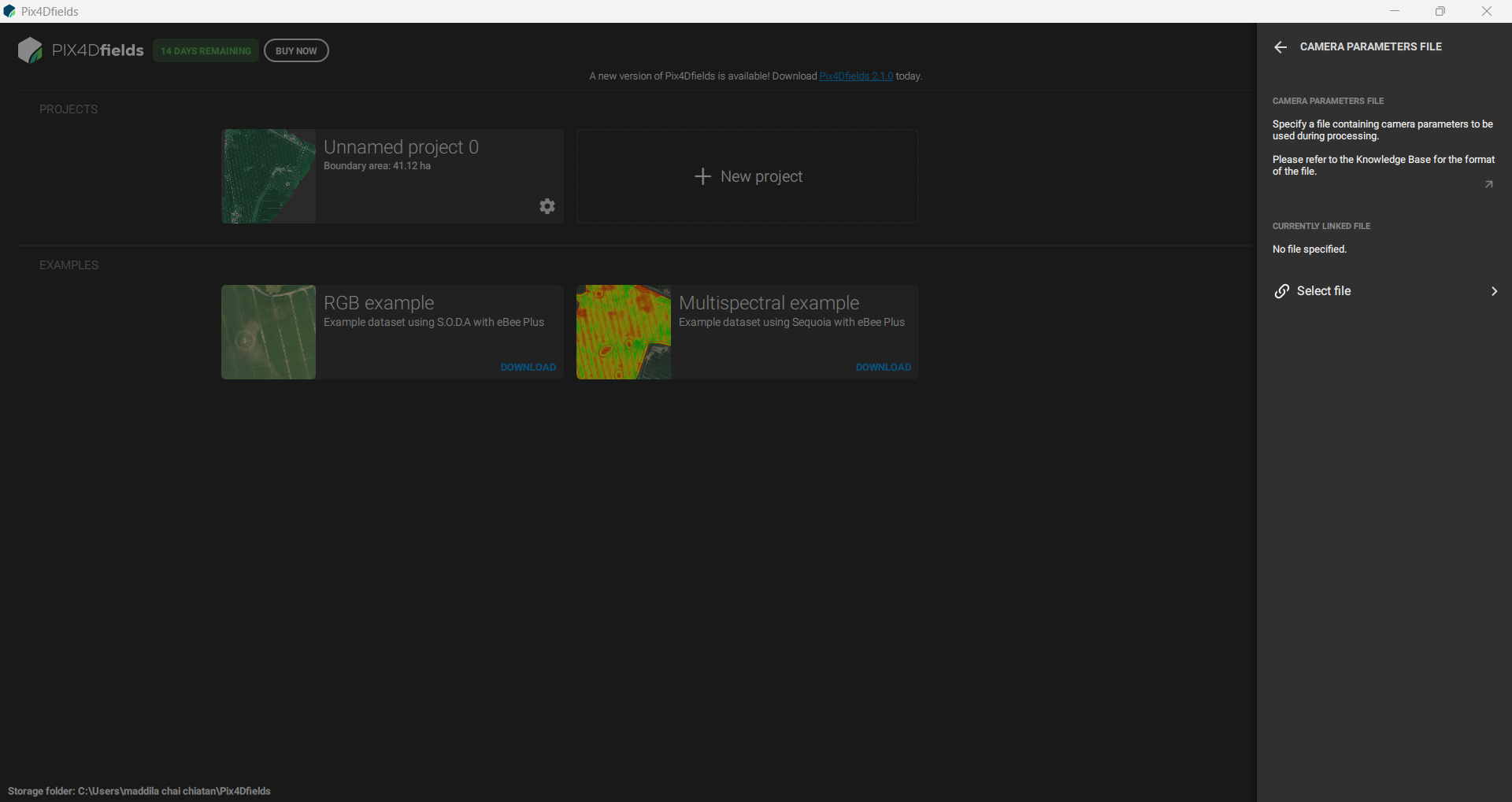
Camera Parameter File: Manage camera calibration and parameter files.
-
Account Settings
-
Manage user accounts and licensing:
- License Management and Logout: Assign or revoke licenses and log out from accounts.
- License Management and Logout: Assign or revoke licenses and log out from accounts.
Additional Settings
-
Access other customization options:
-
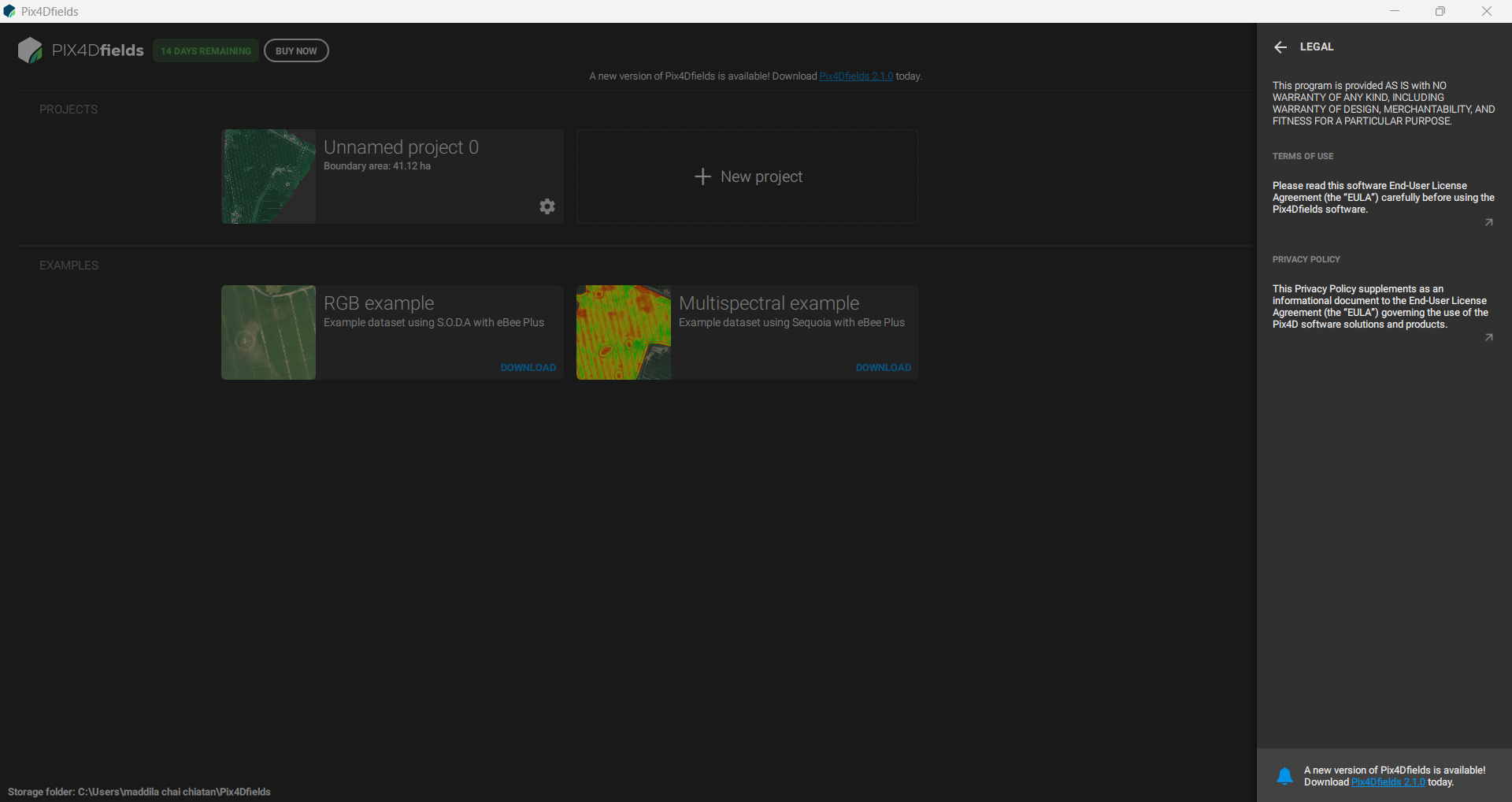
Legal Information: Review software legal notices.
-
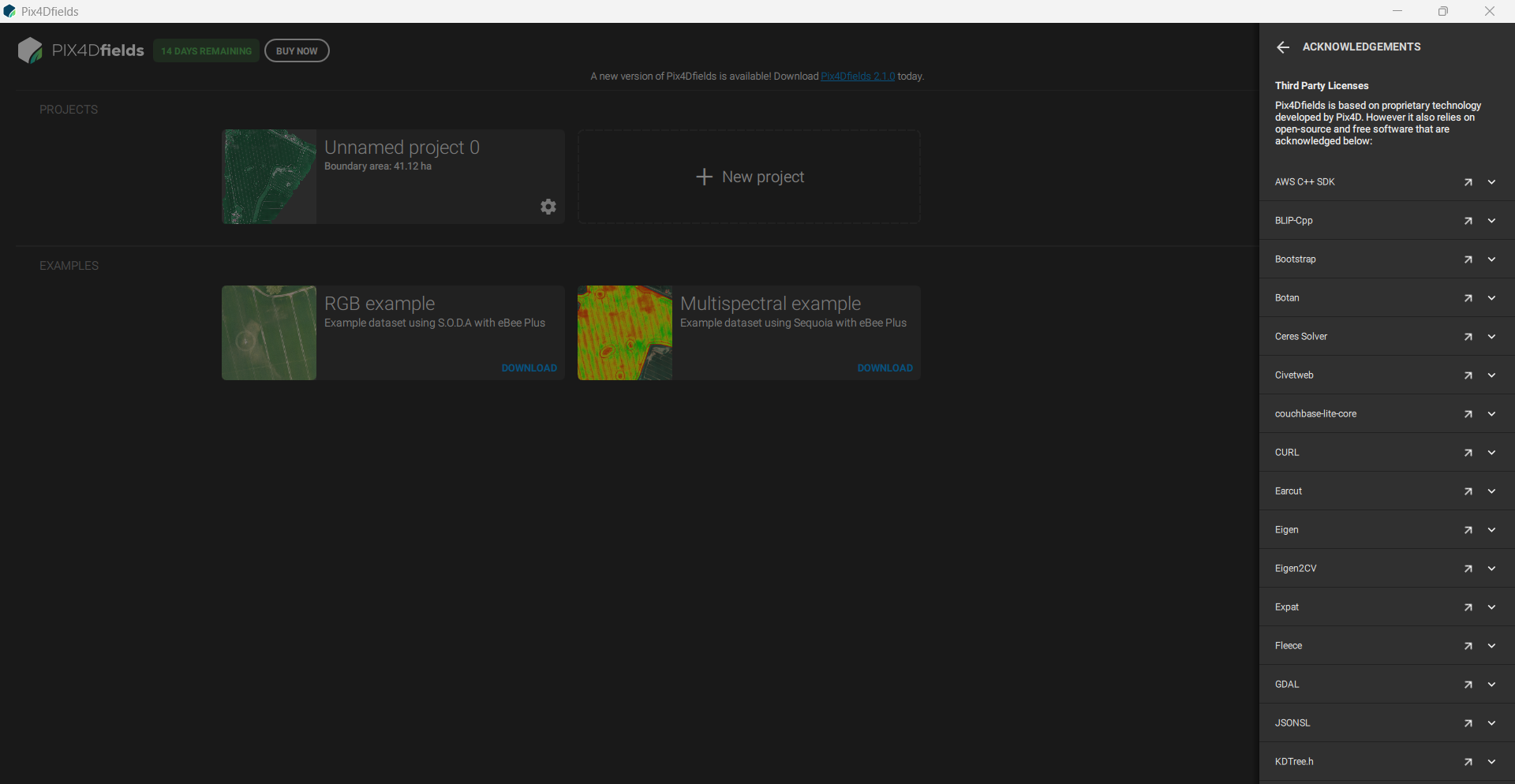
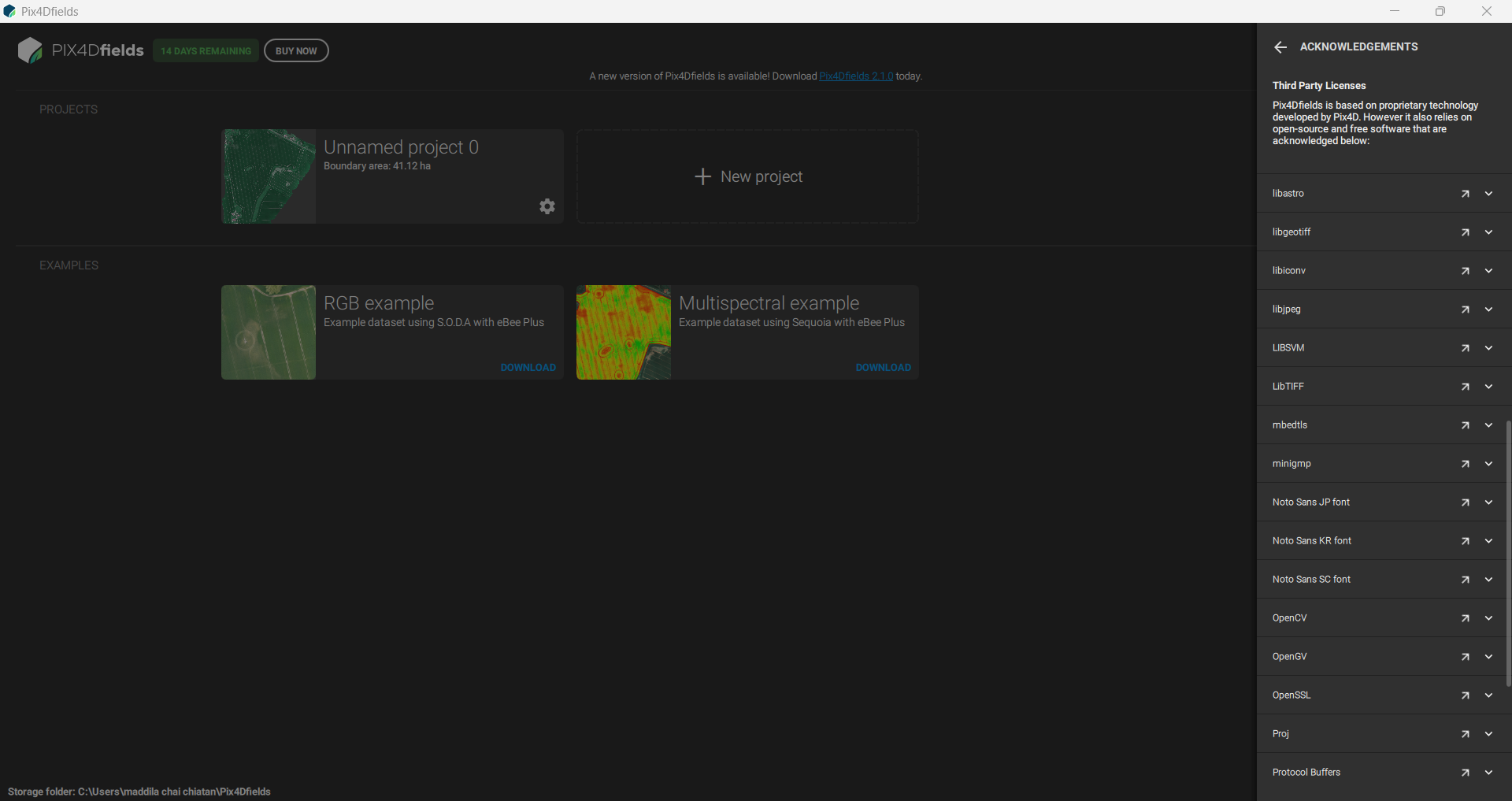
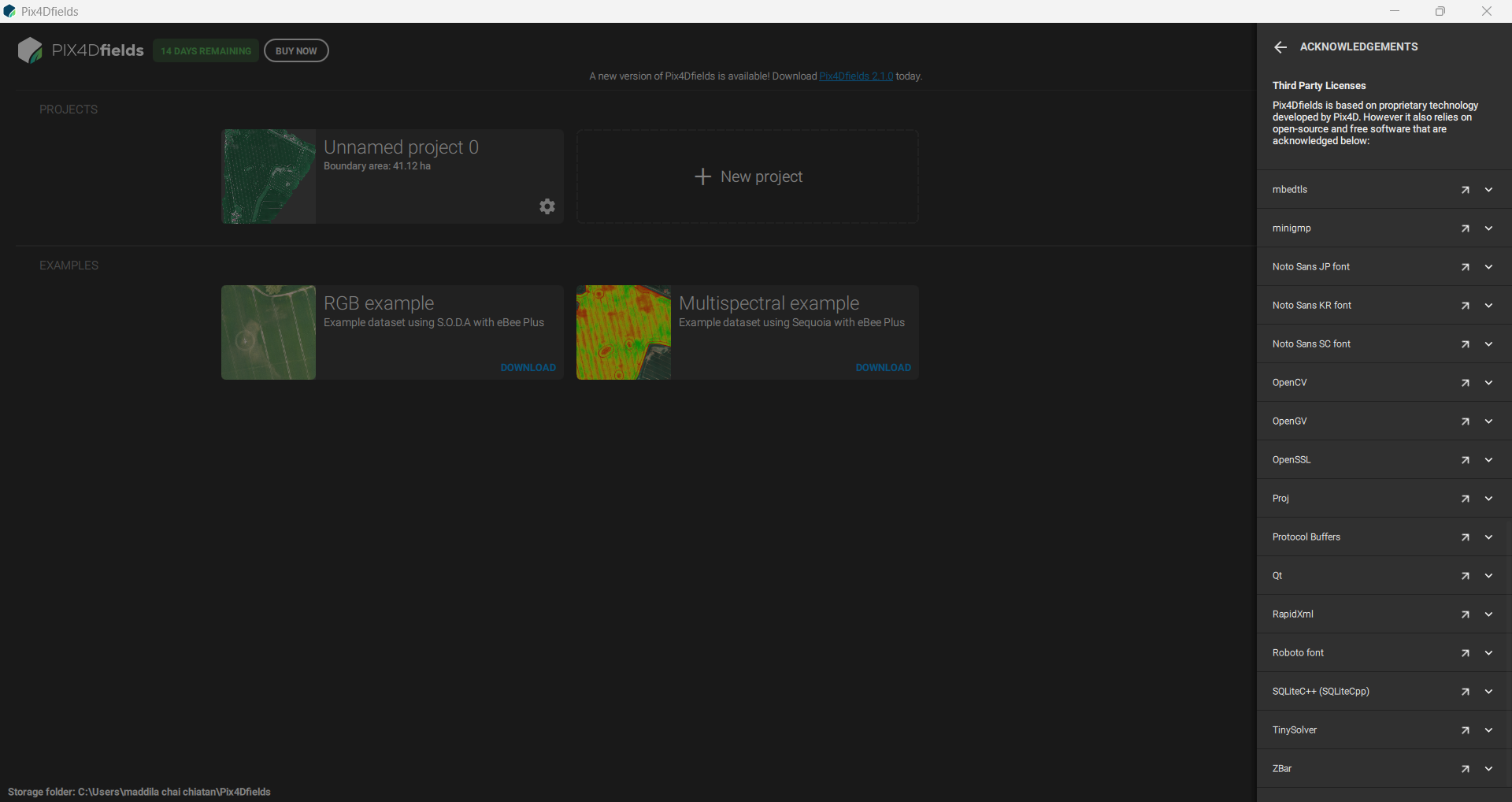
Acknowledgements: View acknowledgements and software credits.
-