Configuration
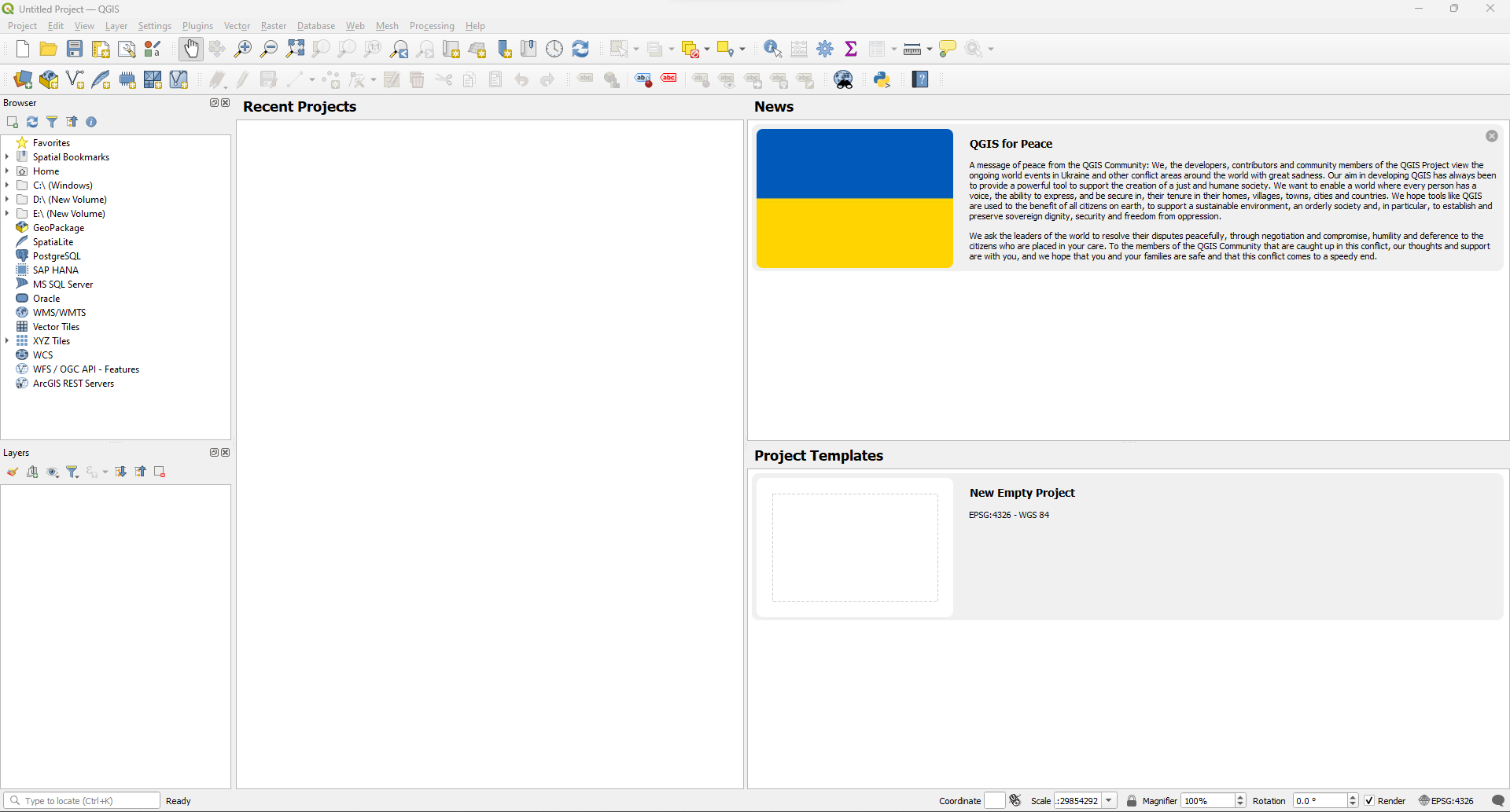
1. Launch QGIS
- Open the QGIS application.
- Click the Settings tab to open the configuration popup.
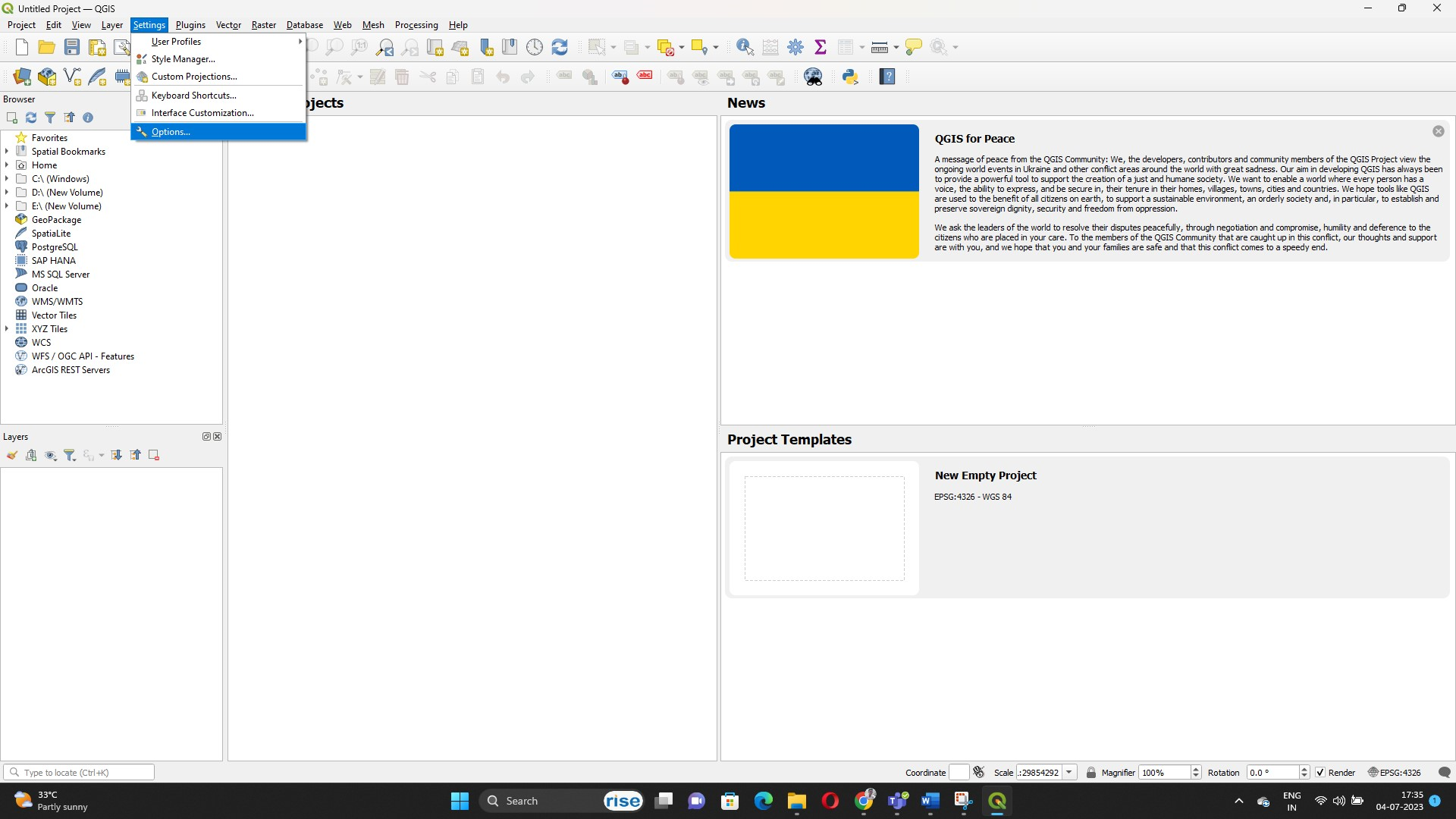
- Select Options to access detailed configuration categories.
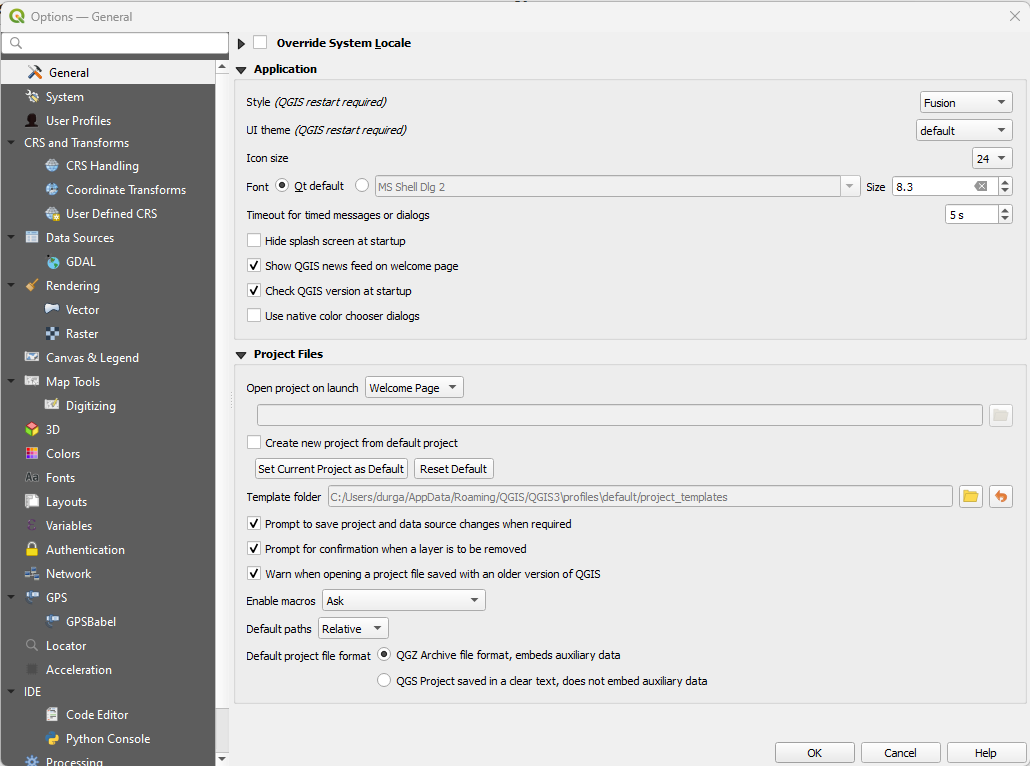
2. General Settings
- Customize:
- Application options
- Project file options
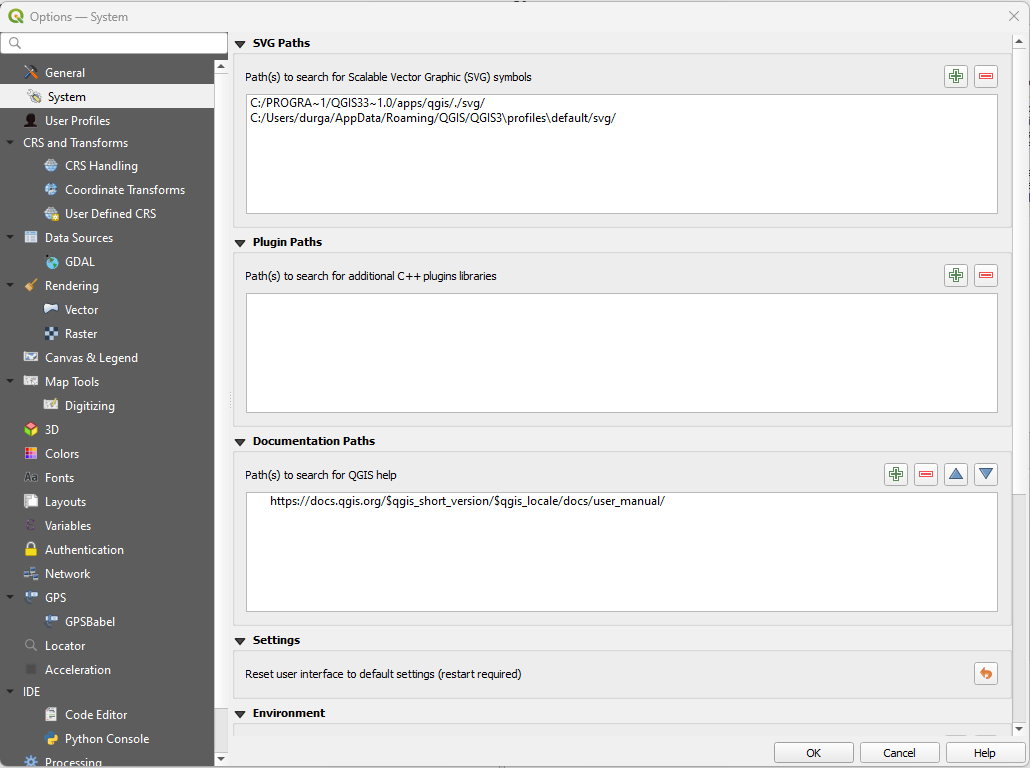
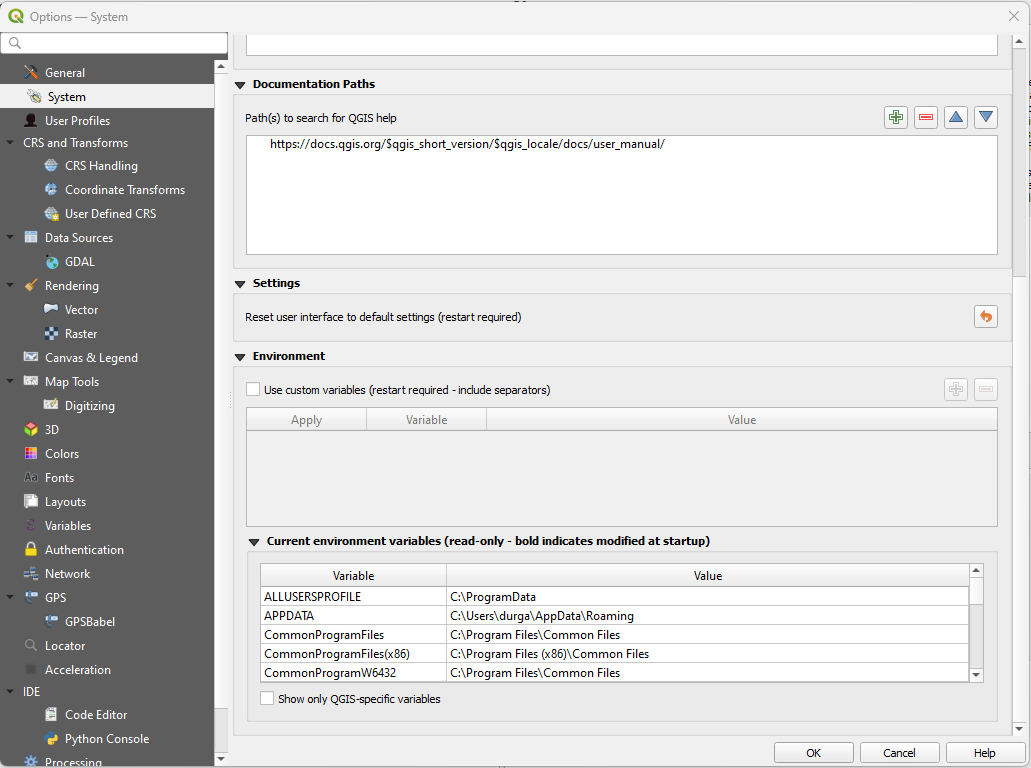
3. System Settings
- Customize:
- SVG Paths
- Plugin Paths
- Documentation Paths
- Settings options
- Environment options
- Current Environment Variables
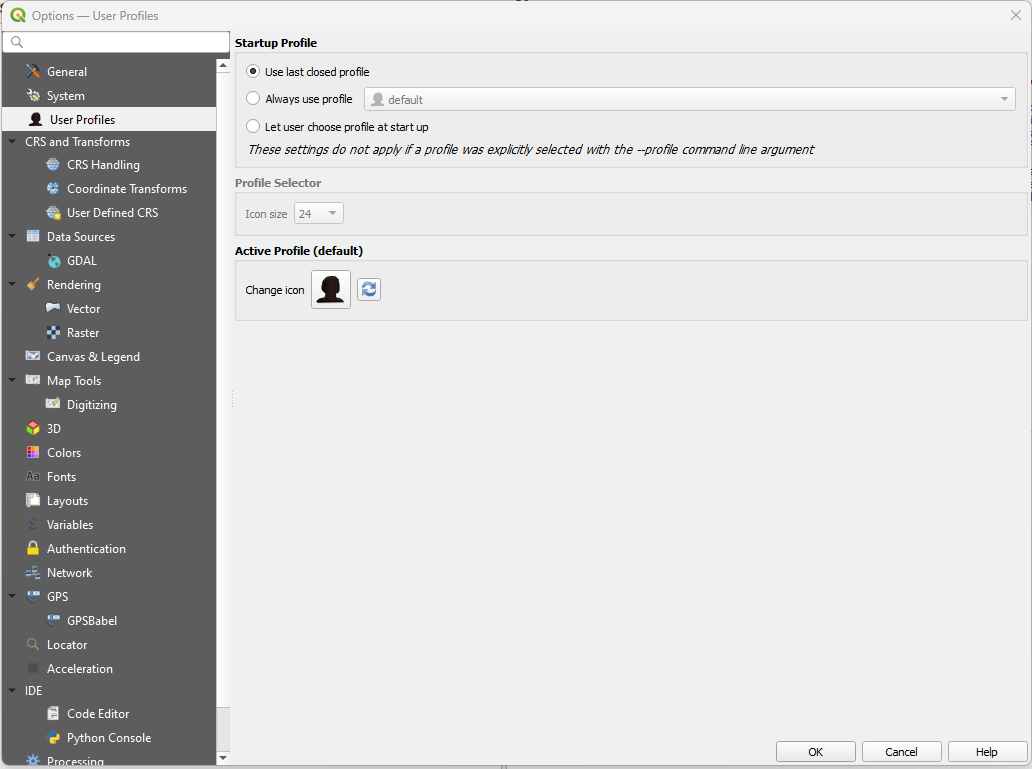
4. User Profiles
- Customize:
- Startup Profile
- Active Profile
5. CRS & Transforms
- Customize:
- CRS Handling

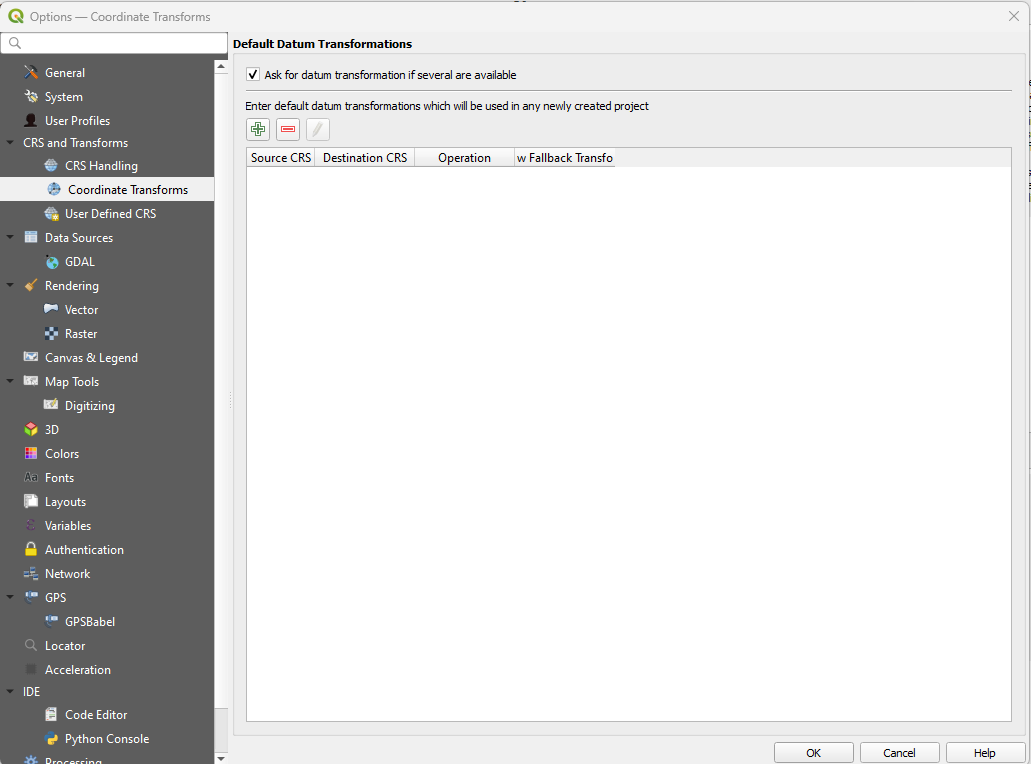
- Coordinate Transforms
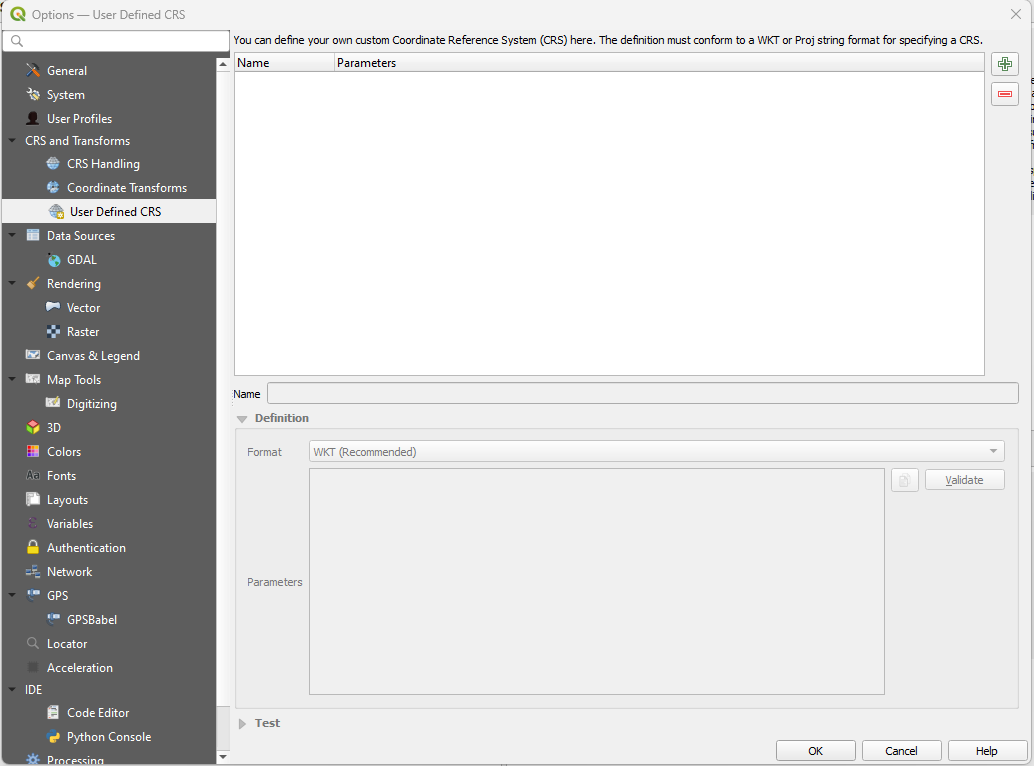
- User Defined CRS
- CRS Handling
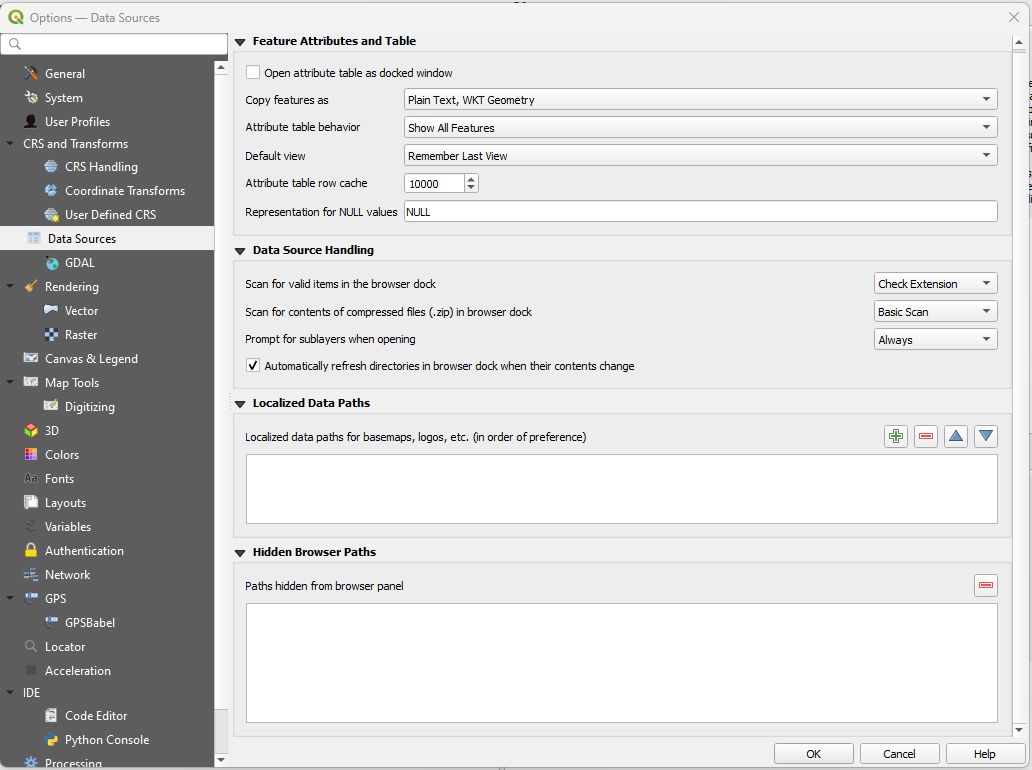
6. Data Sources
- Customize:
- Feature Attributes and Table options
- Data Source Handling
- Localized Data Paths
- Hidden Browser Paths
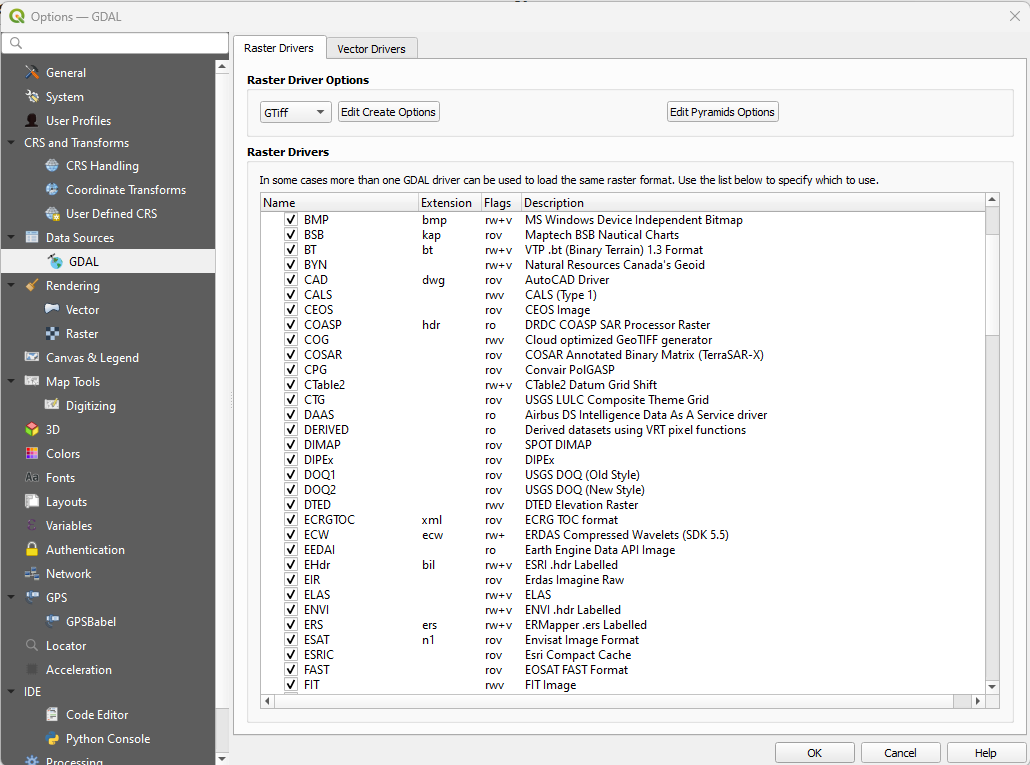
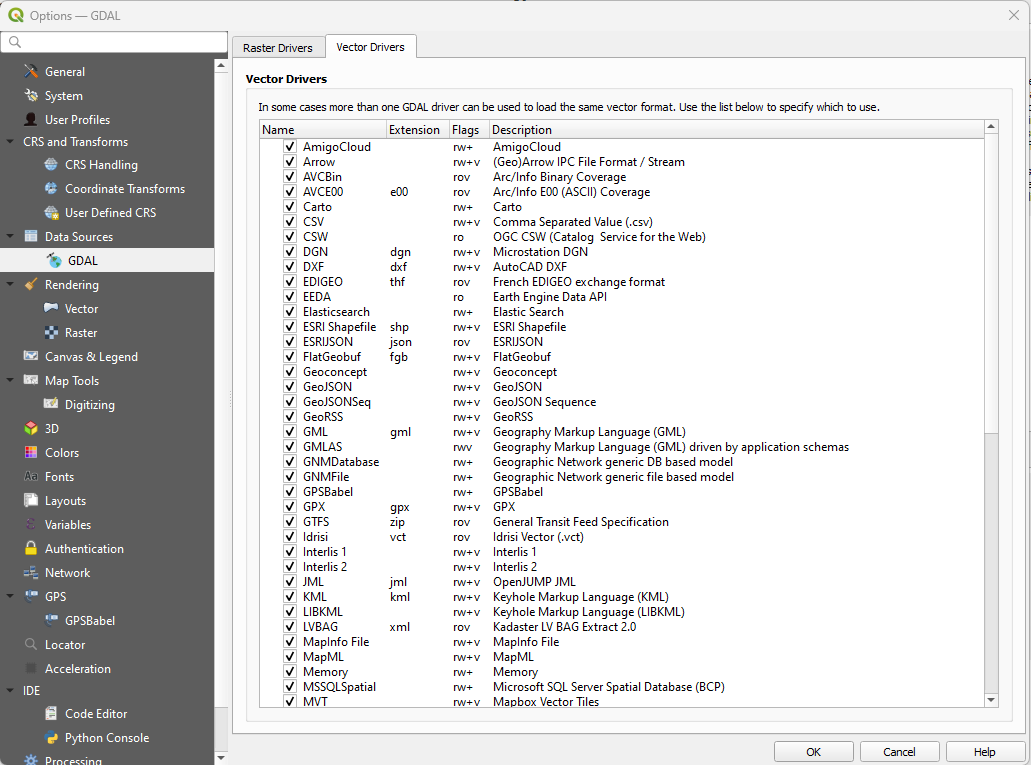
7. GDAL Settings
- Customize:
- Raster Drivers
- Vector Drivers
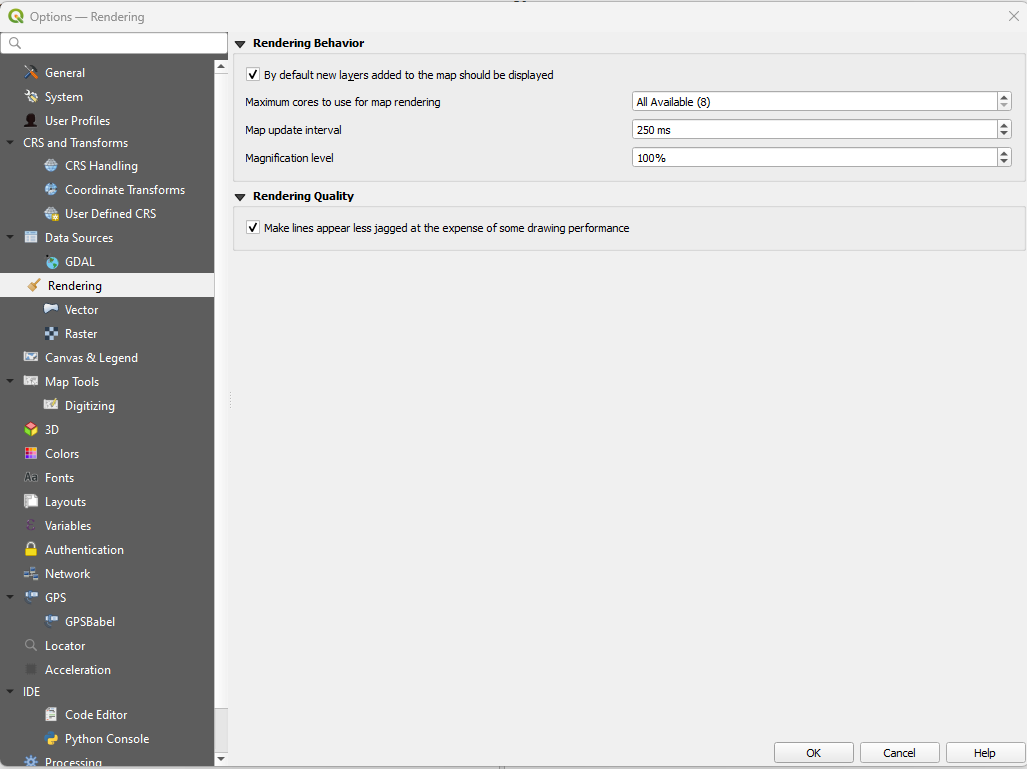
8. Rendering
- Customize:
- Rendering Behaviour
- Rendering Quality
- Vector options
- Raster options
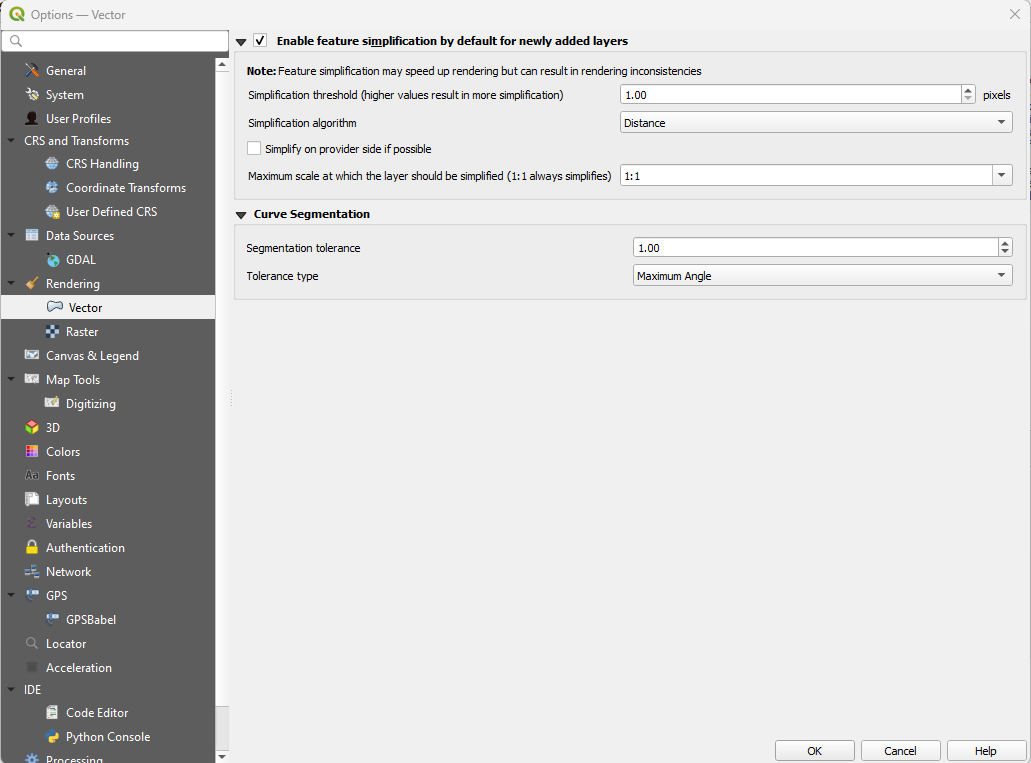
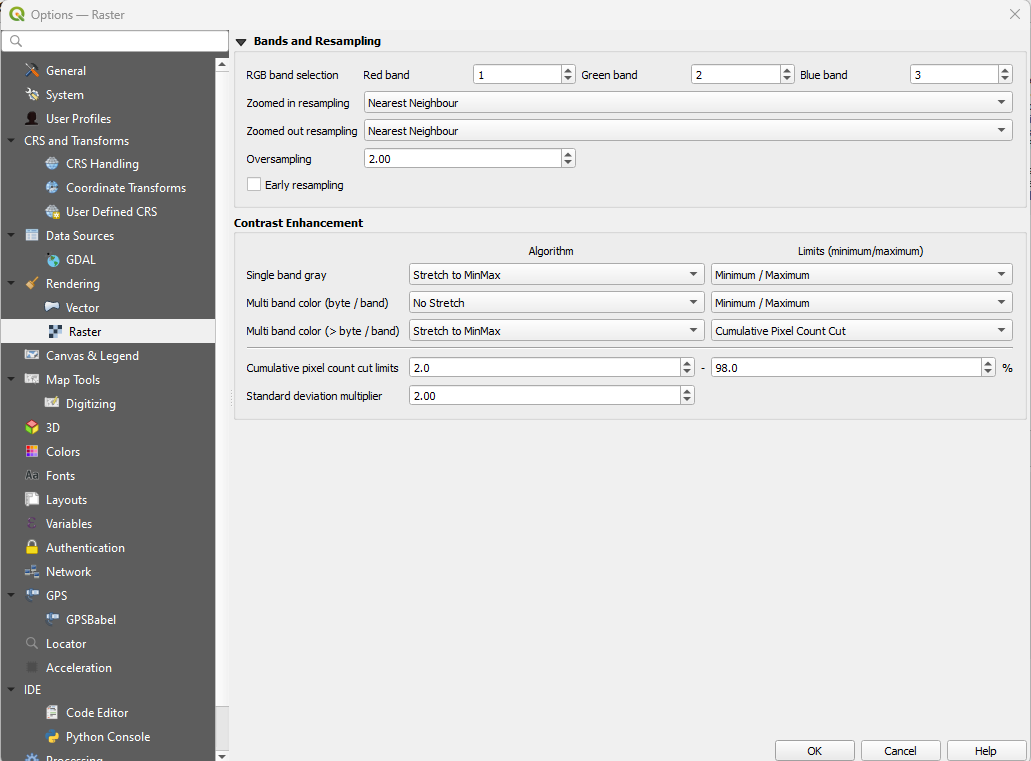
9. Canvas and Legend
- Customize:
- Default Map Appearance
- Layer Legend
- Map Tip
- DPI
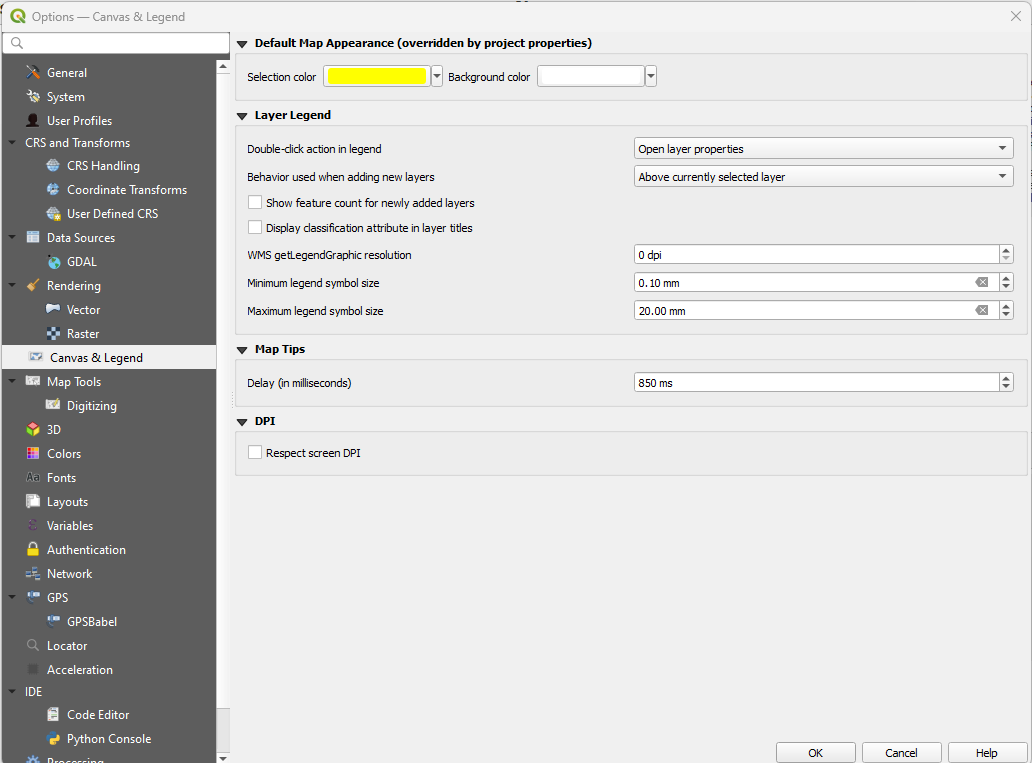
10. Map Tools
- Customize:
- Identify
- Measure Tool
- Measure Tool Copy Settings
- Coordinate and Bearing Display
- Zooming
- Predefined Scales
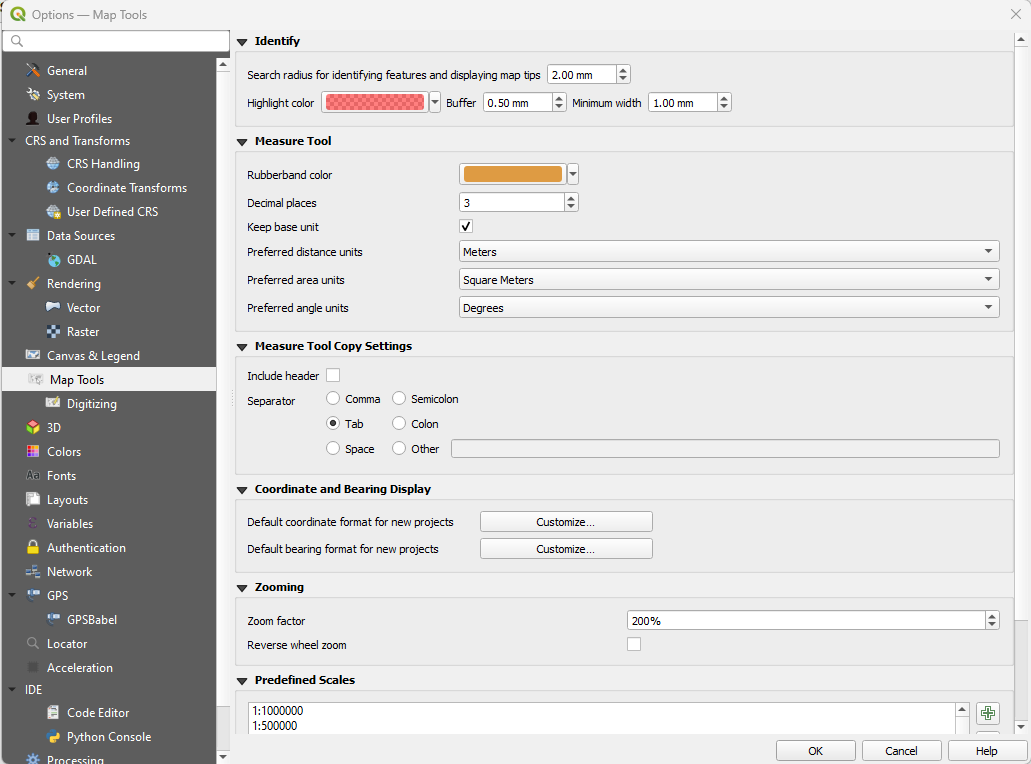
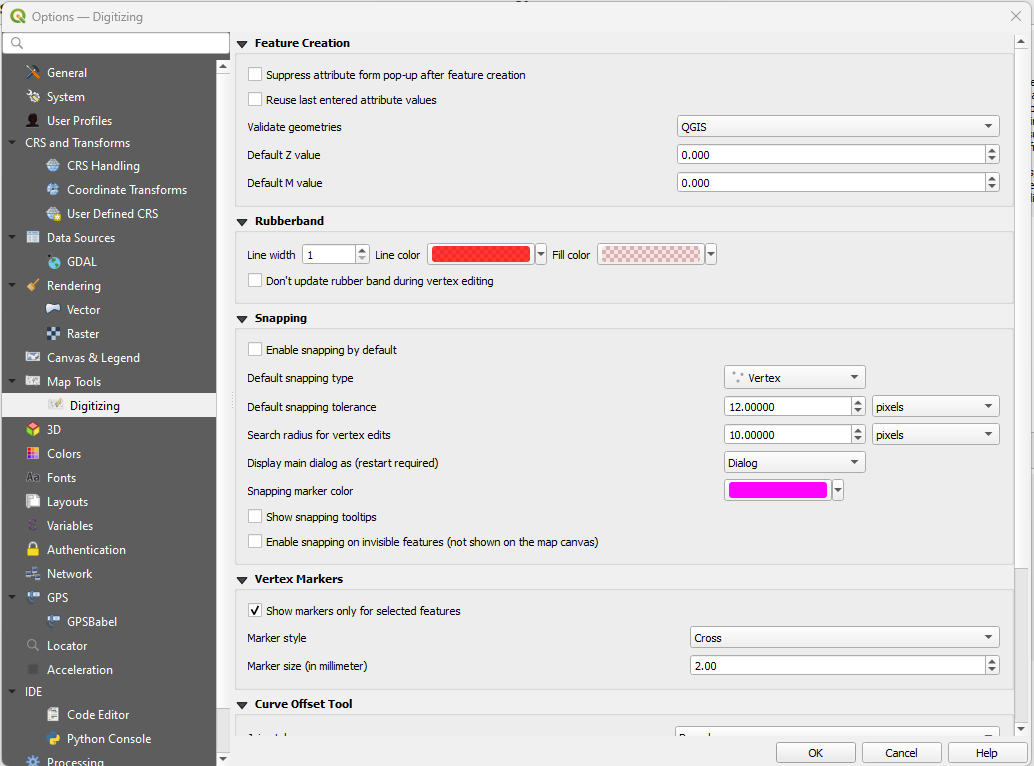
11. Digitizing
- Customize:
- Feature Creation
- Rubber Band
- Snapping
- Vertex Markers
- Curve Offset Tool
12. 3D Settings
- Customize:
- Default Camera Settings
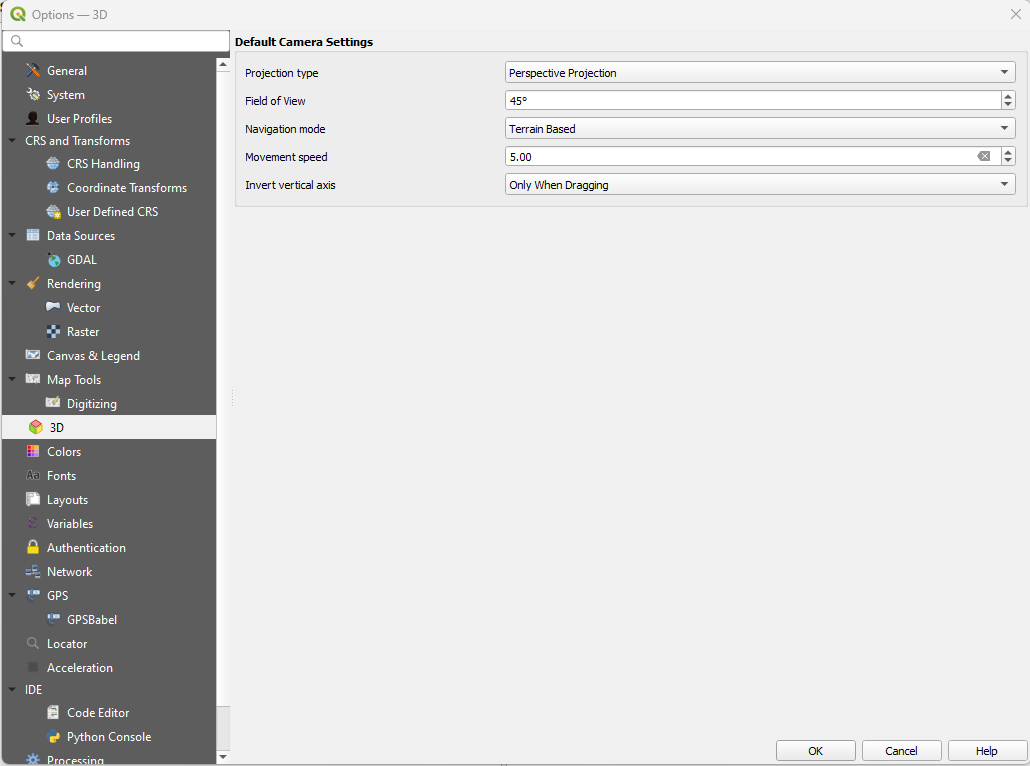
- Default Camera Settings
13. Colors
- Customize:
- Color Schemes
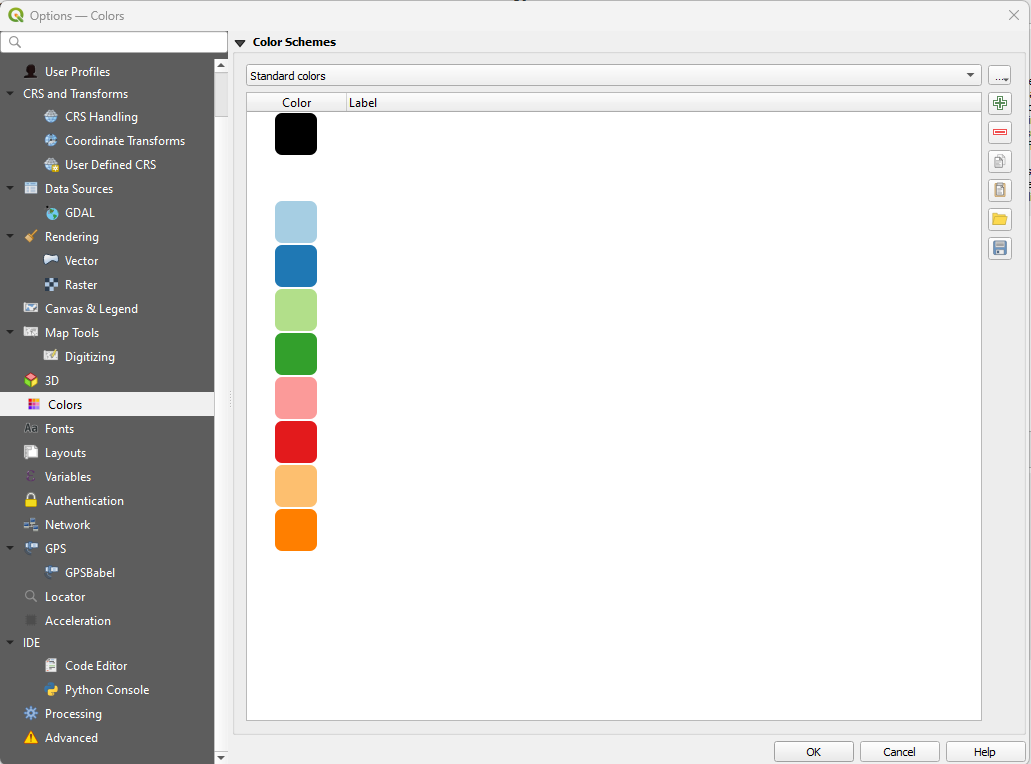
- Color Schemes
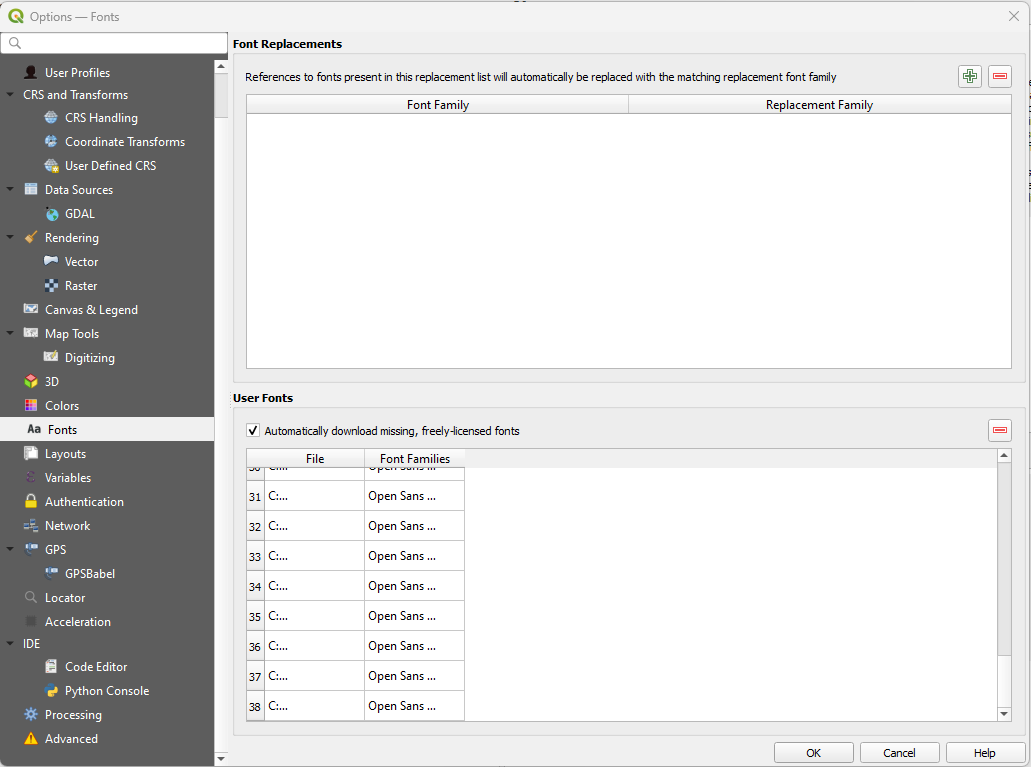
14. Fonts
- Customize:
- Font Replacements
- User Fonts
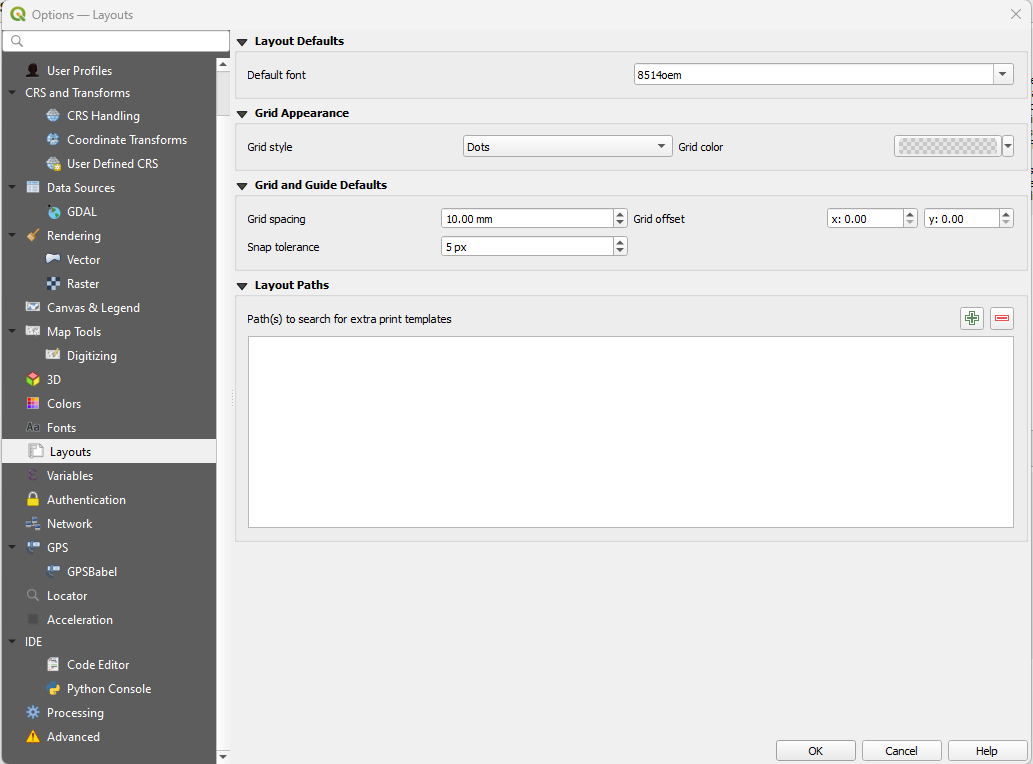
15. Layouts
- Customize:
- Layout Defaults
- Grid Appearance
- Grid and Guide Defaults
- Layout Paths
16. Variables
- Customize:
- Expression Variables
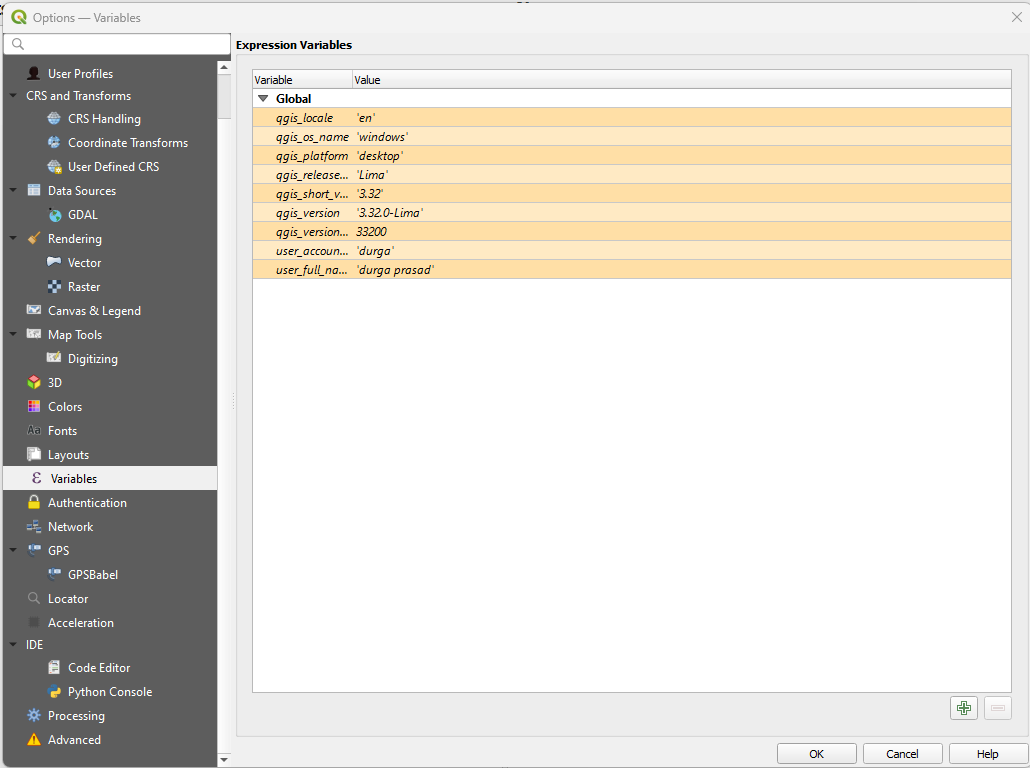
- Expression Variables
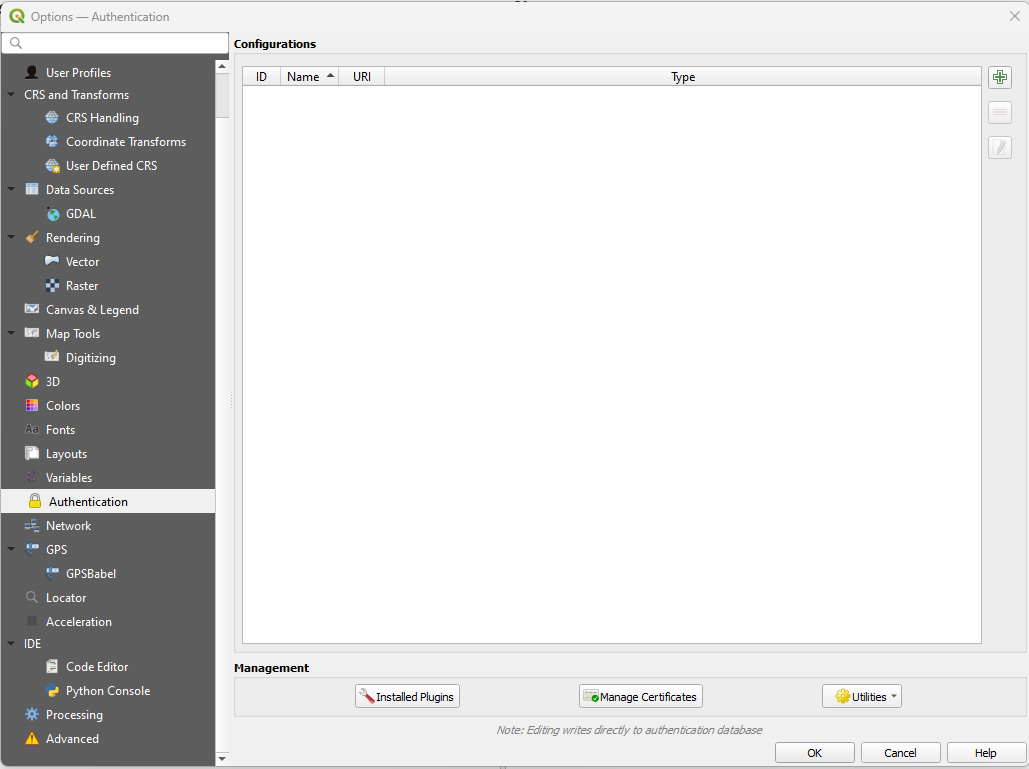
17. Authentication
- Customize:
- Configurations
- Management
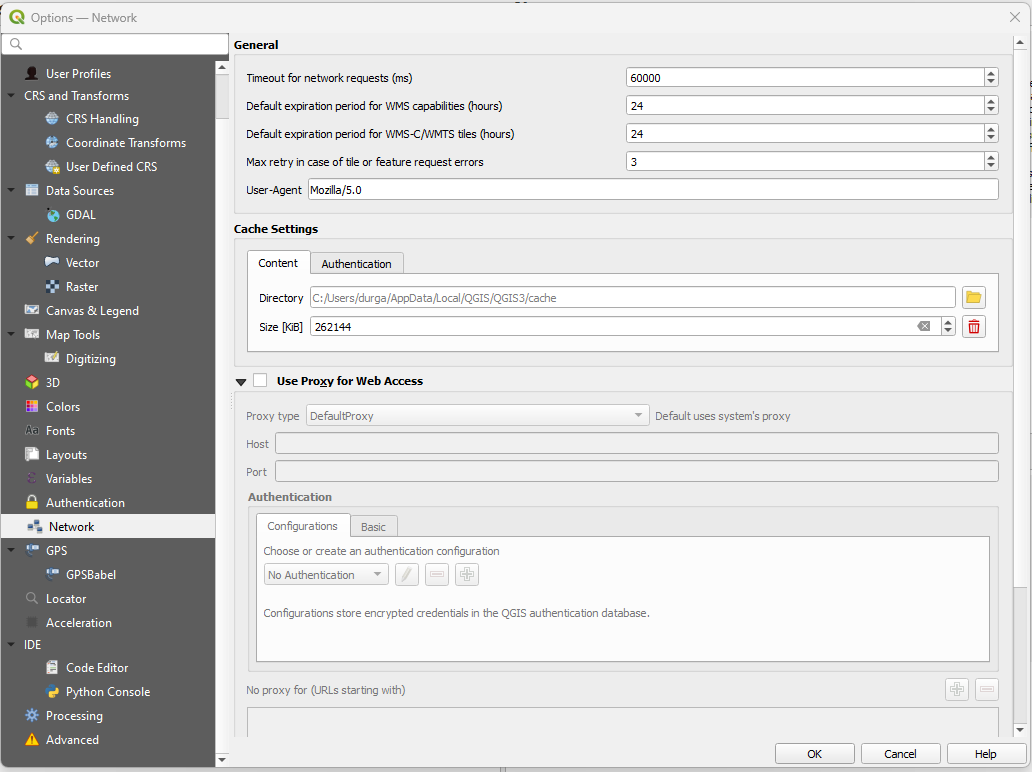
18. Network
- Customize:
- General options
- Cache Settings
- Proxy for Web Access
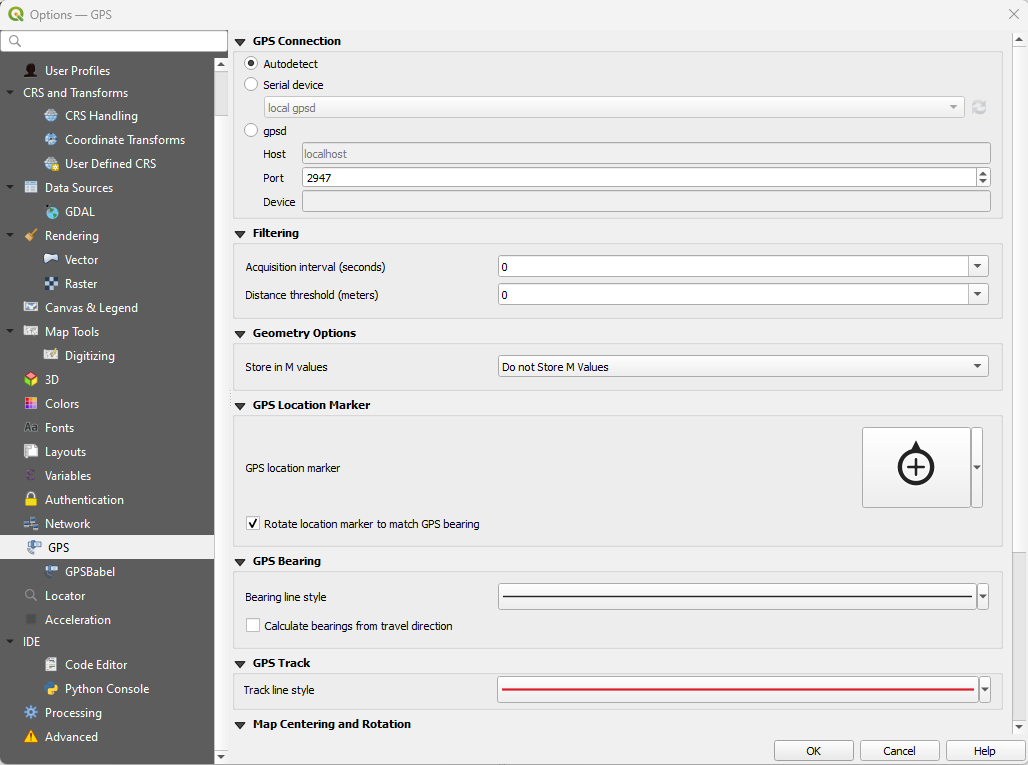
19. GPS
- Customize:
- GPS Connection
- Filtering
- Geometry Options
- GPS Location Marker
- GPS Bearing
- GPS Track
- Map Centering & Rotation
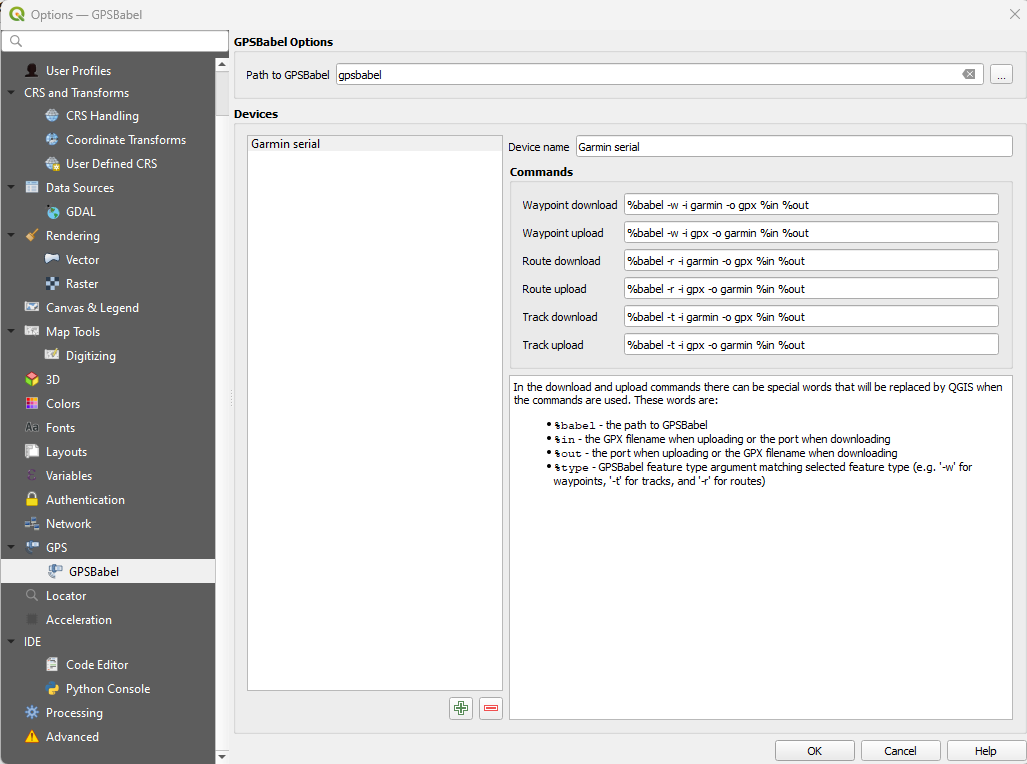
20. GPSBabel
- Customize:
- GPSBabel options
- Devices
21. Locator
- Customize:
- Locator Filters
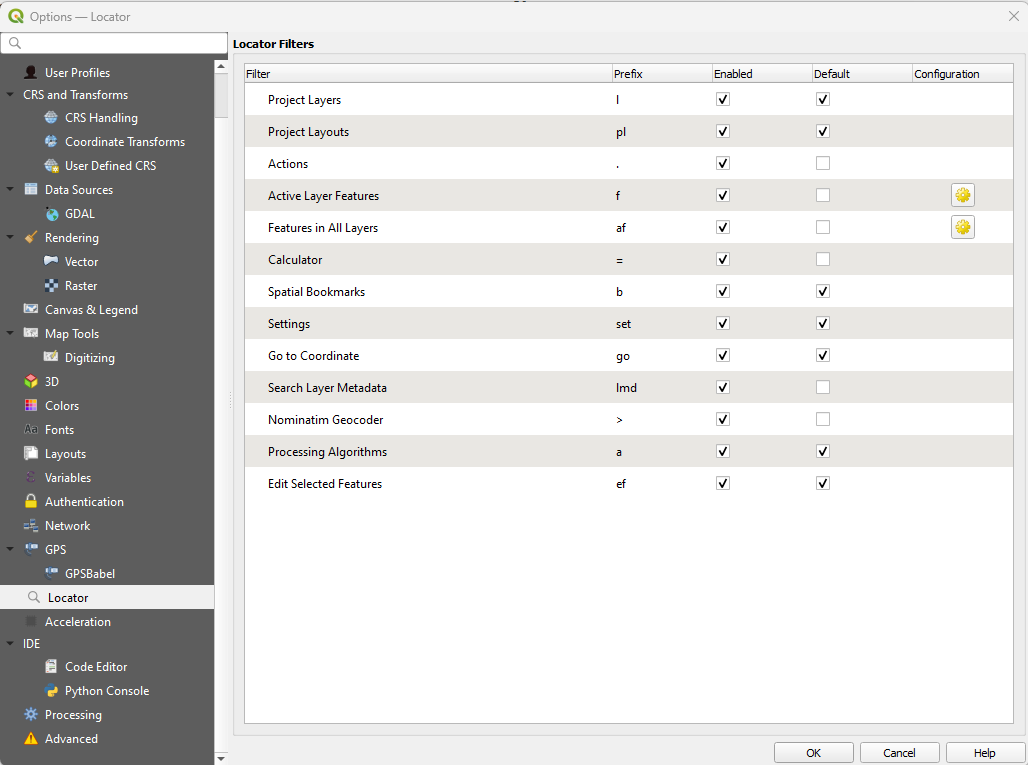
- Locator Filters
22. Acceleration
- Customize:
- Enable OpenCL acceleration
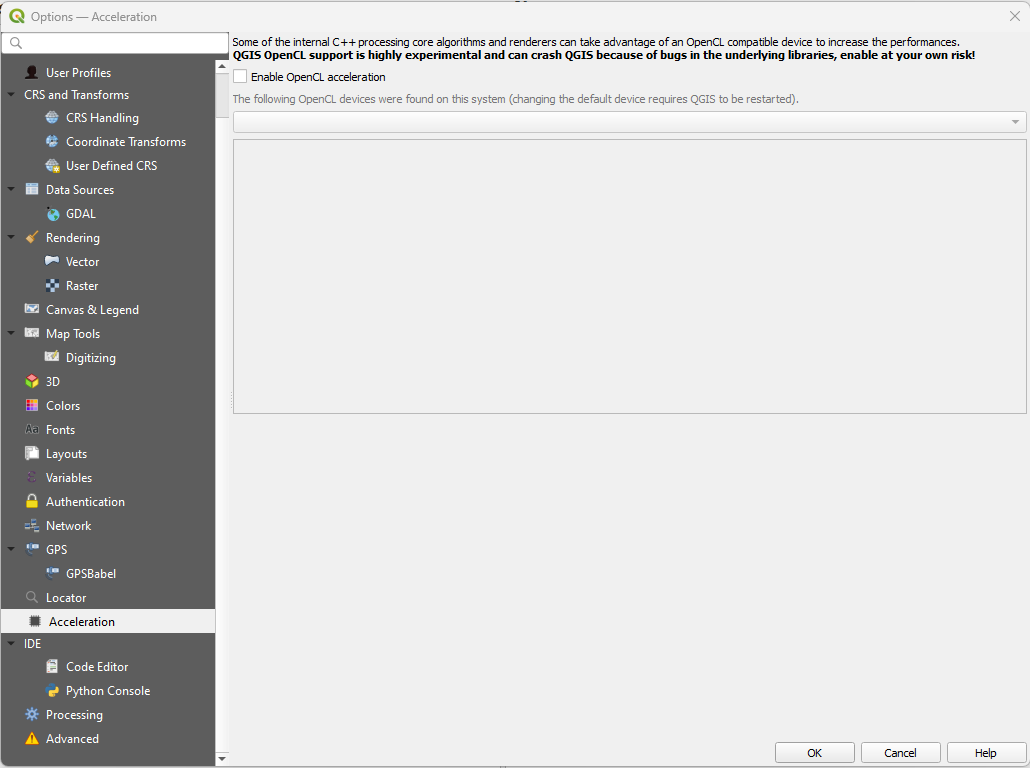
- Enable OpenCL acceleration
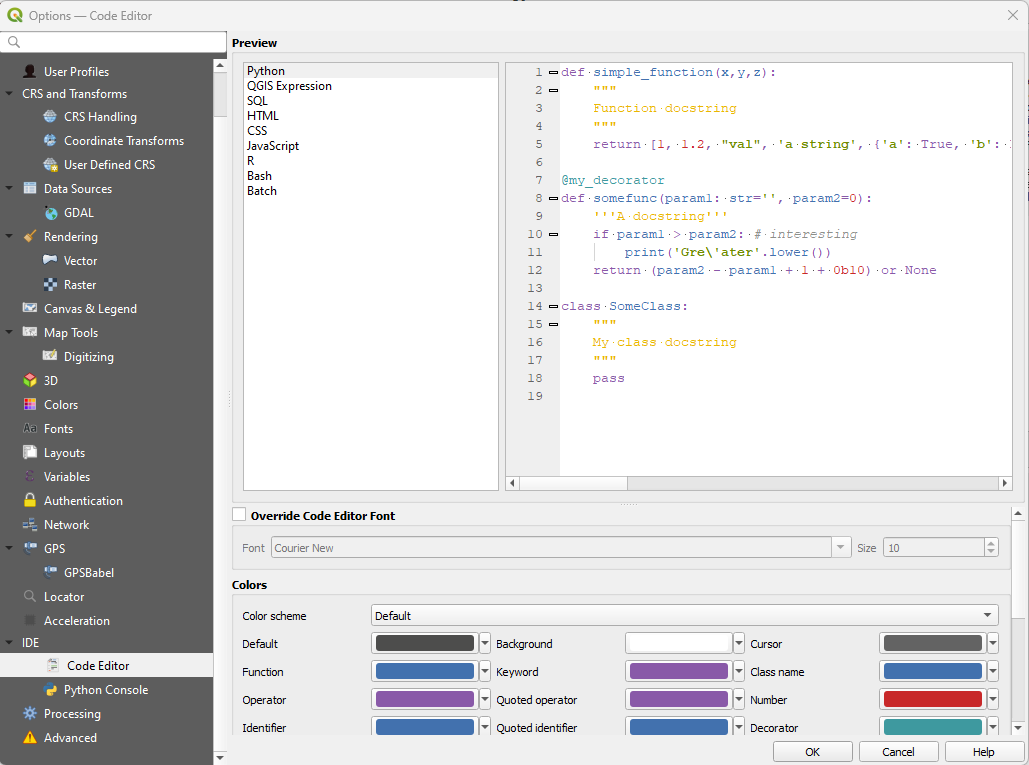
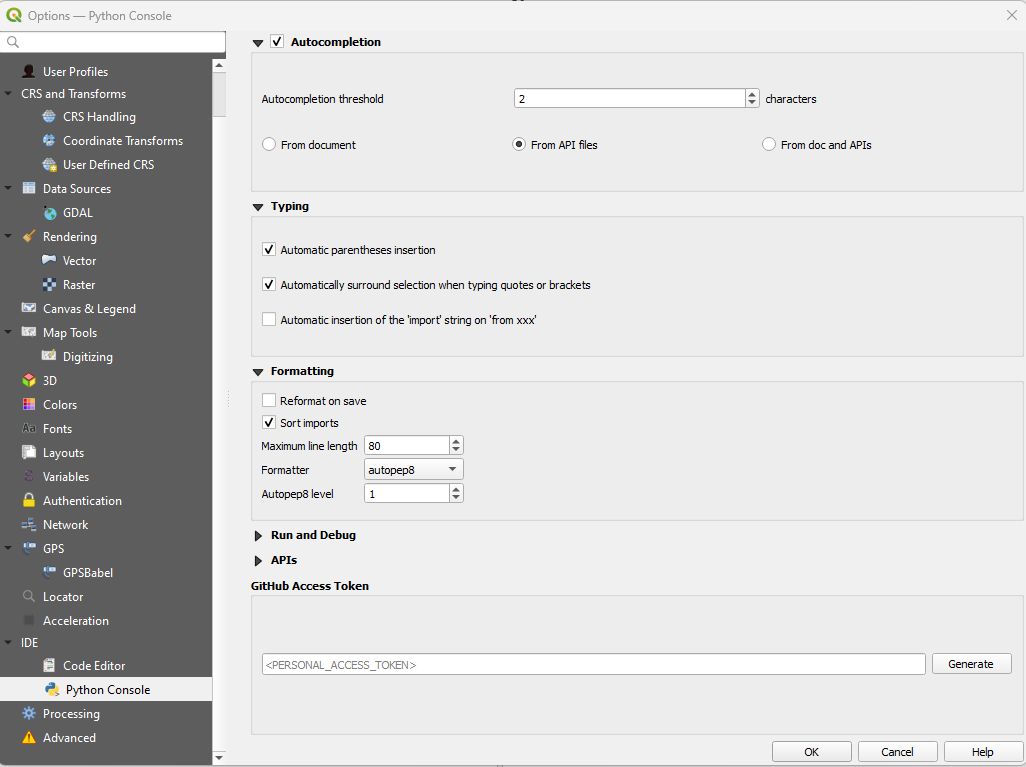
23. IDE
- Customize:
- Code Editor
- Python Console
24. Processing
- Customize:
- Setting options
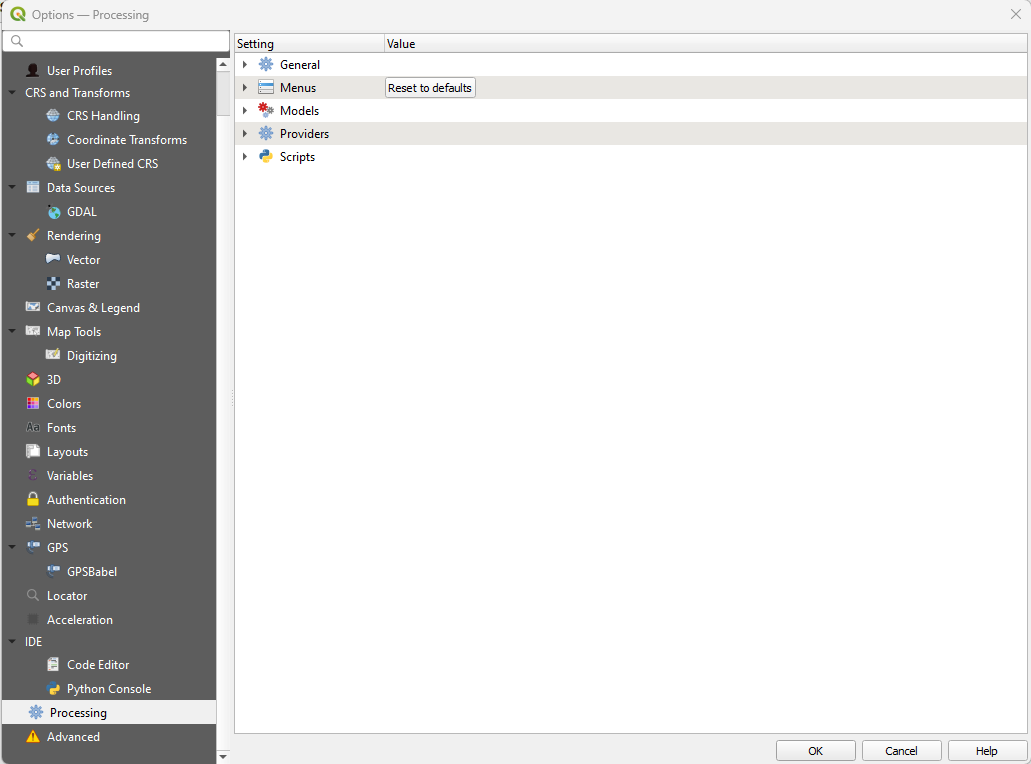
- Setting options
25. Advanced
- Customize:
- Advanced Settings Editor
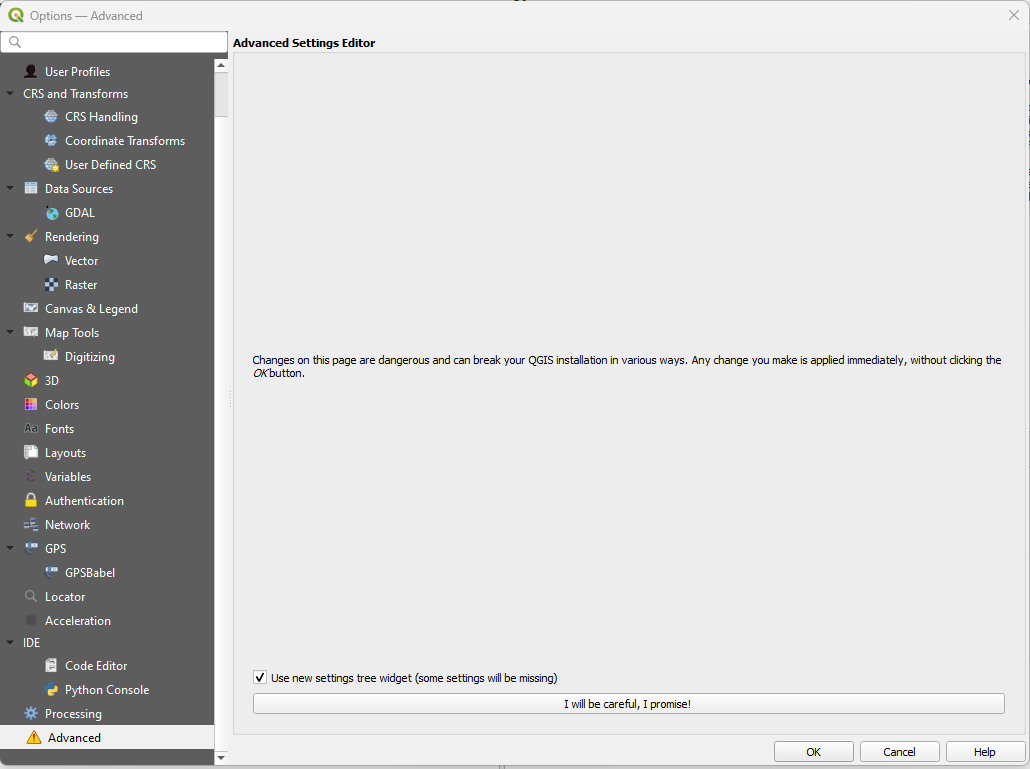
- Advanced Settings Editor