QGIS Installation Guide
System Requirements
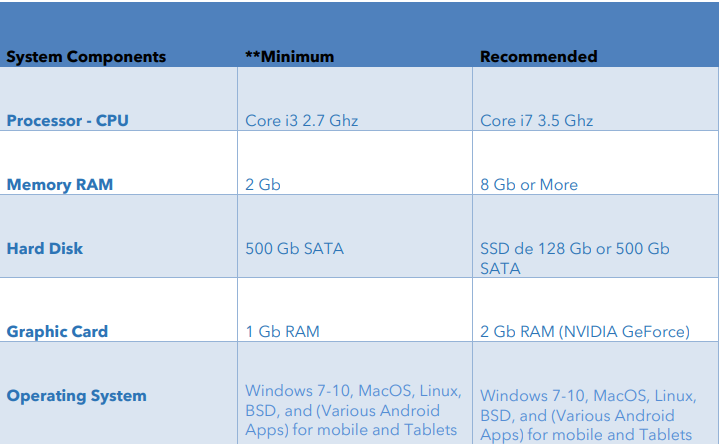
- Refer to the QGIS system requirements below:
Installation Steps
-
Download QGIS
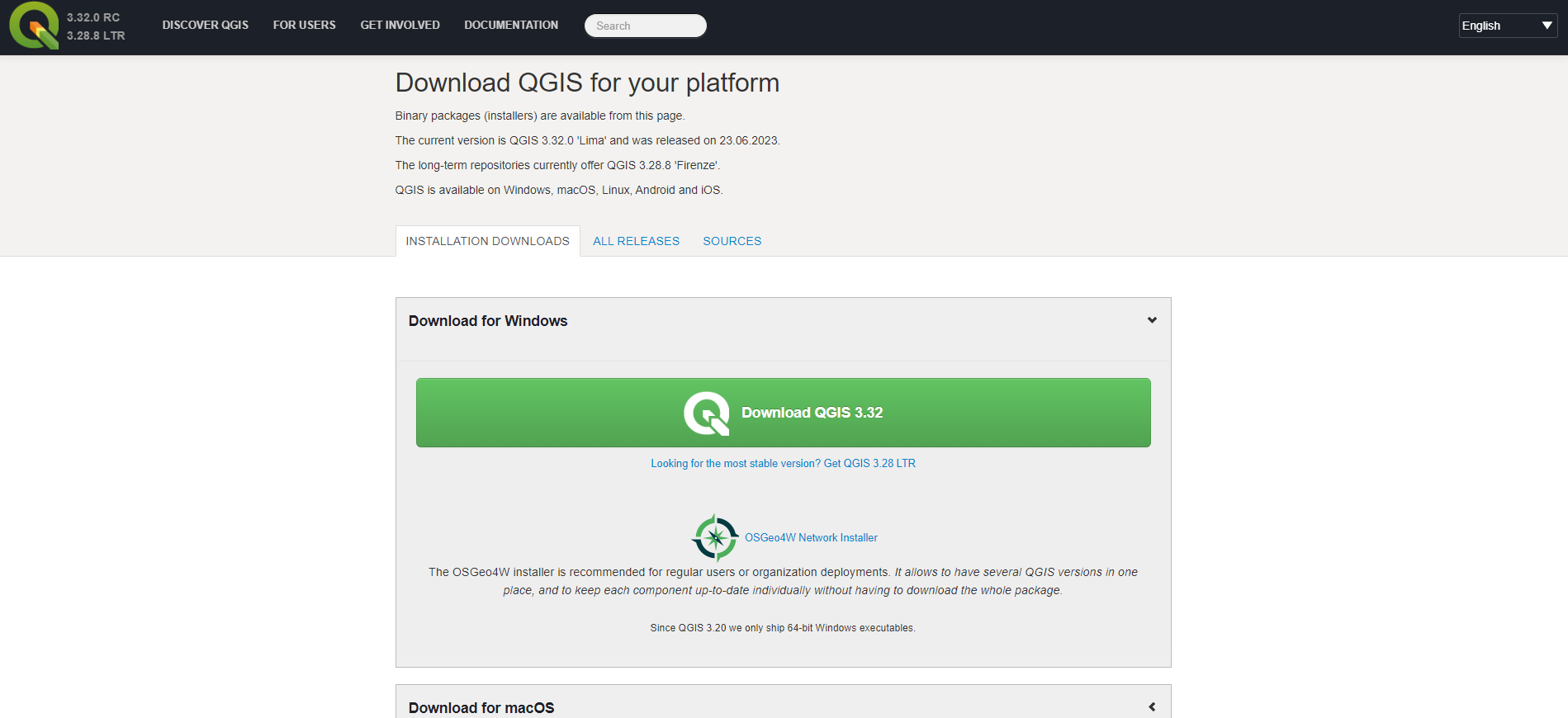
- Visit the official QGIS website.
- Click on the Download button to get the QGIS installer.

-
Select Setup File
- After download, open the setup file.
- Click Next to continue.
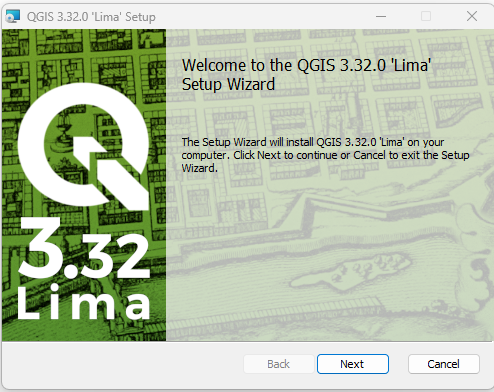
- After download, open the setup file.
-
Accept License Agreement
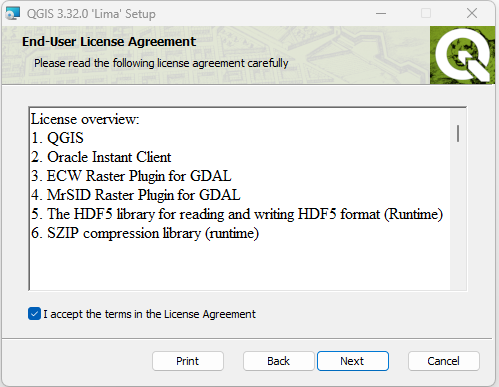
- Read and accept the End User License Agreement.
- Click Next to proceed.
-
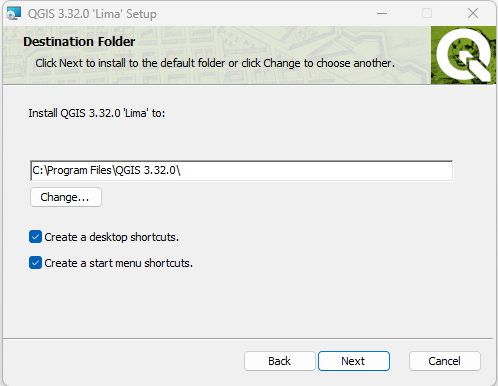
Choose Installation Folder
- Select the destination folder for QGIS.
- Click Next to continue.
-
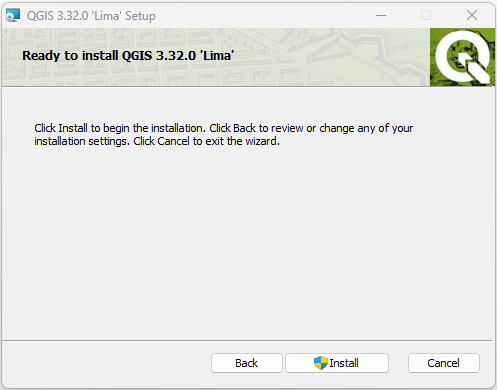
Install QGIS
- Click Install to begin the installation process.
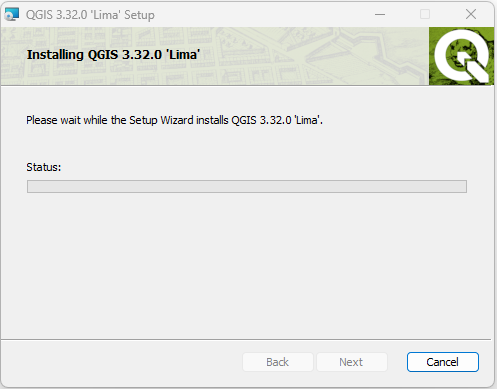
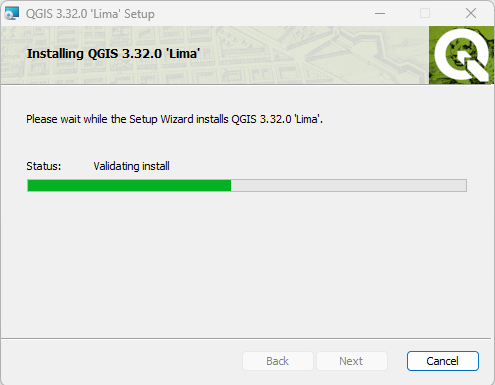
- Wait for the installation to complete.
- Click Install to begin the installation process.
-
Installation Complete
- QGIS is successfully installed and ready to use.
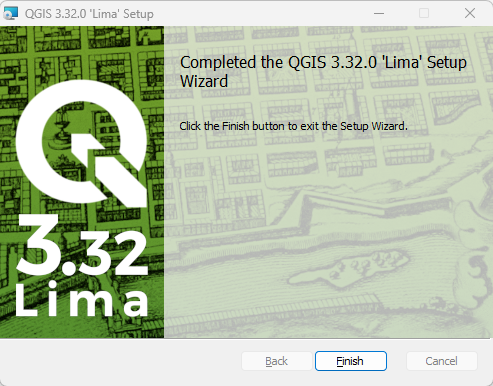
- QGIS is successfully installed and ready to use.