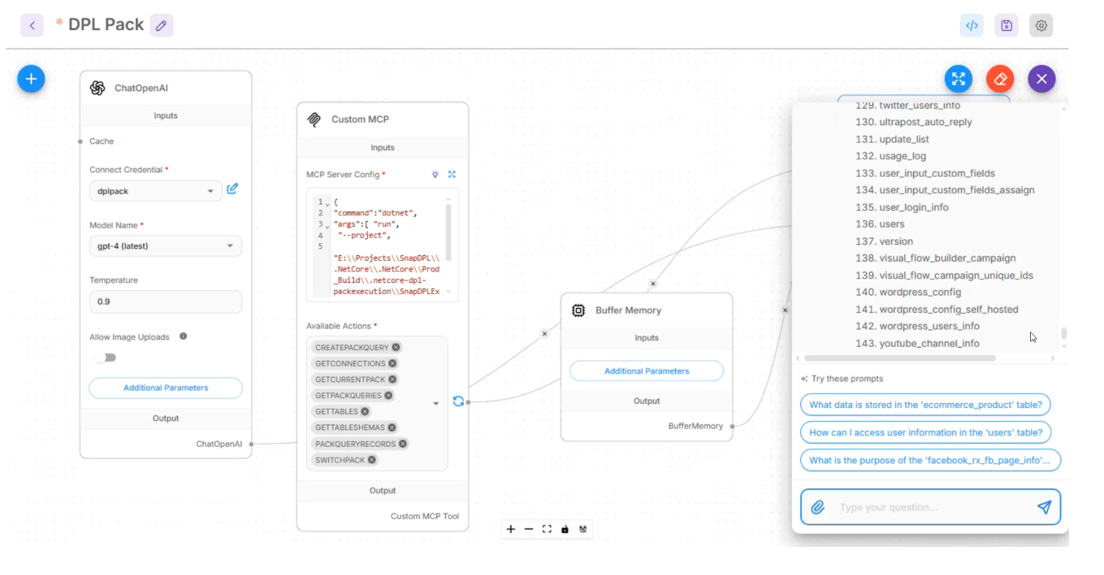
Flowise
Flowise Overview
Flowise is an low-code platform for building applications powered by large language models (LLMs). It provides a visual drag-and-drop interface where you canconnect components (like prompts, memory, APIs, and AI models) into workflows, designed specifically for AI. .
What Flowise Does
- Let’s you visually design AI workflows (called “chains” or “agents”)
- Integrates with models from providers like OpenAI, Hugging Face, etc.
- Supports memory, vector databases, and APIs
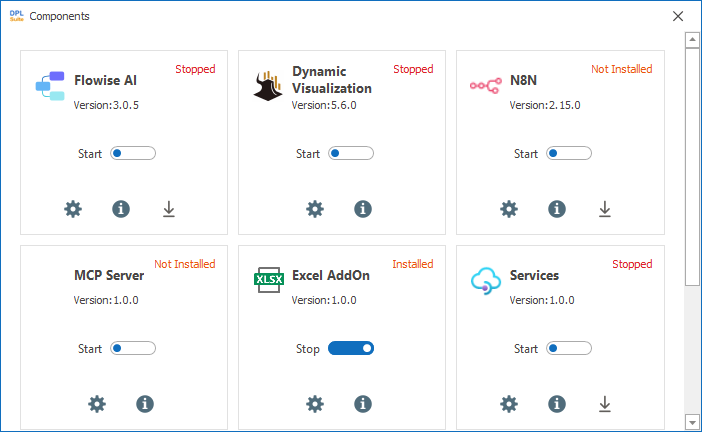
How to start the service
Settings à configuration à components à enable the flowise toggle
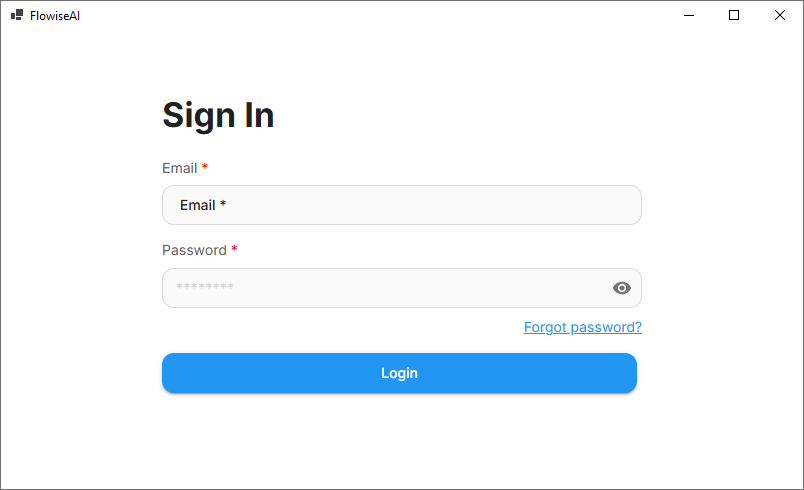
Launch the Flowise
Navigate to the Automation choose the flowise, enter the valid user name and password to launch the flowise
In Flowise
- Create a Chatflow
- Add nodes:
-
Chat Model (e.g., OpenAI)
-
Prompt Template
-
Memory (for conversation history)
-
Connect respective nodes visually
-
Test inside Flowise
Create a Chatflow
- Click Add new button à settings icon a click load chat flow
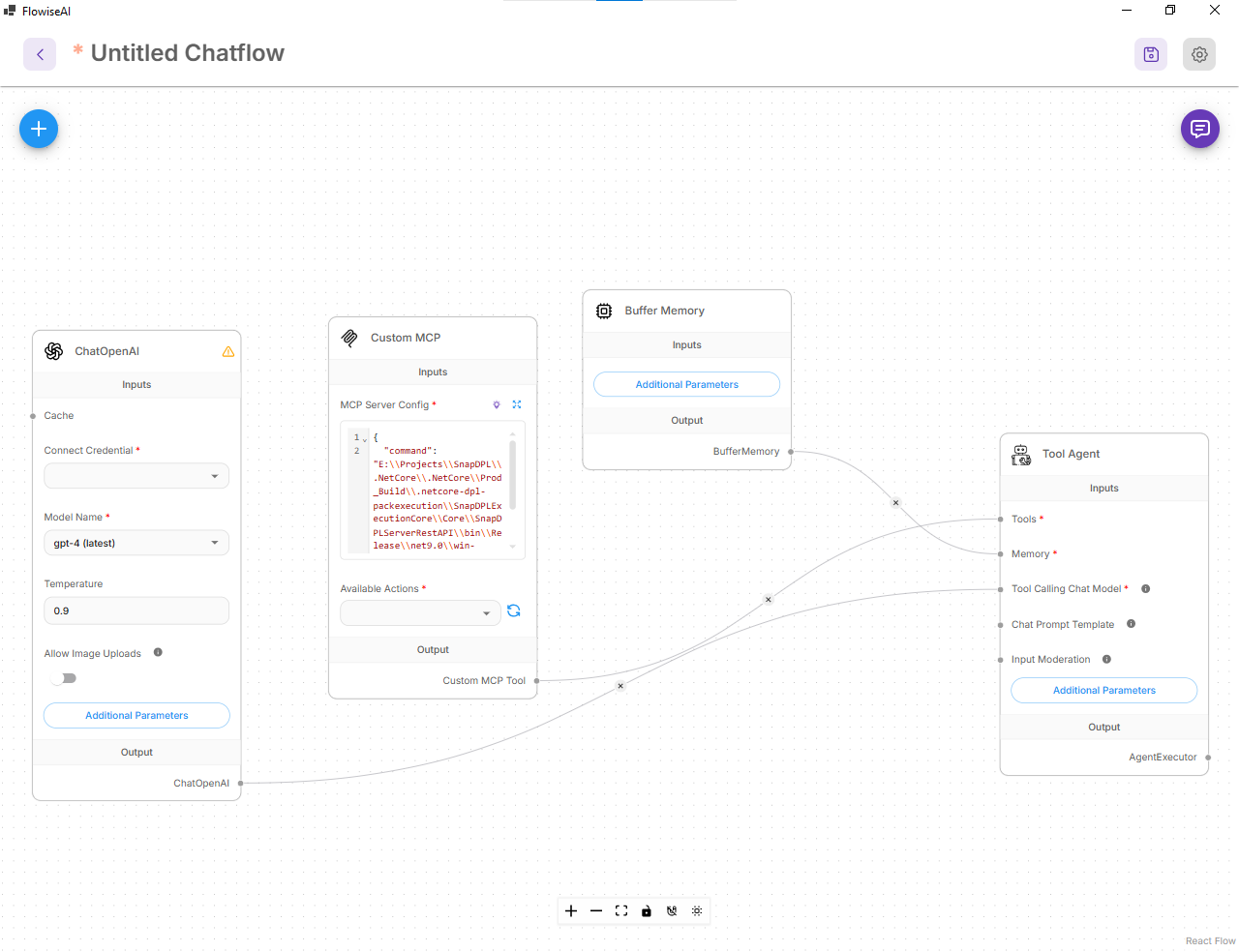
Add nodes
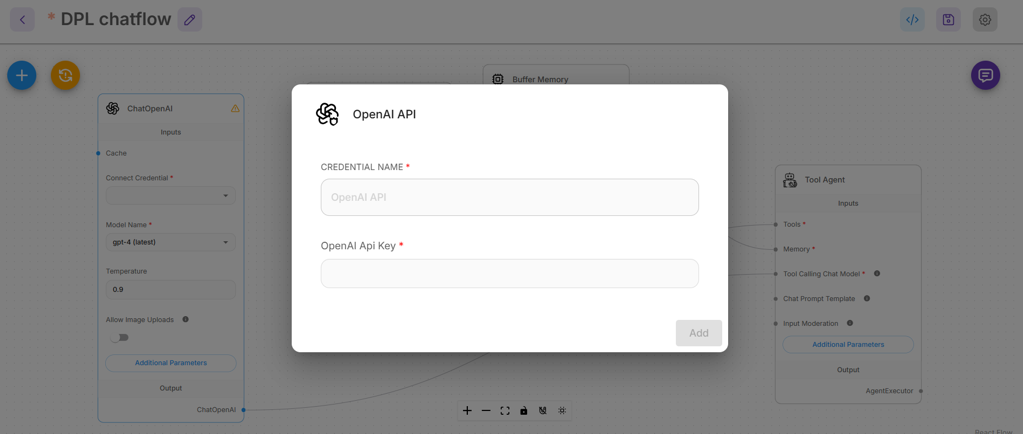
- Connect the OpenAI by updating the credentials name and Api key
- Join the respective node eg: Buffer memory to Memory, custom MCP tool to Tool
Test Flowise
Click the bot to check the Agent response can build intelligent chatbots that:
- Answer FAQs
- Provide customer support
- Handle conversational workflows