Free Trail
Free Trial User
Steps to Activate the Free Trial License
- Open a web browser and go to https://store.snapdpl.com/.
-
Click the Login menu at the bottom of the page.
-
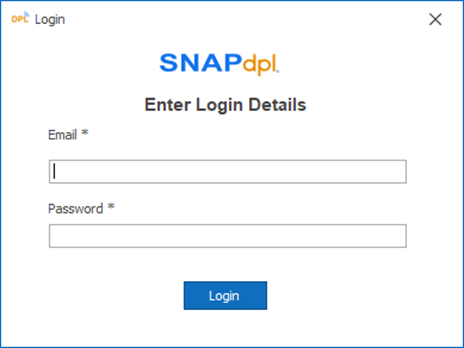
If you already have an account, enter your email address and password, then log in. If you do not have an account, click Register Now to create one. Enter the required details to complete the registration process.
-
After logging in successfully, click the Download button to download the DPL Studio Trial.
-
The DPL Studio Trial installer file will begin downloading to your system.
-
After the download is complete, start installing the application on your local machine.
-
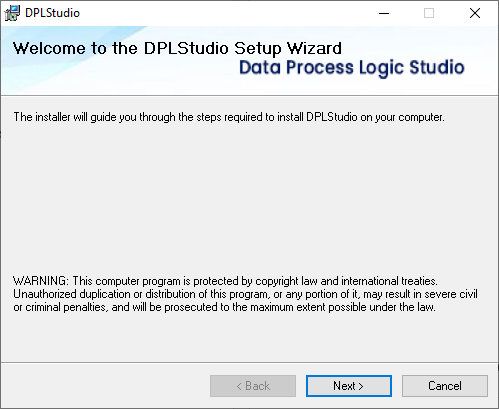
Click the Next button to continue.
-
Select the Trial option and click Next.
-
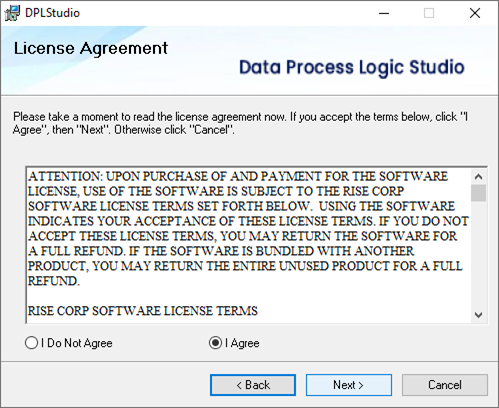
Accept the license agreement by selecting I Agree, then click Next.
-
Click Next to proceed with the installation.
-
Click Next again.
-
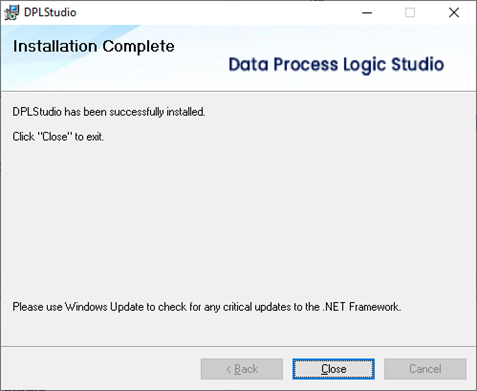
The DPL Studio application will begin downloading and installing. Once the installation is complete, click the Close button.
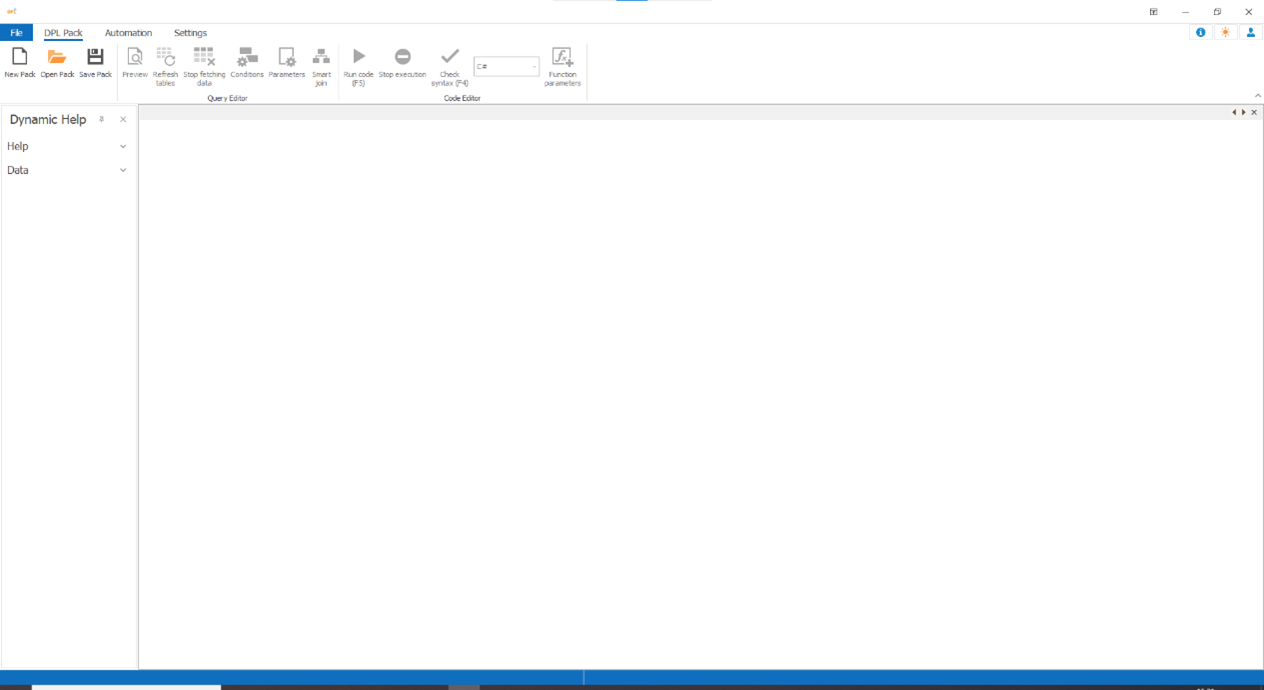
- Open the DPL Studio application to start using the free trial.