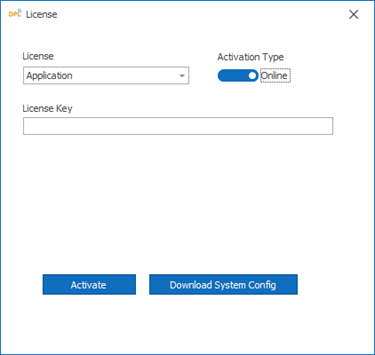
Application License
Application License (Offline & Online)
The Application License is used to activate DPL Studio and access the DPL application features.
Setup the Purchased License
-
Launch the DPL Studio application.
-
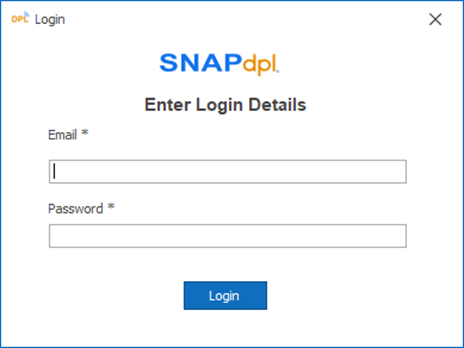
Enter valid login credentials and click Log In.
Offline License Activation
Use this method when the system does not have internet access.
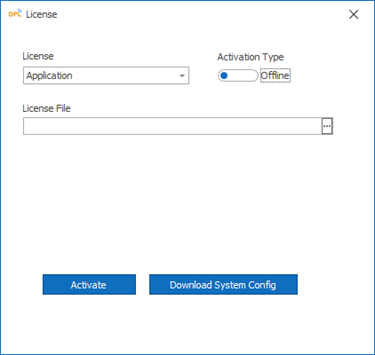
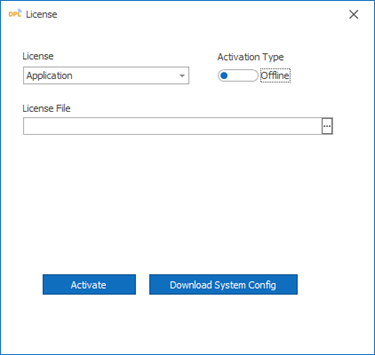
- Download the System Configuration File from DPL Studio application.
-
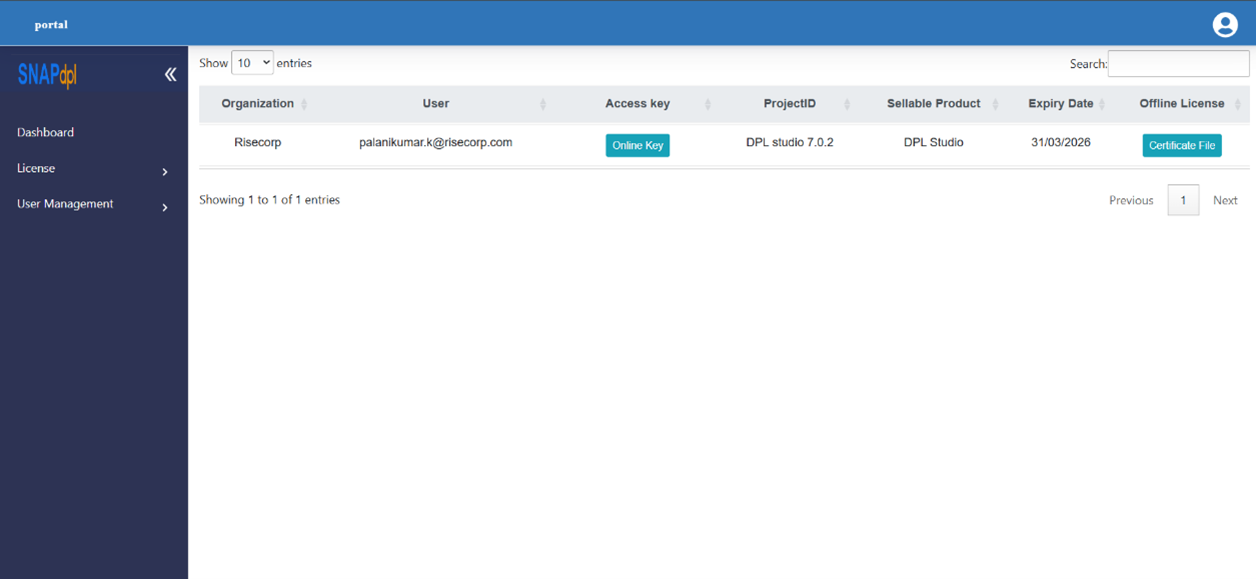
Log in to the site https://products.snapdpl.net/
-
Navigate to License → License.
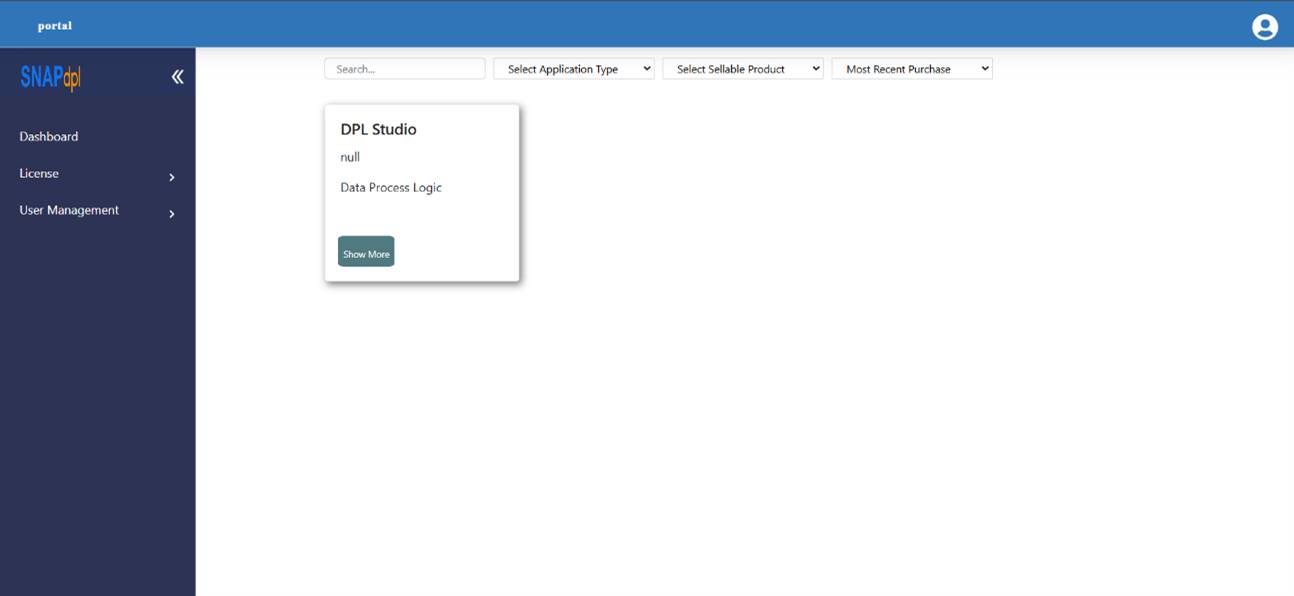
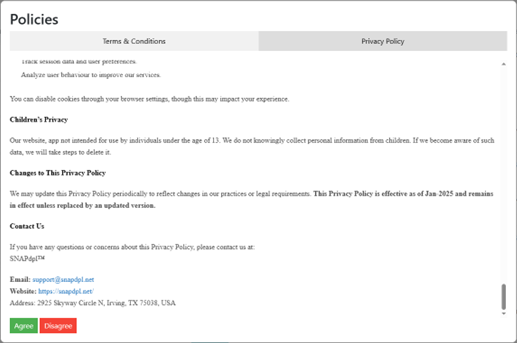
- Click Certificate File, scroll down and click Agree button.
-
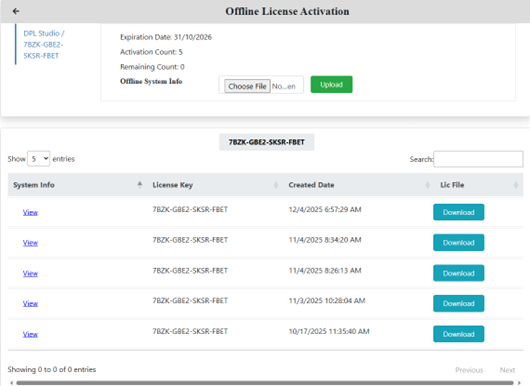
Upload the System Configuration File and download the generated License (Lic) File.
-
-
Return to DPL Studio.
-
Browse and select the downloaded License File from your local system.
-
Click the Activate button to complete offline license activation.
Online License Activation
Use this method when the system has internet access.
-
After purchasing the product, the License Access Key will be sent to your registered email address.
-
Copy the License Access Key from the email.
-
In DPL Studio, select Activation Type as Online.
-
Paste the License Access Key into the required field.
-
Click the Activate button to complete online license activation.