Purchased License
Purchased License
Setup the Purchased License
- Open a web browser and go to https://store.snapdpl.com/.
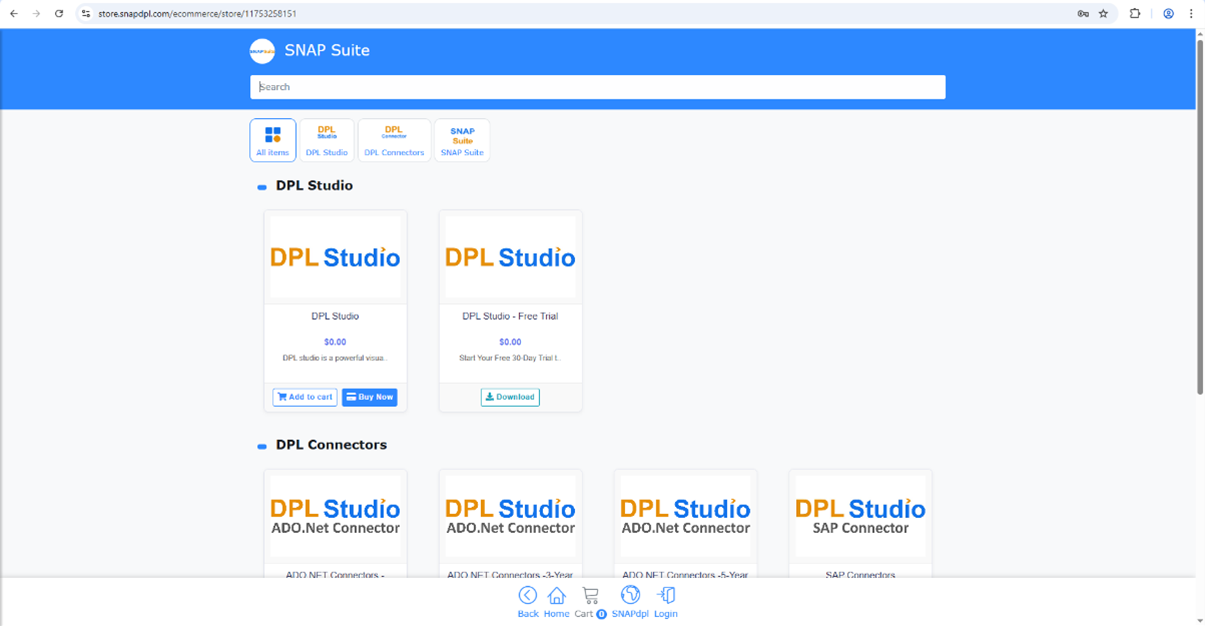
-
Click the Login menu at the bottom of the page.
-
If you already have an account, enter your email ID and password to log in. If you do not have an account, click Register Now to create one.
-
Enter the required details and complete the registration process.
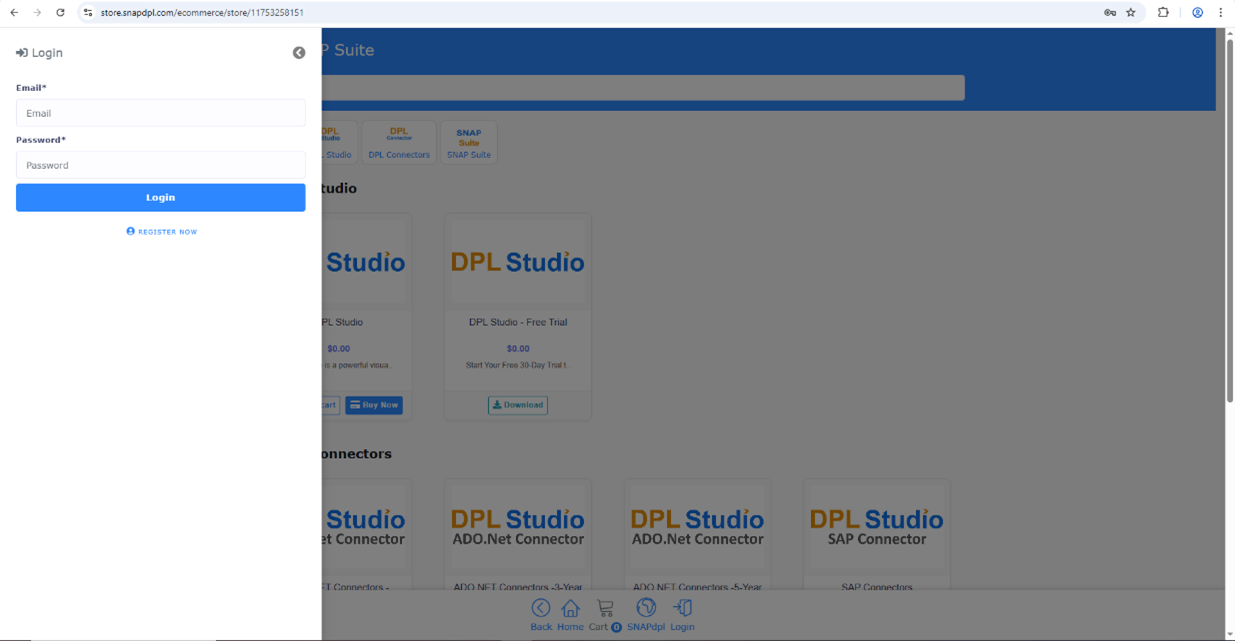
- After logging in, click the Buy Now DPL Studio button.
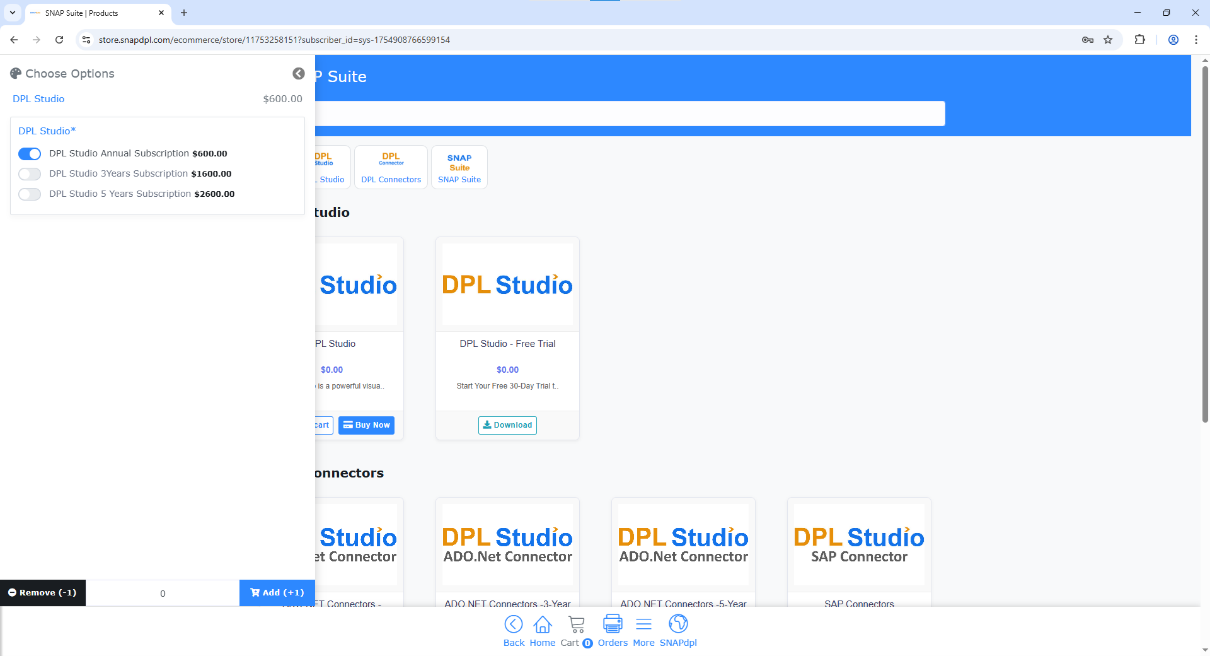
- It will be redirected to the Subscription page. Select a subscription plan from the available options (Annual, 3 Years, or 5 Years), then click Add to Cart.
- Click Proceed Checkout Button.
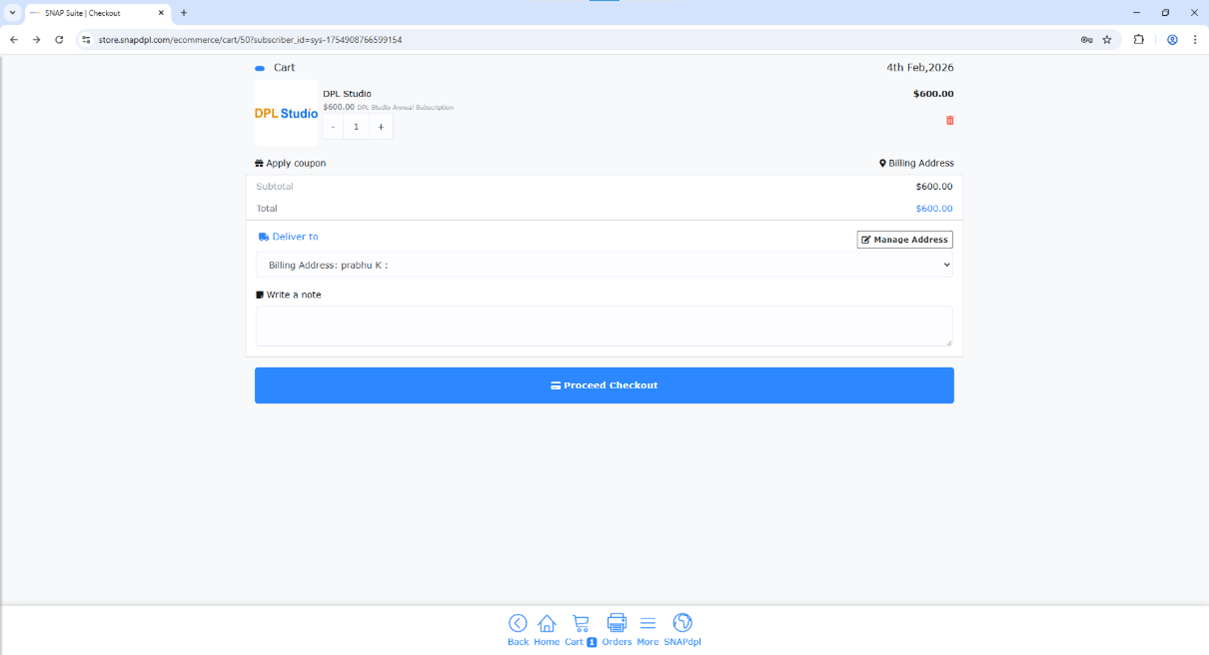
- Complete the payment using any of the available payment methods
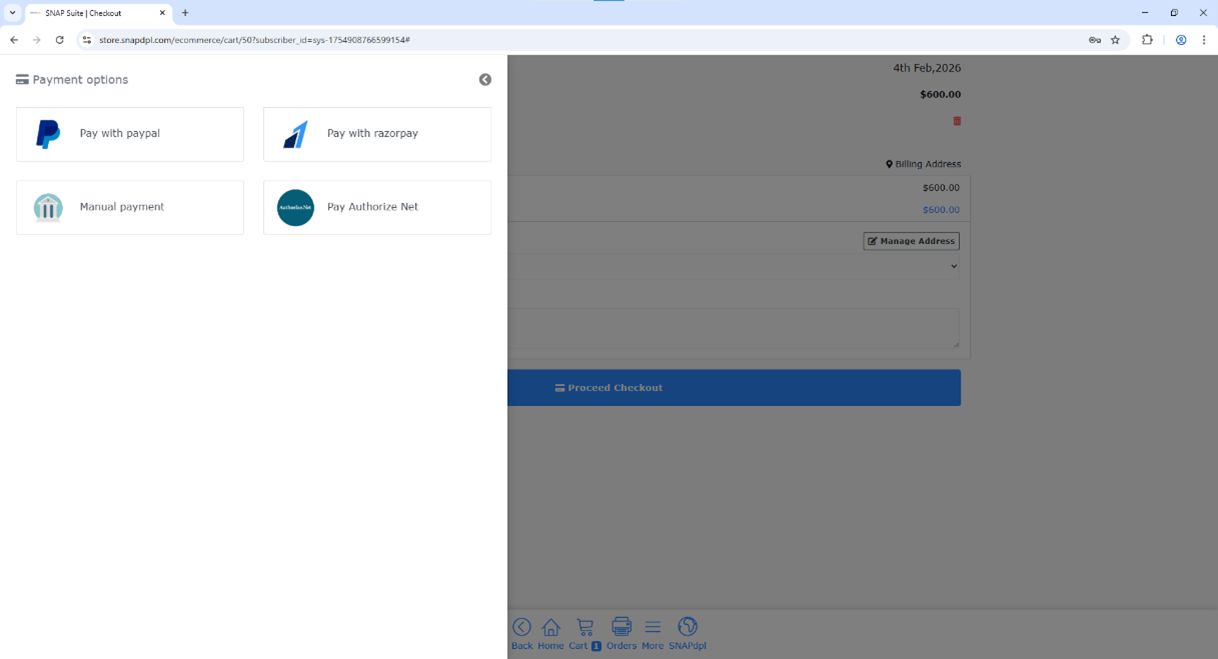
- Once the payment is successful, the purchased license for the application will be activated.
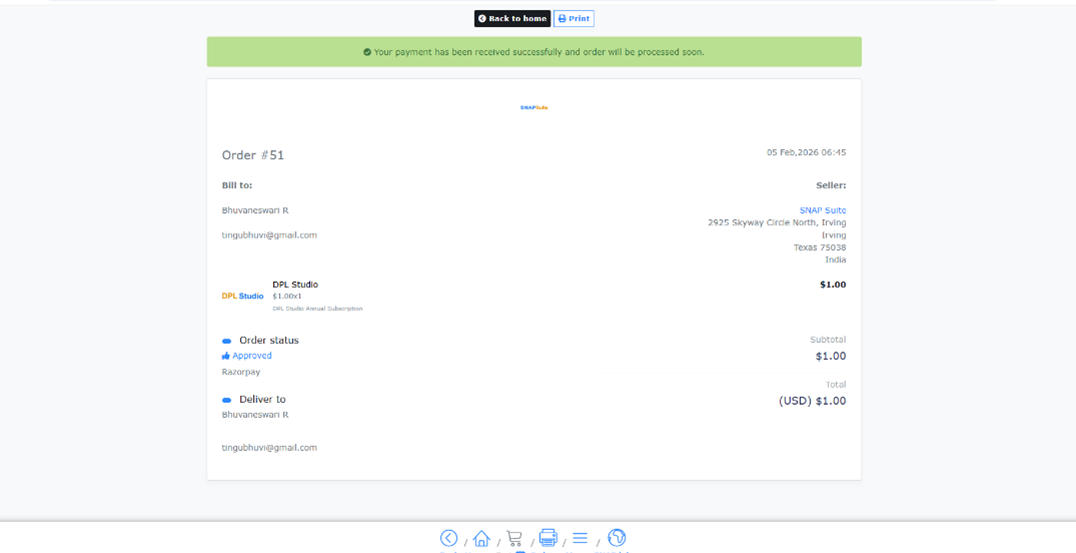
-
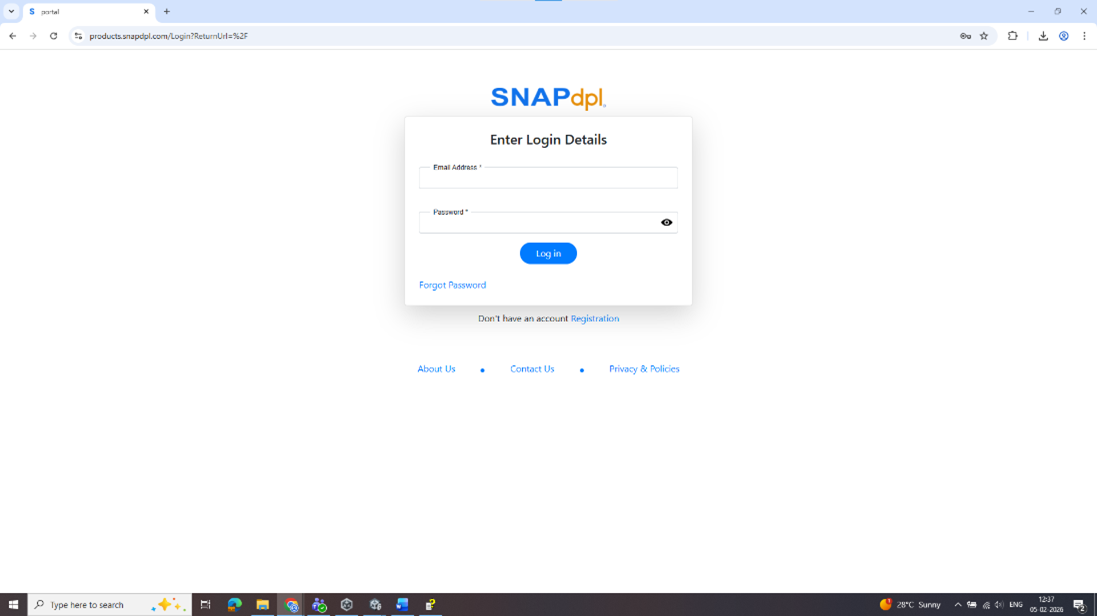
Navigate to https://products.snapdpl.com/
-
Login into the site
-
Click show more button of respective application
-
Expand the Asset and click download the file will be downloaded
-
After downloaded Install the application