Installation
Installation
-
Install You can install rclone using the following command
-
sudo apt install rclone
-
Alternatively, you can use the installation script from the rclone website for the latest version
-
curl https://rclone.org/install.sh | sudo bash
Install Rclone Web Browser
-
Although not necessary for rclone GUI to run, having a web browser in WSL can be helpful for local testing. You can use the default browser on your Windows host for accessing rclone GUI
-
Start the rclone GUI
-
rclone rcd --rc-web-gui --rc-user=username --rc-pass=password
-
Replace username and password with credentials of your choice for accessing the GUI.
-
--rc-web-gui enables the web GUI.
-
--rc-user and --rc-pass specify the username and password for accessing the GUI.
-
-
Access the rclone GUI:
-
Open a web browser on your Windows machine.
-
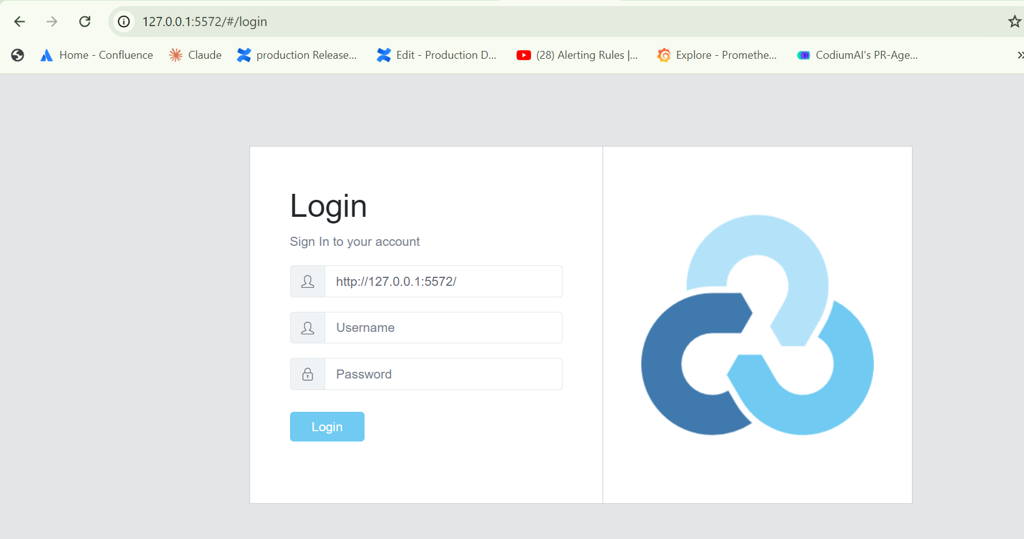
Go to http://localhost:5572 or http://127.0.0.1:5572.
-
You will be prompted to enter the username and password you set earlier
-
-
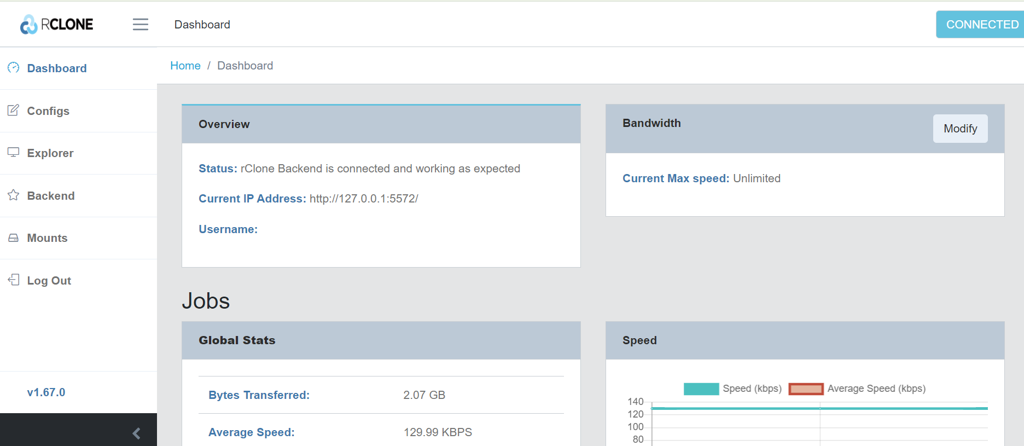
Dashboard is Rclone web GUI is shown below