Autodesk Inventor Licensing
Autodesk Inventor offers Student (free education license) and Professional (paid subscription) licensing options through Autodesk Account.
Student License (Free - Education)
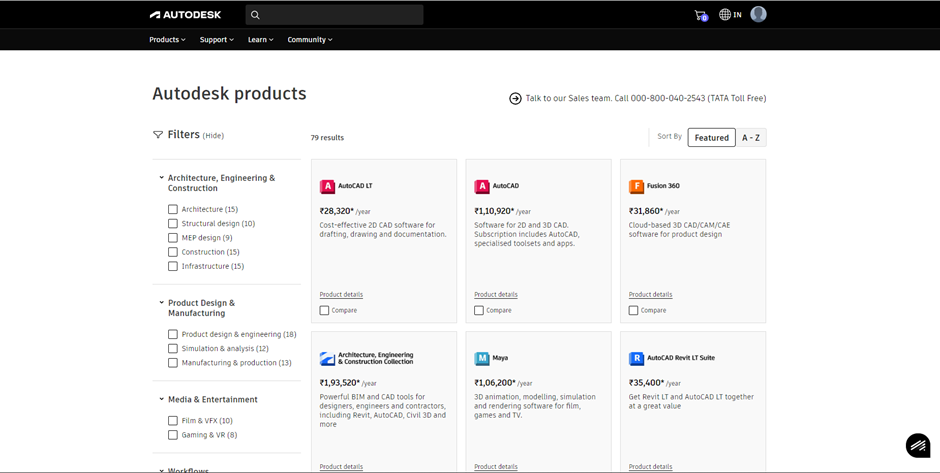
Access Steps
- Complete Autodesk Account sign-in
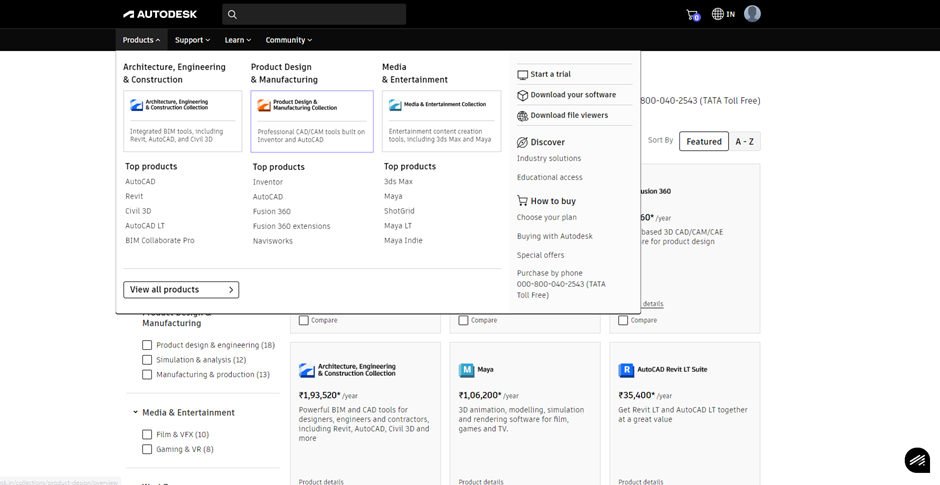
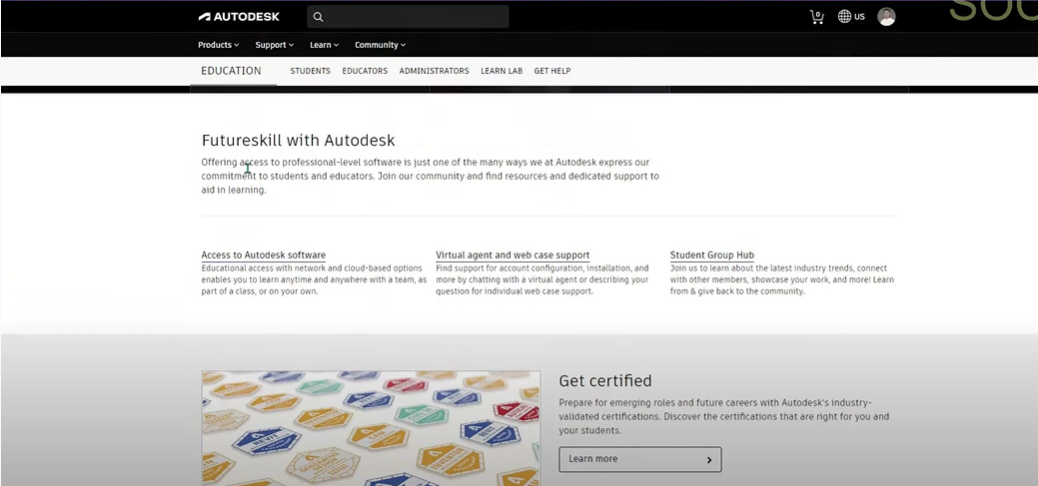
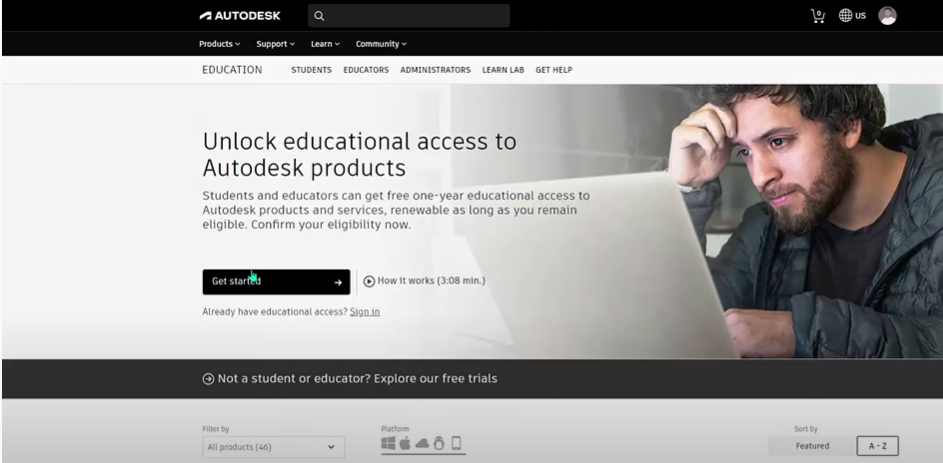
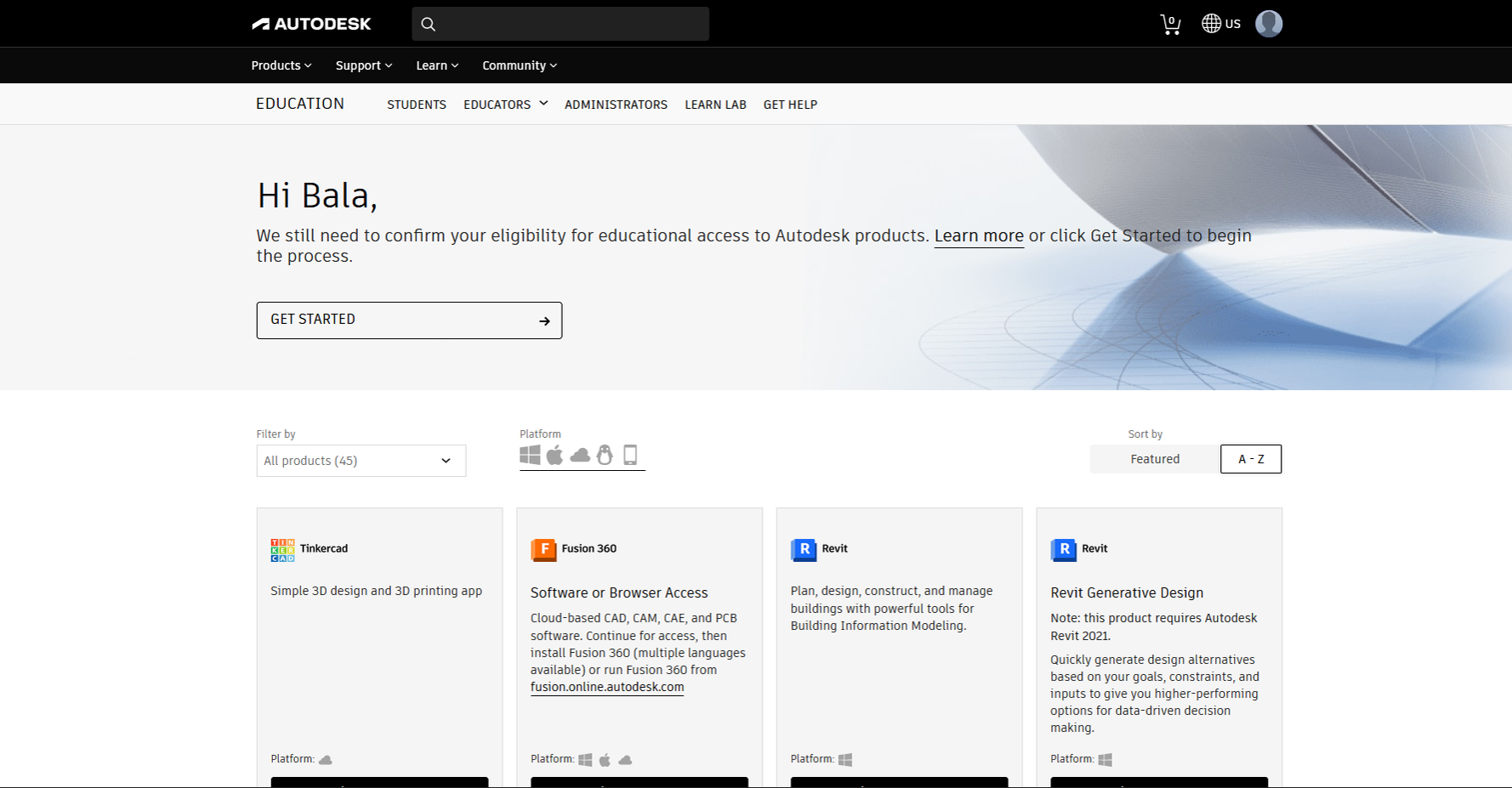
- Navigate Products → Discover → Educational Access
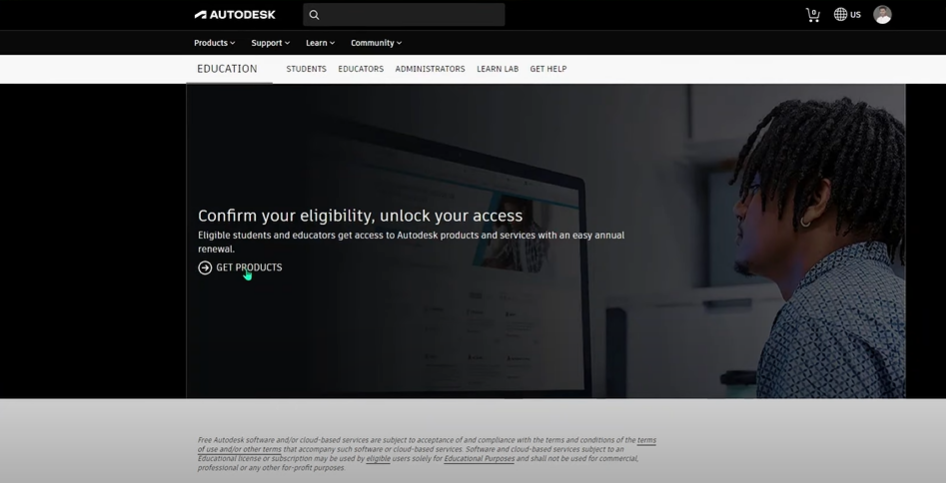
- Scroll to Get Products → Select Autodesk Inventor
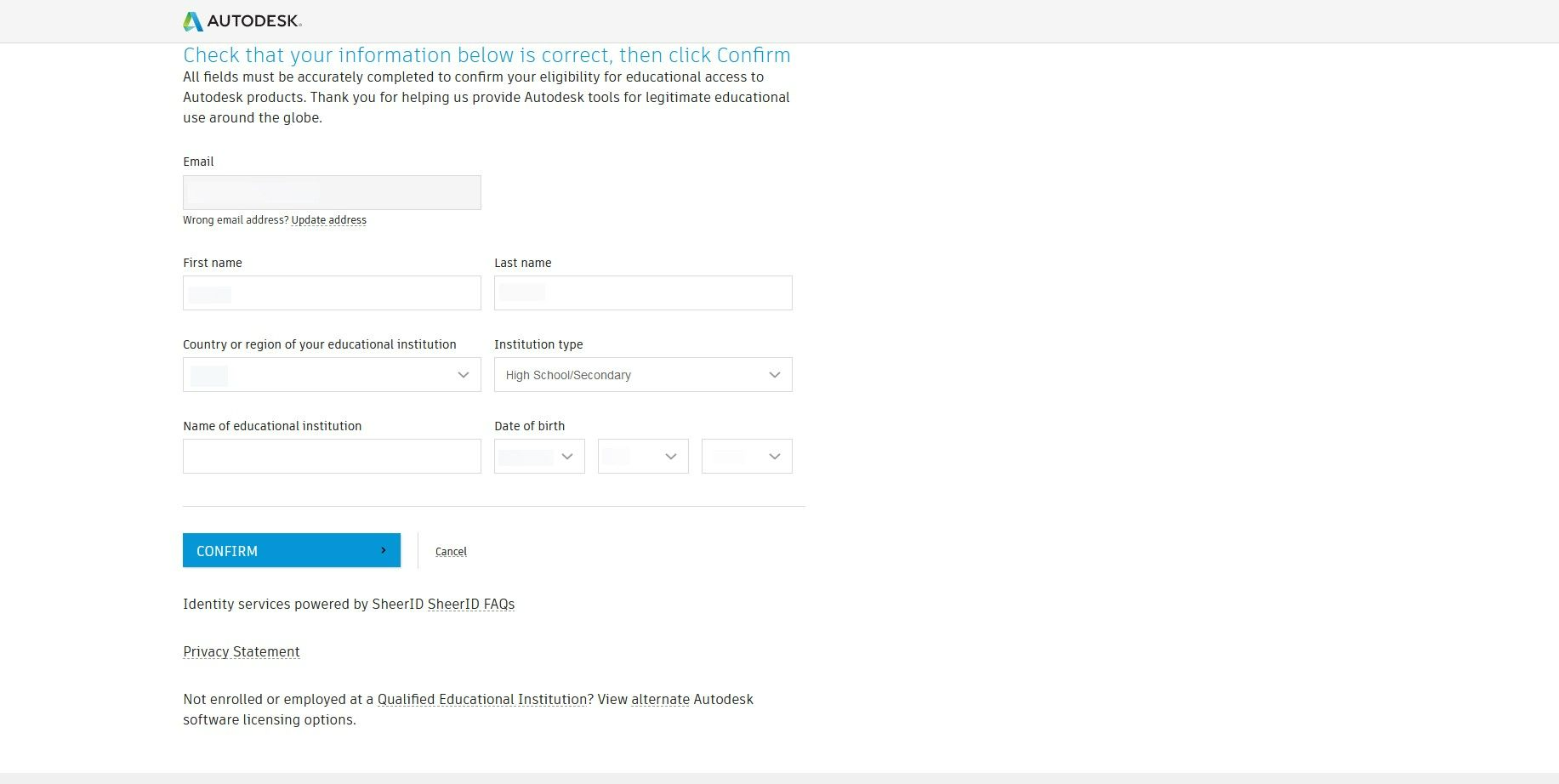
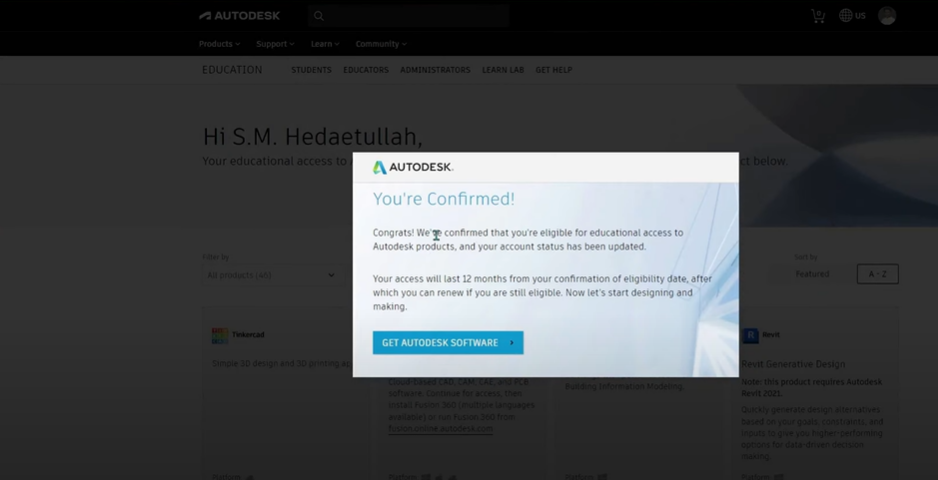
- Click Get Started → Enter student details → Confirm
- Download installer files
Duration: 1 year (renewable for eligible students)
Professional License (Paid Subscription)
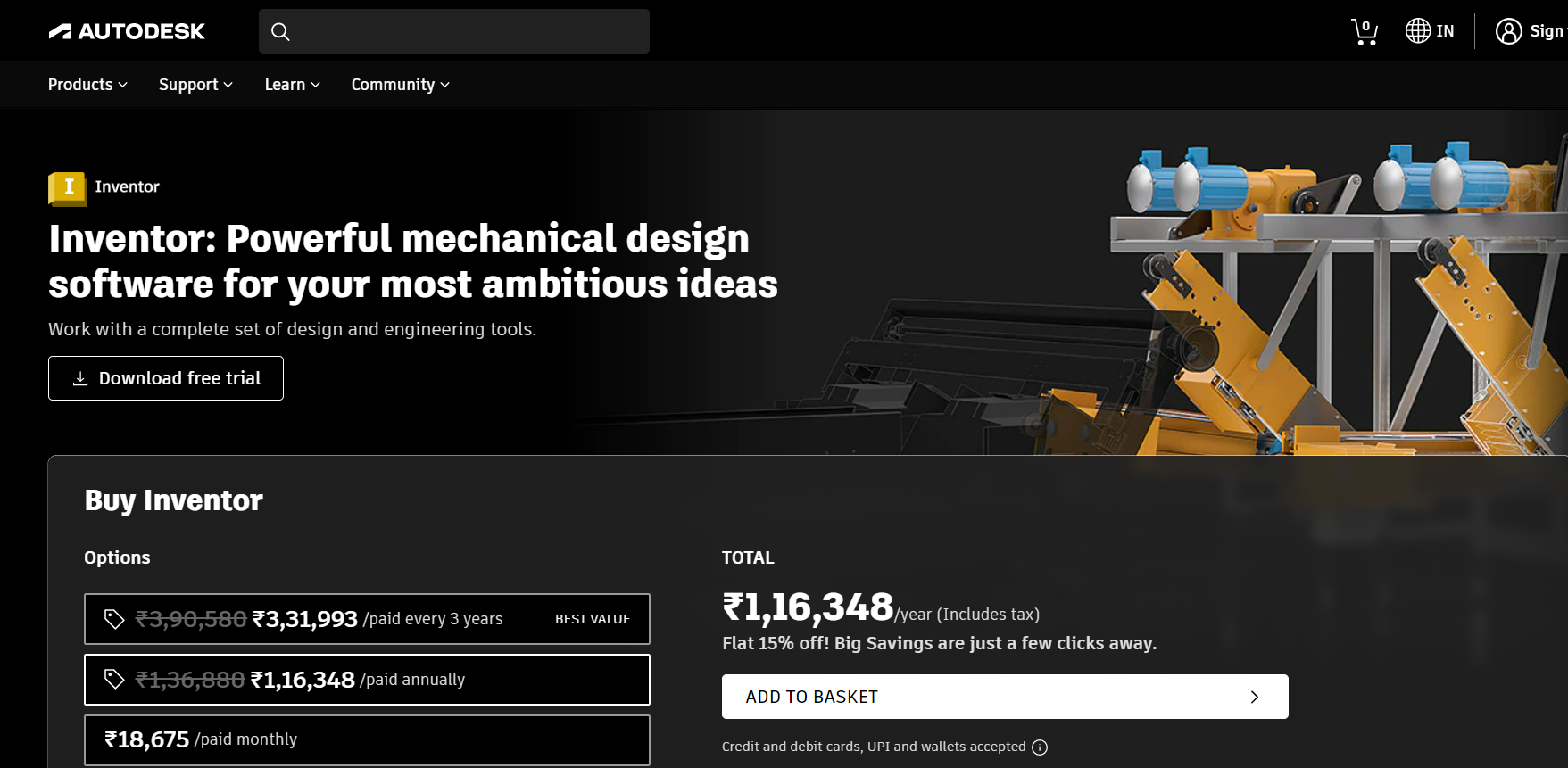
Account Setup & Purchase
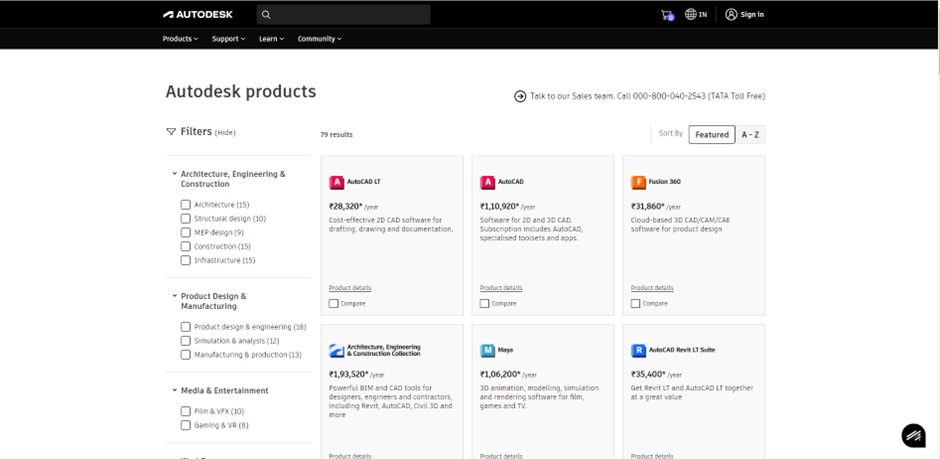
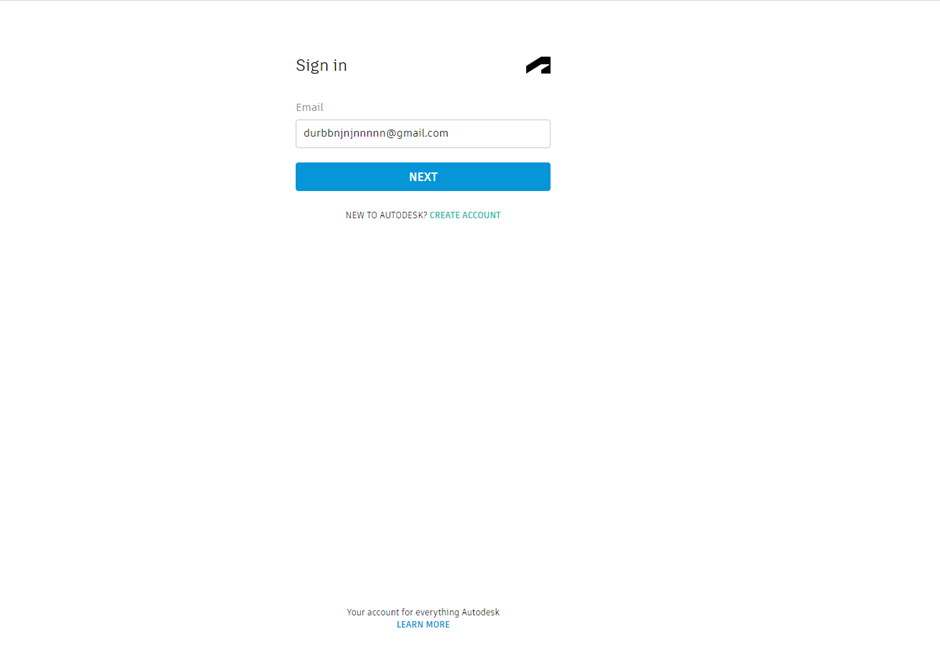
- Visit www.autodesk.com → Sign In
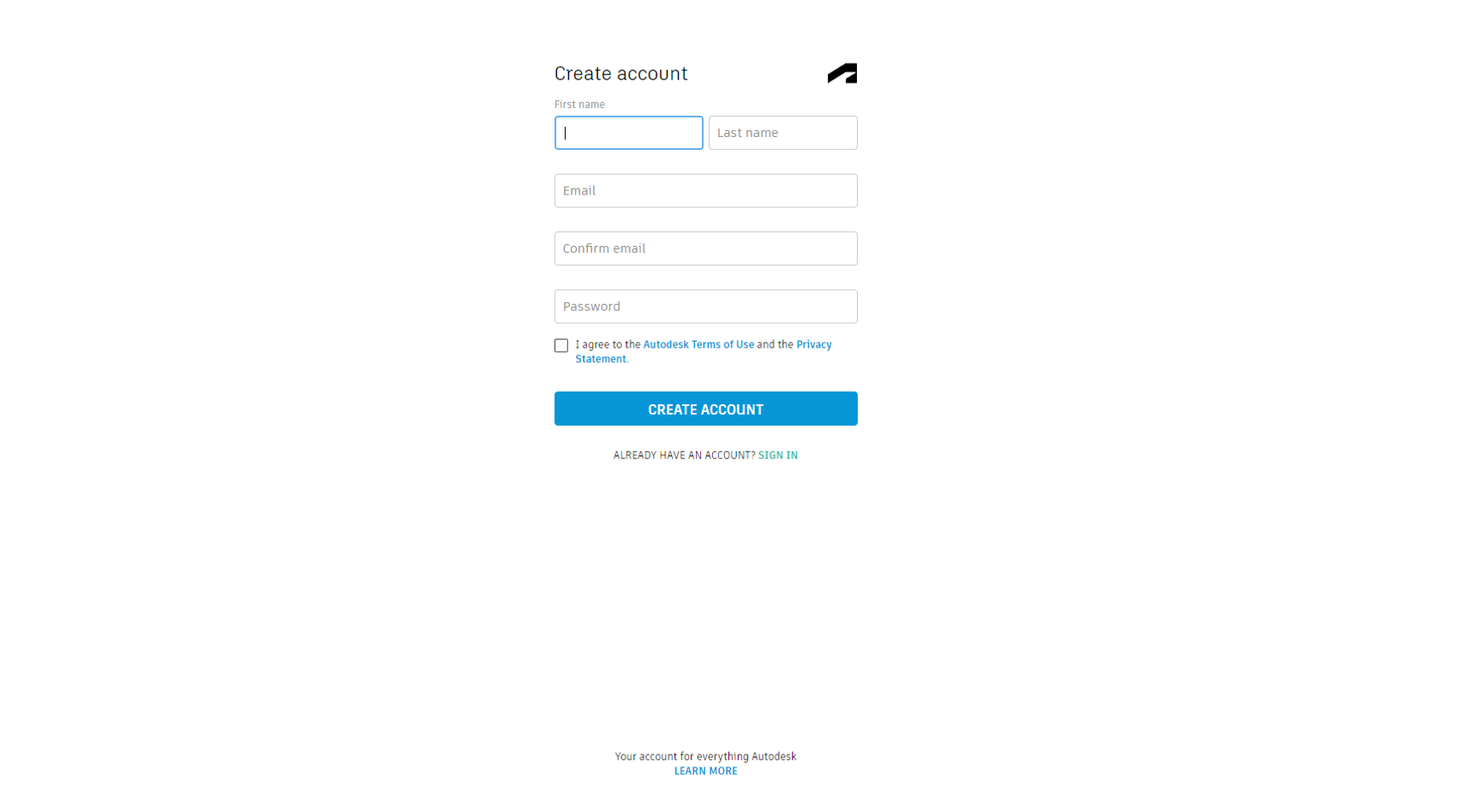
- Create Account → Enter details → Create Account
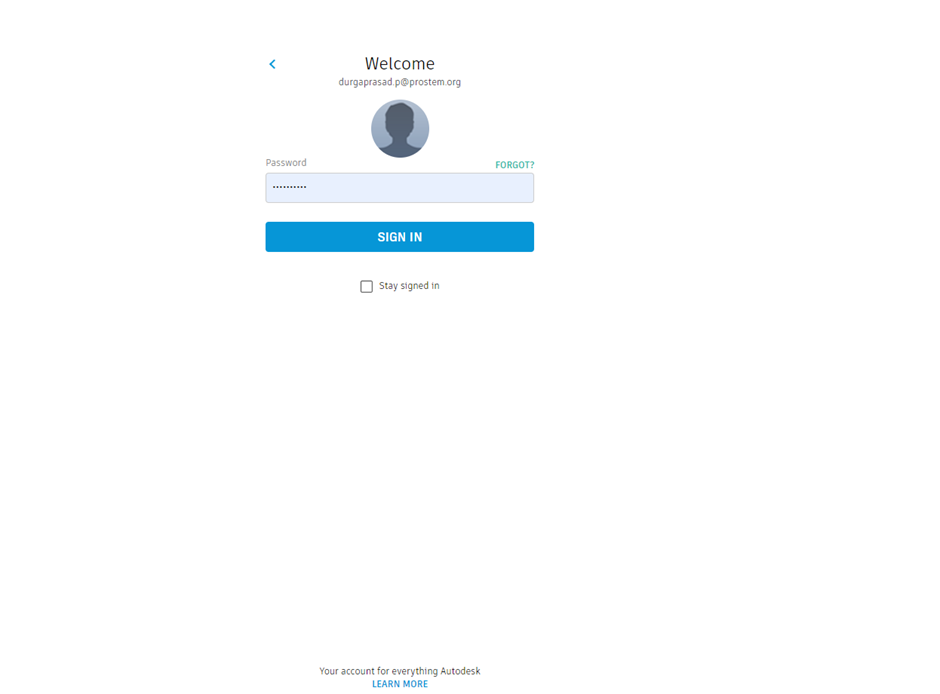
- Sign in with credentials
- Navigate to Products → Select Autodesk Inventor
- Add to Basket → Complete billing → Download
License Activation
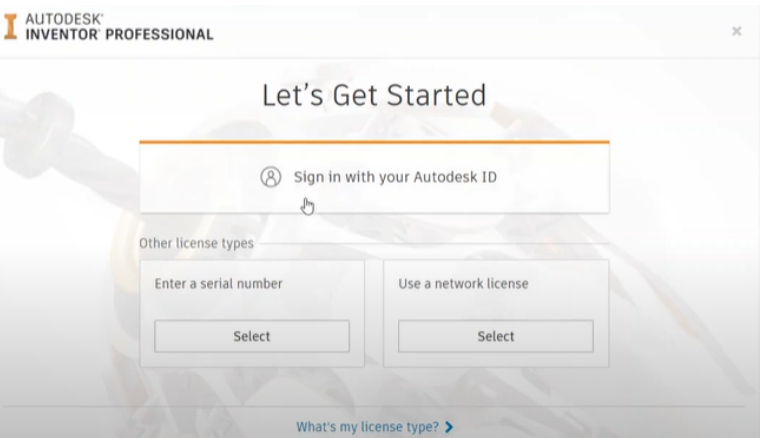
- Launch Inventor after installation
- Select Sign in with Autodesk ID
- Enter credentials → License activates automatically
License Comparison
| Feature | Student License | Professional License |
|---|---|---|
| Cost | Free | Subscription (~$2,310/year) |
| Duration | 1 year (renewable) | Perpetual access while subscribed |
| Eligibility | Students/educators | Commercial use |
| Watermark | Yes (drawings) | No |
| Cloud Access | Limited | Full Autodesk cloud services |
| Support | Community | Priority support |
Licensing Checklist
| Step | Student | Professional | Status |
|---|---|---|---|
| Autodesk Account | ✅ Required | ✅ Required | ☐ |
| License Assignment | Student verification | Purchase complete | ☐ |
| Internet Connection | ✅ Required | ✅ Required | ☐ |
| Sign-in on Launch | ✅ Auto-activates | ✅ Auto-activates | ☐ |
| License Status Check | Account → Products | Account → Subscriptions | ☐ |