Installation
Autodesk Maya Installation and System Specifications.
Software
Operating System
- Microsoft® Windows® 11, 10
- Apple® macOS® 12.x, 11.x, 10.15.x, 10.14.x
- Linux® Red Hat® Enterprise 8.5, 7.6–7.9 WS
- Linux CentOS® 8.5, 7.6–7.9
- Rocky Linux 8.5

Browser
Autodesk recommends using the latest versions of the following web browsers to access online supplemental content:
- Apple Safari web browser
- Google® Chrome web browser
- Microsoft Edge web browser
- Mozilla® Firefox® web browser
Hardware
CPU
- 64-bit Intel® or AMD® multi-core processor with SSE4.2 instruction set
- Apple Mac models with M-series chips are supported using Rosetta 2 mode
Graphics Hardware
- Refer to the recommended systems and supported graphics cards listed on Autodesk’s official documentation
RAM
- Minimum of 8 GB RAM (16 GB or more is recommended)
Disk Space
- At least 7 GB of free disk space required for installation
Pointing Device
- Three-button mouse
Installation
-
Open the Autodesk website.
-
Autodesk website link

-
Create an Autodesk account if you do not already have one.
-
After successfully creating the Autodesk account, click on the SIGN IN option.
-
Enter your email ID.
-
Click the Next button after entering the email ID.
-
Enter your password.
-
Click SIGN IN.
-
Once the sign-in process is complete, a pop-up window will appear.
-
Click on the View all products option.
-
After selecting View all products, another pop-up window will open.
-
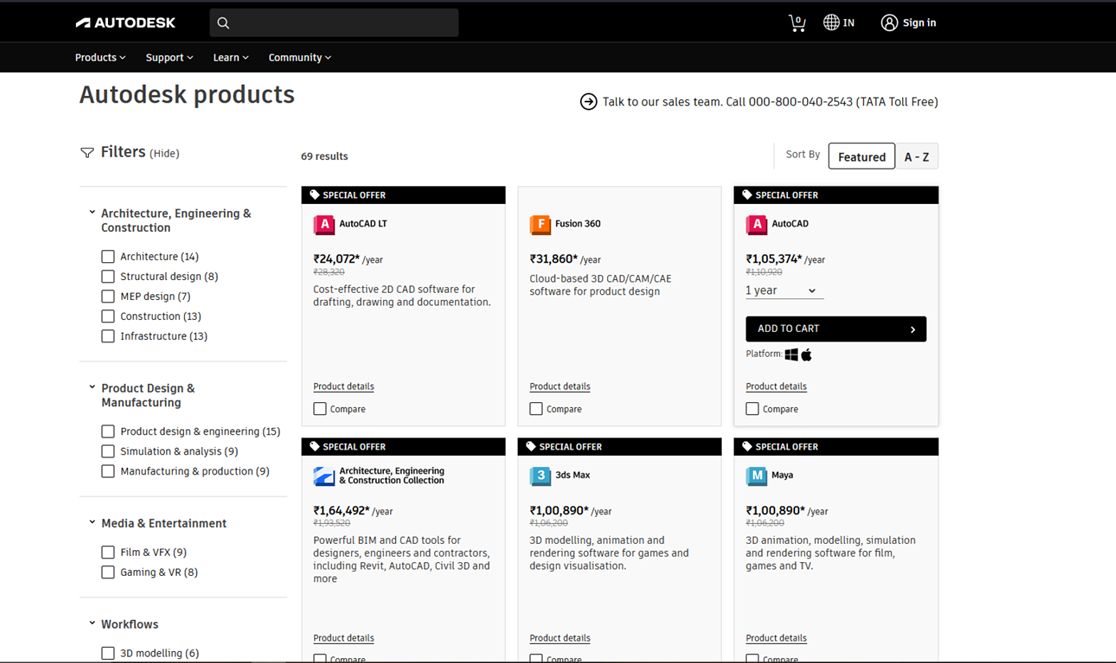
Scroll down to locate Autodesk Maya.
-
Click on the Autodesk Maya application.
-
Download the Autodesk Maya application.

-
After downloading, the software will prepare for installation.
-
The Autodesk License and Service Agreement window will appear.
-
Read the agreement carefully and click the NEXT button.
-
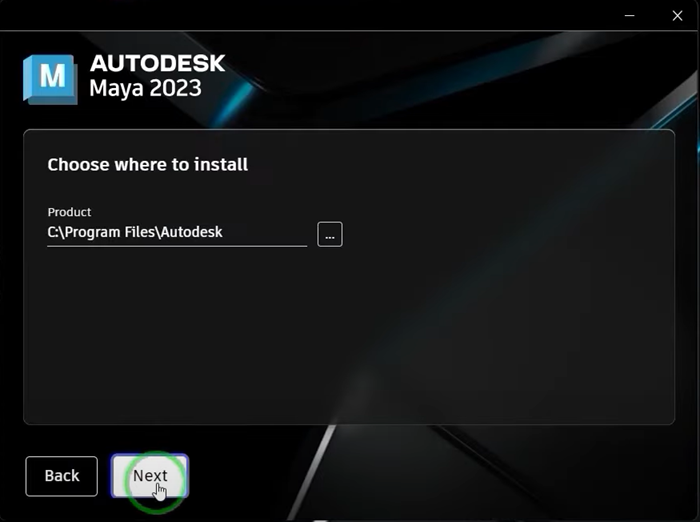
Choose the drive and installation location for the software.
-
After selecting the installation path, click Install.
-
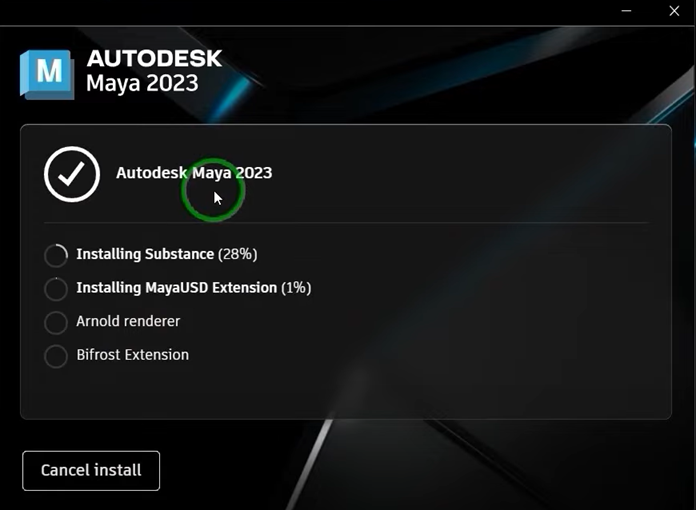
The installation of Autodesk Maya will begin.
-
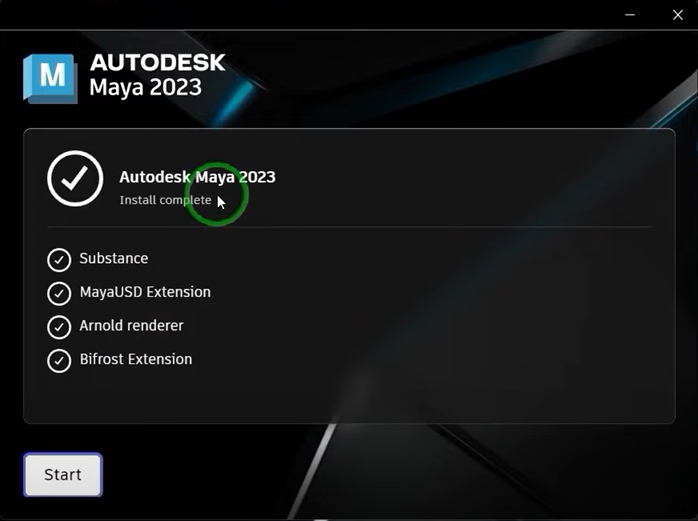
Once the installation is complete, click Start to launch Autodesk Maya.