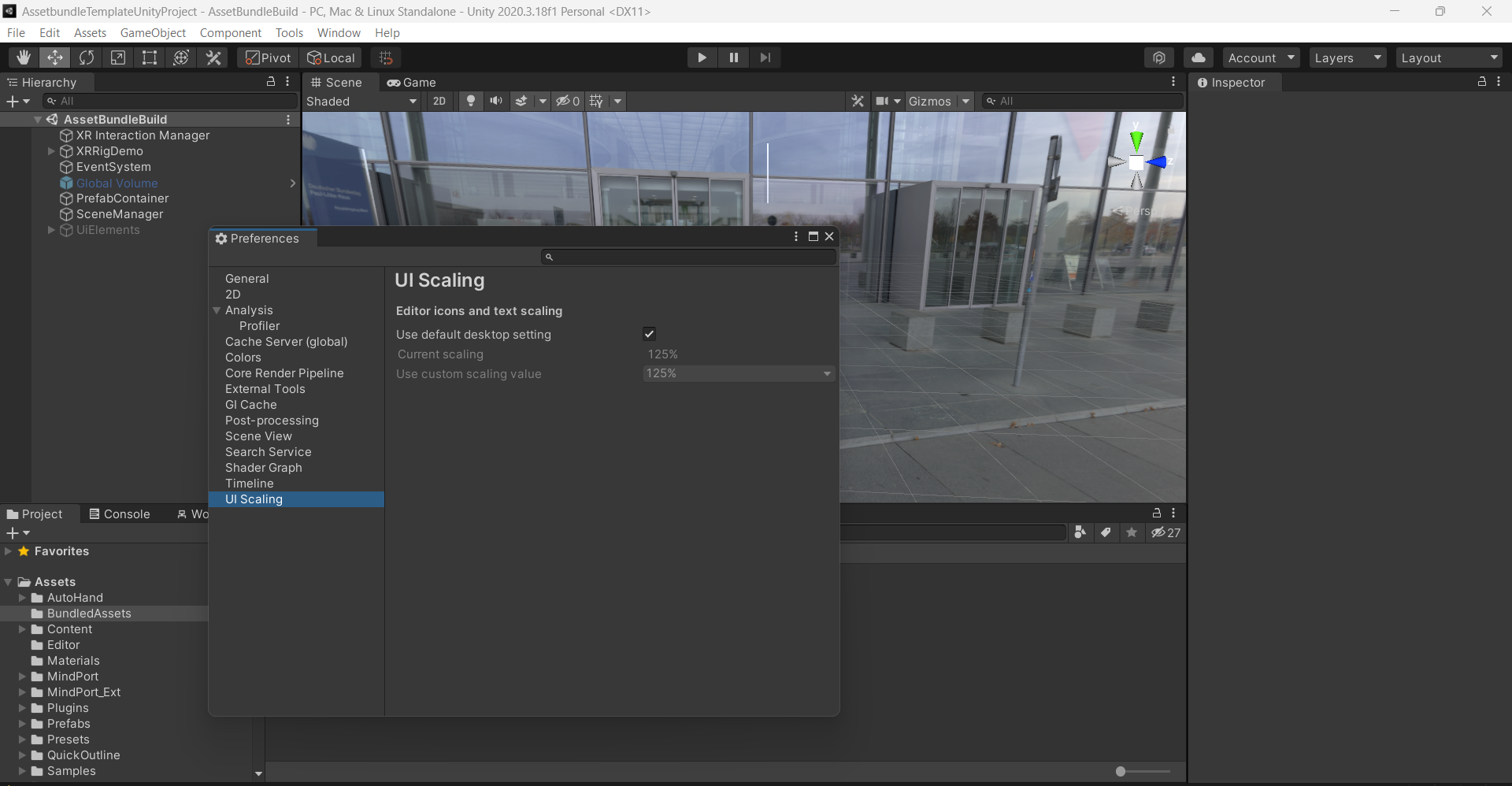
Configuration
Unity Hub V3.5.0
Unity Editor V2020.3.18f1
Unity Hub 3.3.0:
-
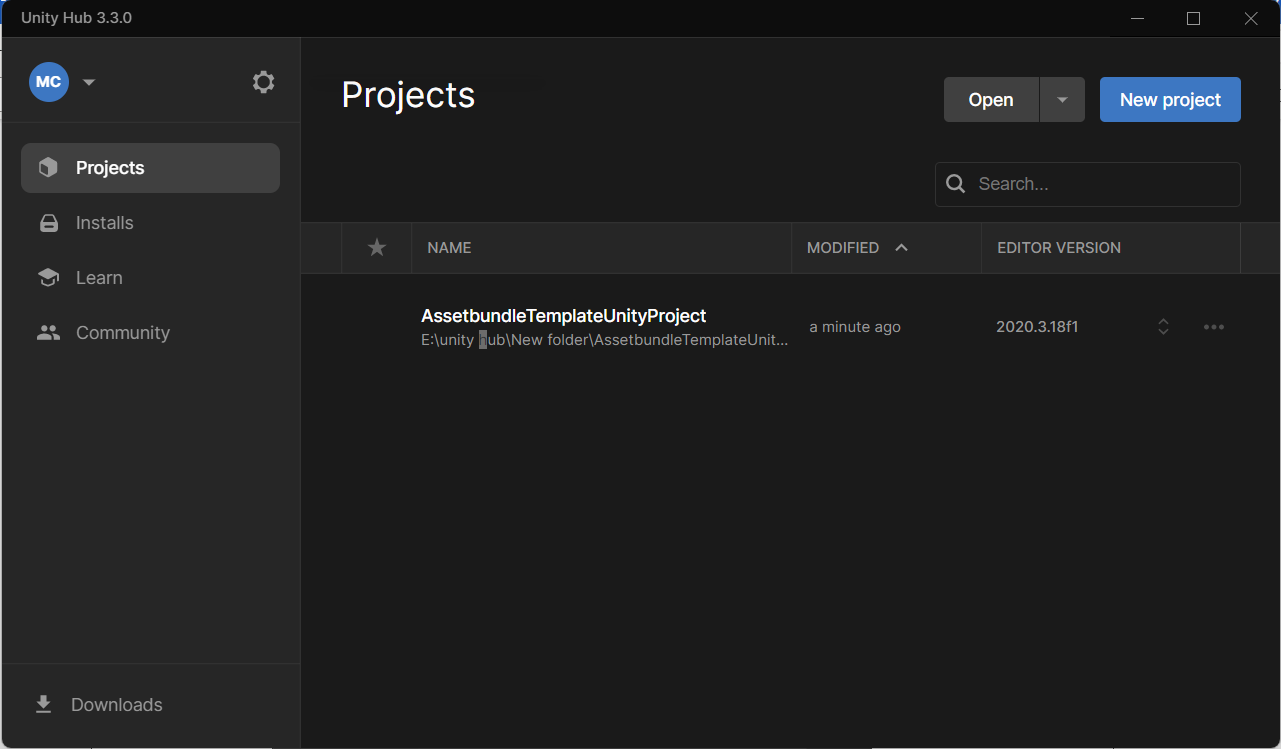
Open Unity Hub V3.3.0
Launch Unity Hub V3.3.0 and click on the settings icon in the top-left corner.
-
Default Preferences
We will be using the default preferences provided in Unity Hub. -
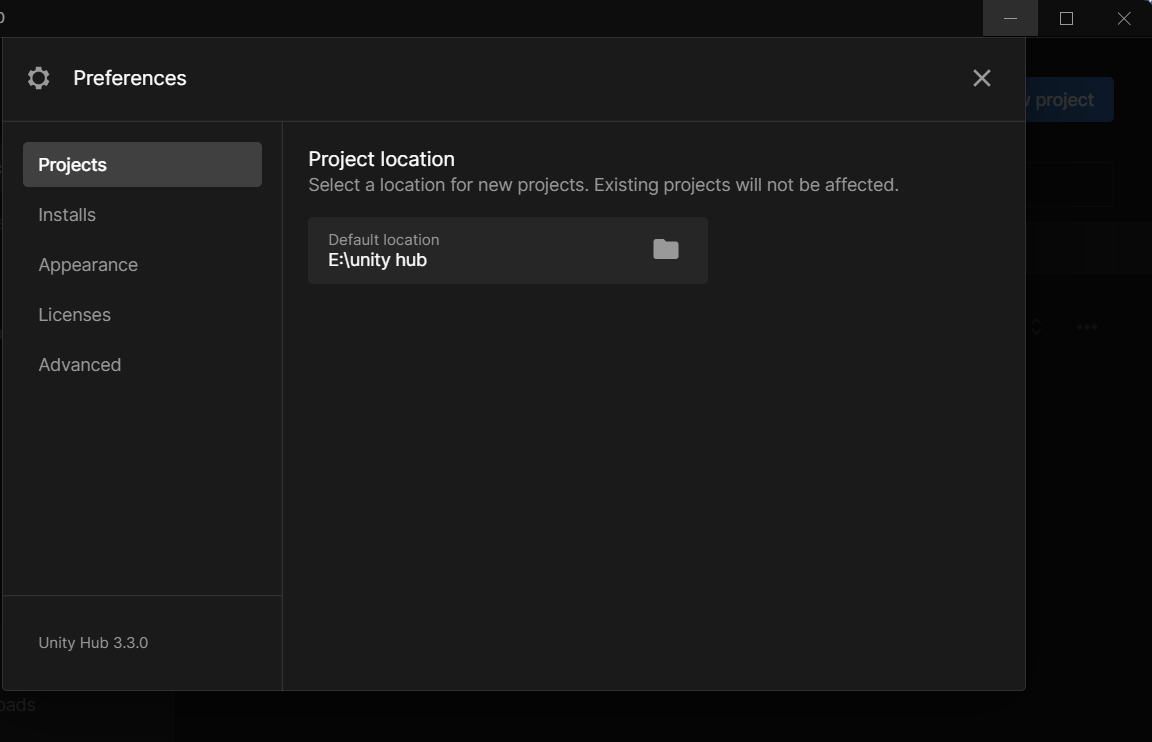
Project Preferences
The project preferences are displayed here.
-
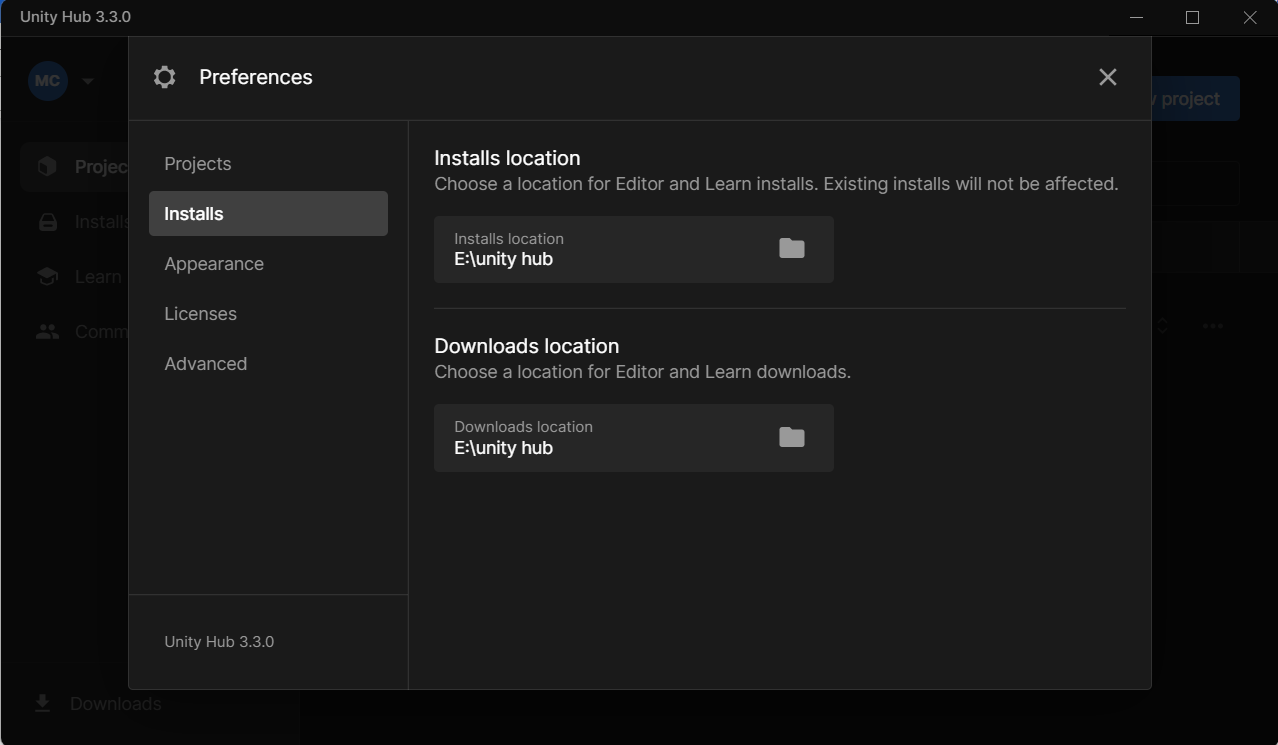
Install Preferences
The Install Preferences allow you to specify the installation location.
-
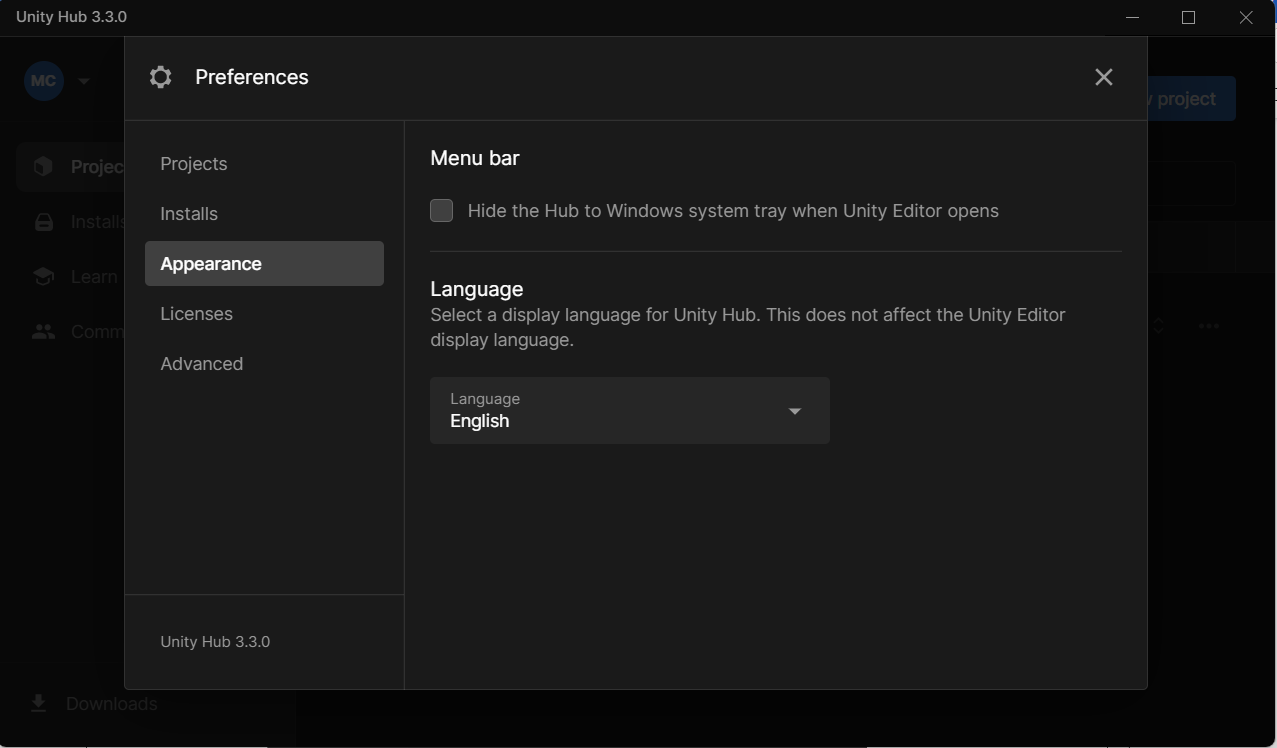
Appearance Preferences
Customize the appearance of the Unity Hub.
-
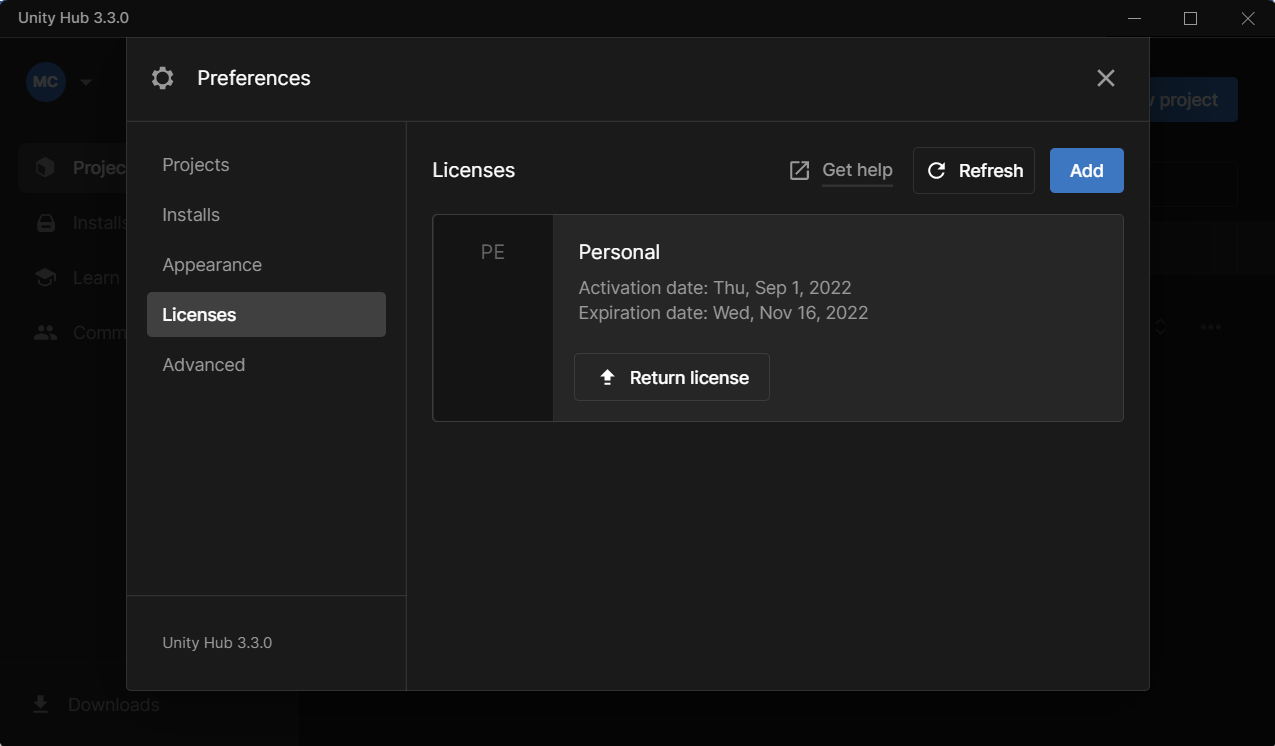
License Preferences
Set preferences for license management.
-
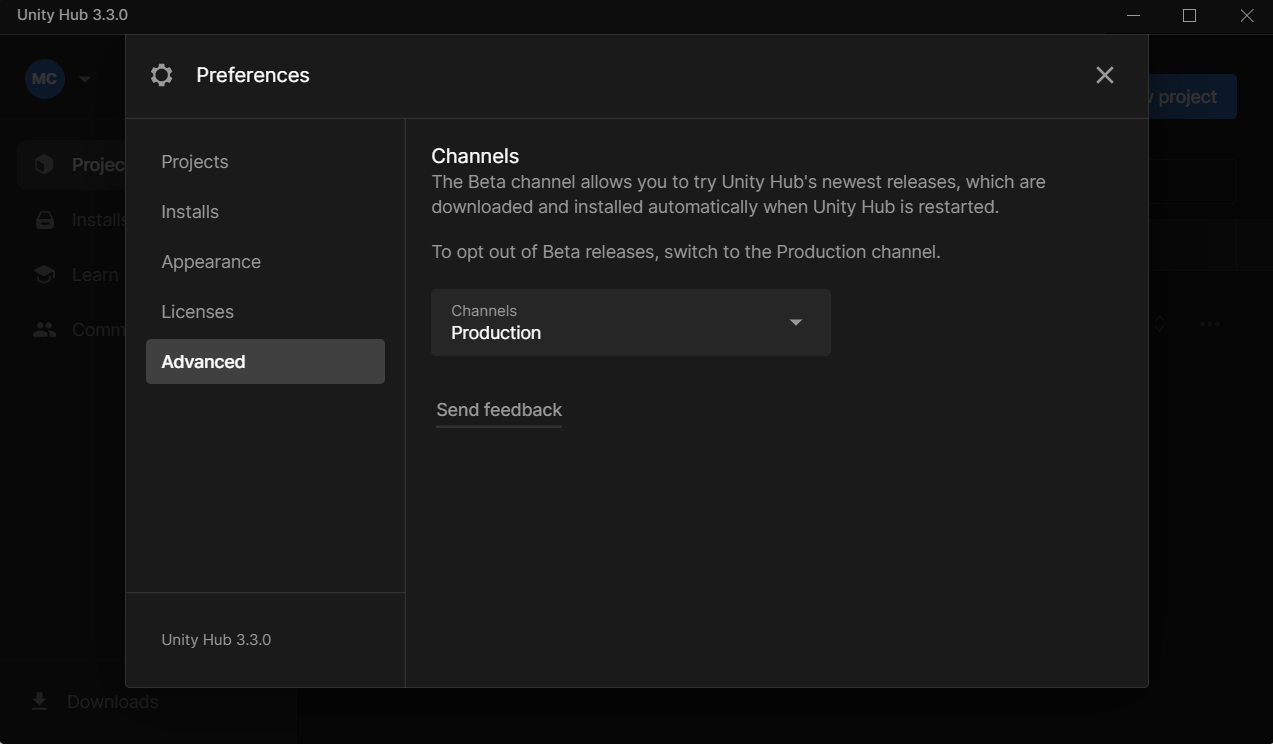
Advanced Preferences
Access advanced preferences to further refine Unity Hub settings.
Unity Editor 2020.3.18f1:
-
Open Unity Editor 2020.3.18f1
Launch Unity Editor 2020.3.18f1. -
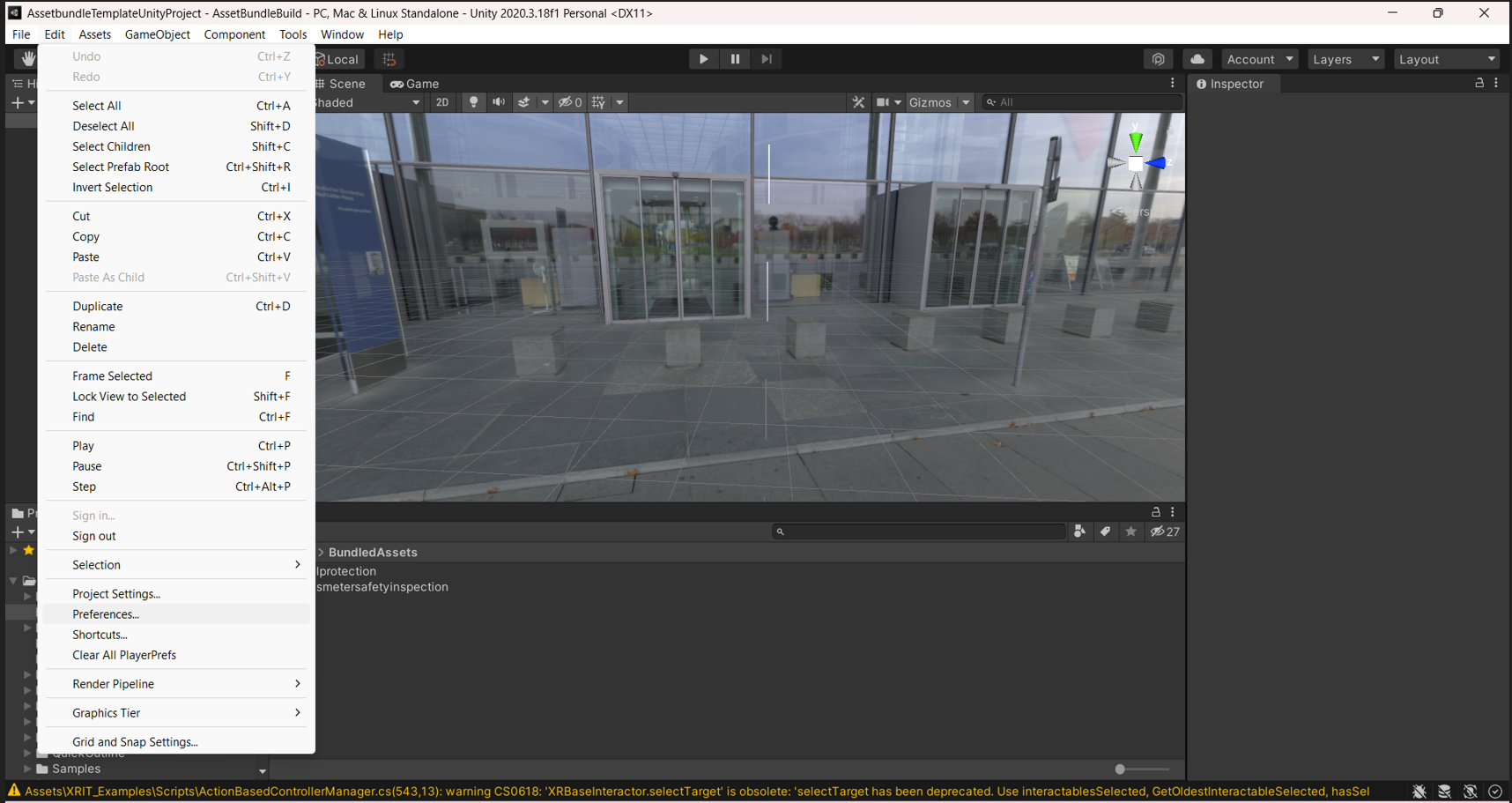
Access Preferences
Go to Preferences under the Edit menu in the top-left corner.
-
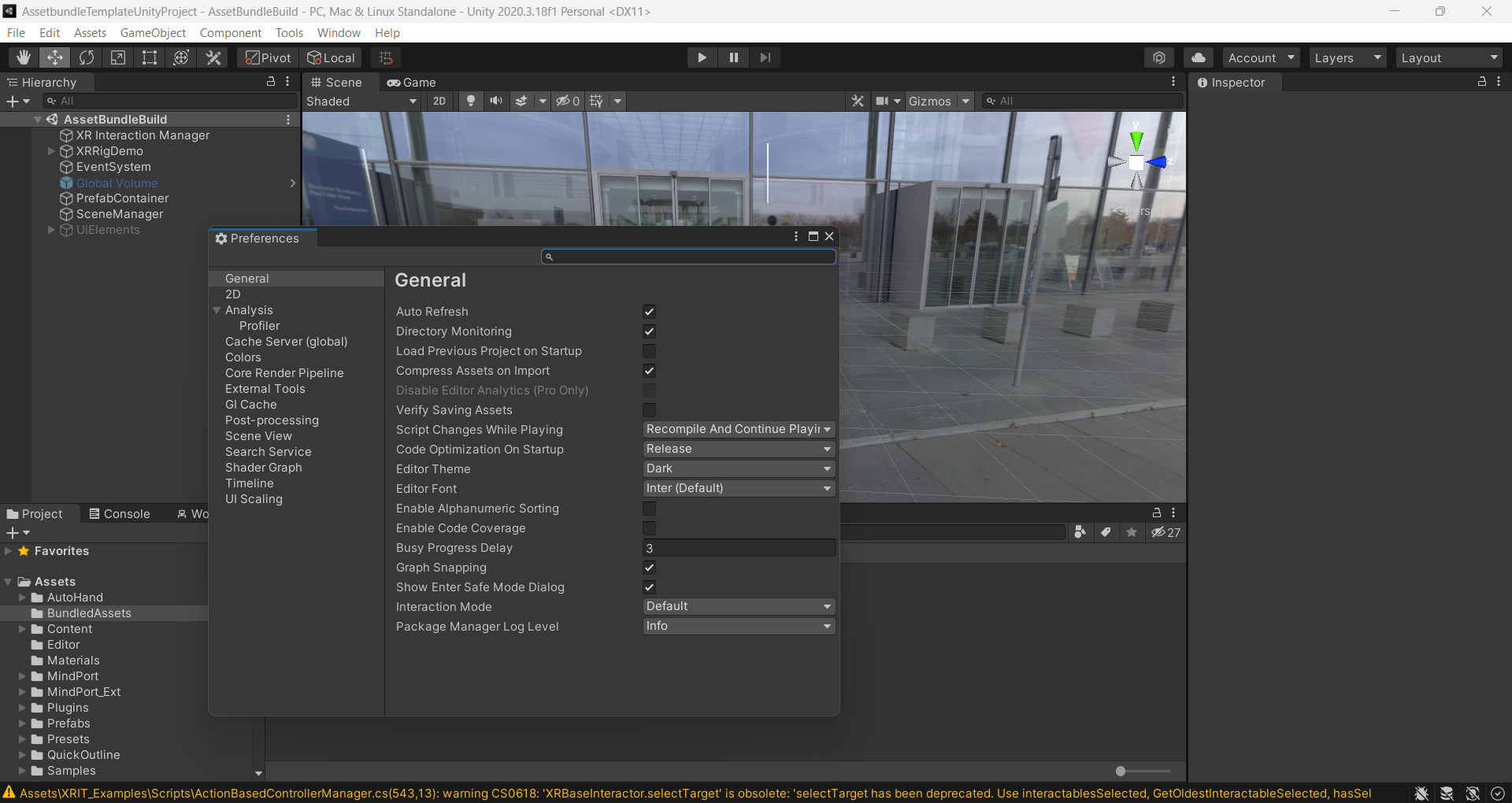
General Preferences
The general preferences include:- Auto-refresh options
- Directory monitoring settings
- Load previous project on startup
- Compress assets on import
- Verify saving of assets
- Handle script changes while playing
- Code optimization on startup
- Editor theme and font settings
- Enable alphanumeric sorting
- Enable code coverage
- Busy progress delay
- Graph snapping
- Interaction mode
- Package manager log level
- Show safe mode dialog on errors
-
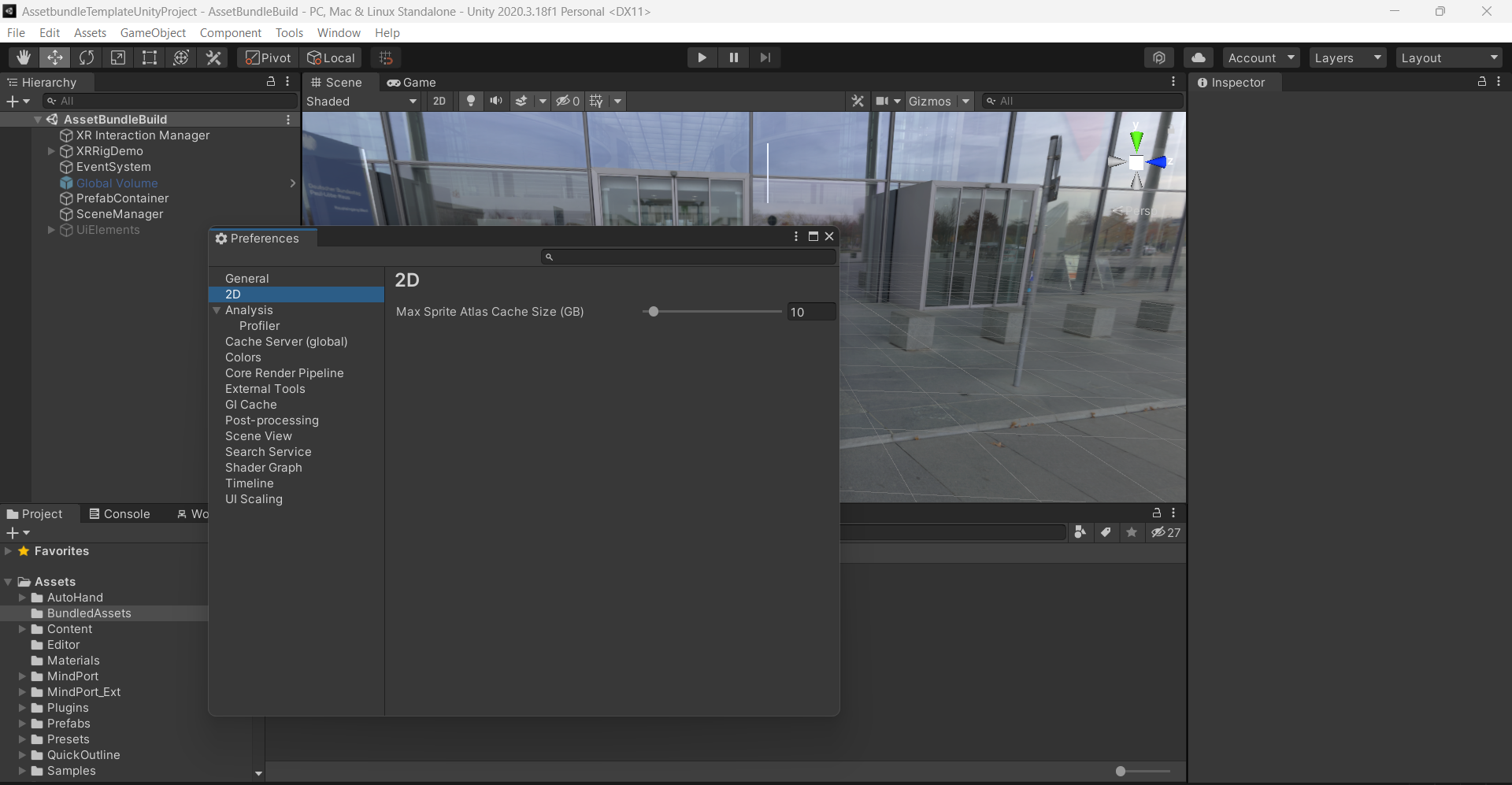
2D Preferences
Customize the 2D preferences for 2D workflows.
-
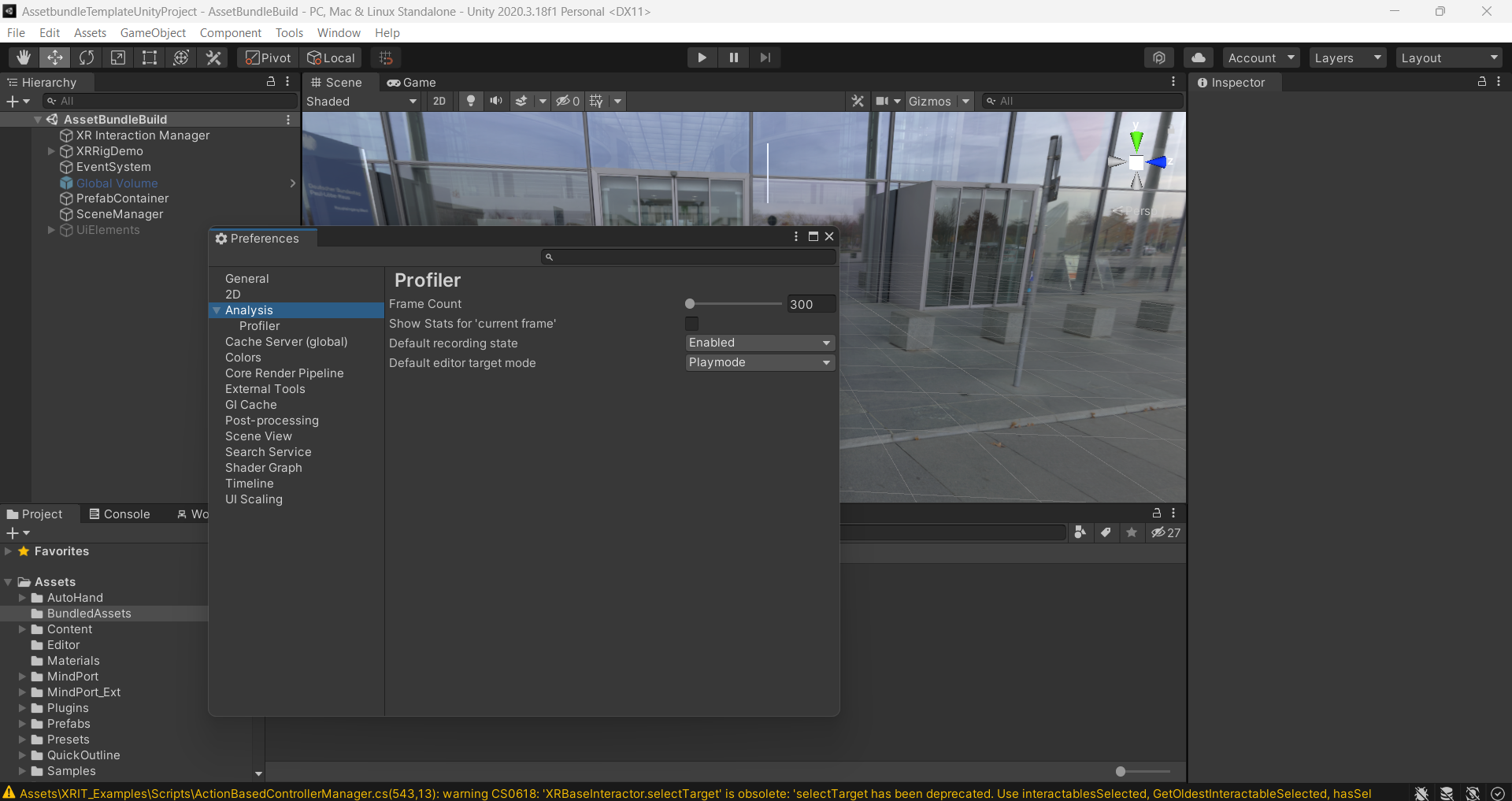
Analysis Preferences
Modify the settings for Profiler, Frame count, Current frame stats, Default recording state, and Editor target mode.
-
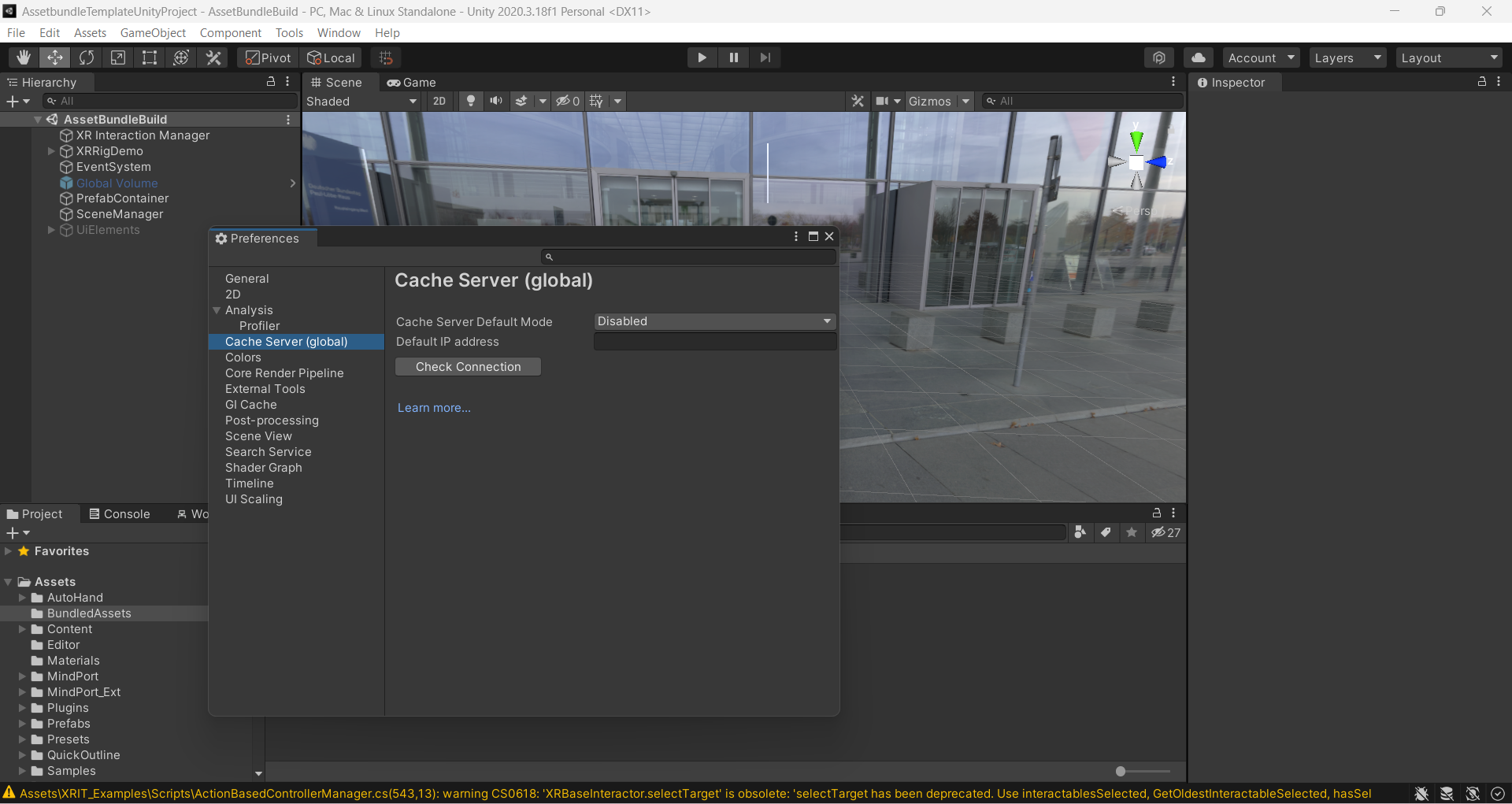
Cache Server Preferences
Customize Cache Server settings, including:- Default mode
- IP address configuration
-
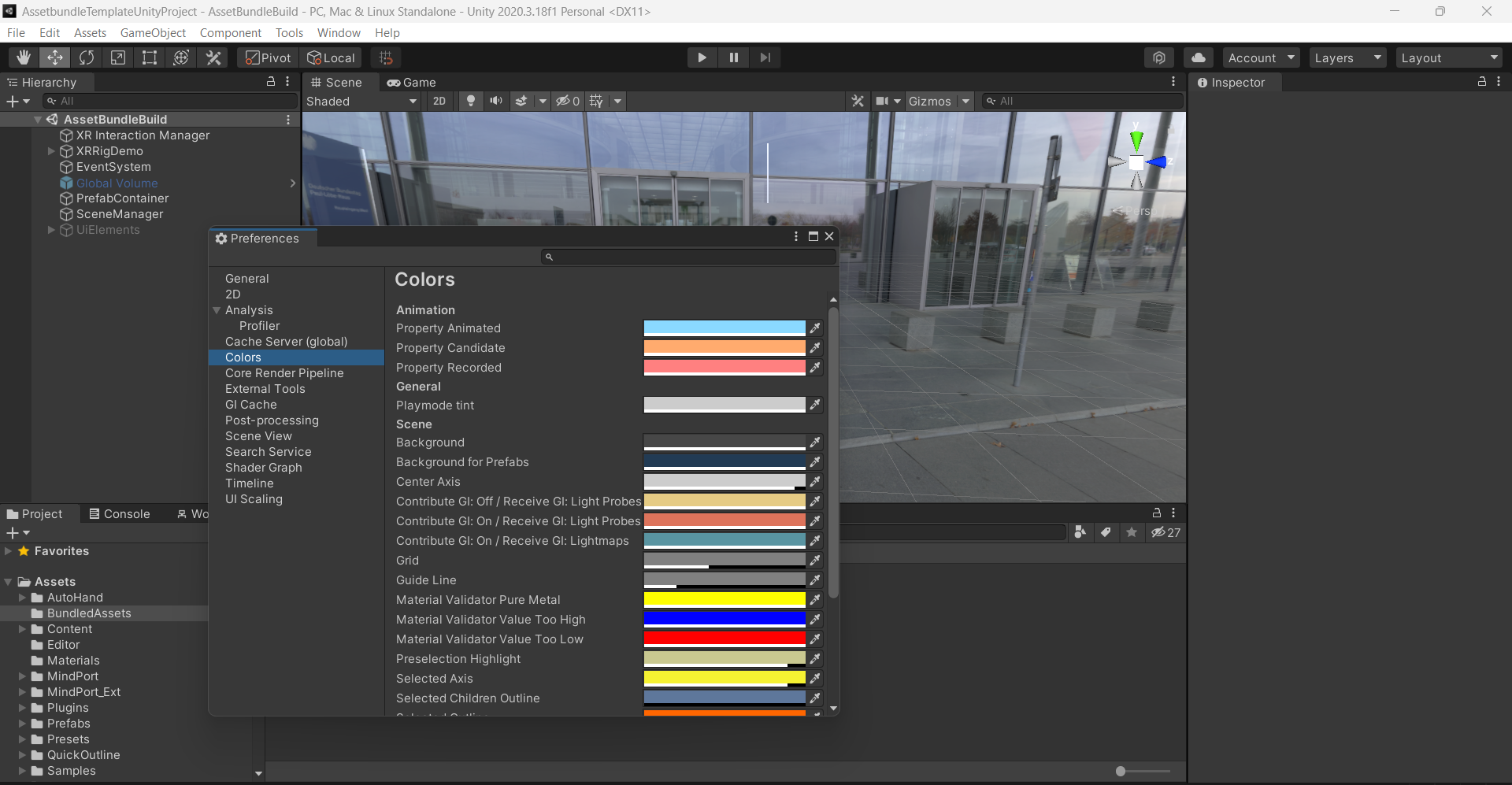
Colors Preferences
Modify the appearance settings for various aspects like:- Animation options
- Property animation settings
- Scene and background colors
- Wireframe and outline visibility
-
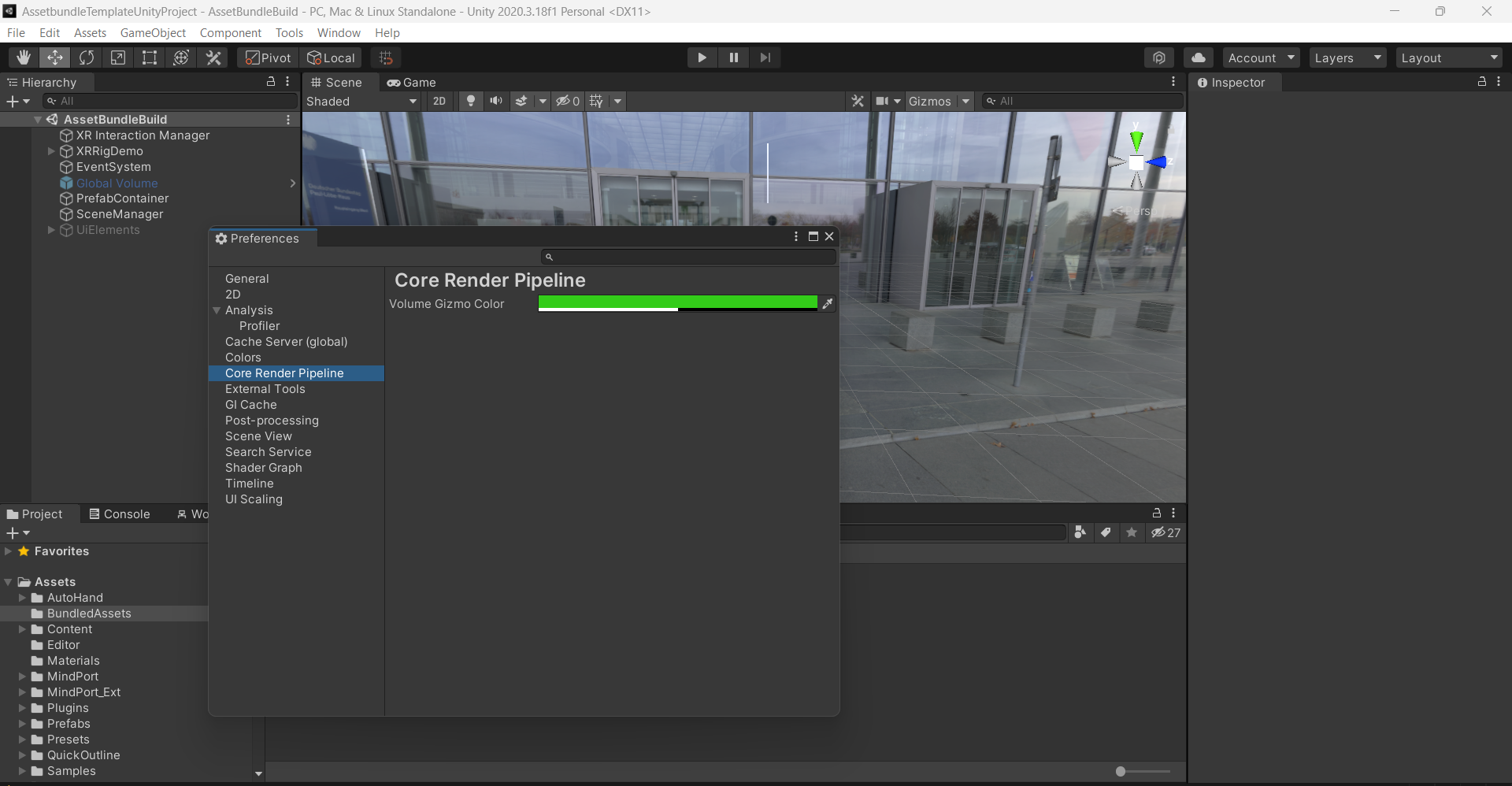
Core Render Pipeline Preferences
Customize render pipeline settings.
-
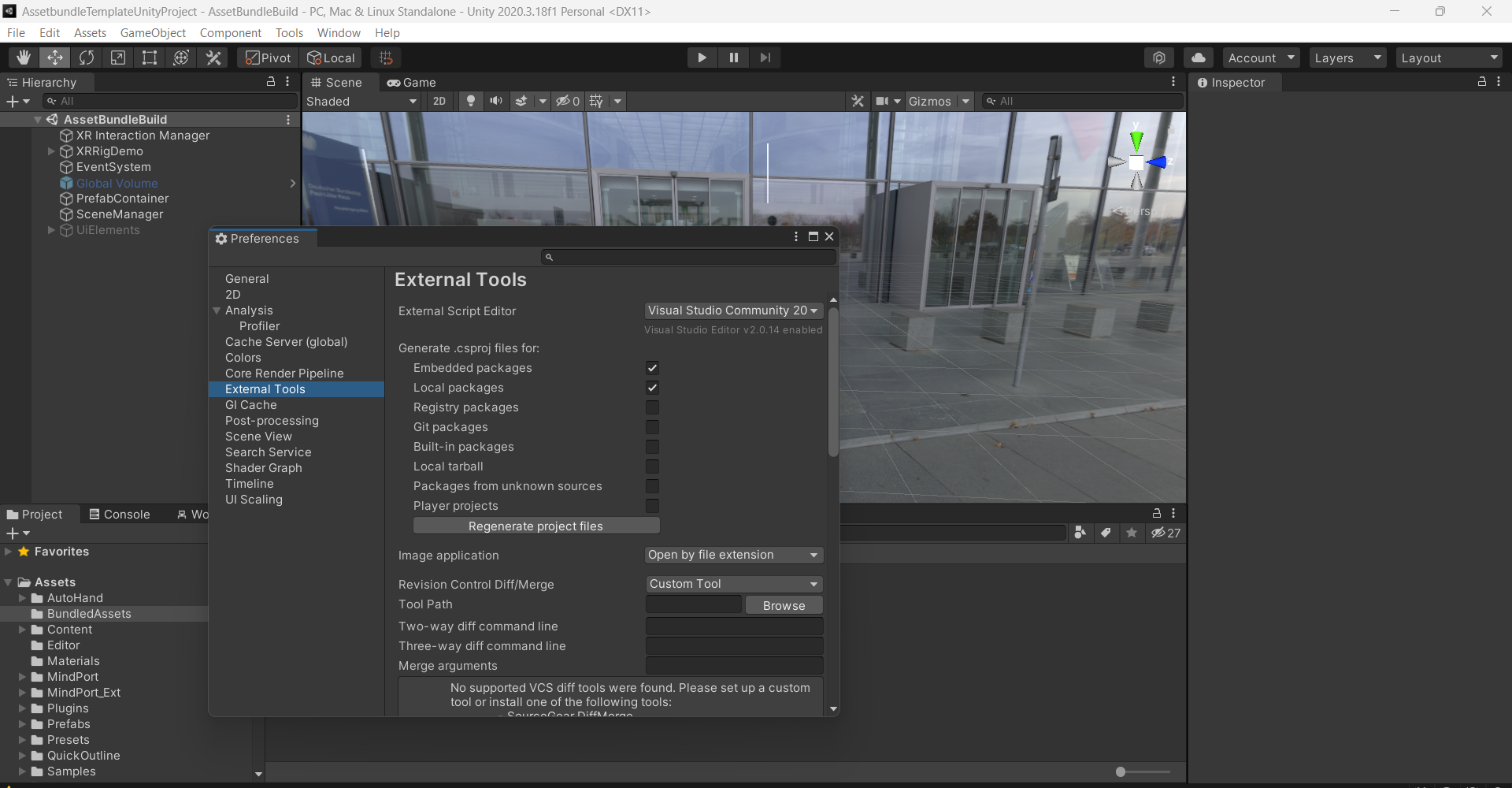
External Tools Preferences
Set preferences for external script editors, version control, and diff commands.
-
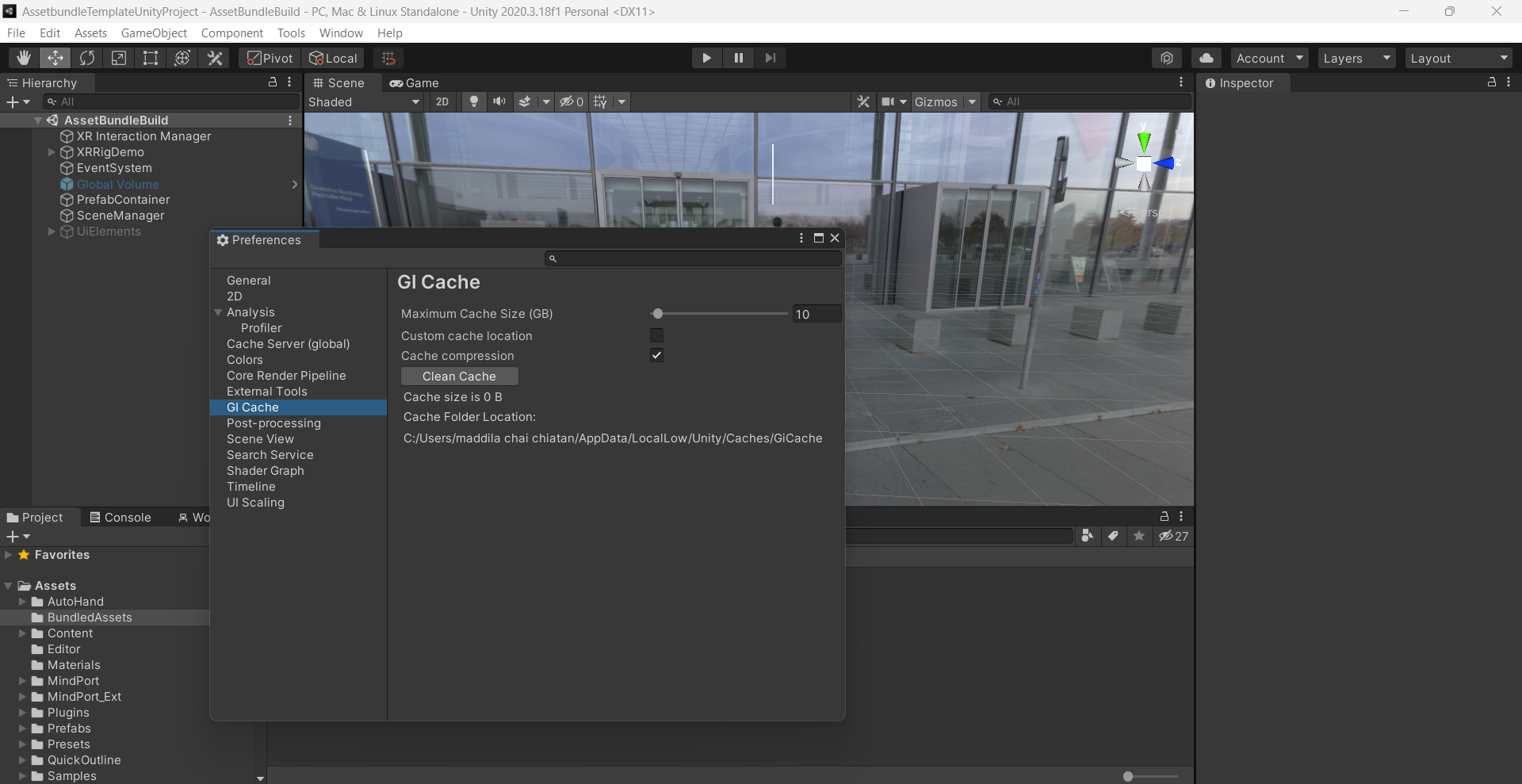
GI Cache Preferences
Configure the GI Cache, including:- Max cache size
- Custom cache location
- Cache compression settings
- Clean cache options
-
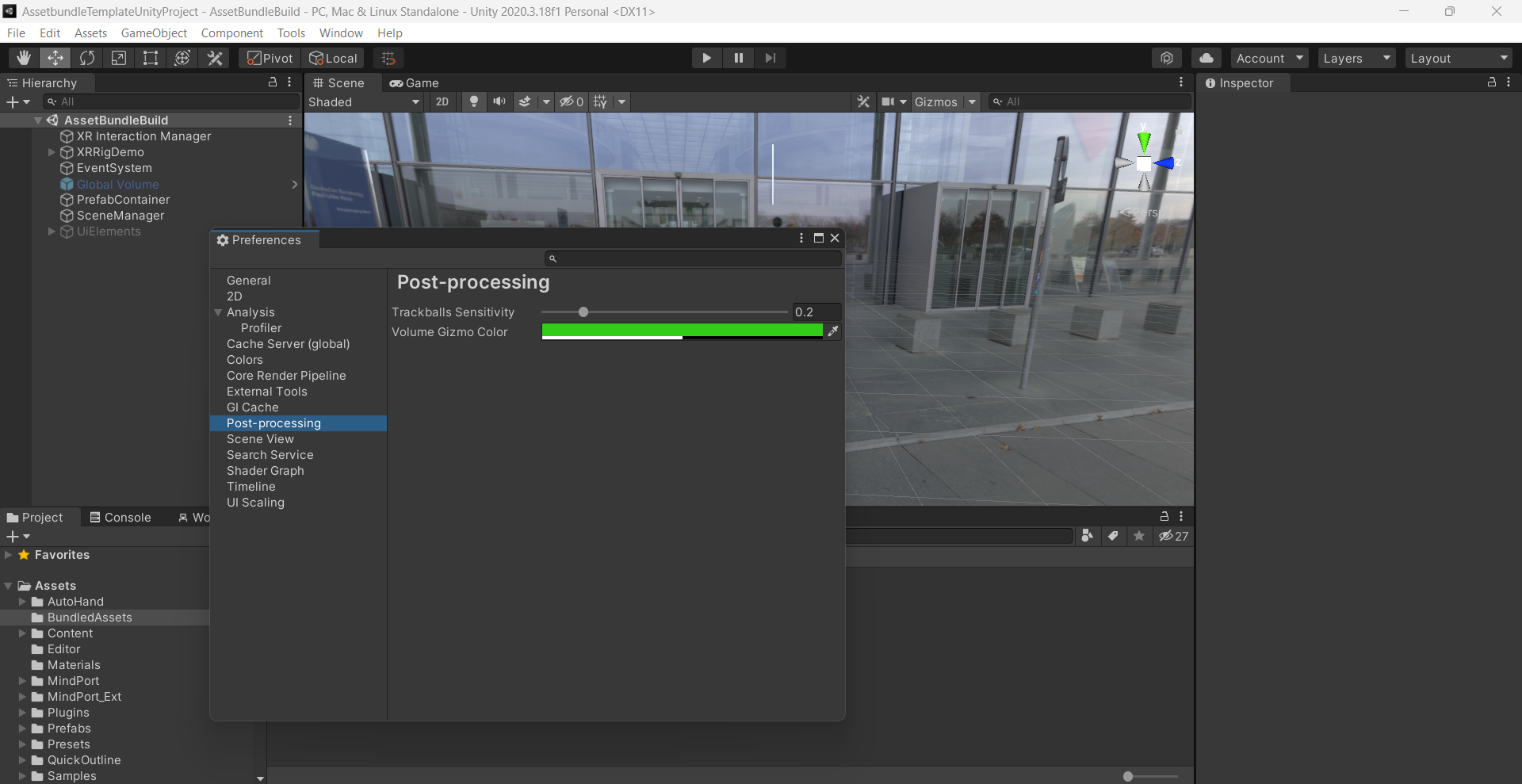
Post Processing Preferences
Customize Post Processing settings.
-
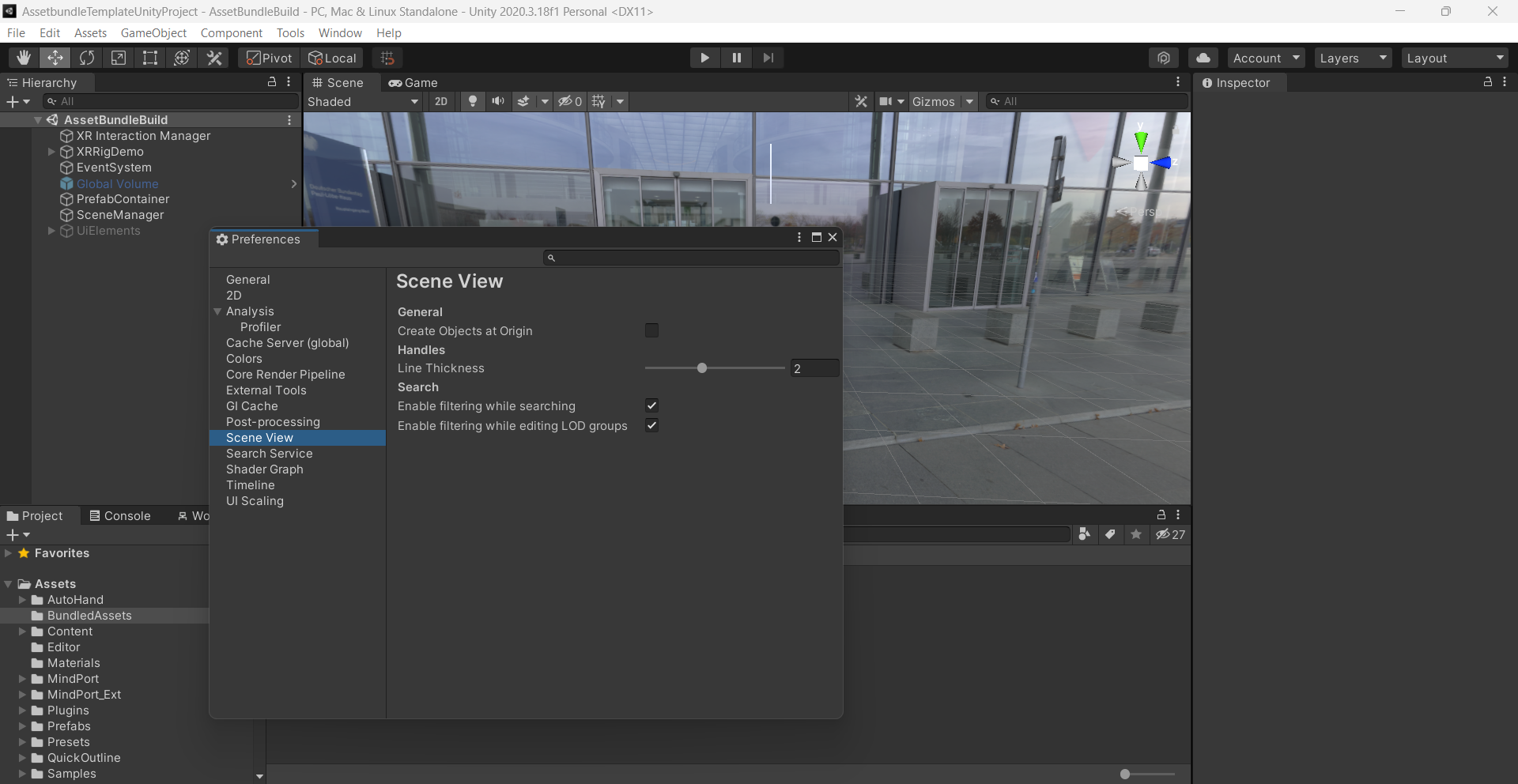
Scene View Preferences
Adjust the Scene View options for general use, object creation, and searching.
-
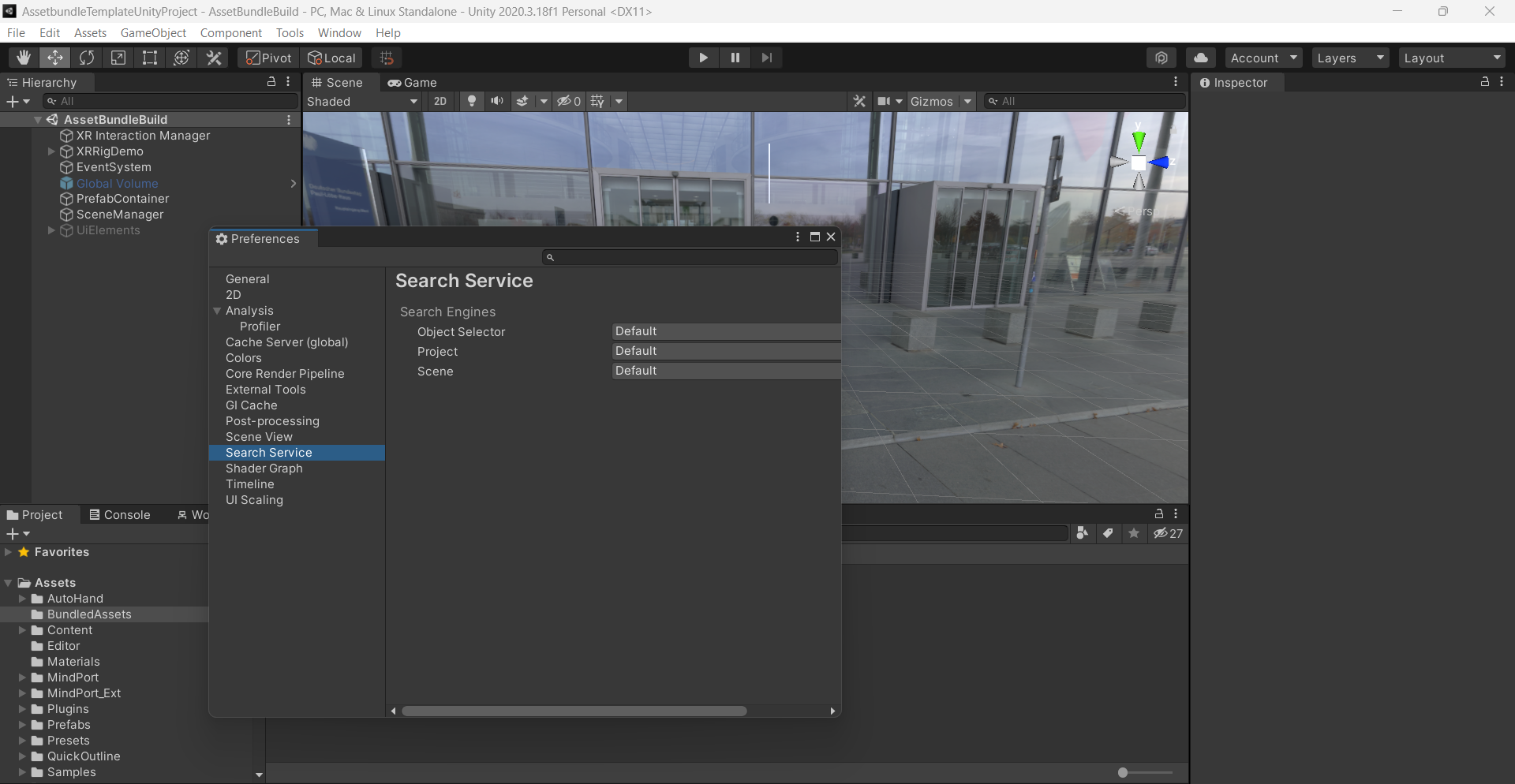
Search Service Preferences
Customize search engines for asset management and scene search.
-
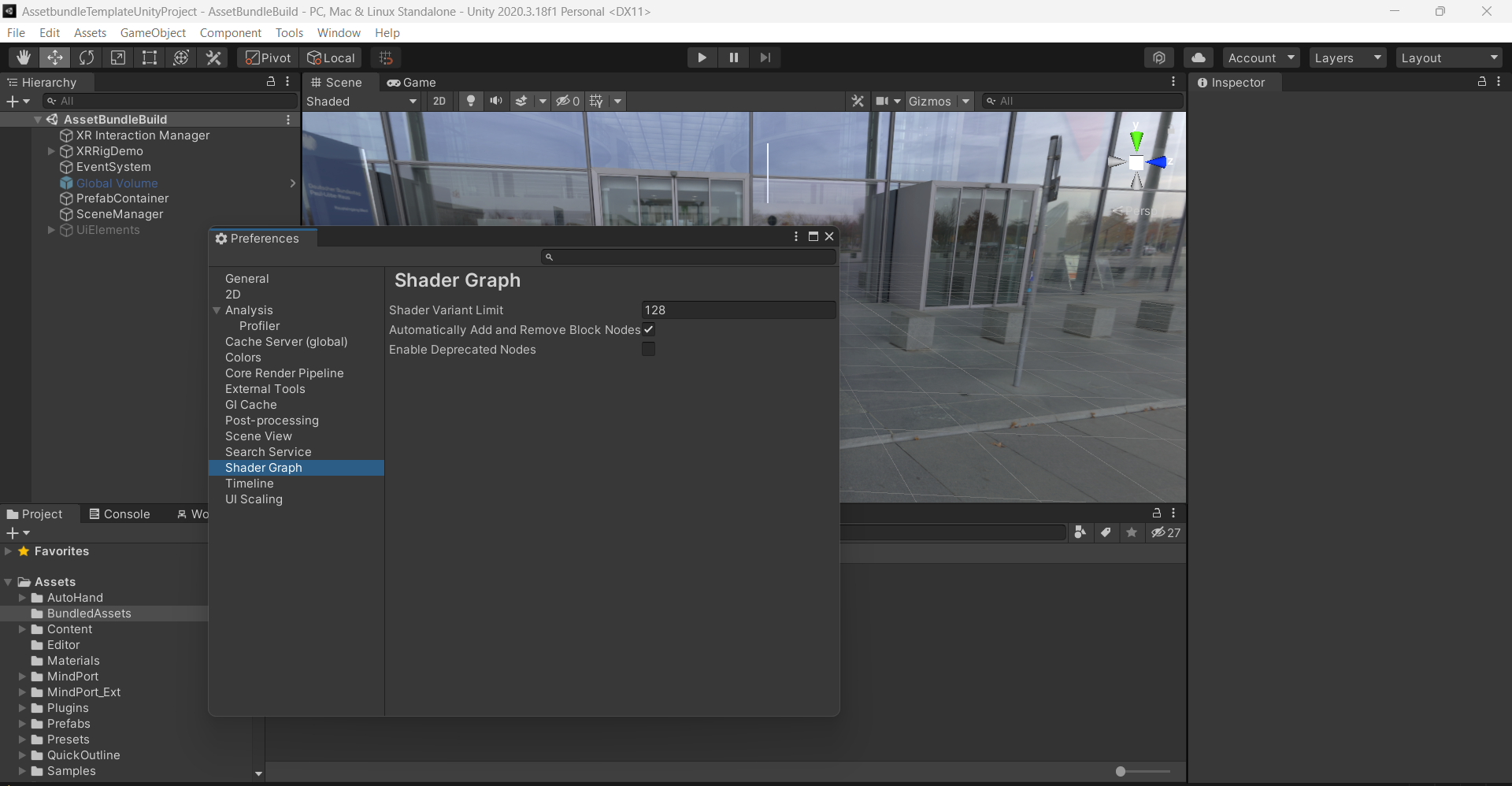
Shader Graph Preferences
Customize Shader Graph settings for visual scripting.
-
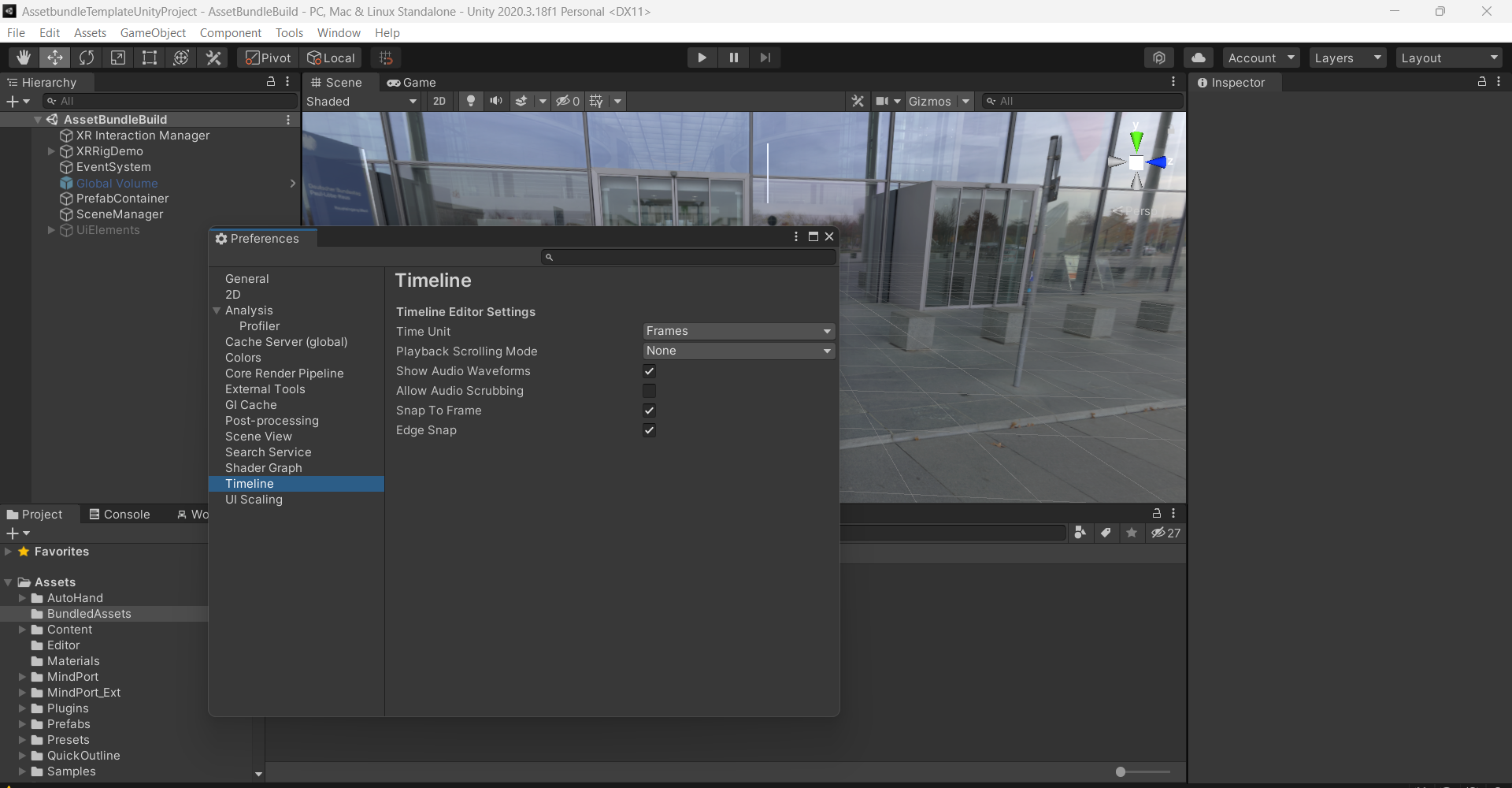
Timeline Preferences
Adjust the Timeline Editor settings, including playback, time units, and snapping options.
-
UI Scaling Preferences
Modify the scaling for editor icons and text, including custom scaling values.