Installation
System Requirements
- Processor: 86 dual-core 2GHz
- RAM: 4 GB
- Graphics Hardware: OpenGL 4 compatible
- Disk Space: 200 MB
- Operating System: Windows XP / 7 / 10 (64-bit)
Installation Process
To install Pixyz Studio on your computer, follow the steps below:
-
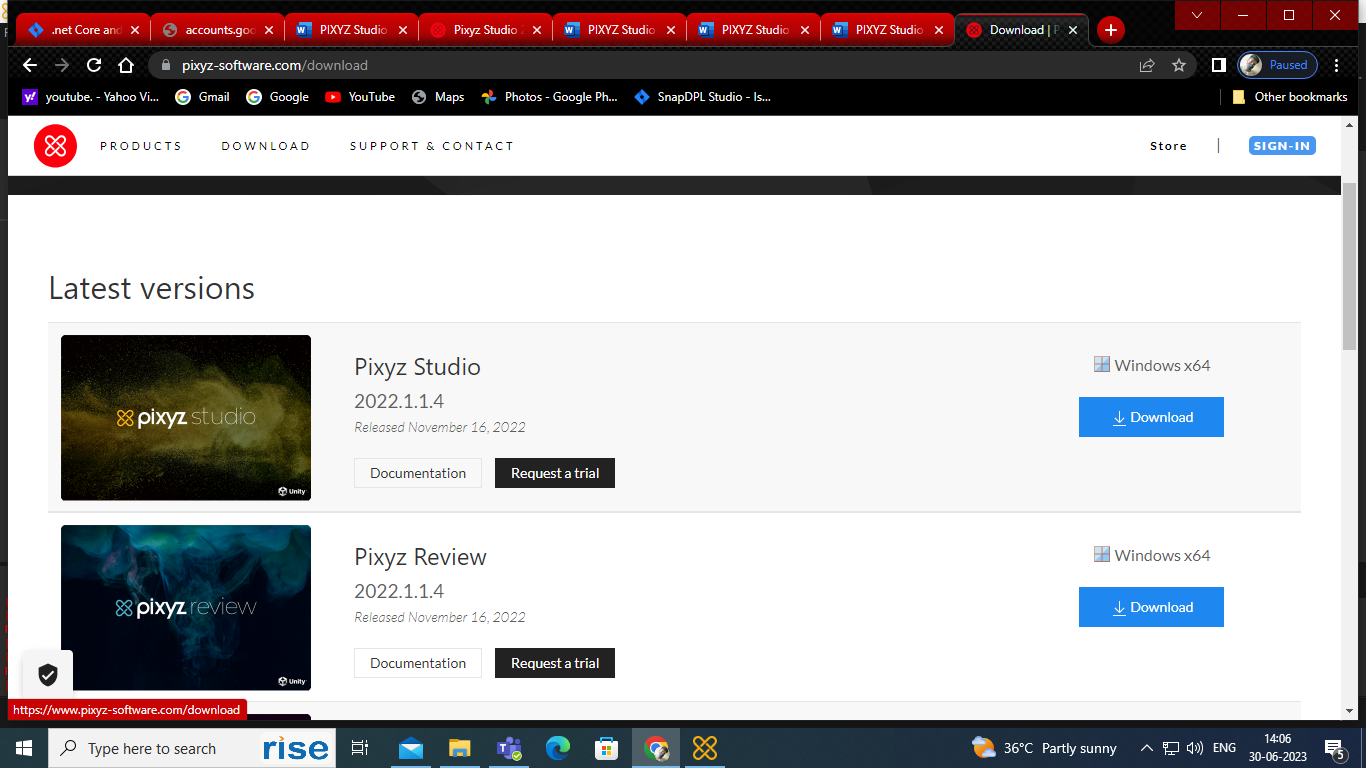
Visit the Pixyz Studio website:
www.pixyz-software.com -
Click on the Download menu.
-
Download the Windows x64-bit version.
-
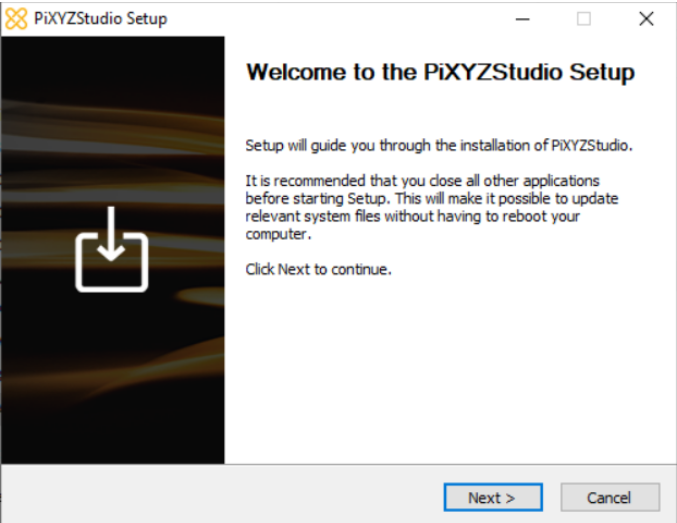
Once the download is complete, click Next to begin the installation.
-
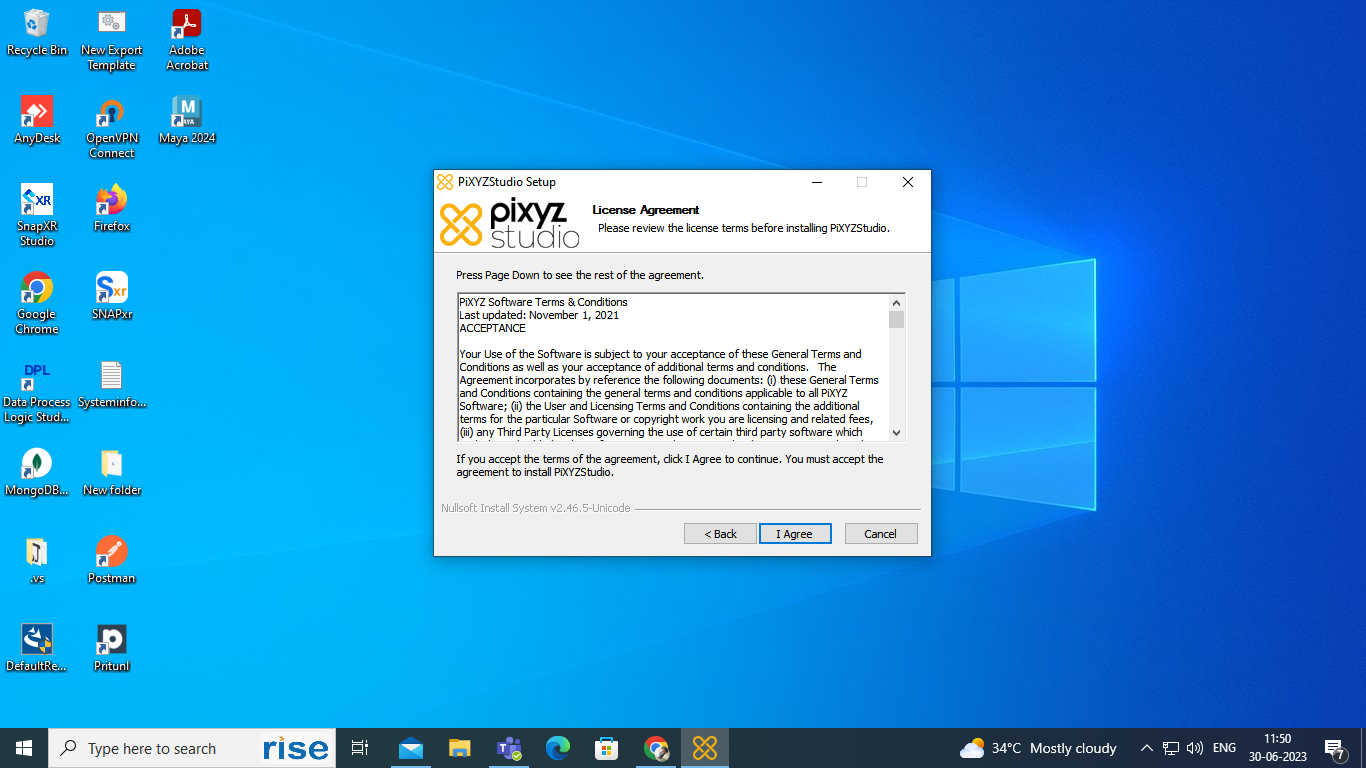
Read the installation instructions carefully and click the I Agree button.
-
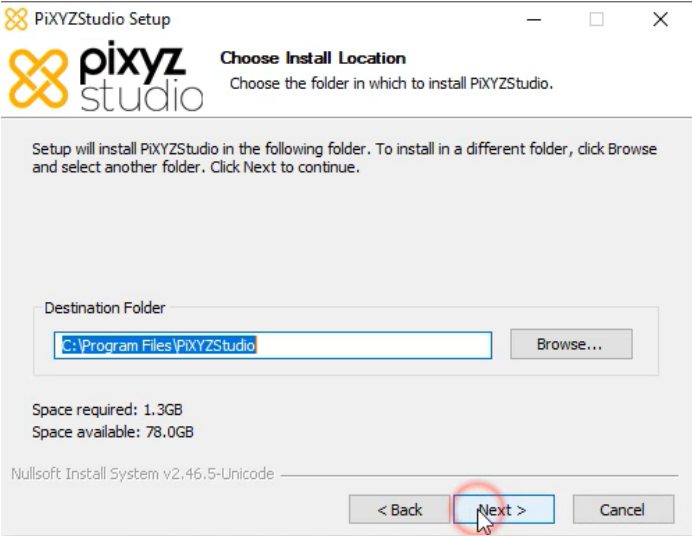
Choose the installation directory and click Next.
-
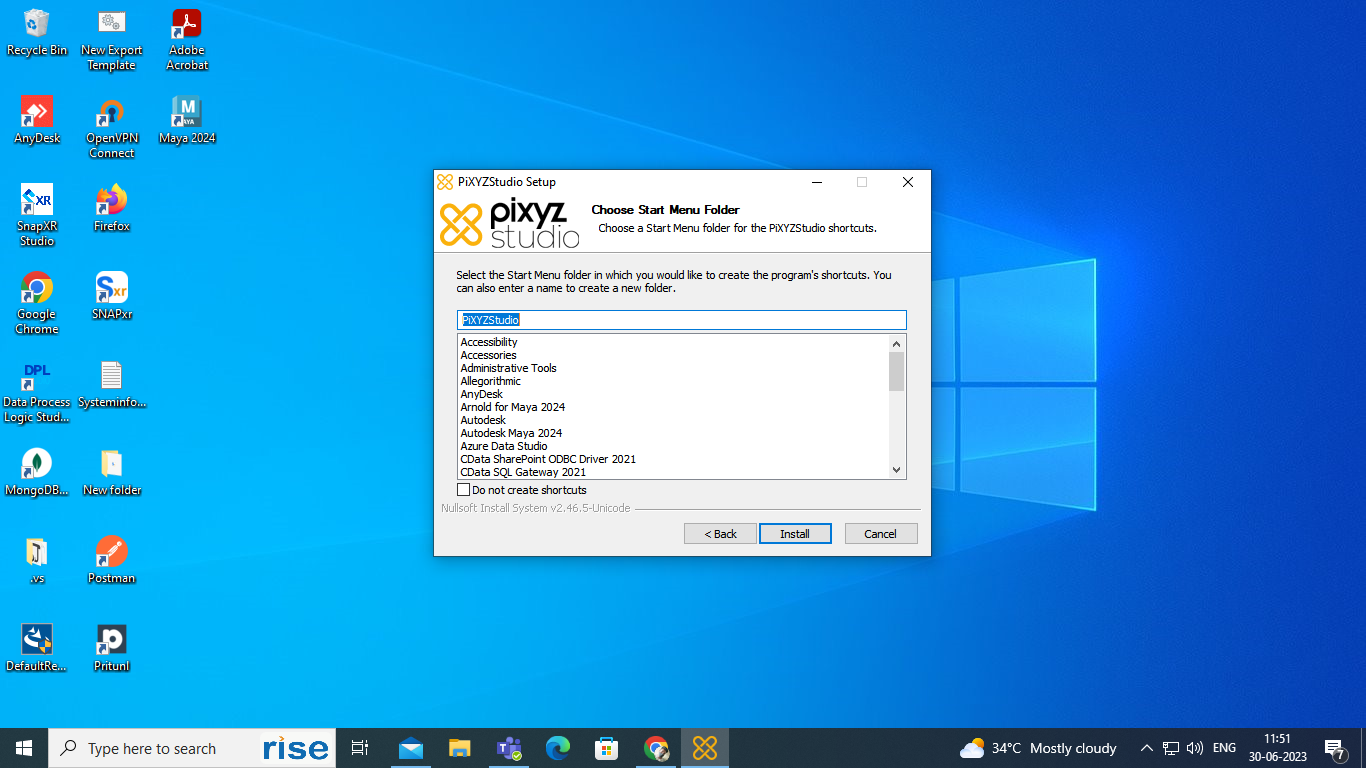
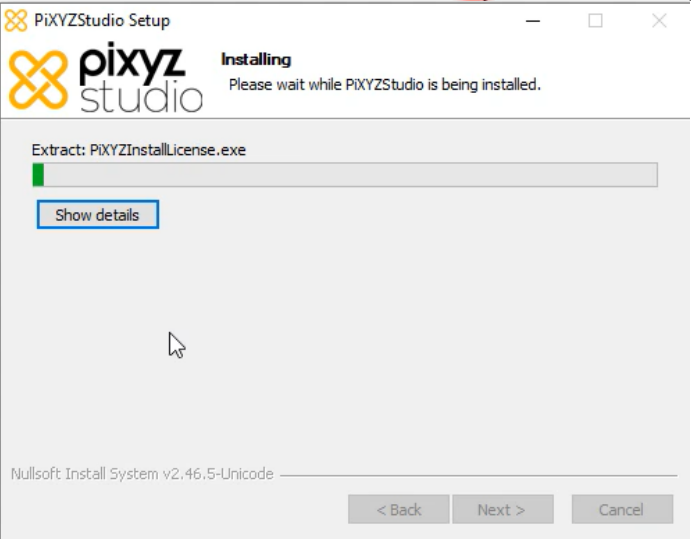
Click Install to begin the installation process.
-
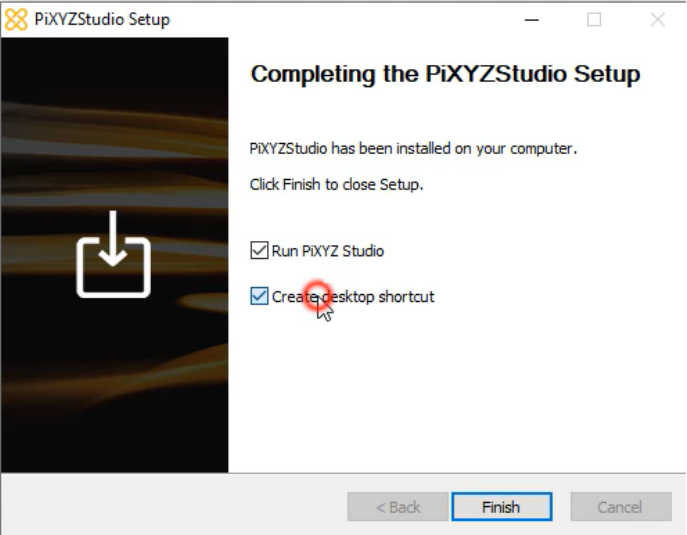
Once the installation is complete, click Finish to exit the installation wizard.