Licensing
Student License for PIXYZ Studio
-
Visit the Official PIXYZ Studio Website
Open the official PIXYZ Studio website. -
Select the 7-Day Free Trial
Click on 7 days free trial to begin the process.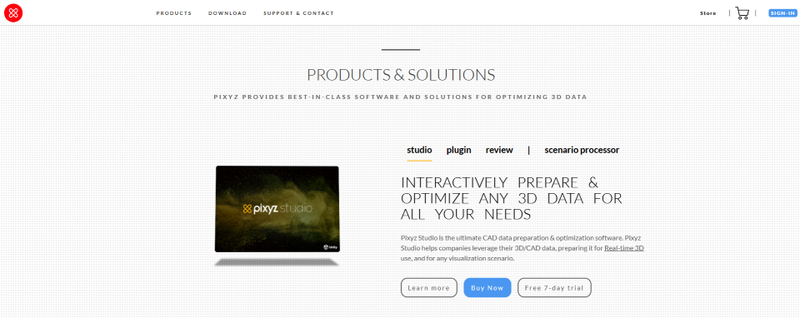
-
Confirm the Free Trial
A prompt will appear asking if you want to add the 7-day free trial license. Click Yes.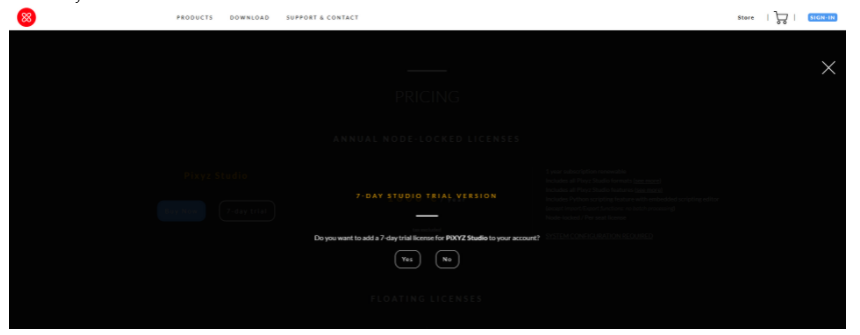
-
Register for the Trial
Click Register to begin the account creation process.
-
Provide Registration Details
Fill in your details and click Register to complete the registration.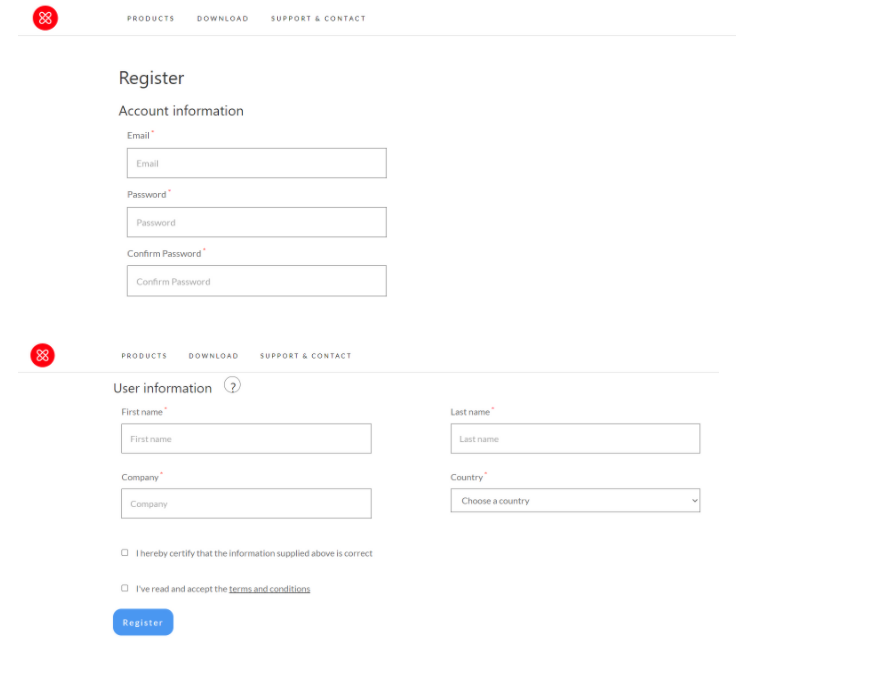
-
Receive License Key
PIXYZ Studio will send a 7-day free trial license key to your email, completing the account creation process.
Professional License for PIXYZ Studio
-
Visit the PIXYZ Studio Website
Open the official PIXYZ Studio website. -
Click on 'Buy Now'
Click on Buy Now to proceed with purchasing the professional license.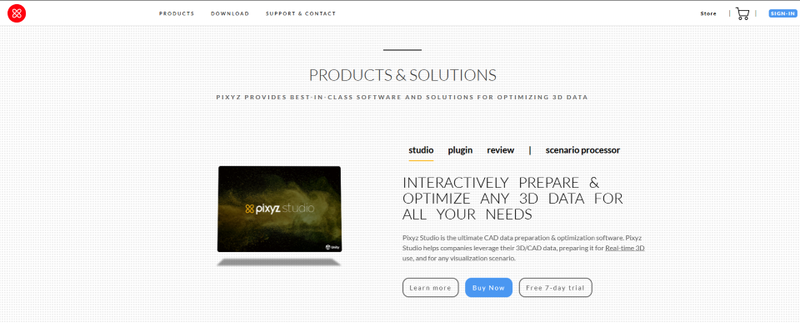
-
View Pricing Information
The 1-year subscription pricing will be displayed.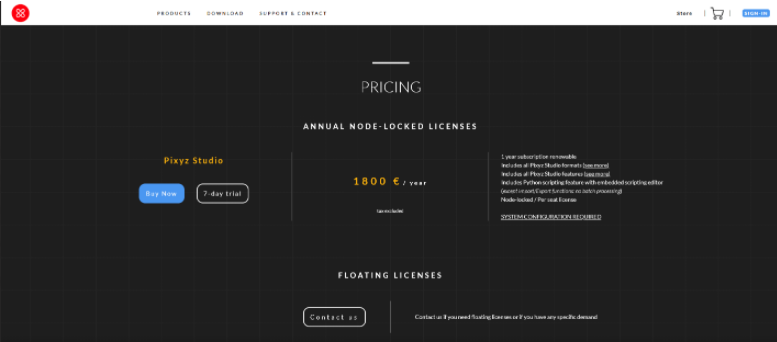
-
Add to Cart and Complete Billing
Click on Add to Cart and continue with the billing process.
-
Receive License Key
PIXYZ Studio will send the license keys to your email after the purchase is complete.