Configuration
Insta360 Studio V2023 Configuration
-
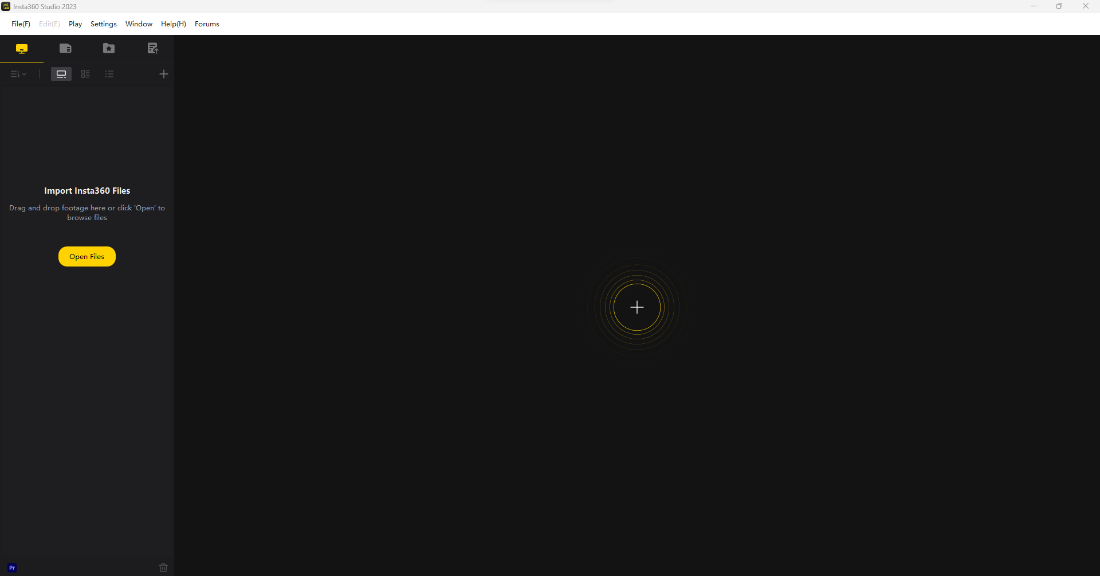
Open the Insta360 Studio application.
-
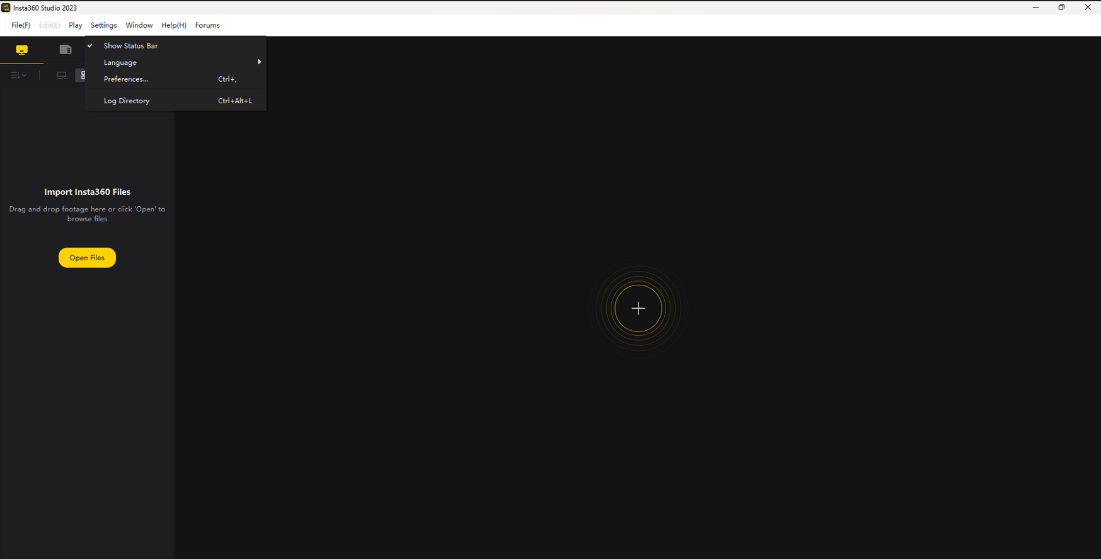
Click on the Settings tab. A settings pop-up window will appear as shown below.
-
Click on the Preferences option to open the configuration panel.
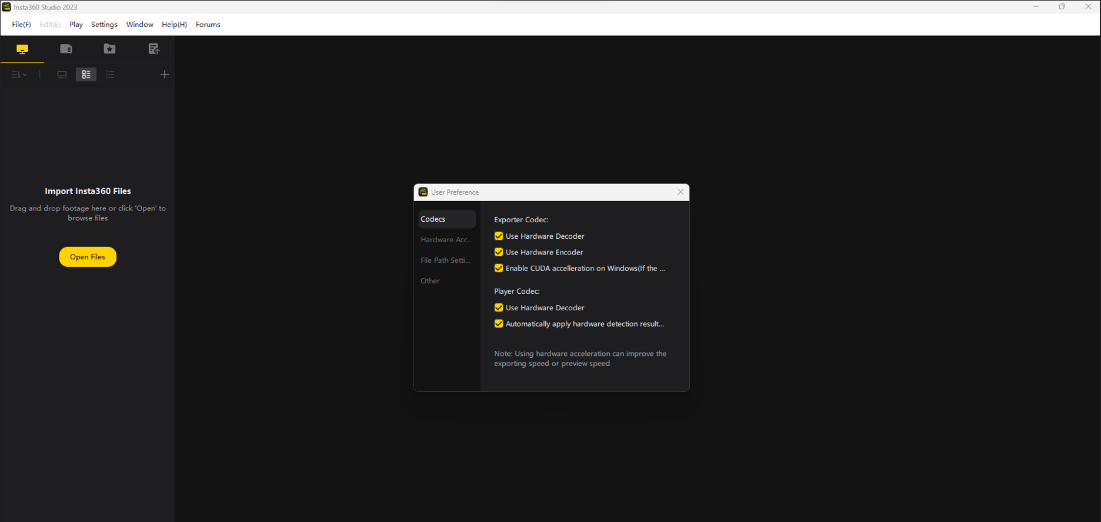
Codecs
- From the category menu, select Codecs.
- Customize the Exporter Codec options.
- Customize the Player Codec options.
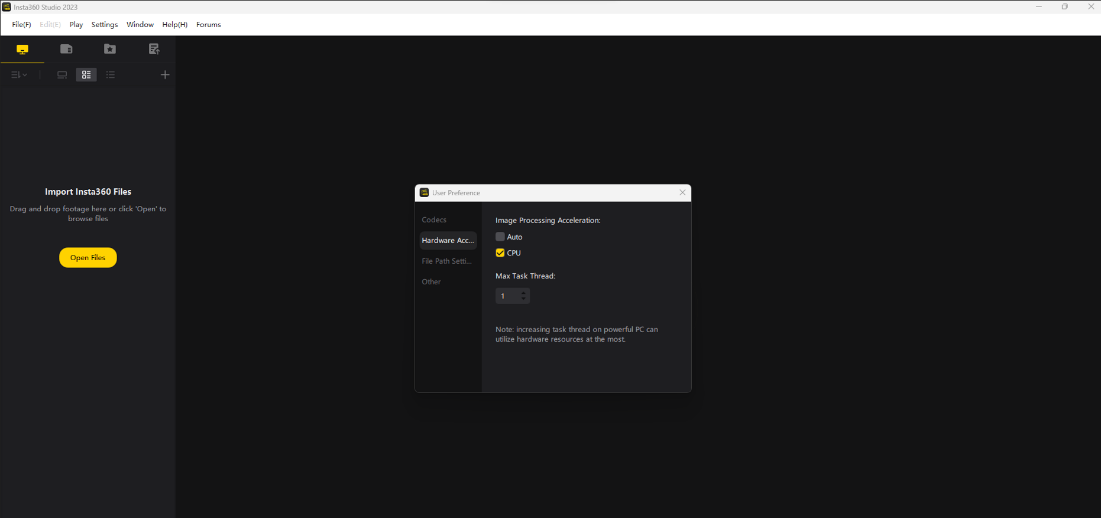
Hardware Acceleration
- From the category menu, select Hardware Acceleration.
- Configure Image Processing Acceleration options.
- Adjust the Maximum Task Thread settings based on system performance.
File Path Settings
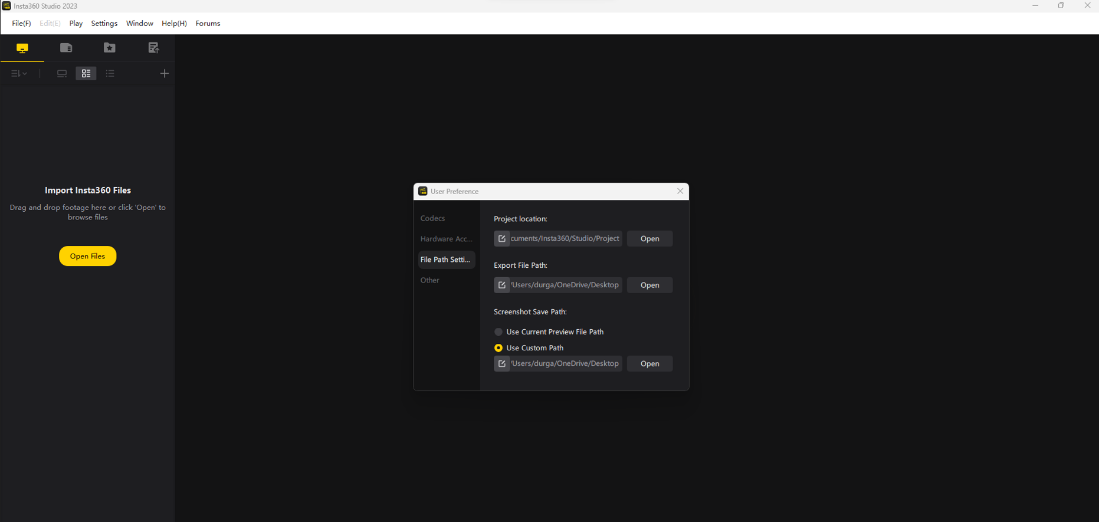
- From the category menu, select File Path Settings.
- Customize the Project Location.
- Configure the Export File Path.
- Set the Screenshot Save Path.
Other Settings
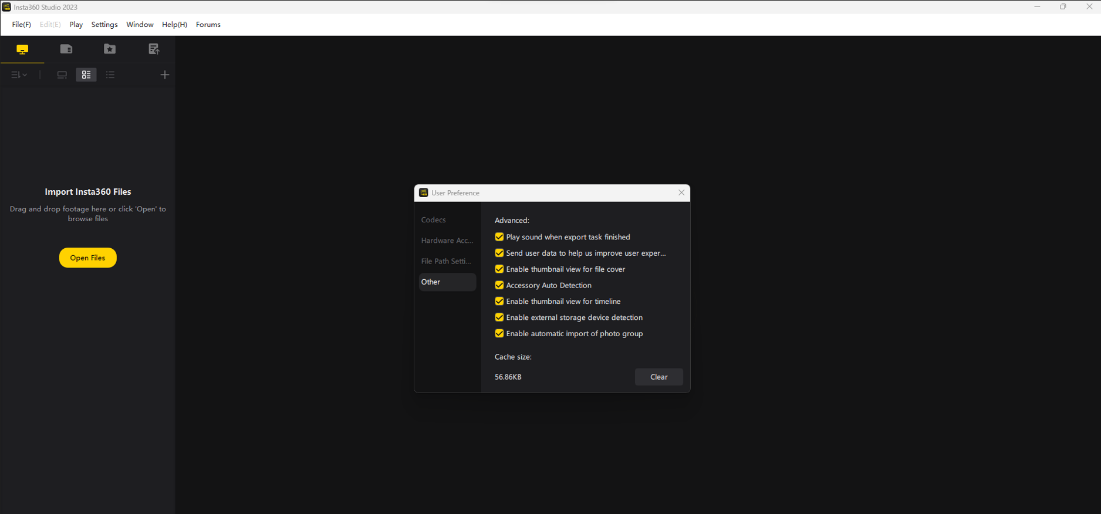
- From the category menu, select Other.
- Customize Advanced options.
- Adjust the Cache Size to optimize performance.