Installation
Insta360 Studio V2023
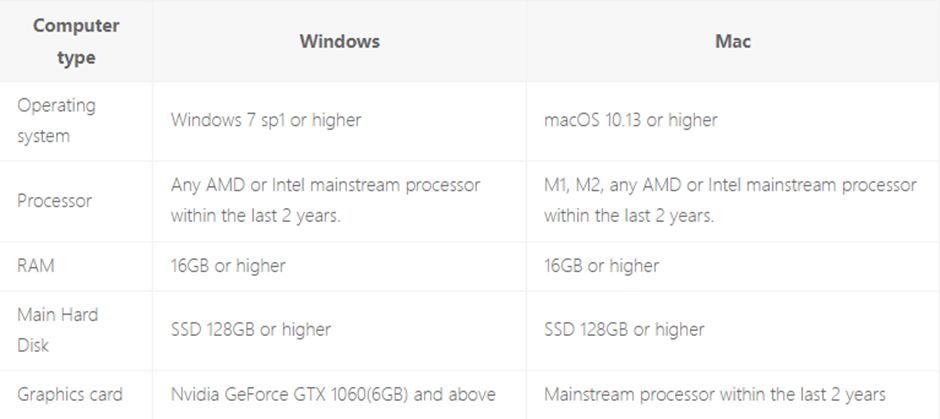
System Requirements
Installation
-
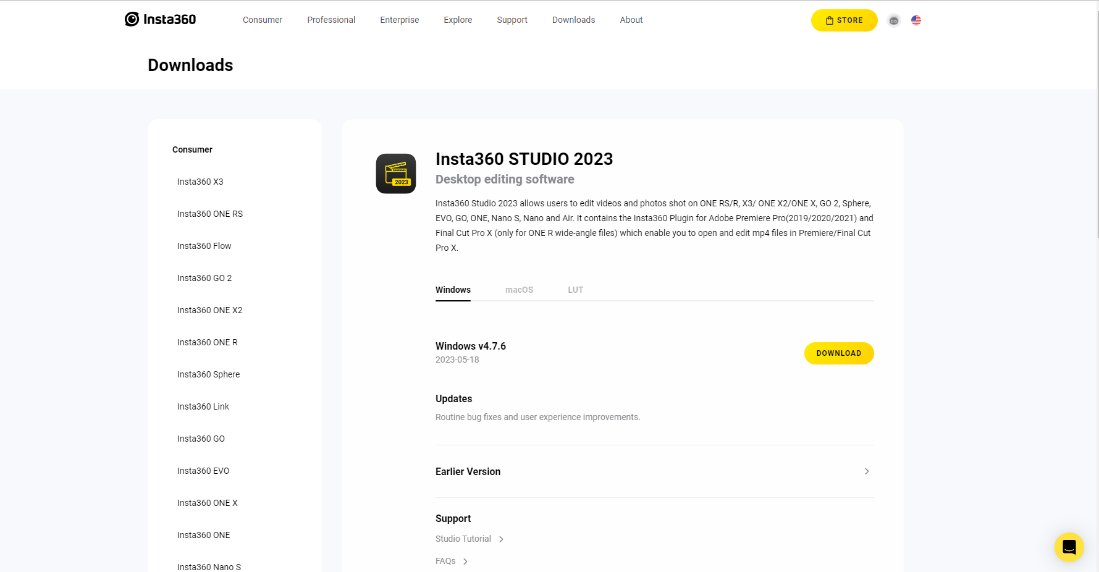
Download Insta360 Studio from the official website:
https://www.insta360.com/download/app/studio2019?r_from=%2Foner%2Fen-us%2Fstudio%2Fdownload -
On the Insta360 website, click Download Insta360 Studio.
-
A pop-up window will appear displaying the Insta360 download options.
-
Click the Setup file to begin the installation.
-
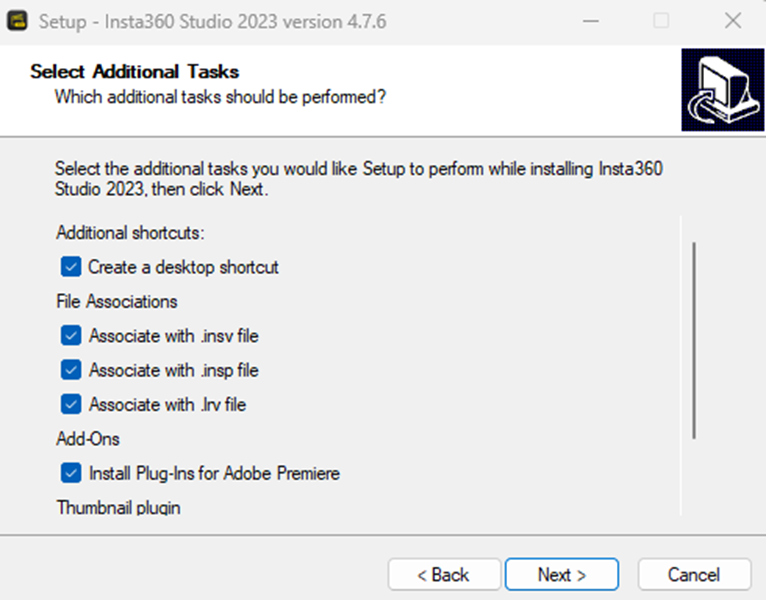
Select the checkbox Install Plugin for Adobe Premiere if you want to enable Premiere integration on your Windows system.
-
After selecting the required additional tasks, click Next.
-
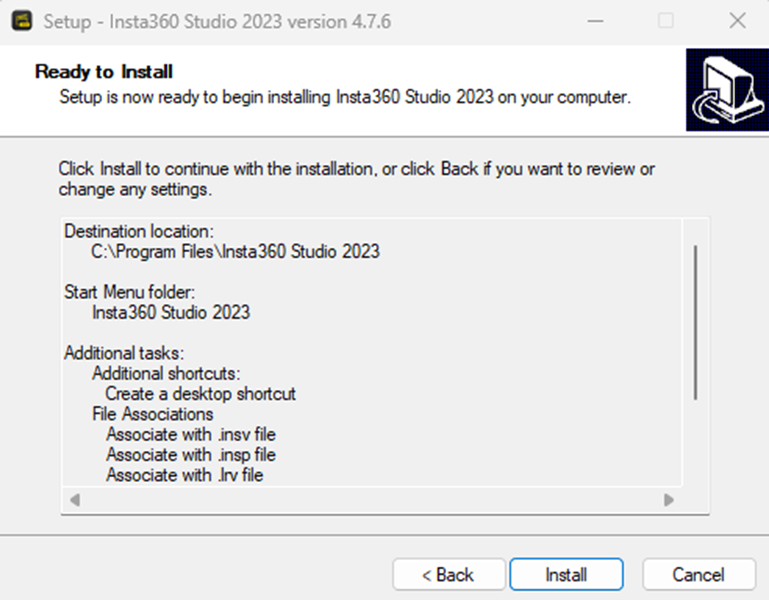
The installer will prepare Insta360 Studio for installation.
-
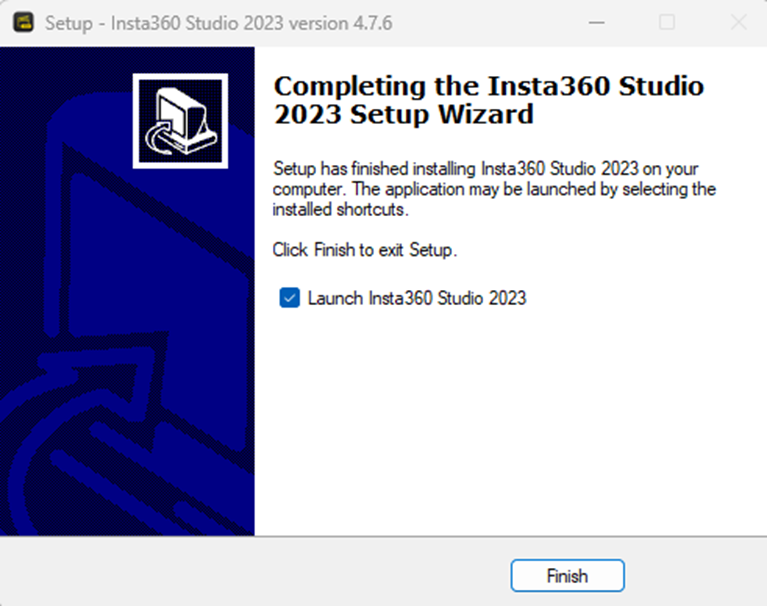
Follow the remaining steps in the installation wizard and click Finish to complete the setup.