Insta360 Workflow
Convert Insta360 .insp files to JPG using Insta360 Studio
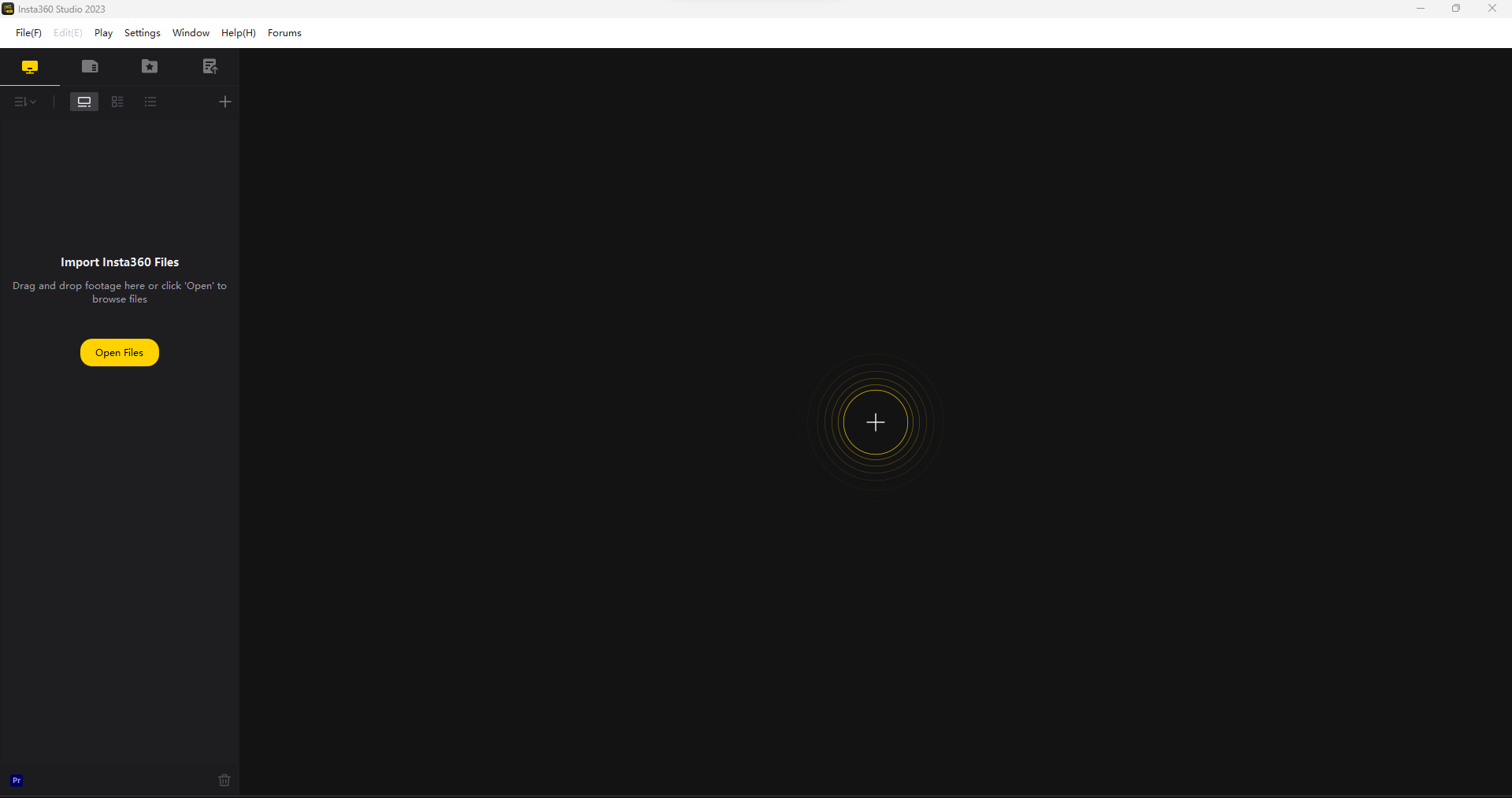
- Open the Insta360 Studio application.
-
Copy the
.inspimage files from the Insta360 camera to local storage on the PC. -
Insta360 Studio supports the following import formats:
.insv,.insp,.lrv,.mov,.mp4,.jpg, and.dng. -
Click the Open Files option.
-
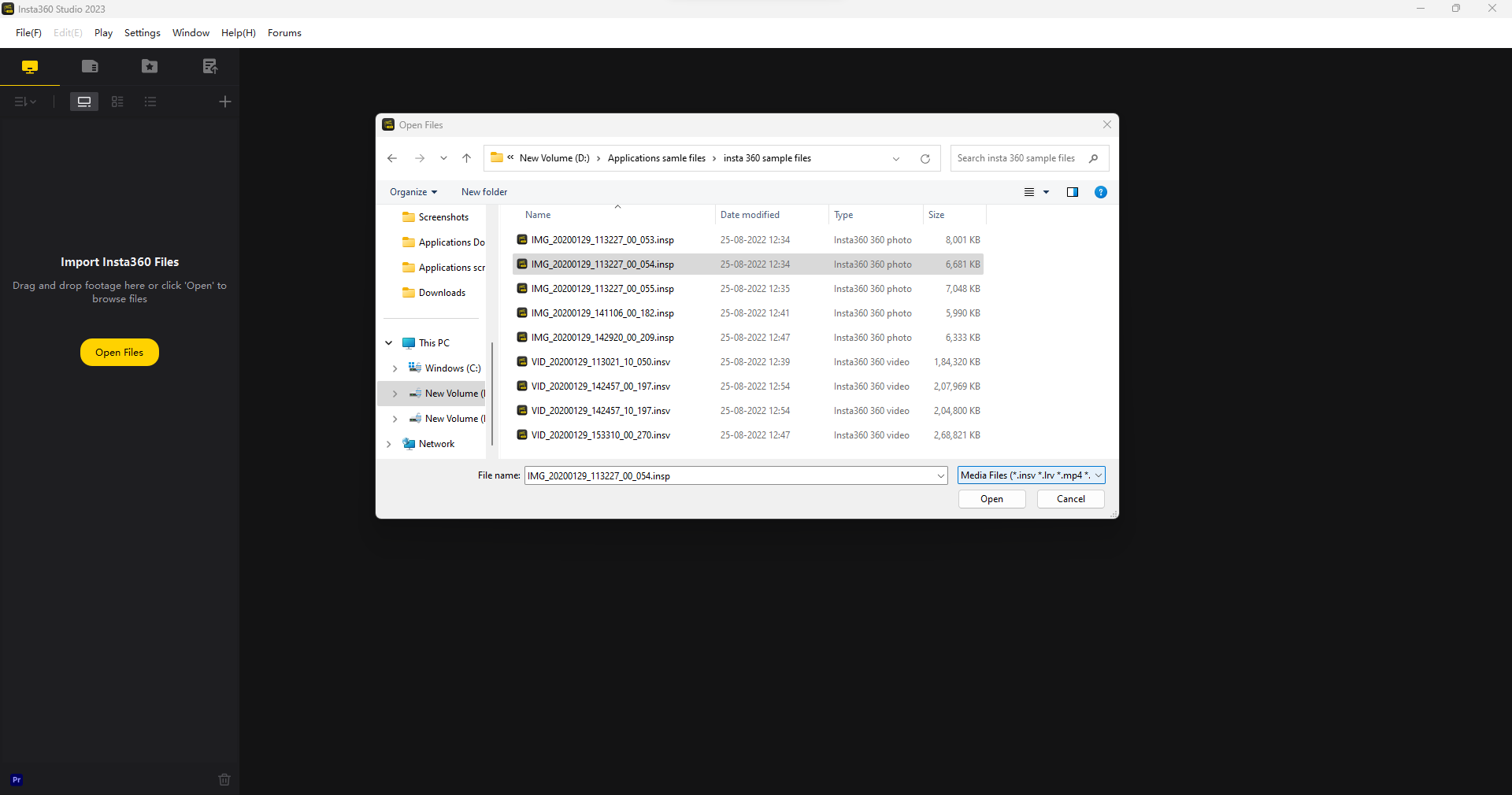
Select the required
.inspfile and click the Open button.
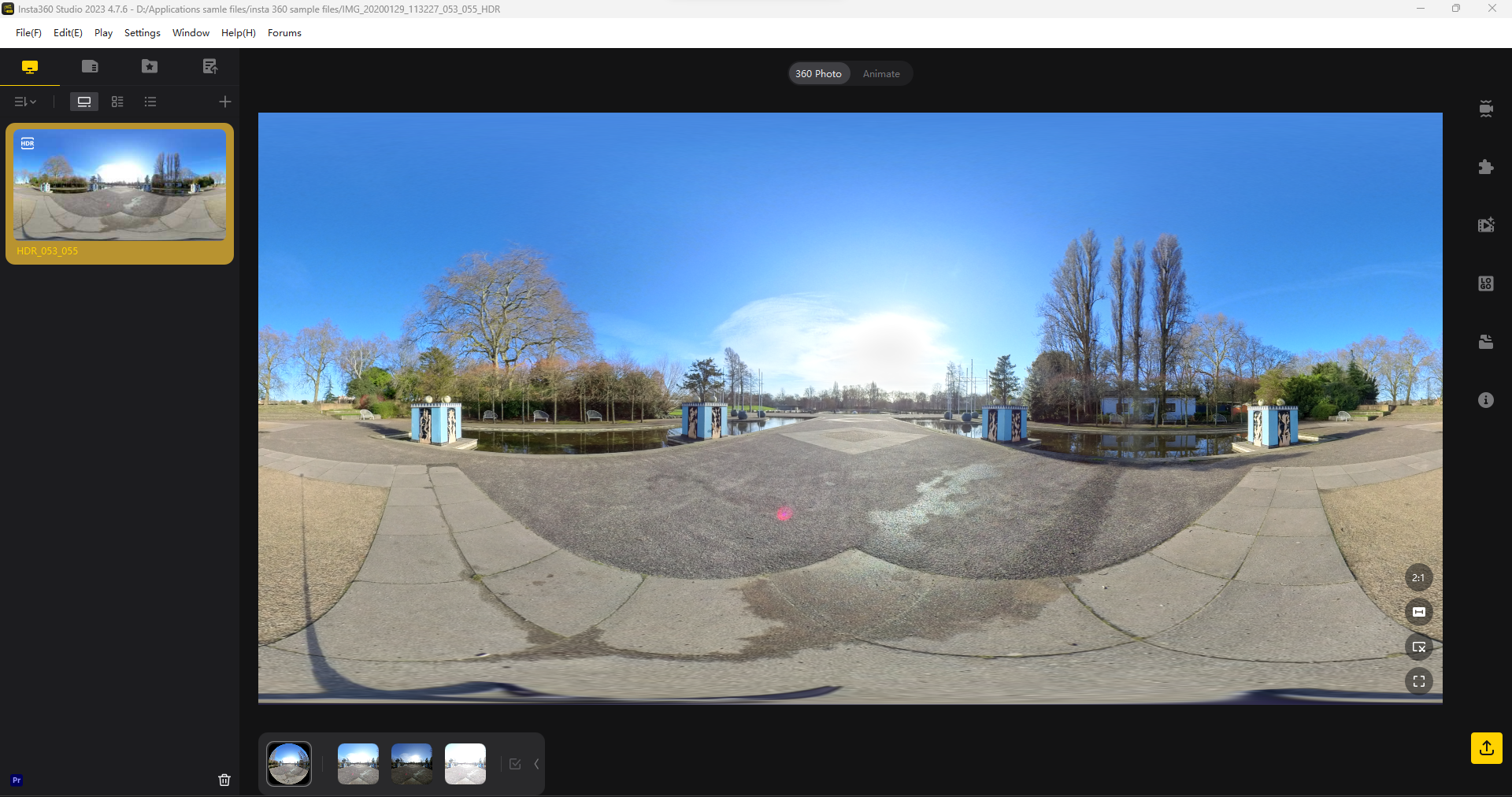
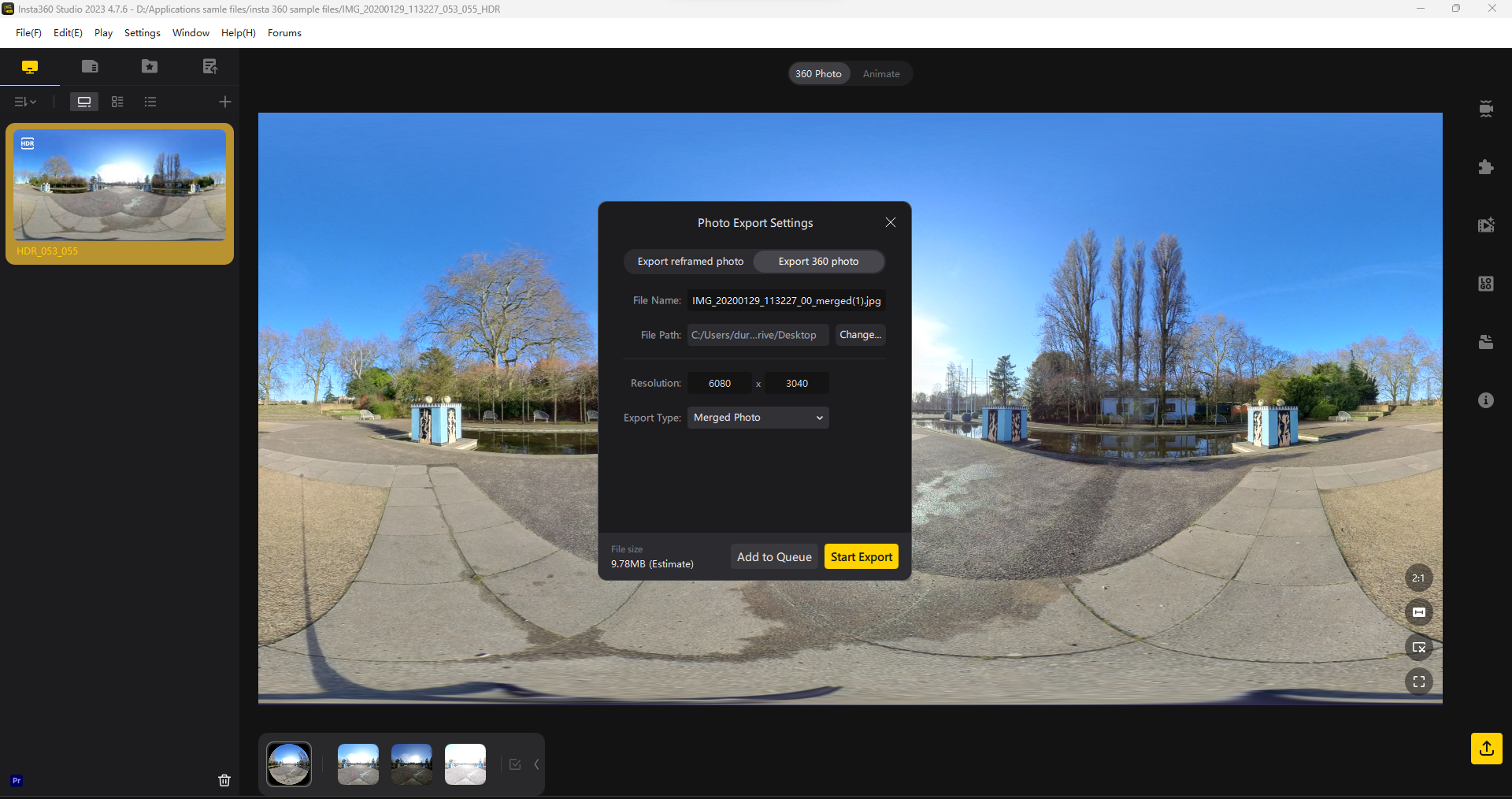
- The imported
.inspfile will be displayed as shown below.
- Click the Export button on the right side of the screen and choose JPG as the output format.
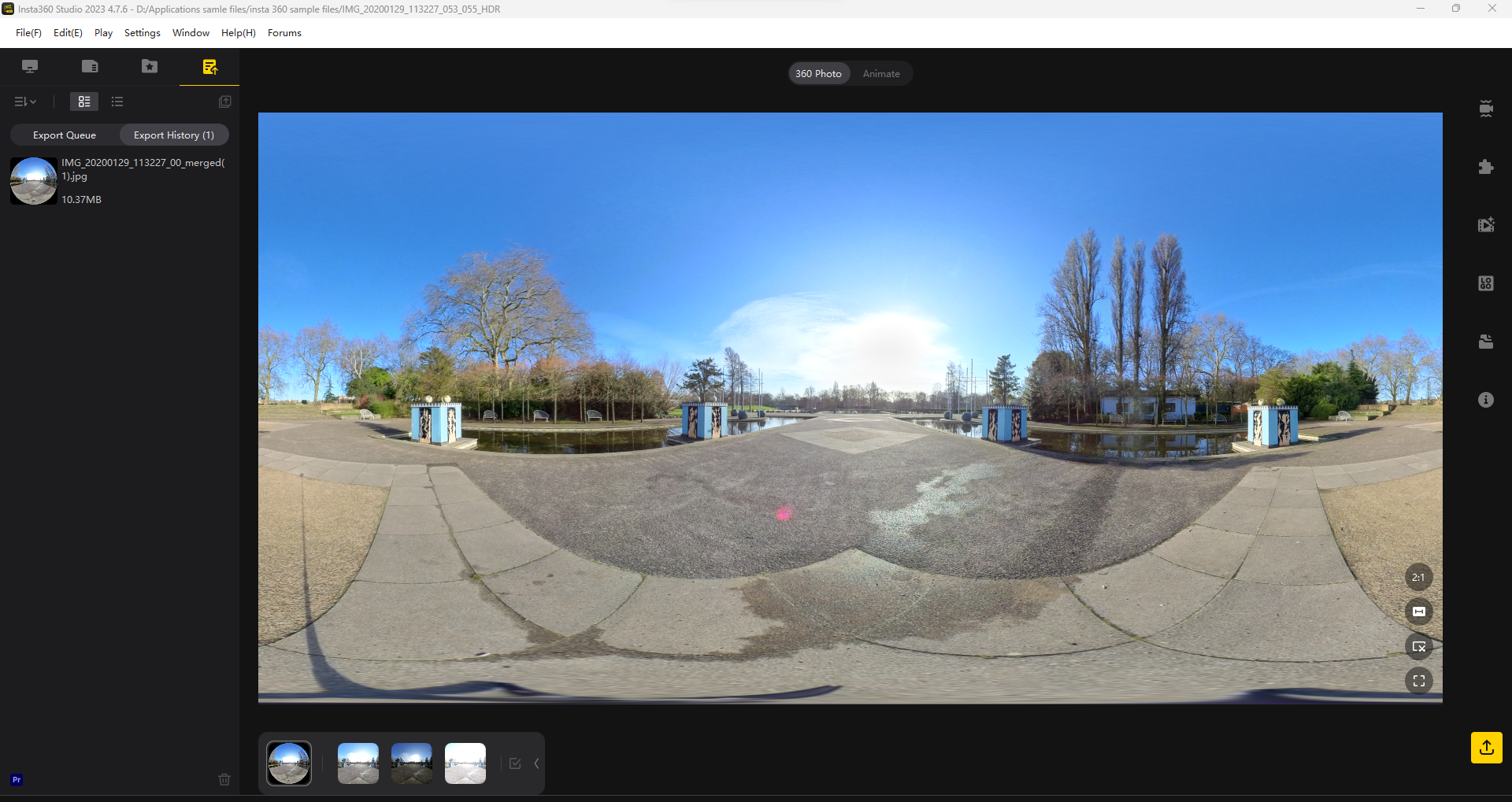
- After the export is completed, verify the output in the Export History.