Configuration
1. App Settings
-
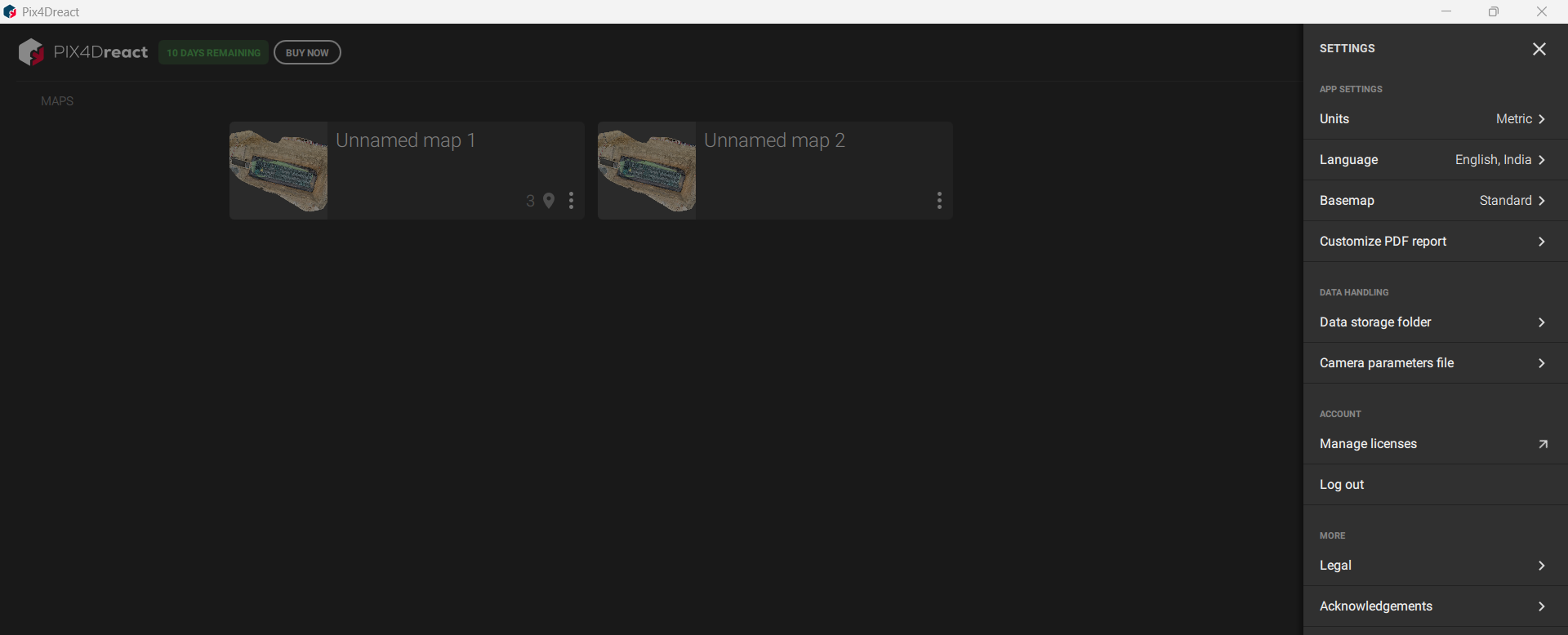
Go to Settings in the Category menu to customize application behavior.
-
Available options:
-
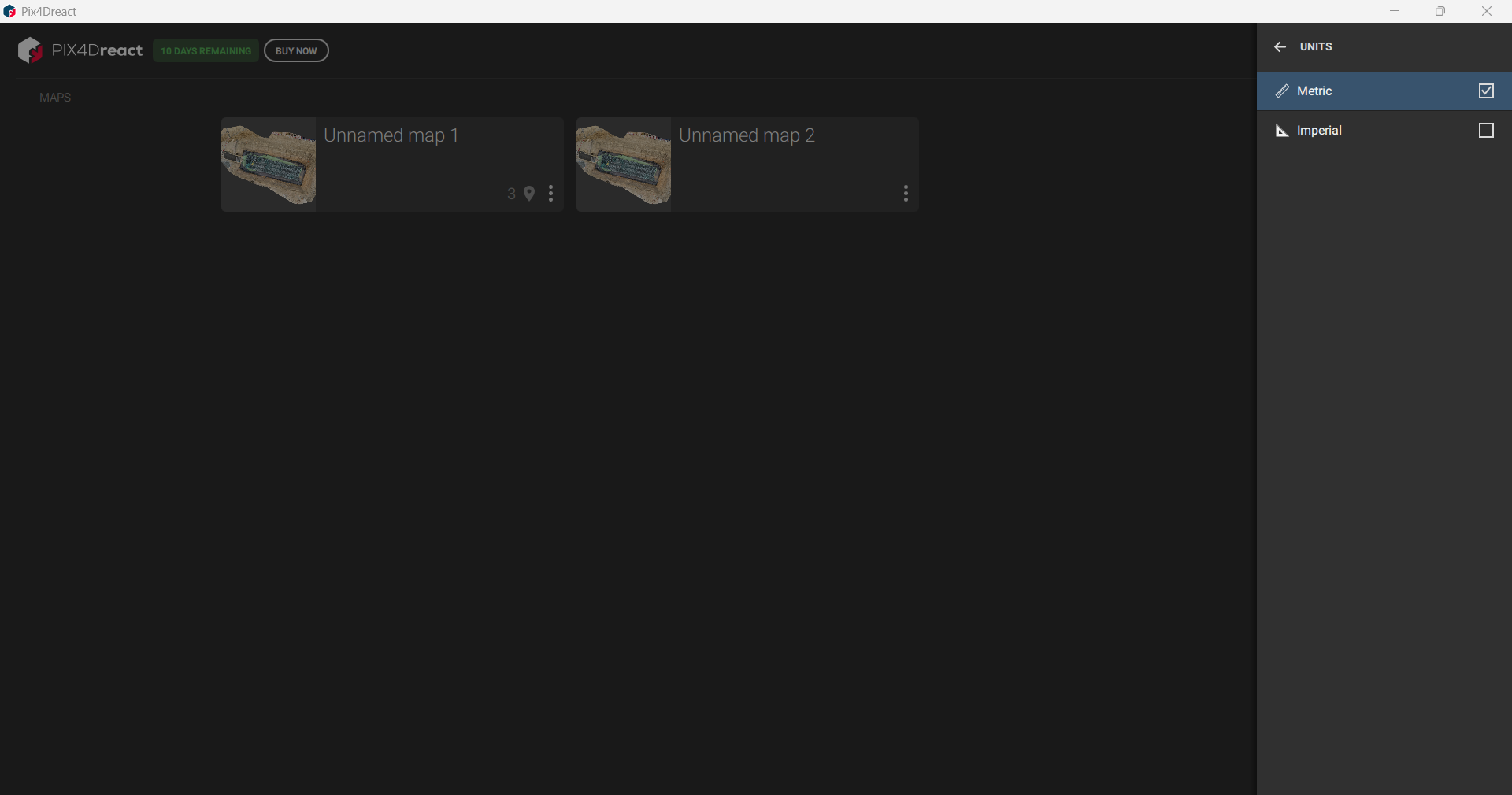
Units – Adjust measurement units.
-
Language & Country/Region – Set preferred language and locale.
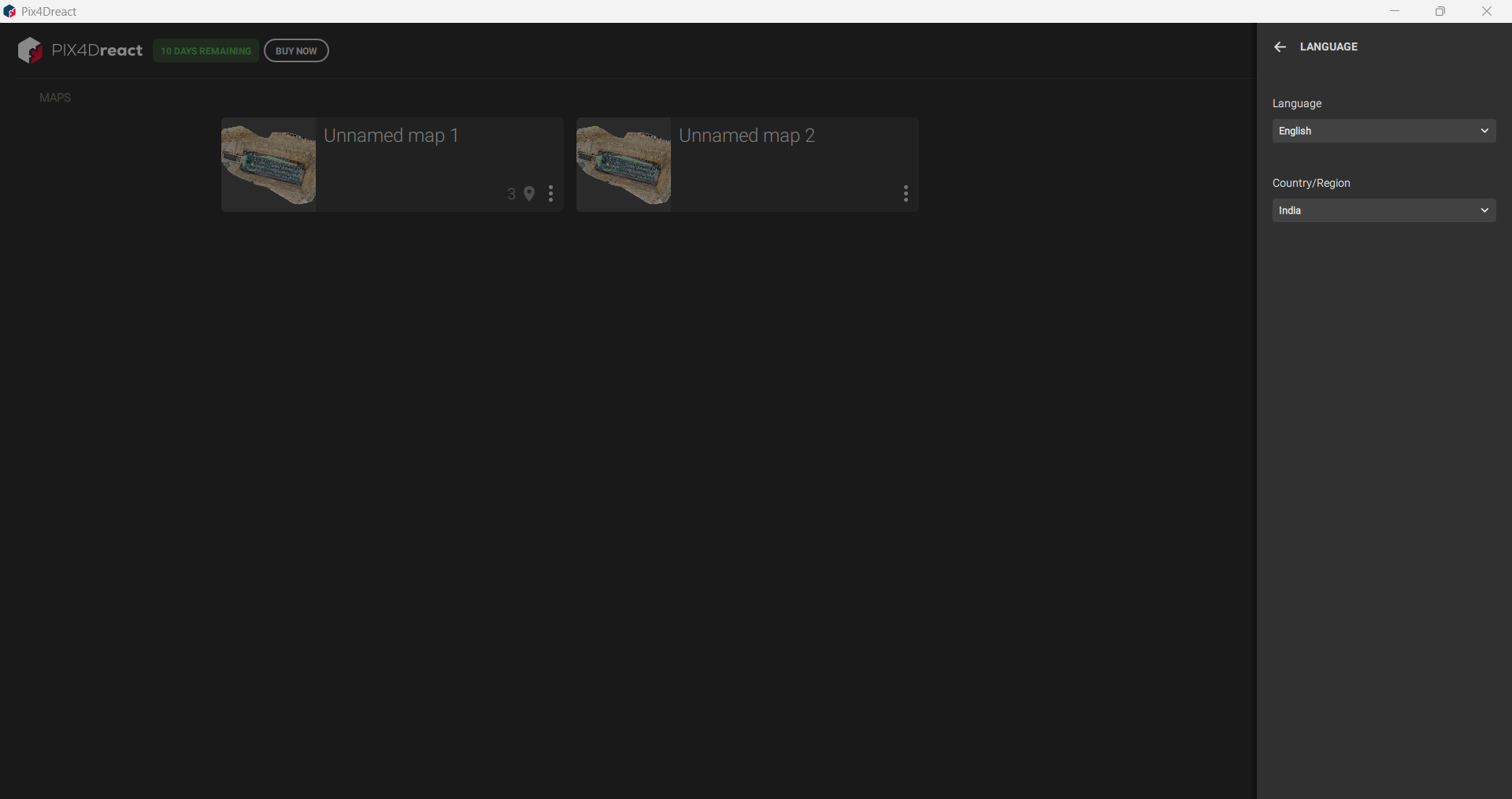
-
Base Map – Choose default map type.
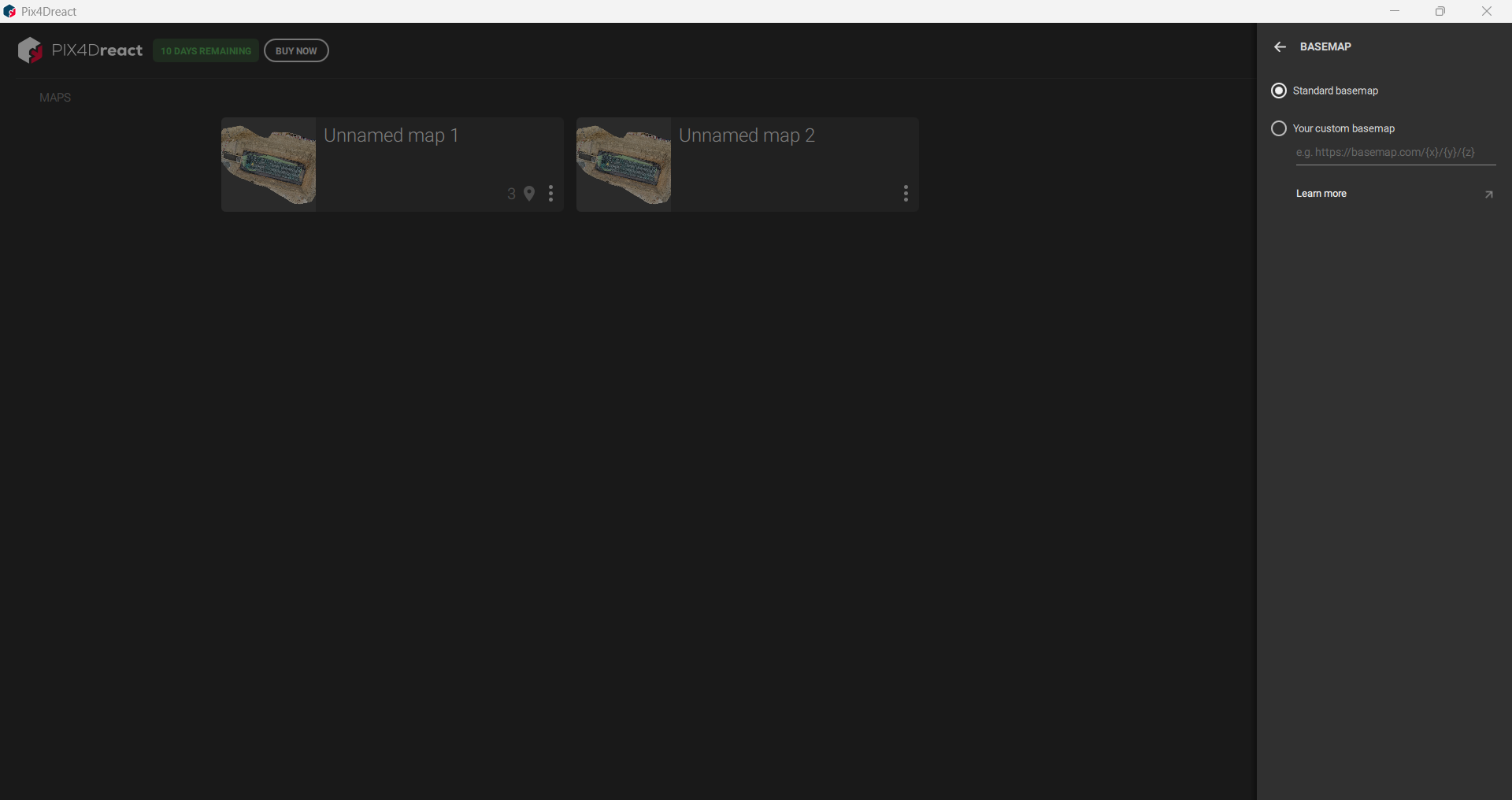
-
PDF Report Customization – Define layout and content for export reports.
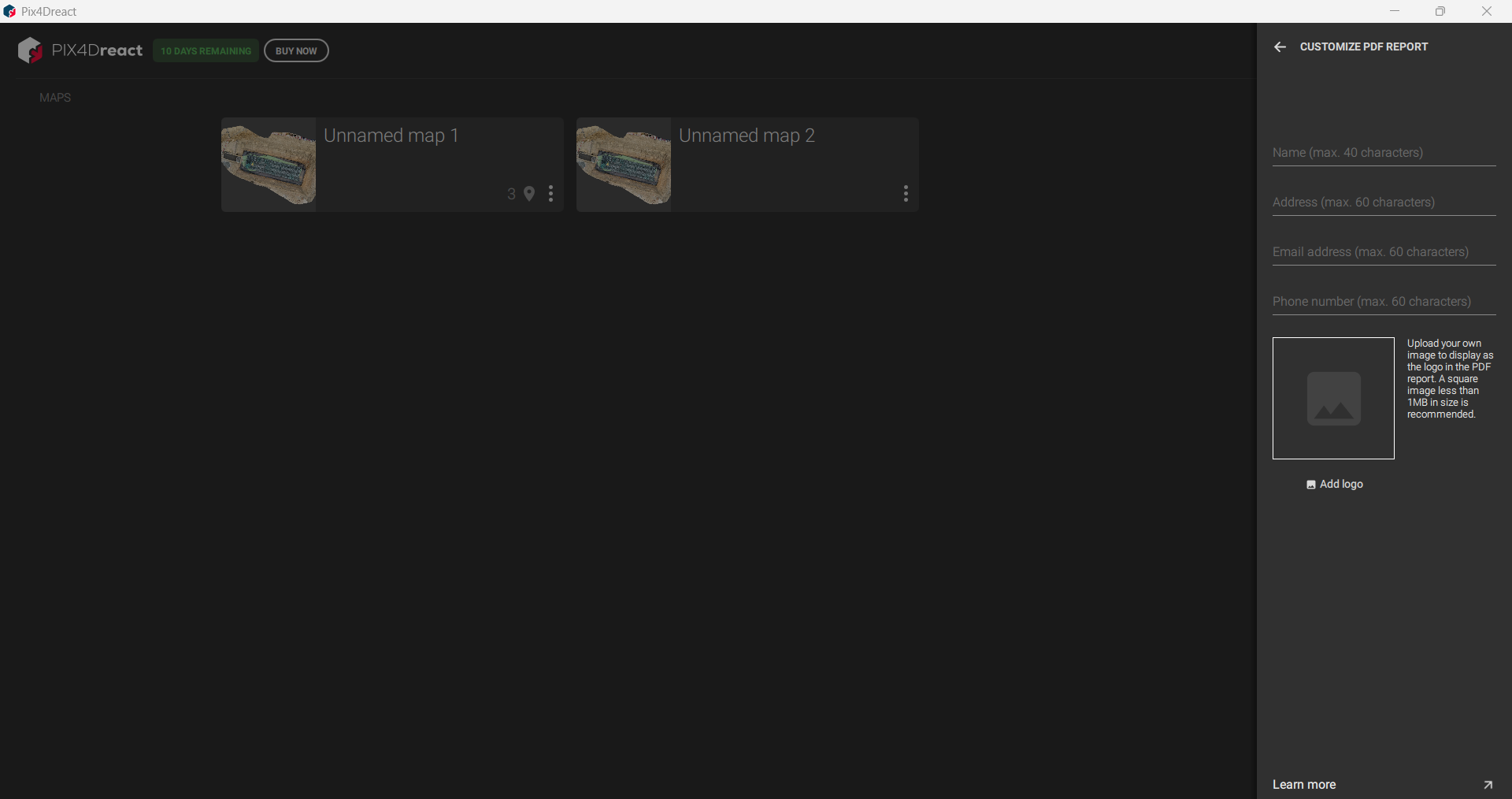
-
2. Data Handling
-
Customize how Pix4Dreact manages project data:
-
Data Storage Folder – Set default folder for storing projects and outputs.
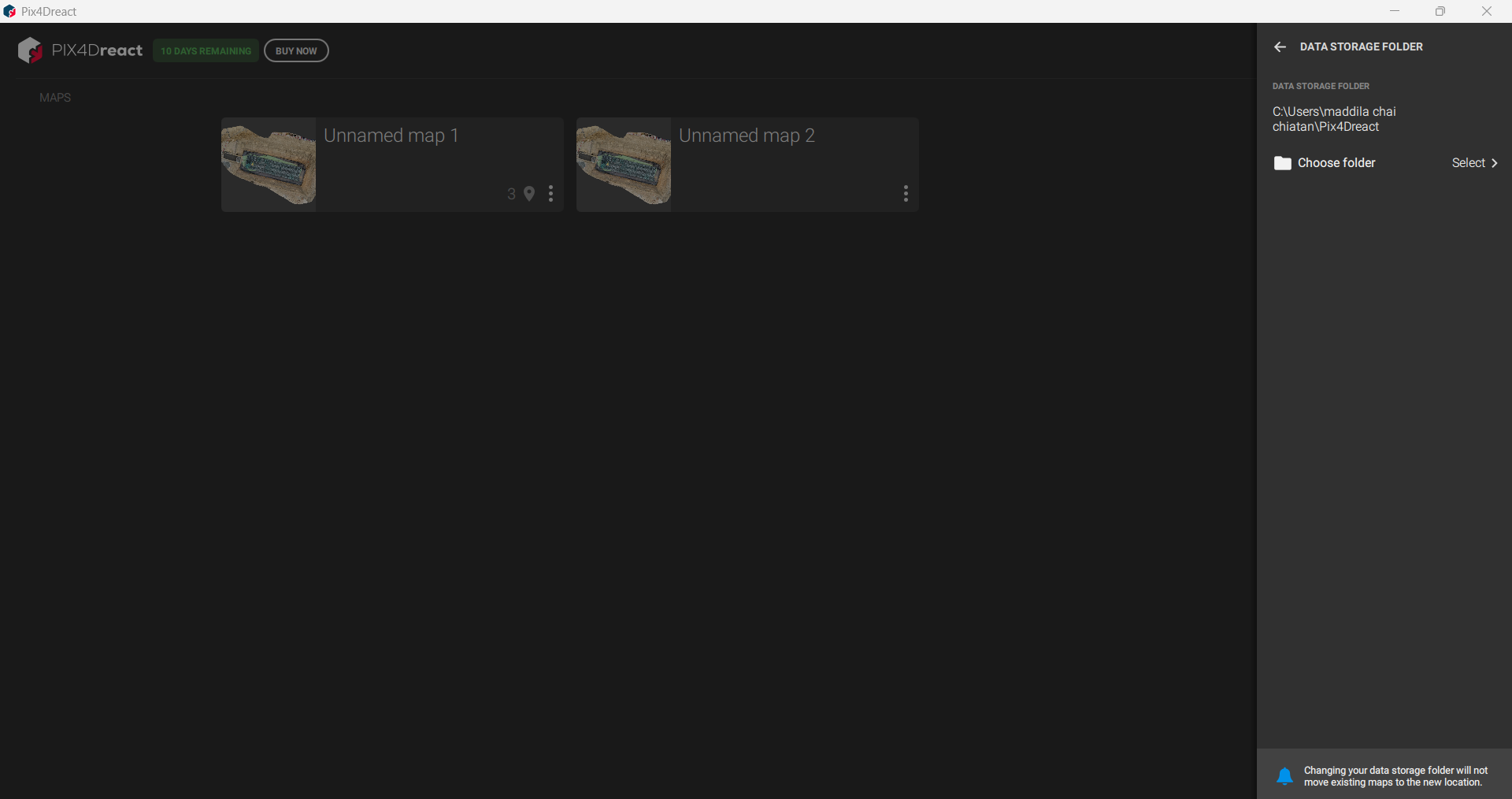
-
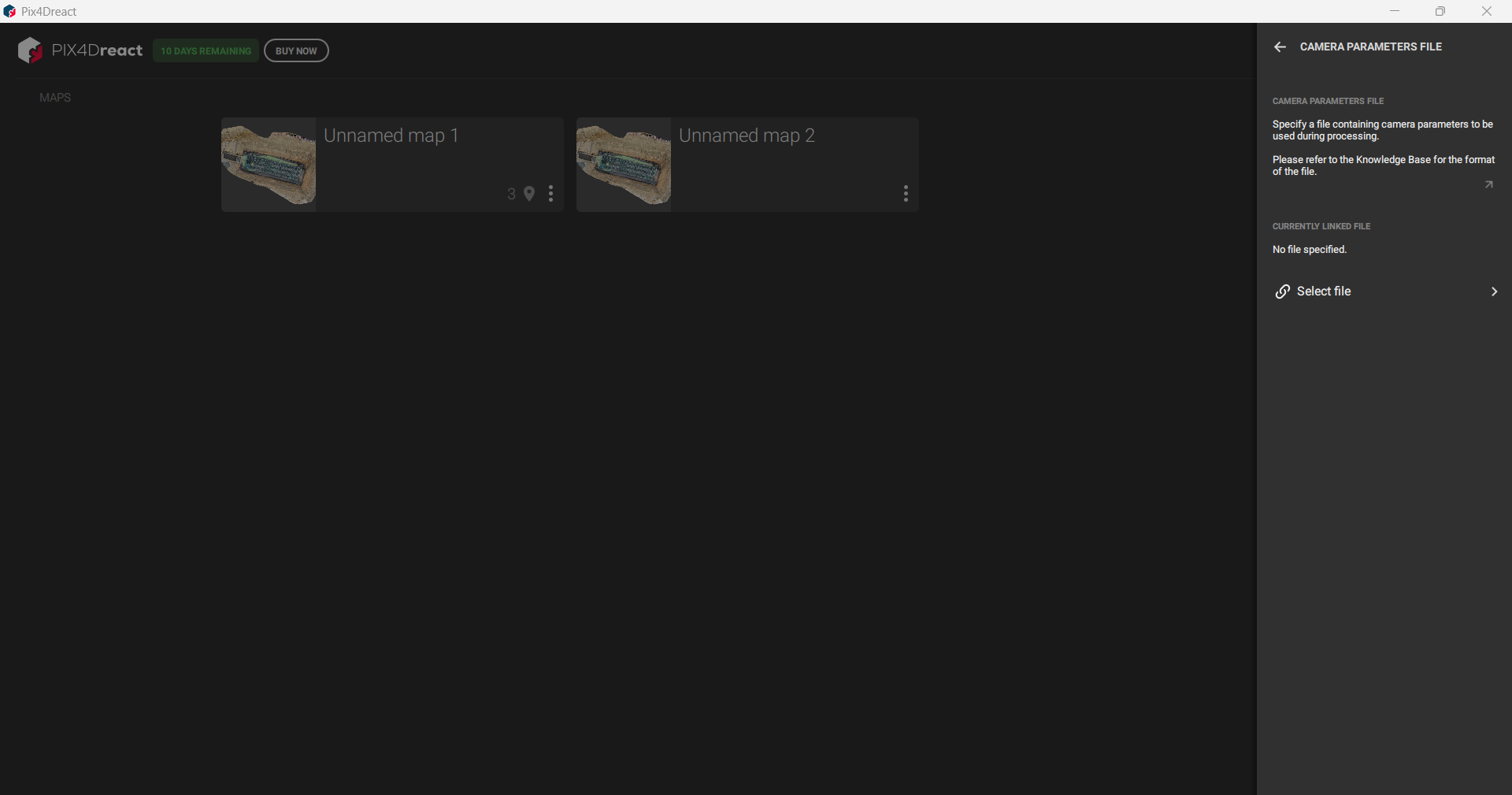
Camera Parameter File – Configure default camera parameters for processing.
-
3. Account Management
-
Manage licensing and user sessions:
- Manage License & Logout – Access license settings and log out of the account.
- Manage License & Logout – Access license settings and log out of the account.
4. Additional Options
-
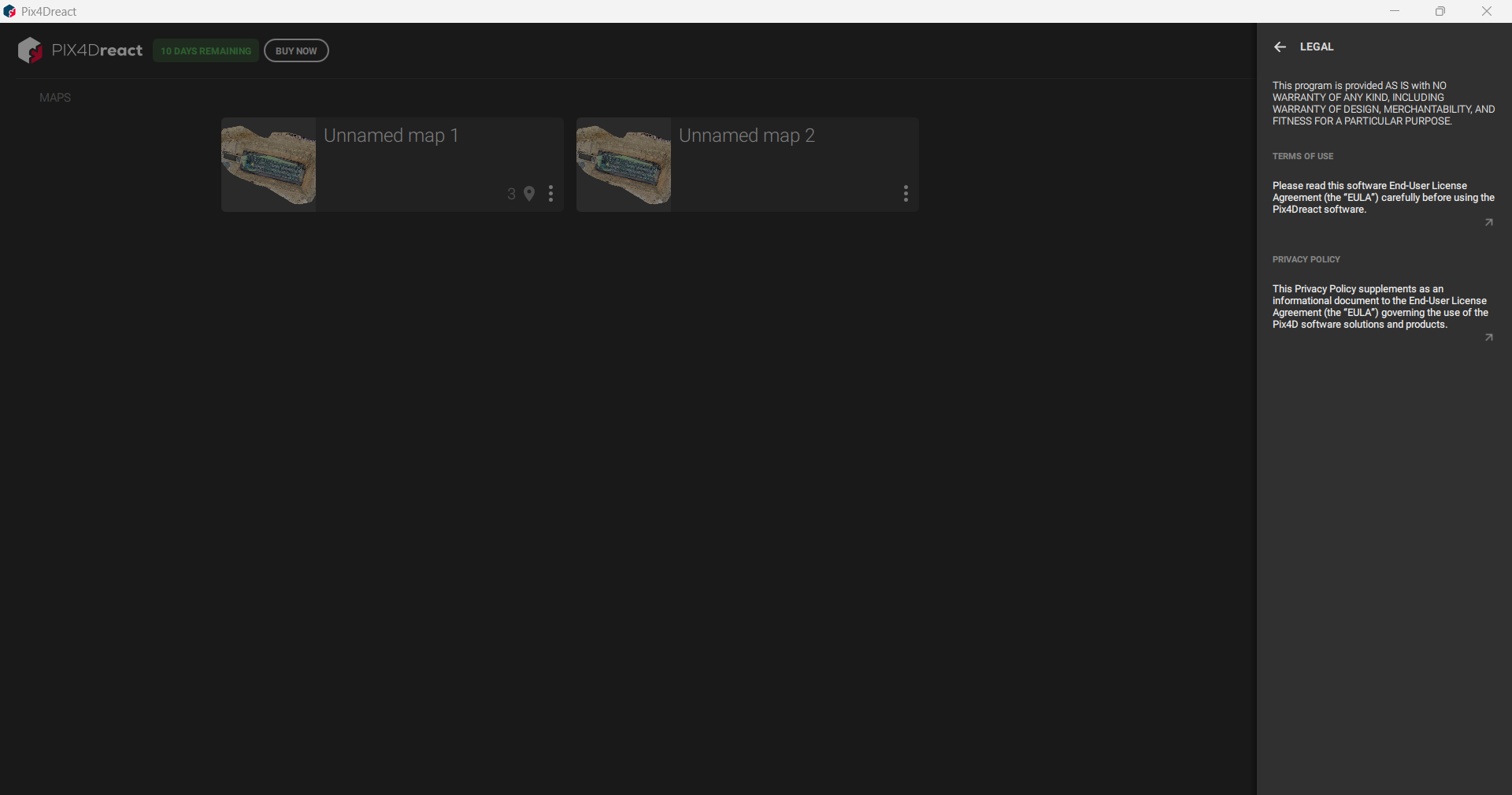
Legal – View software terms and legal documentation.
-
Acknowledgements – View credits and acknowledgements.