Licensing
Free Trial
-
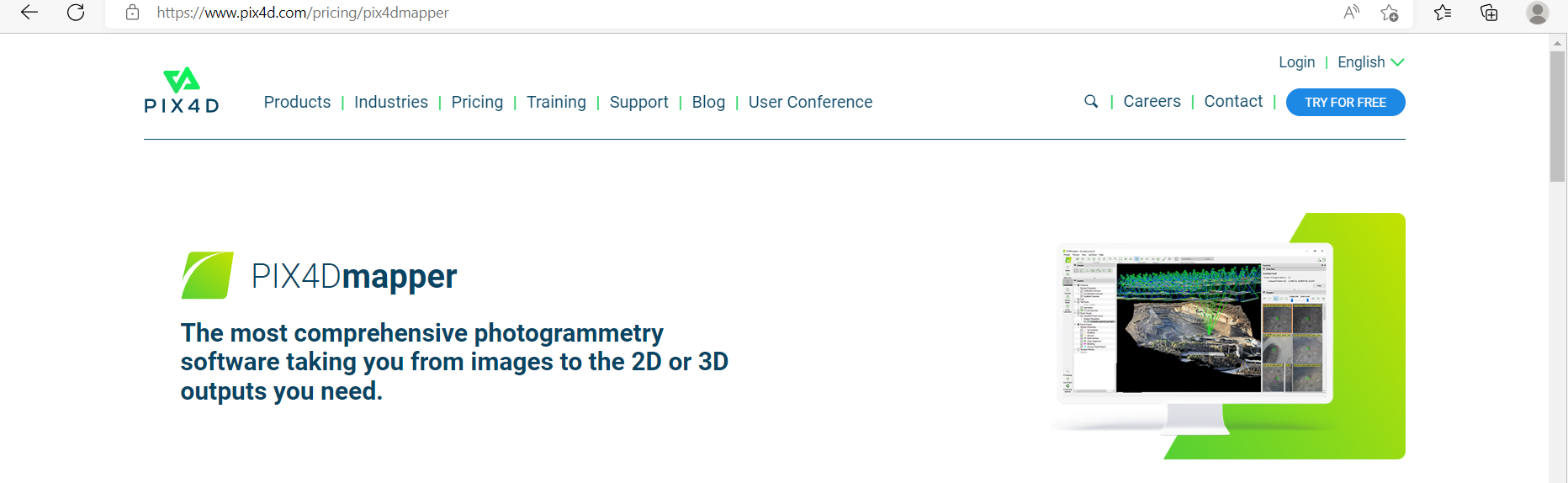
Visit the Pix4D Official Website.
-
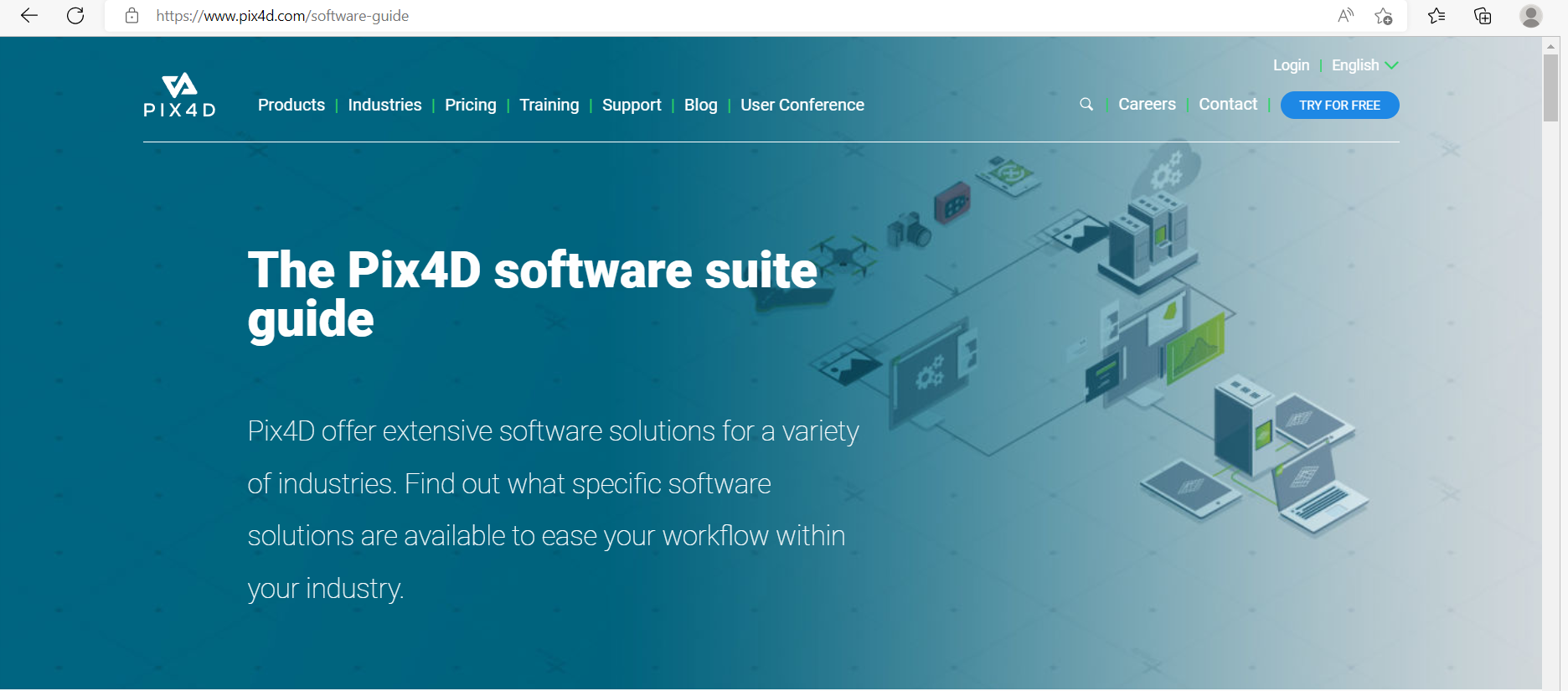
Click Try for Free at the top-right corner.
-
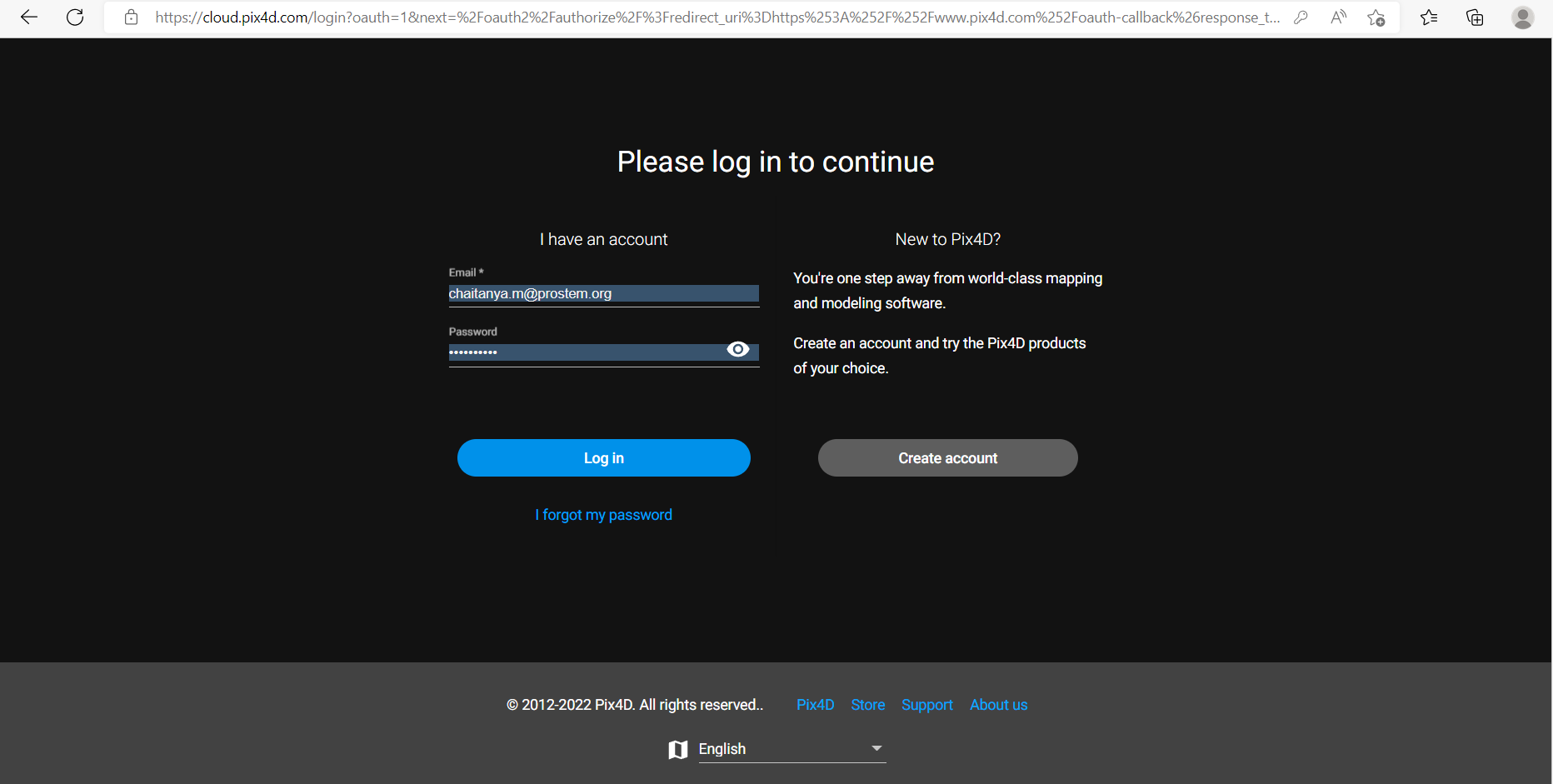
If you already have an account, click Login above the Try for Free button.
-
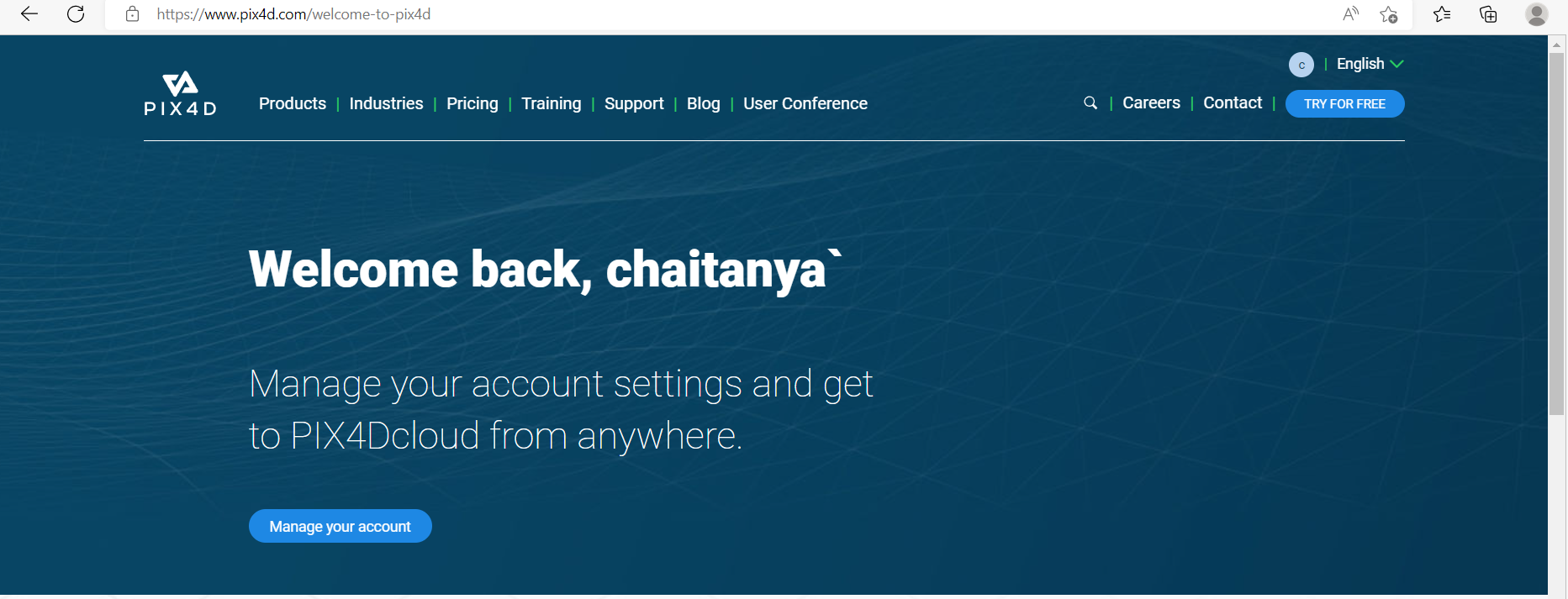
After logging in, your account name will be displayed.
-
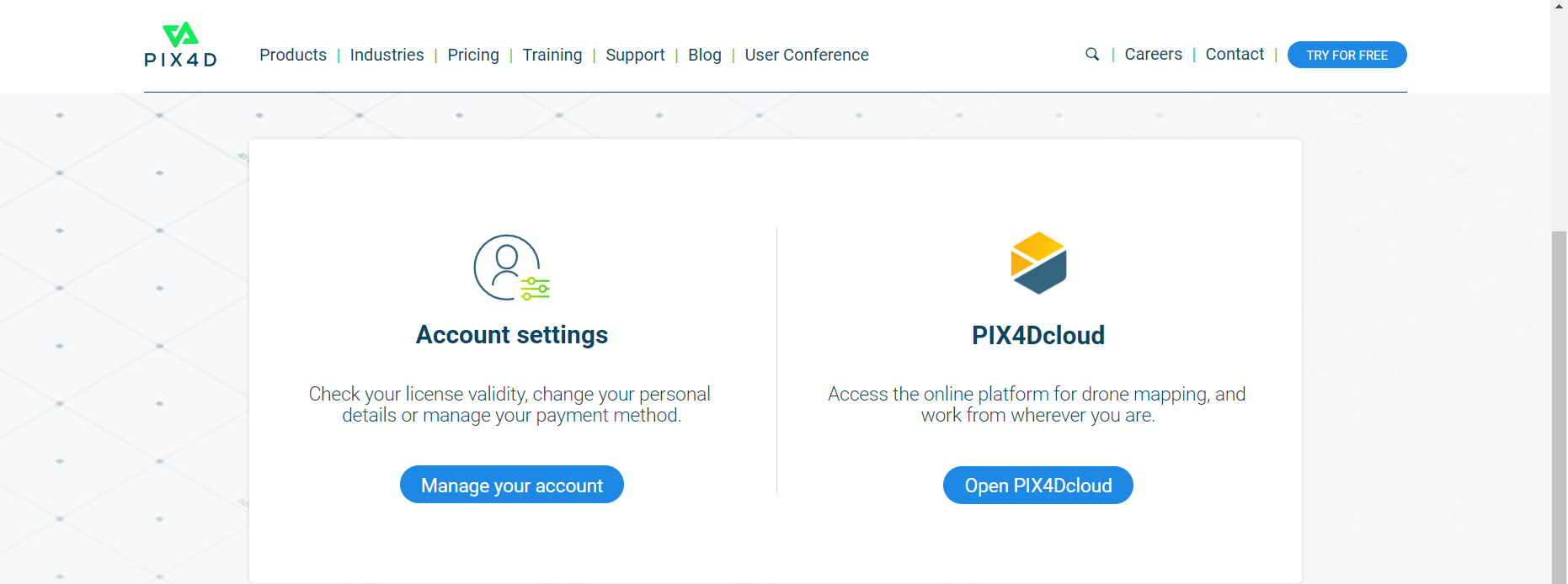
Scroll down to manage your account and cloud services.
-
Download sample files from the cloud if needed.
-
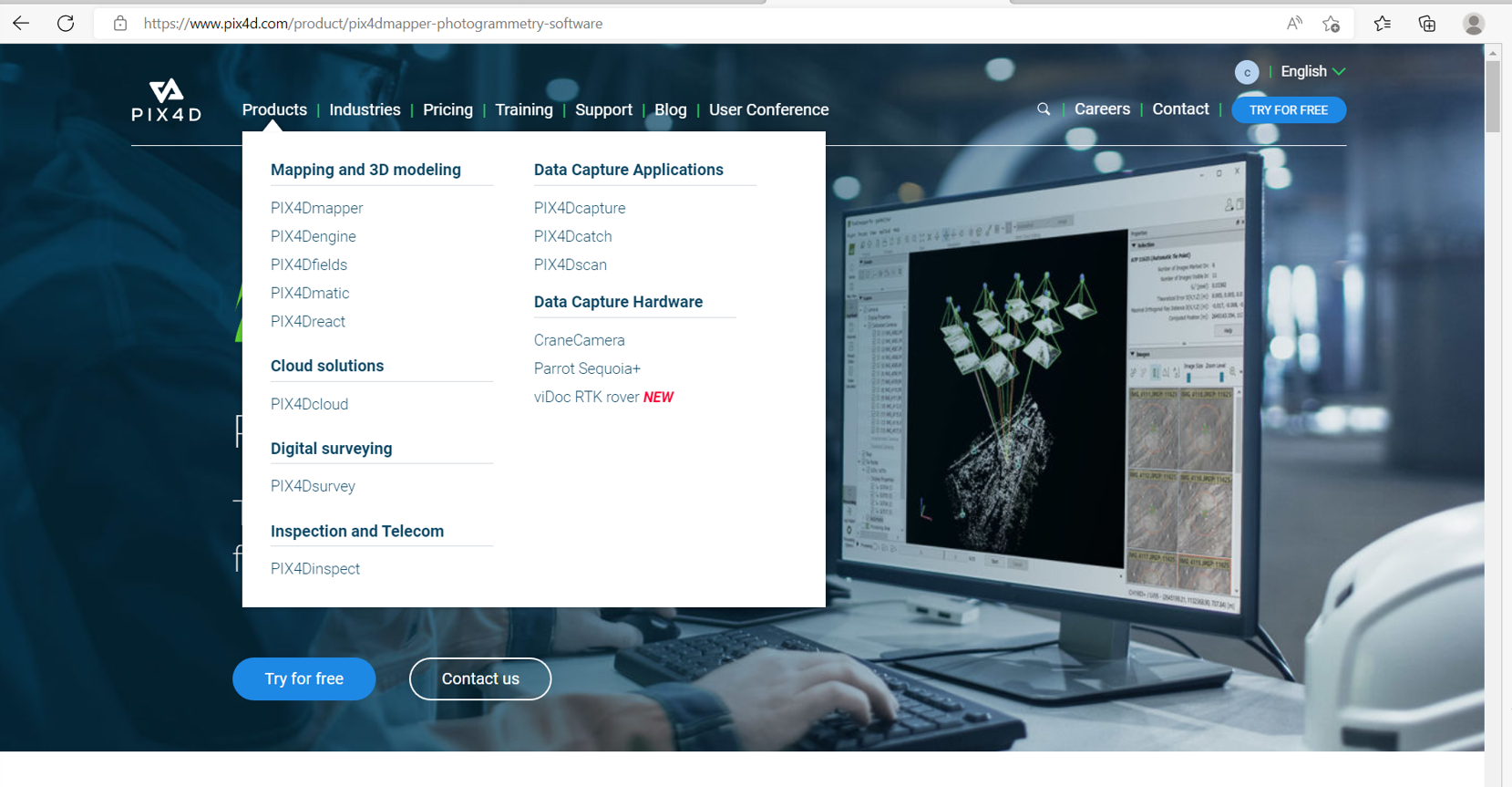
Navigate to Products, select the product, and click Try for Free to confirm the download.

-
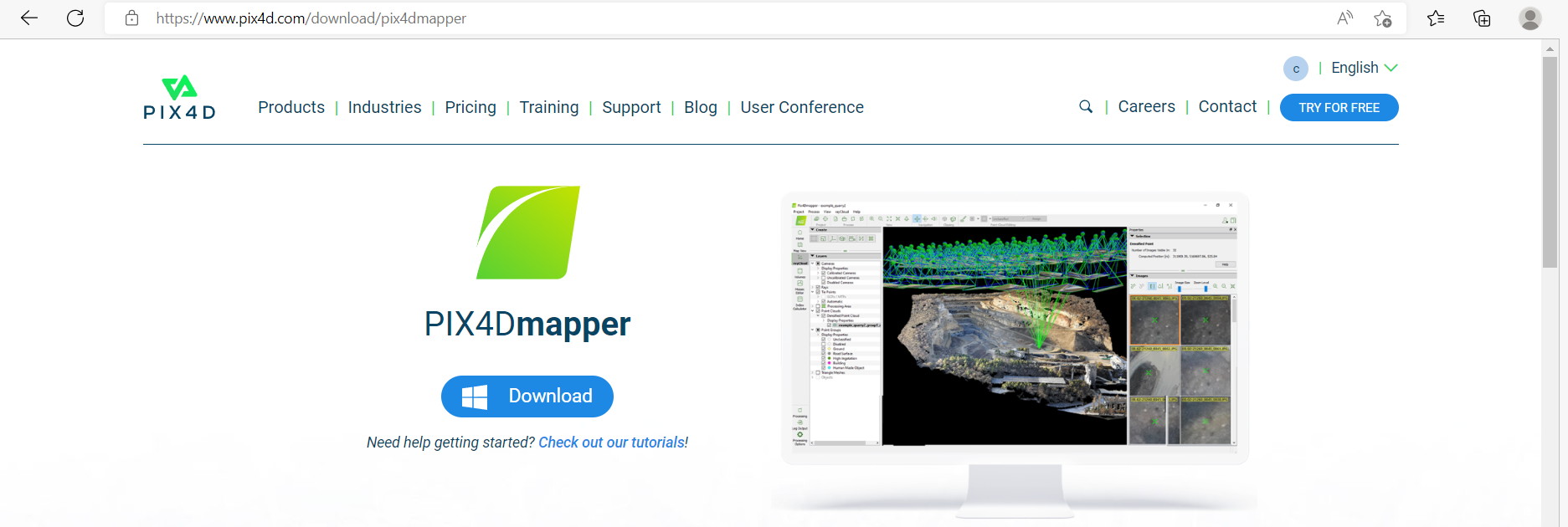
Click Download to get the application.
Paid License
-
Log in to your Pix4D account on the official website.
-
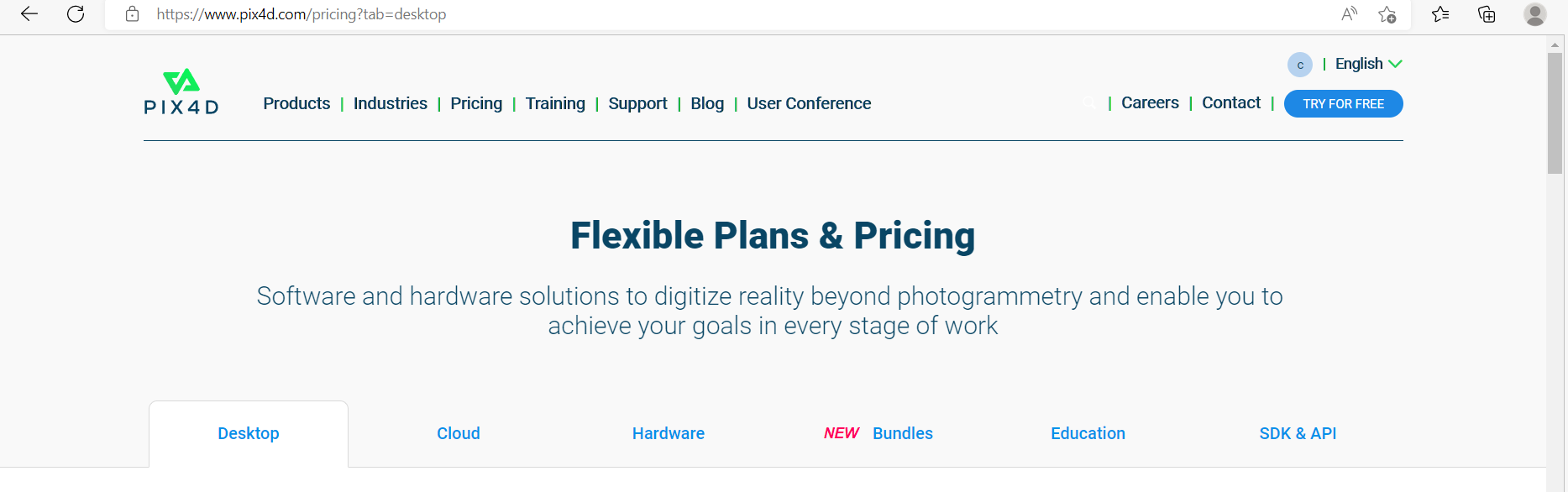
Go to Pricing to view the available license options.
-
Select your license based on usage requirements: Desktop, Cloud, Hardware, Bundles, Education, or SDK & API.
-
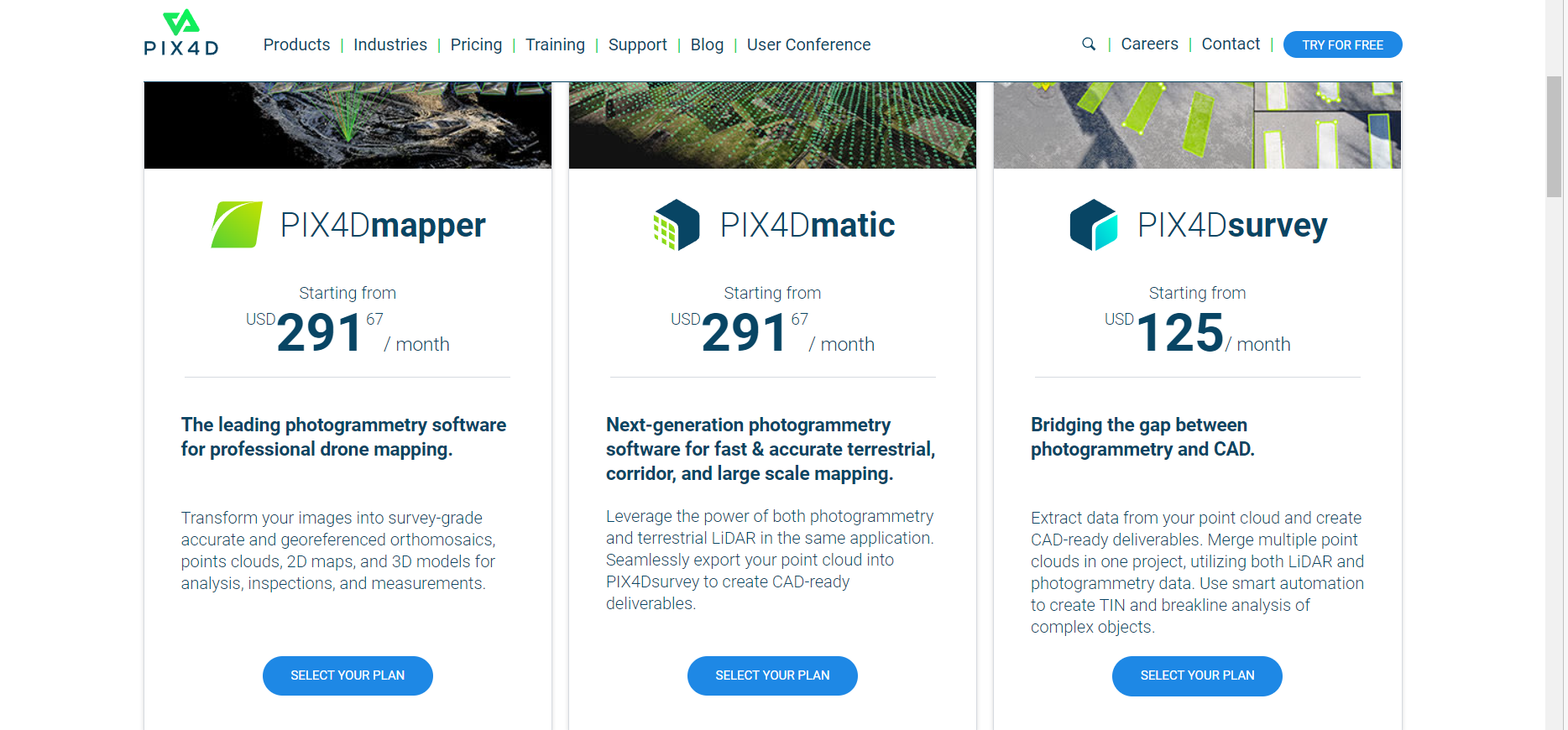
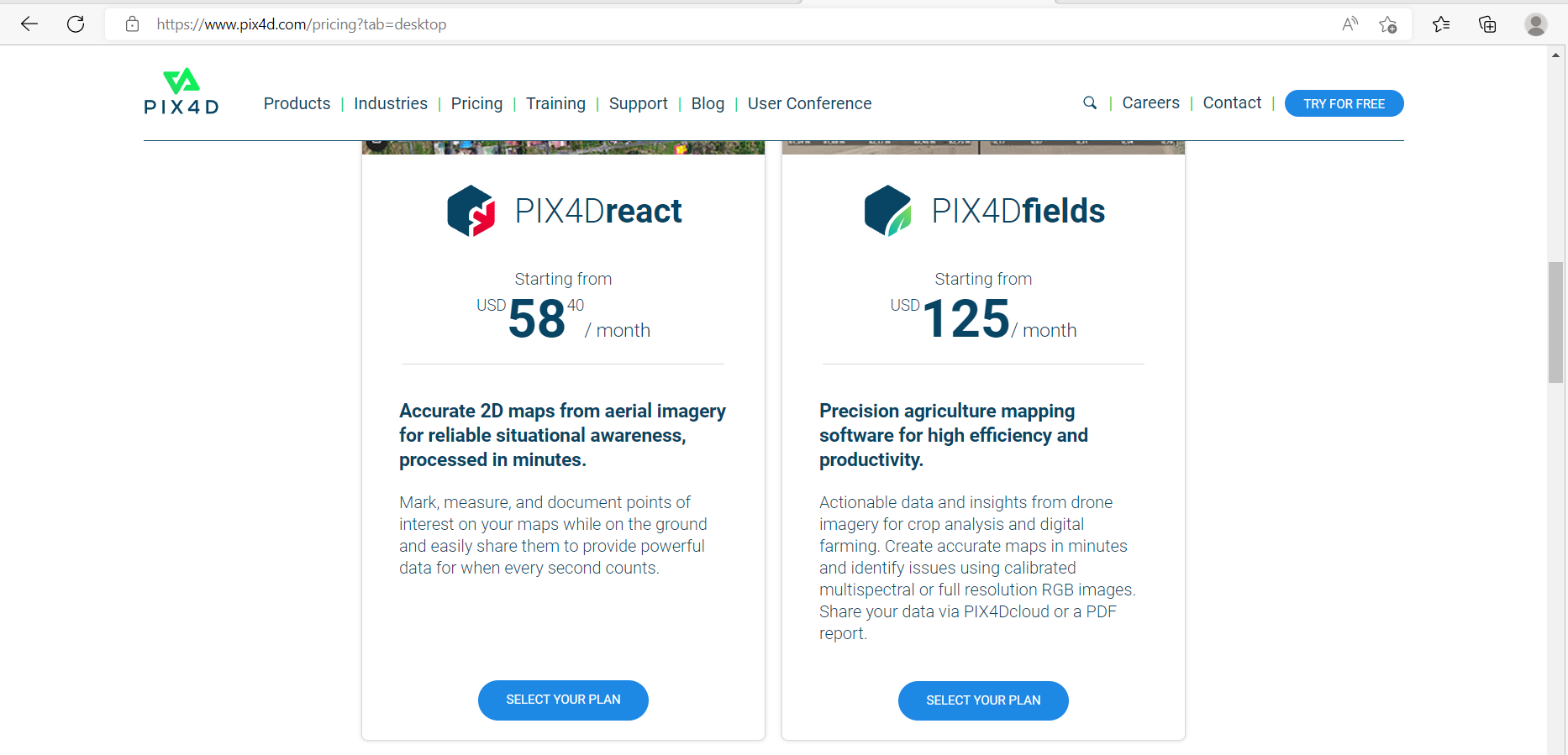
For Desktop, select Pix4D Mapper, Pix4D Matic, Pix4D Survey, Pix4D Fields, or Pix4D React.
-
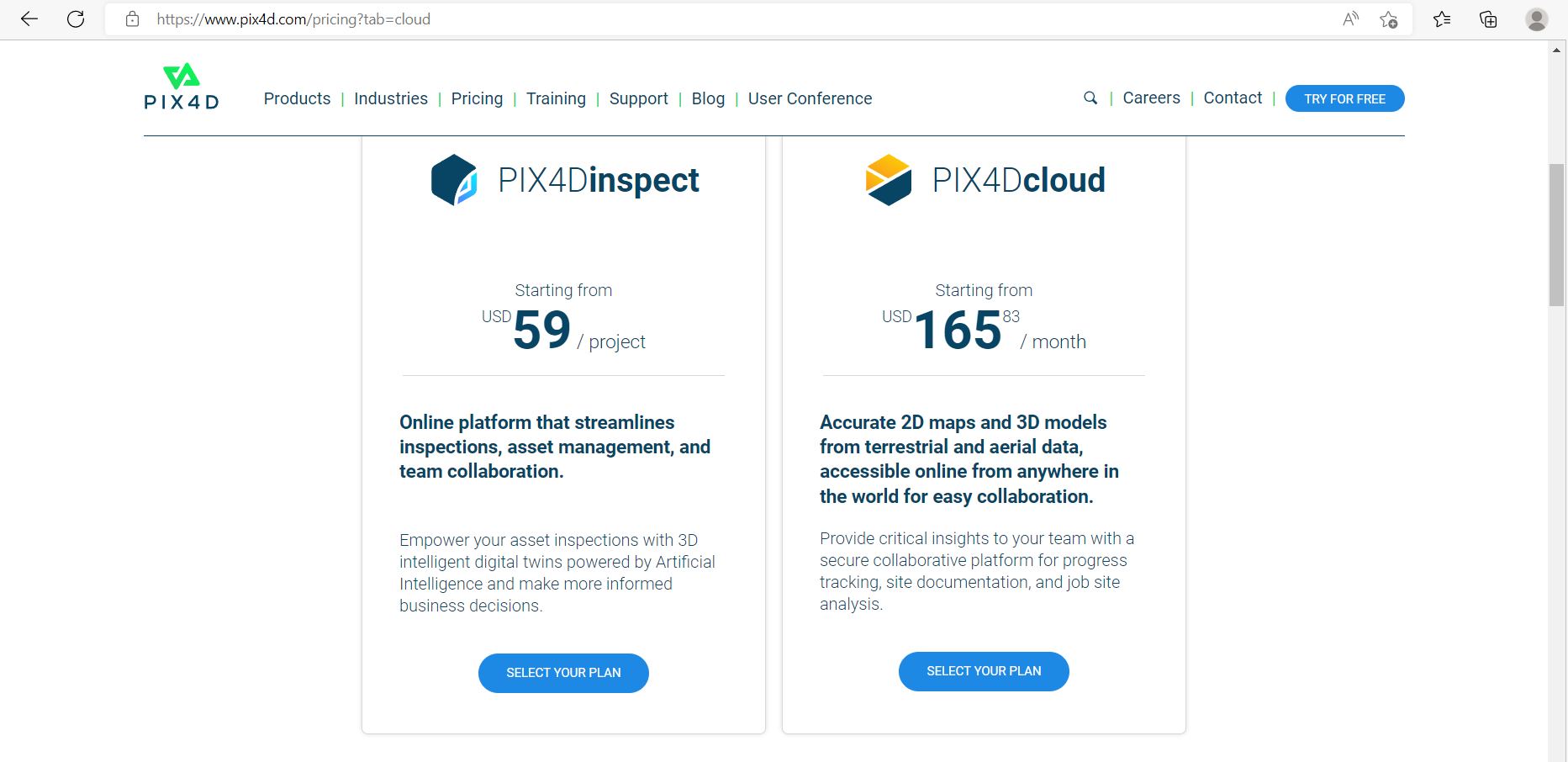
For Cloud, Pix4D Inspect and Pix4D Cloud licenses allow uploading, sharing, and downloading outputs.
-
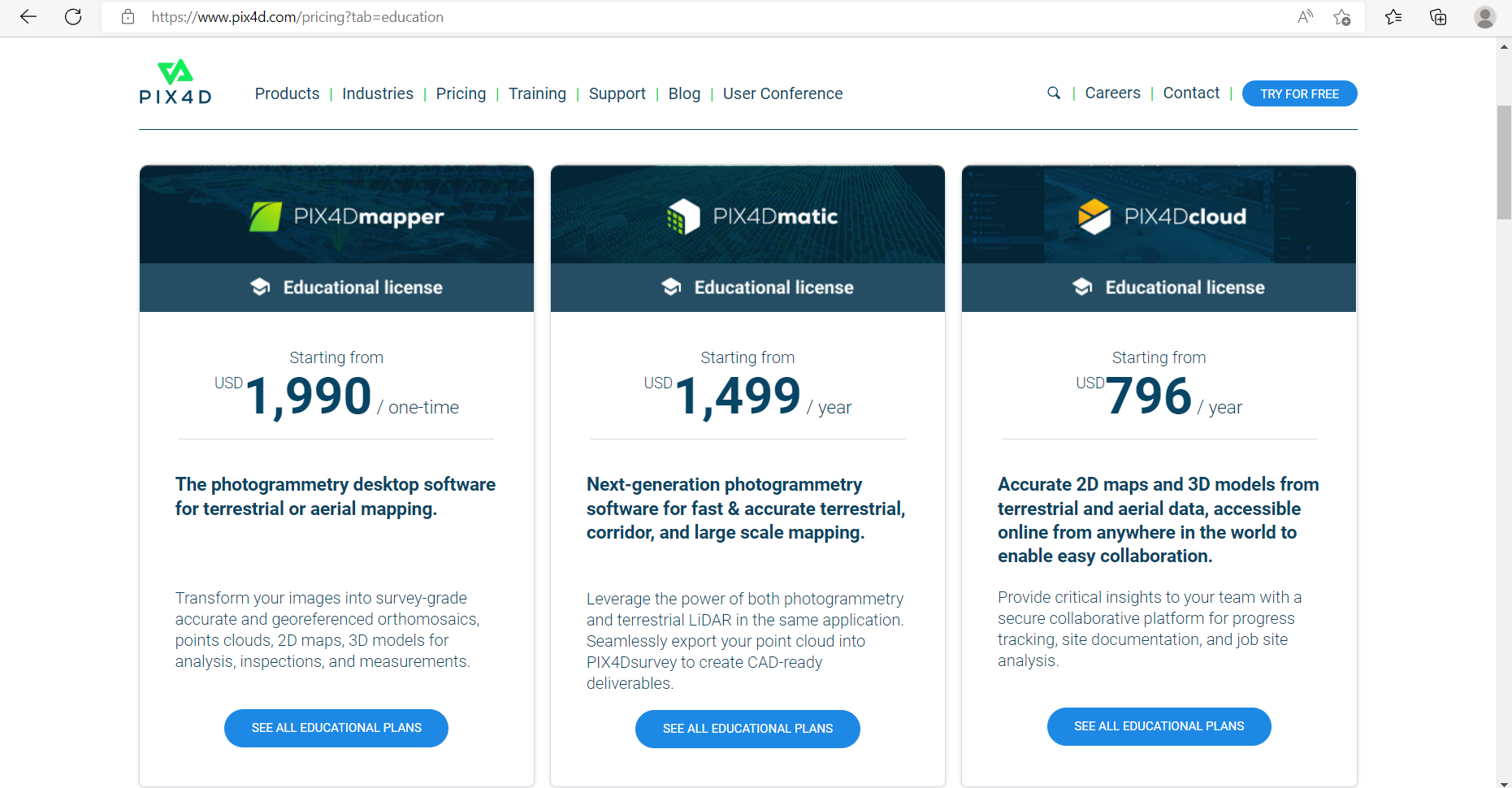
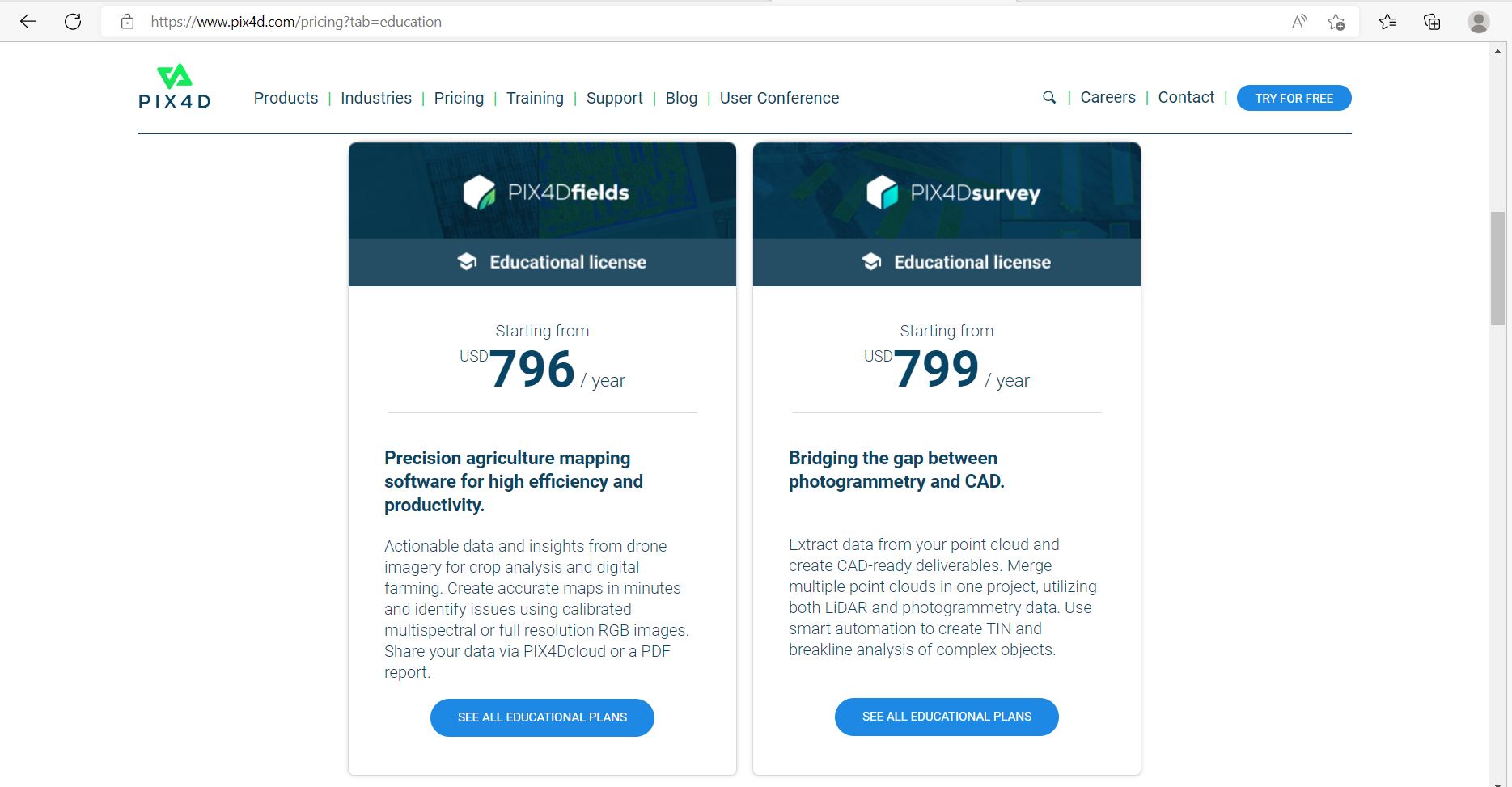
Education Licenses are available for qualified institutions.
-
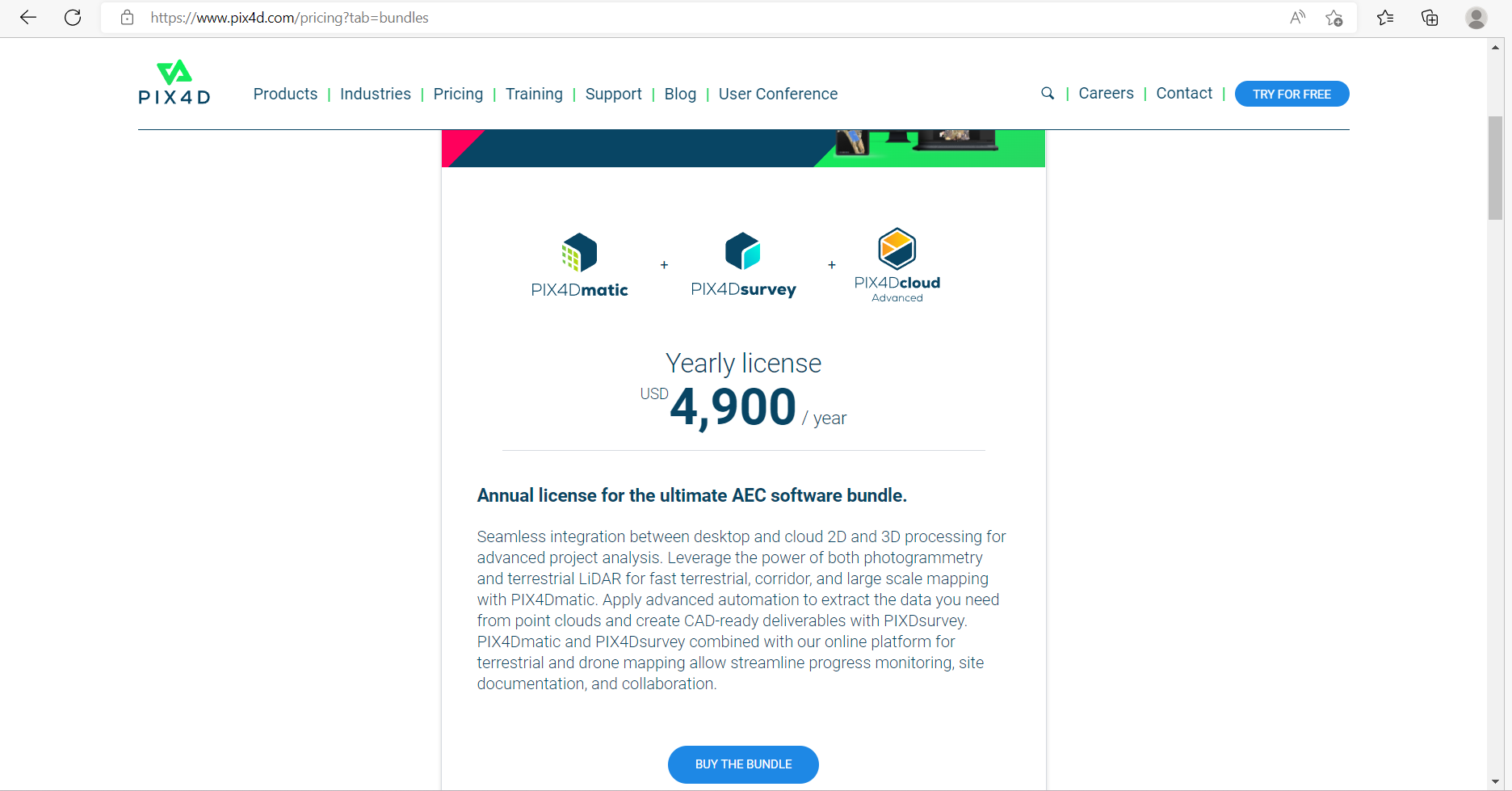
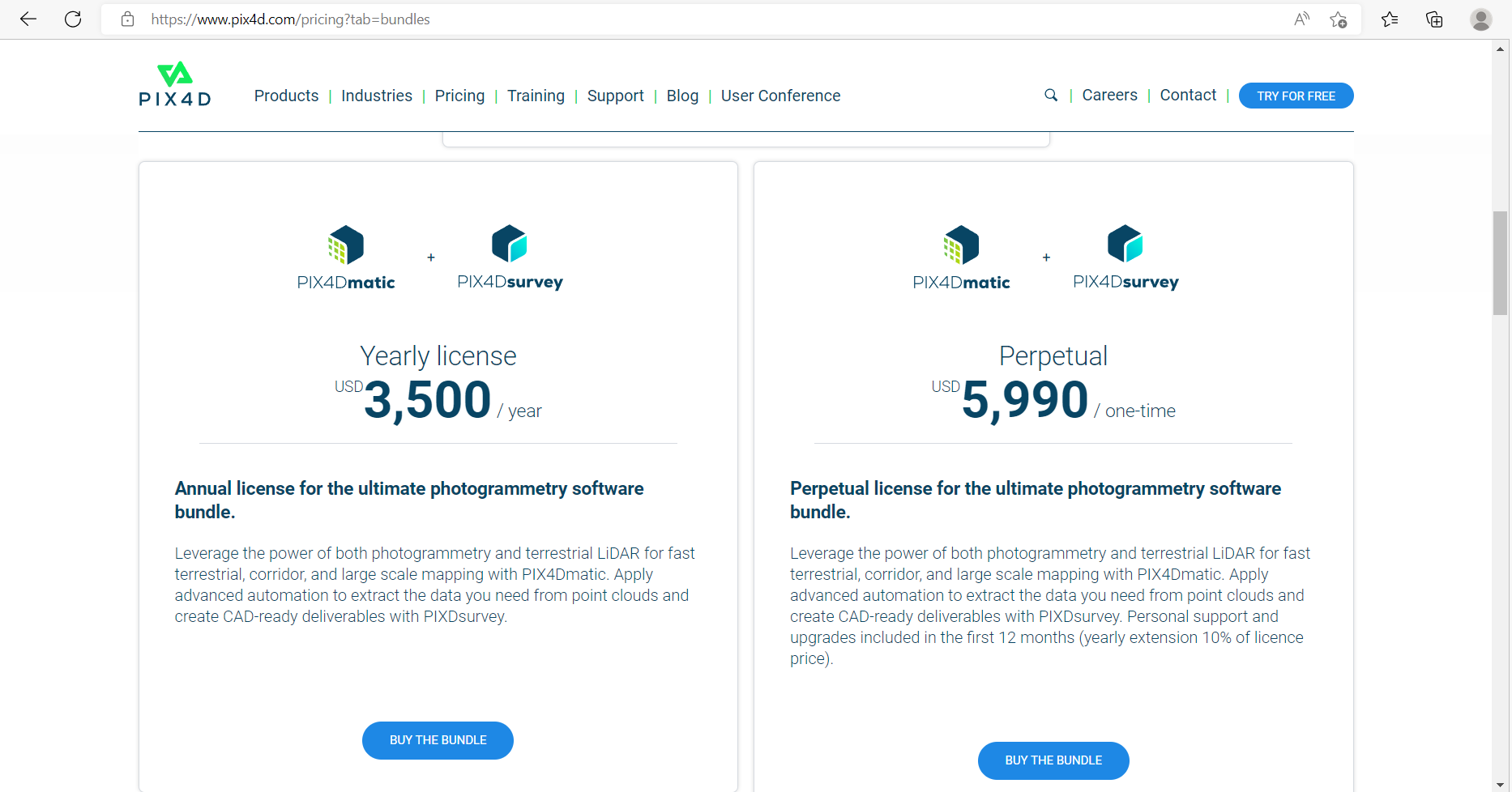
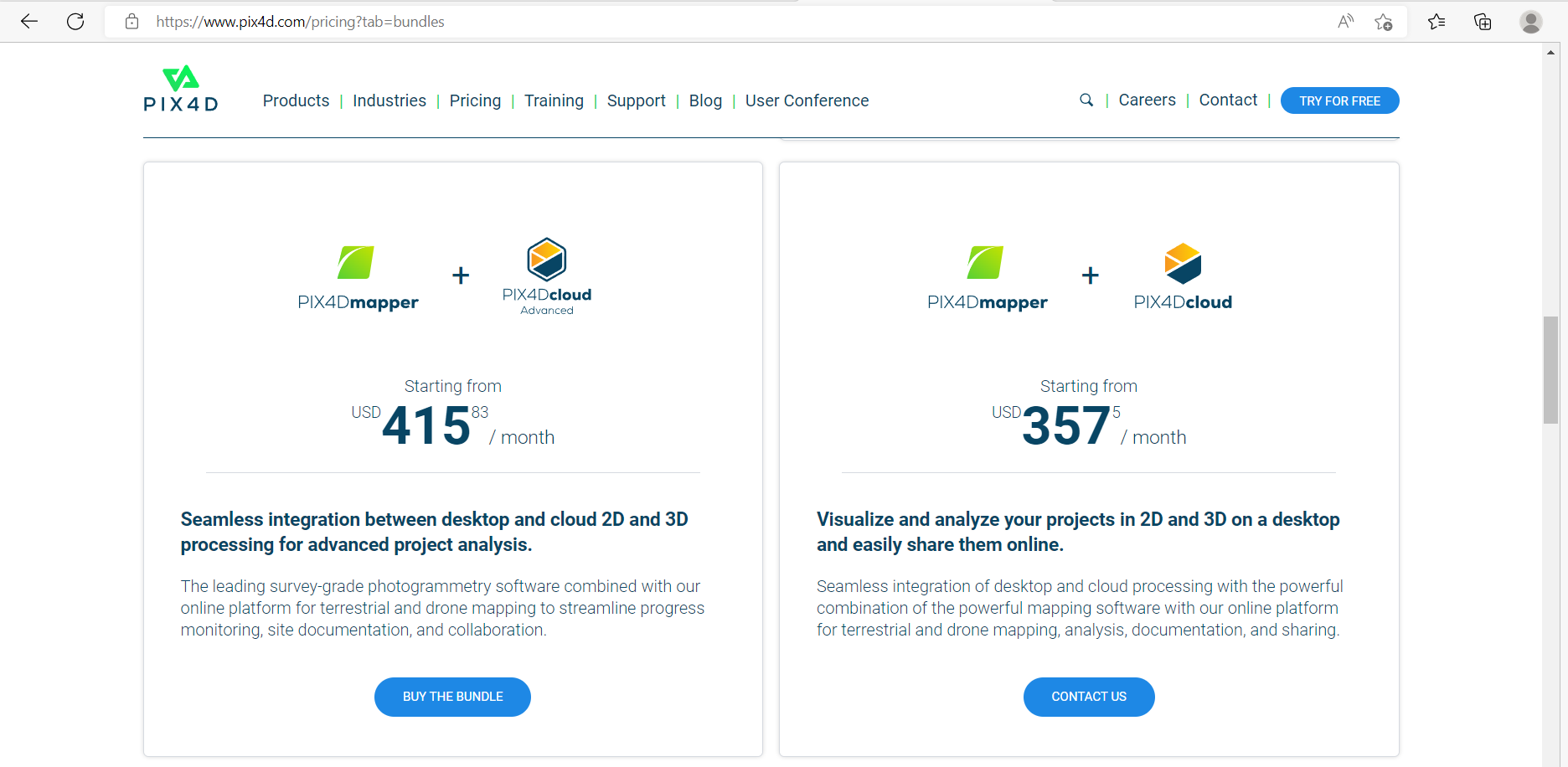
Bundles offer multiple applications for a single price.