Installation
Recommended System Requirements
- CPU: Intel® Core™ i5 or AMD Phenom processor (or faster)
- GPU: Integrated or dedicated GPU with 2 GB RAM
(GeForce GTX with 6GB RAM or better recommended for faster processing) - RAM: 8 GB or more
- Storage: 4 GB HDD free space (SSD recommended; more for large datasets)
- Operating System:
- macOS: Catalina (10.15) or later
- Windows: Windows 10 (64-bit) or later
Installation Steps
-
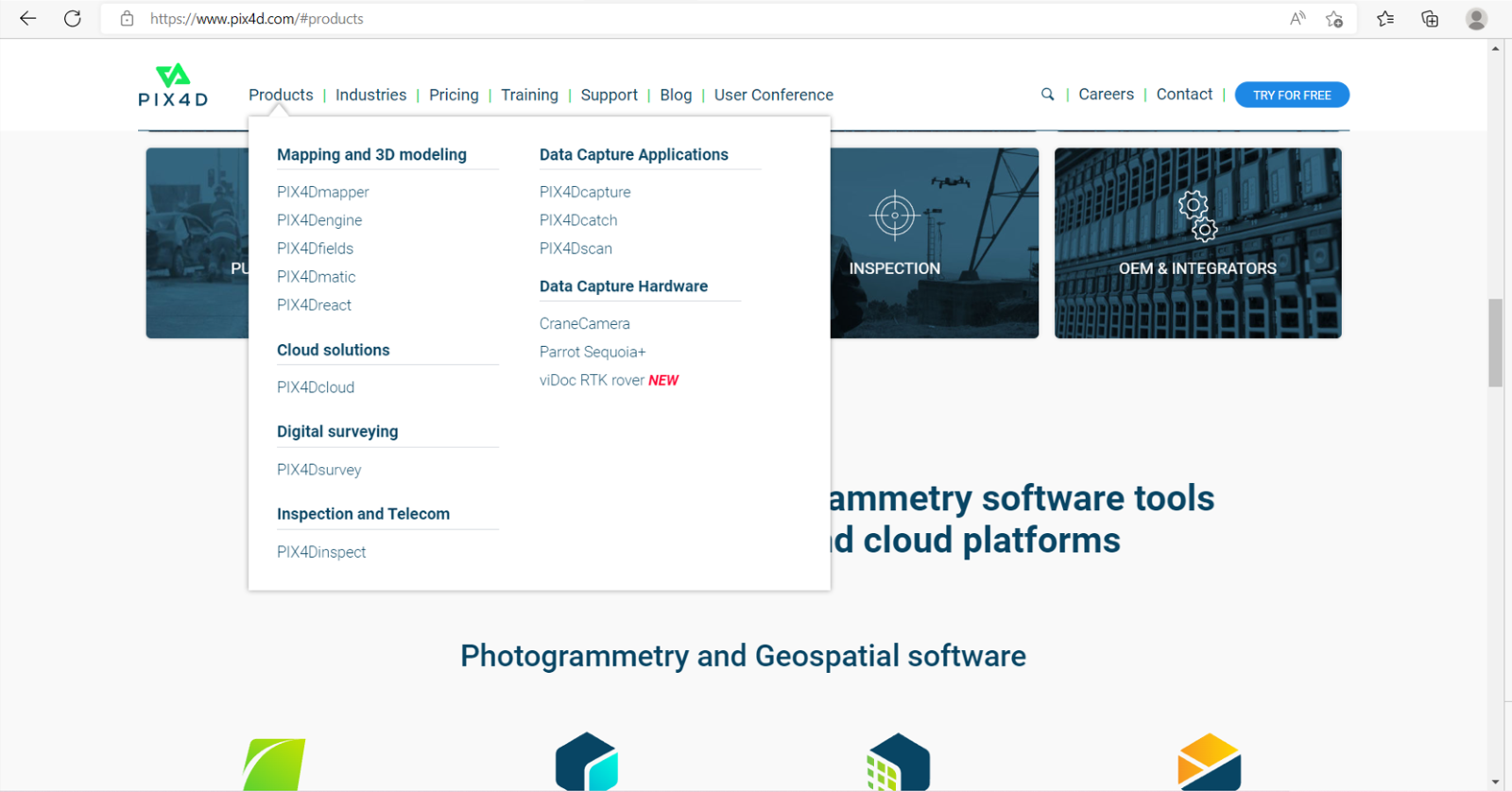
Go to the Pix4D official website: Pix4D
-
Select Pix4D React under Products.
-
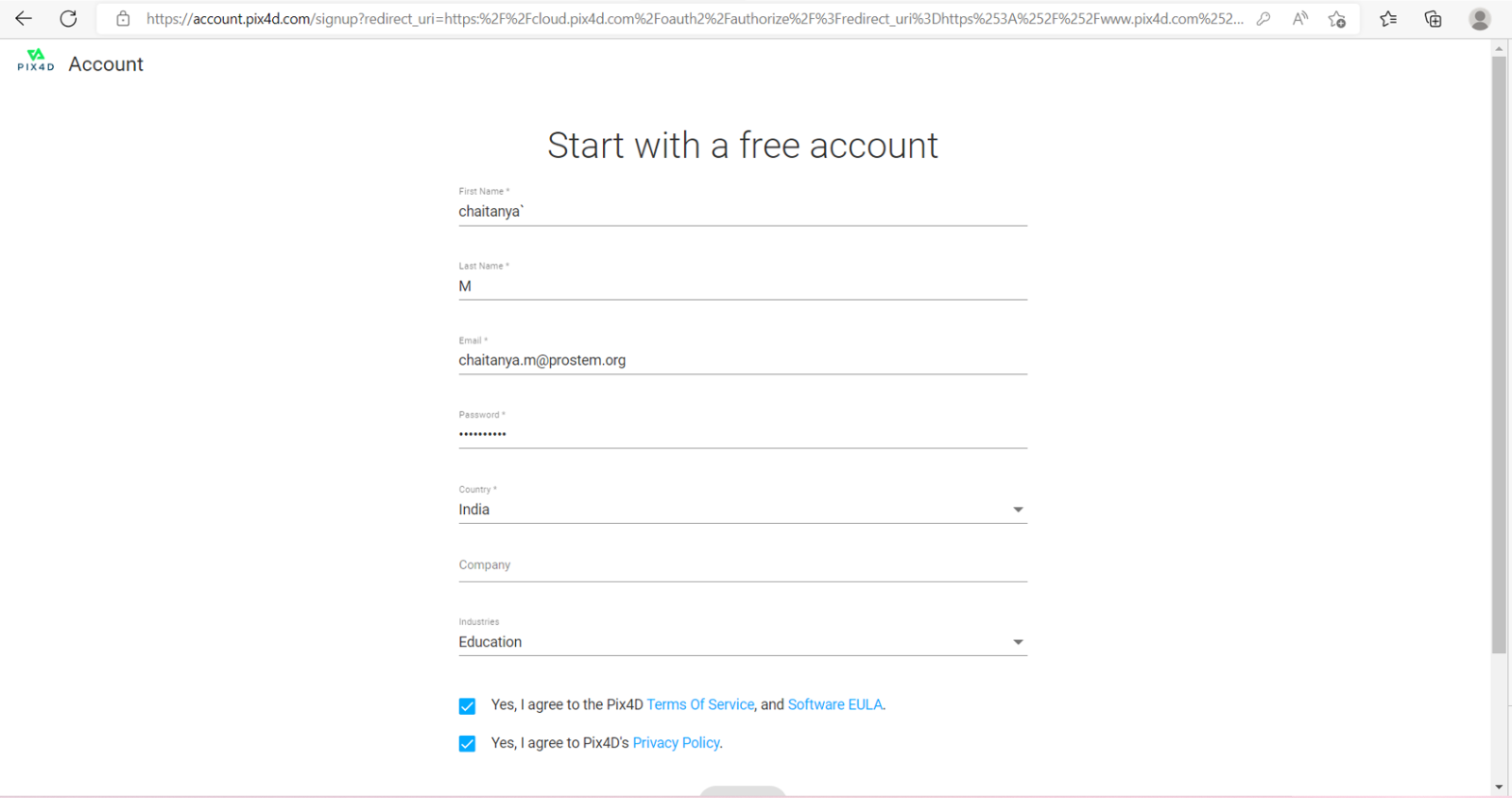
Register or log in to your account to enable the download.
-
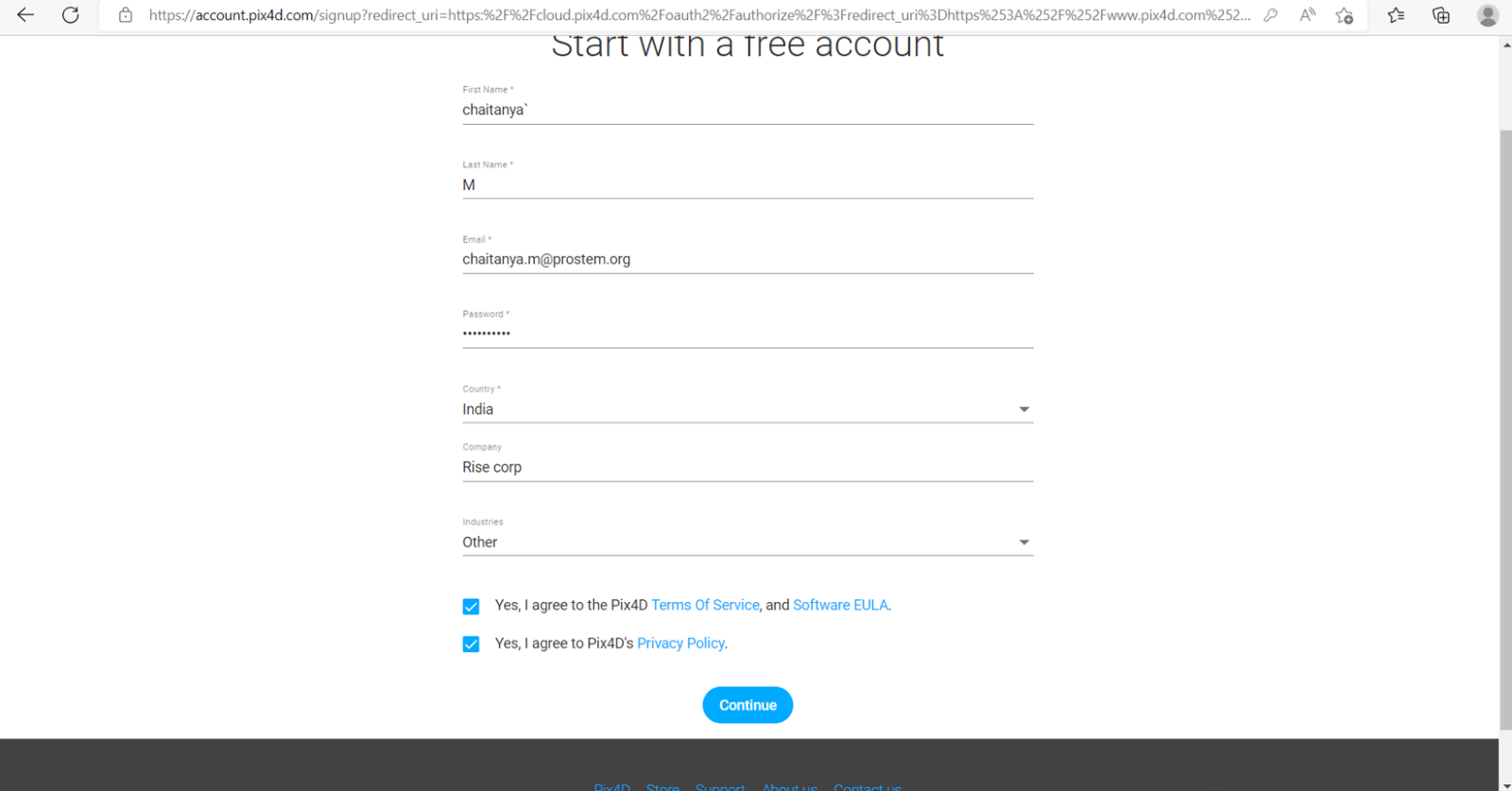
Agree to Terms and Conditions, Software EULA, and Privacy Policy, then click Continue.
-
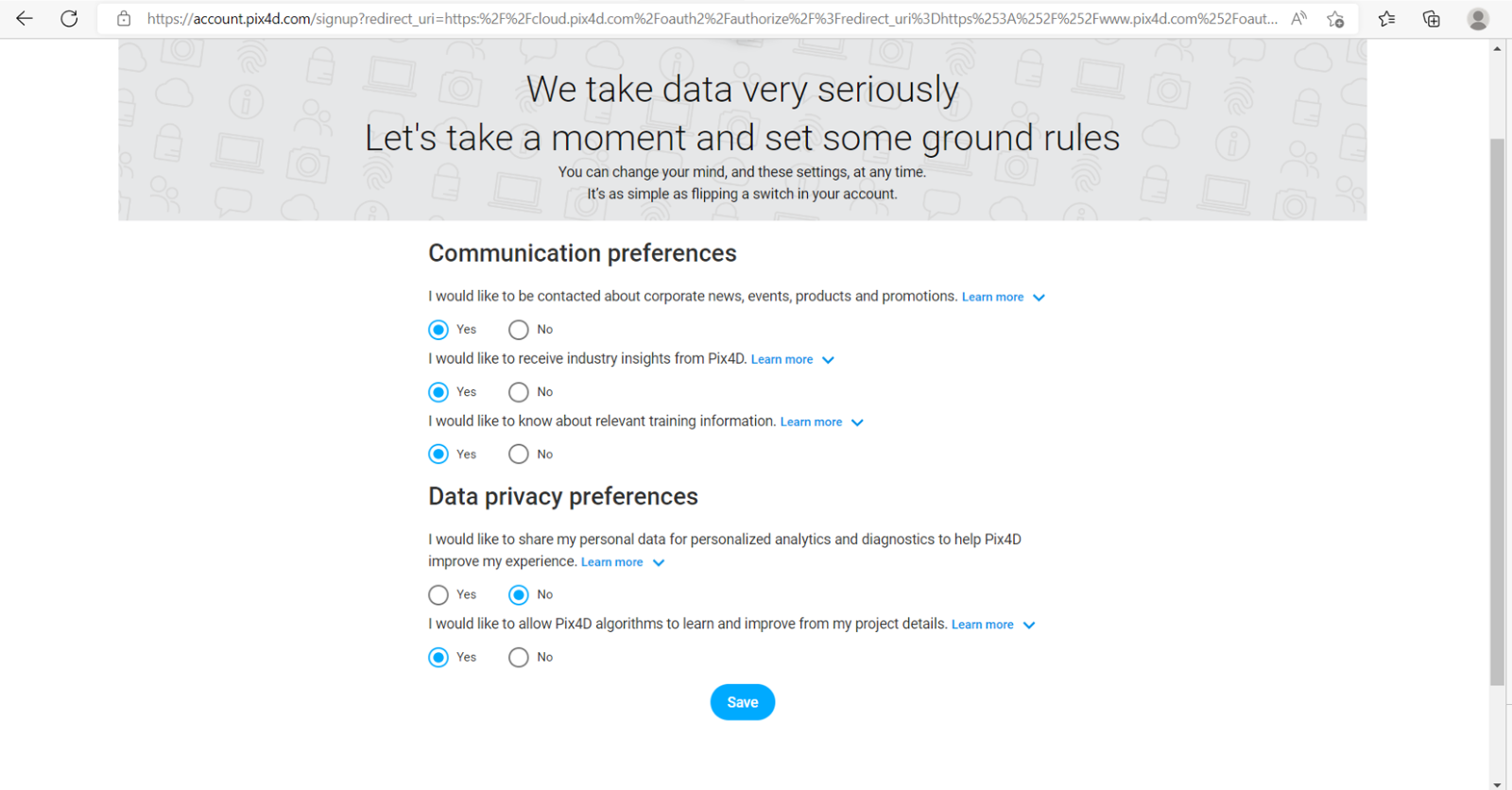
Set Communication Preferences and Data Privacy Preferences, then click Save.
-
Download the
.exeinstaller file. -
Open the installer and select Run as Administrator.
-
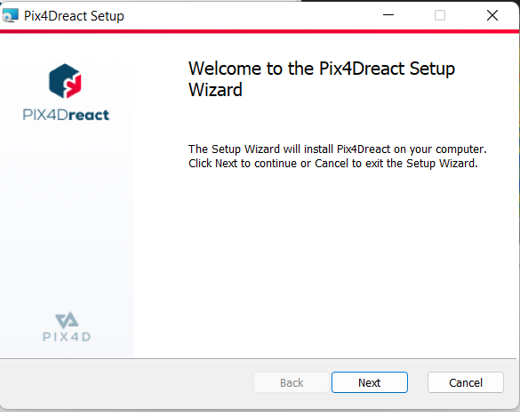
Click Next to proceed with installation.
-
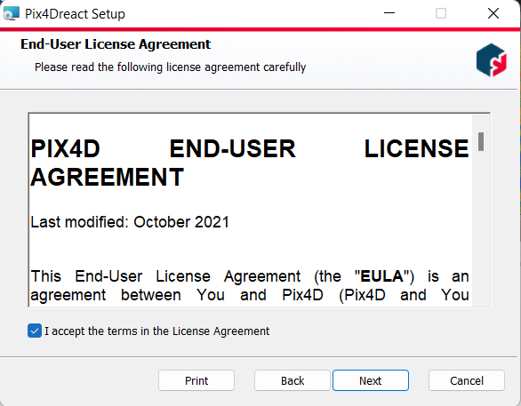
Accept the License Agreement and click Next.
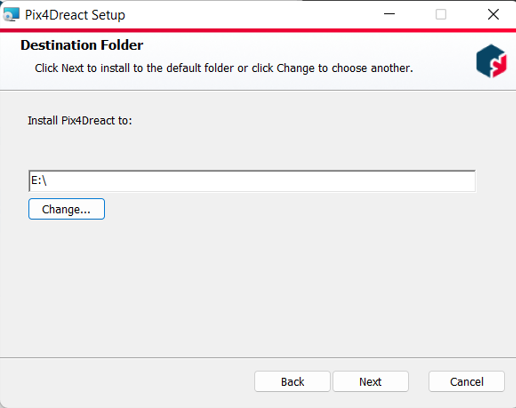
Note: You can install Pix4Dreact on any disk.
-
Click Next to start the installation process.
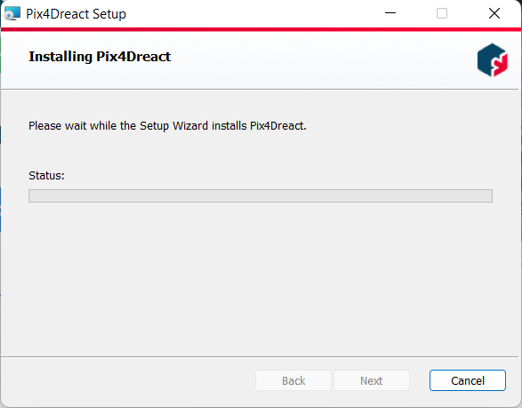
-
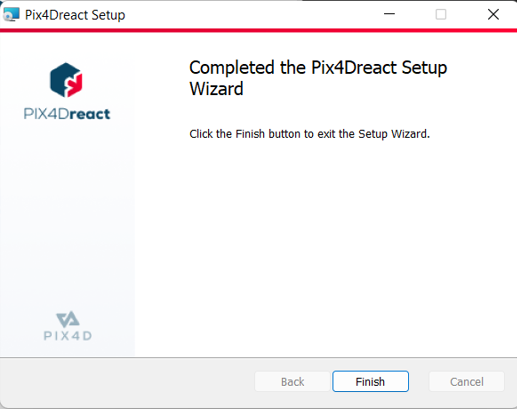
After installation completes, select Finish to confirm launch or close the installer.