Editor
The User Function Editor
The user function editor allows you to author and syntax check your custom code. To execute a user function, you must create a transformation query that uses your function. The editor contains two panes: the code editor, and the output pane.
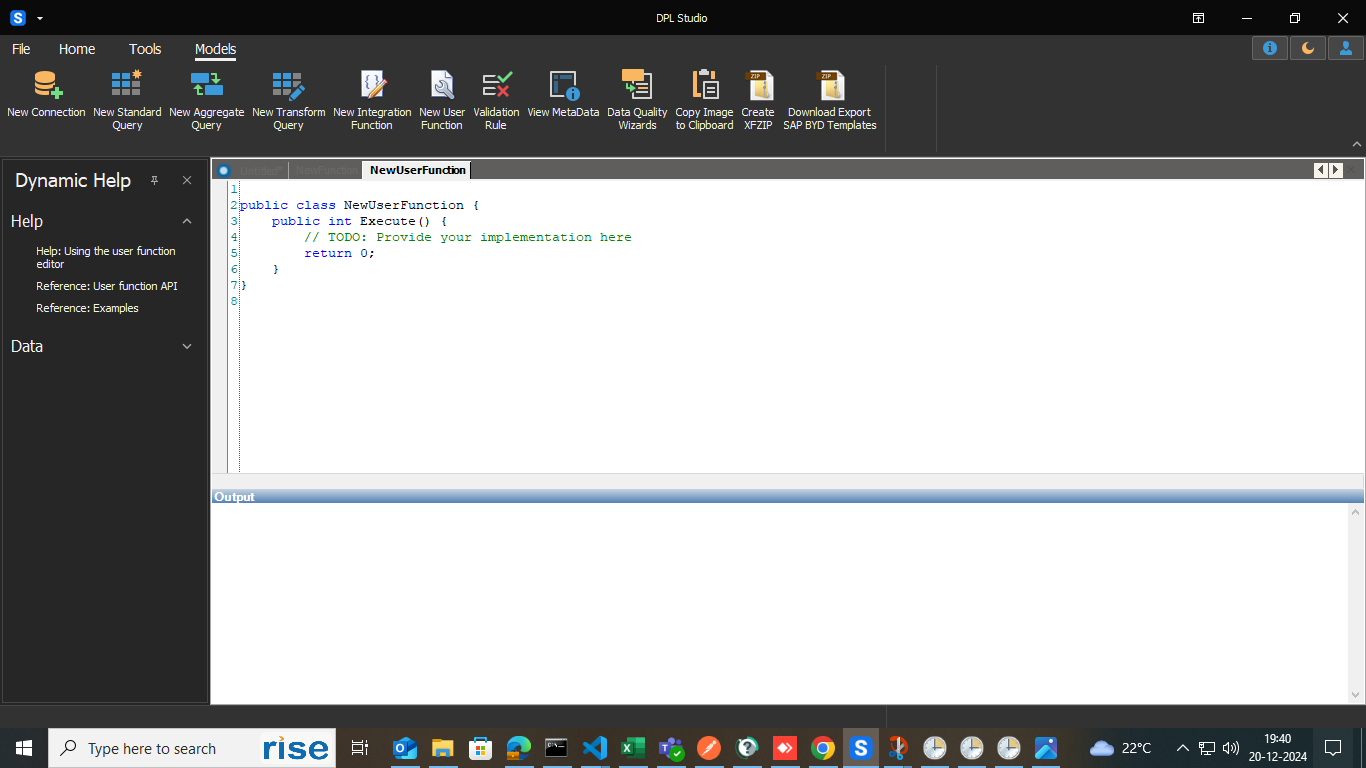
Details of how to write user functions are available in the examples and API specifications within this section. To check the syntax of your function, use the Check Syntax tool within the tool bar. The results of the syntax check will appear in the output pane. Double clicking a warning or error in the output pane will position the caret to the correct line and character position.