Adobe Captivate Configuration
1. Project Information
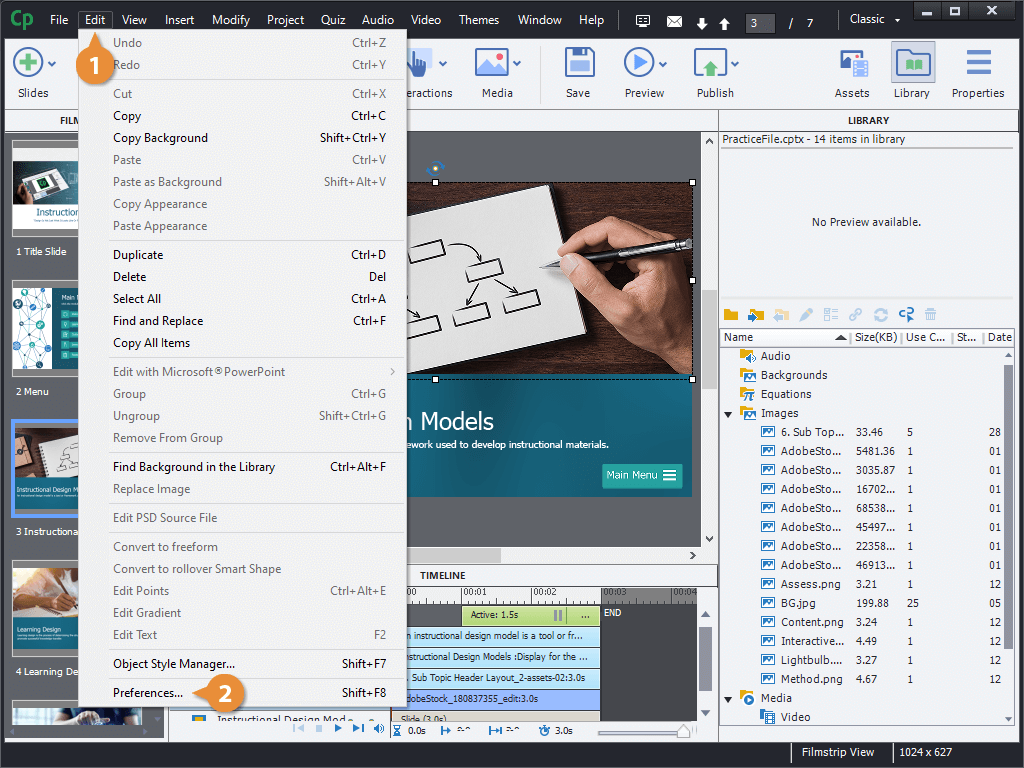
- To specify project information, go to:
Windows:Edit → Preferences → Project Information
Mac OS:Adobe Captivate Classic → Preferences → Project Information - Here, you can set the following properties:
- Author: Enter the name of the author or authors of the project.
For more information, see Adobe Captivate Project Info.
2. Publish Settings
-
For a responsive project, navigate to:
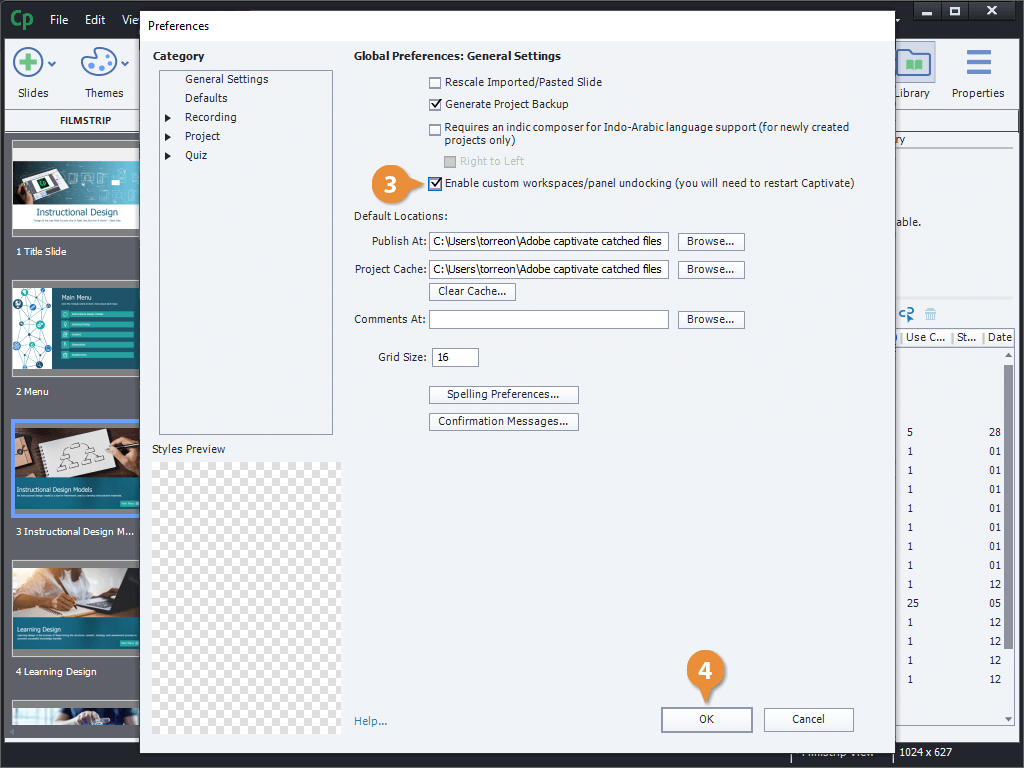
Windows:Edit → Preferences → Project → Publish Settings
Mac OS:Adobe Captivate Classic → Preferences → Project → Publish Settings -
To adjust the settings, click on Publish Settings.
-
You can also publish projects as MP4 files with Adobe Captivate.
3. Using Adobe Captivate with Other Applications
- Import and edit PowerPoint presentations in Captivate.
- Upload an Adobe Captivate project to a Learning Management System (LMS).