Configuration
General Settings
-
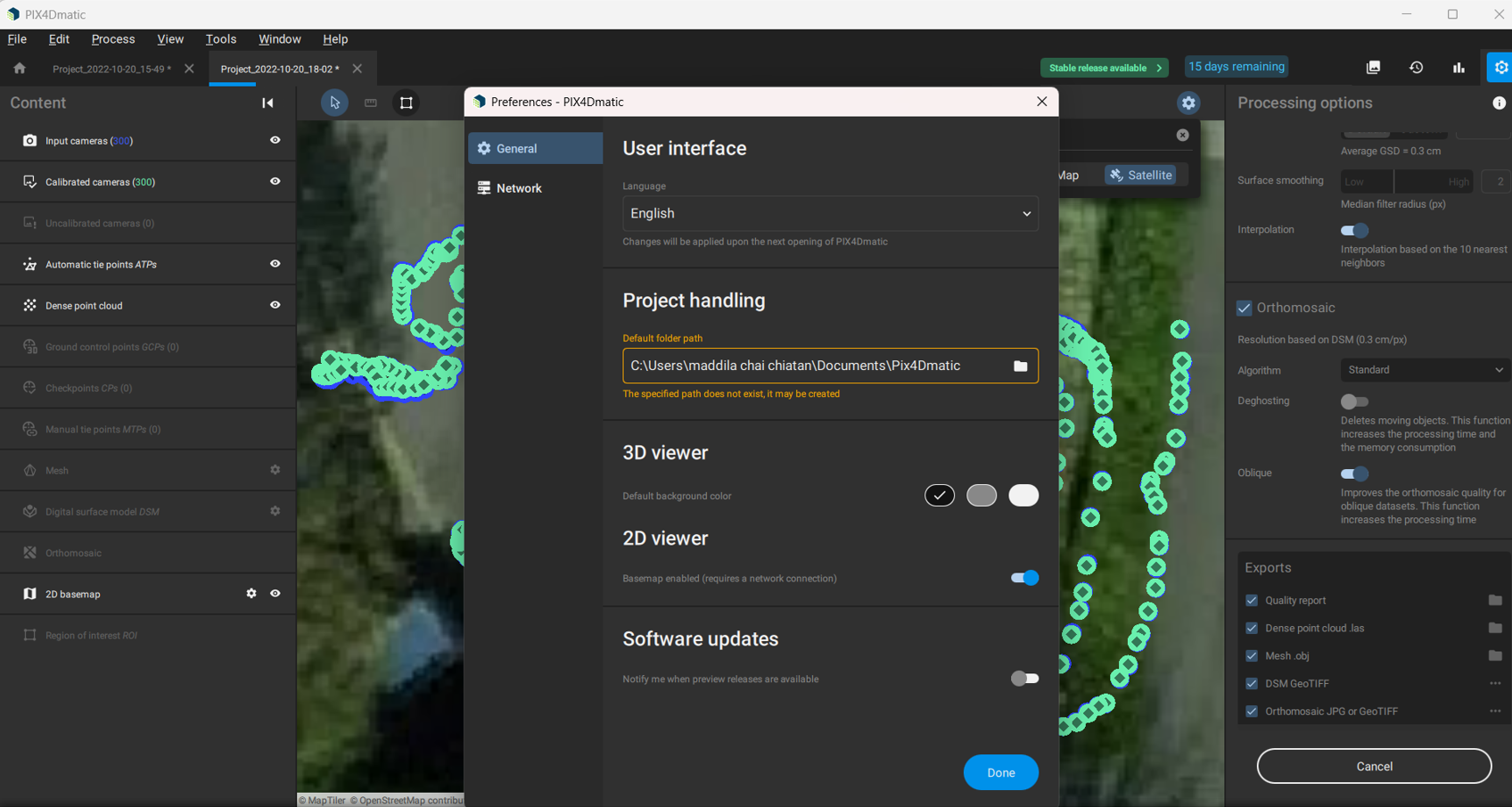
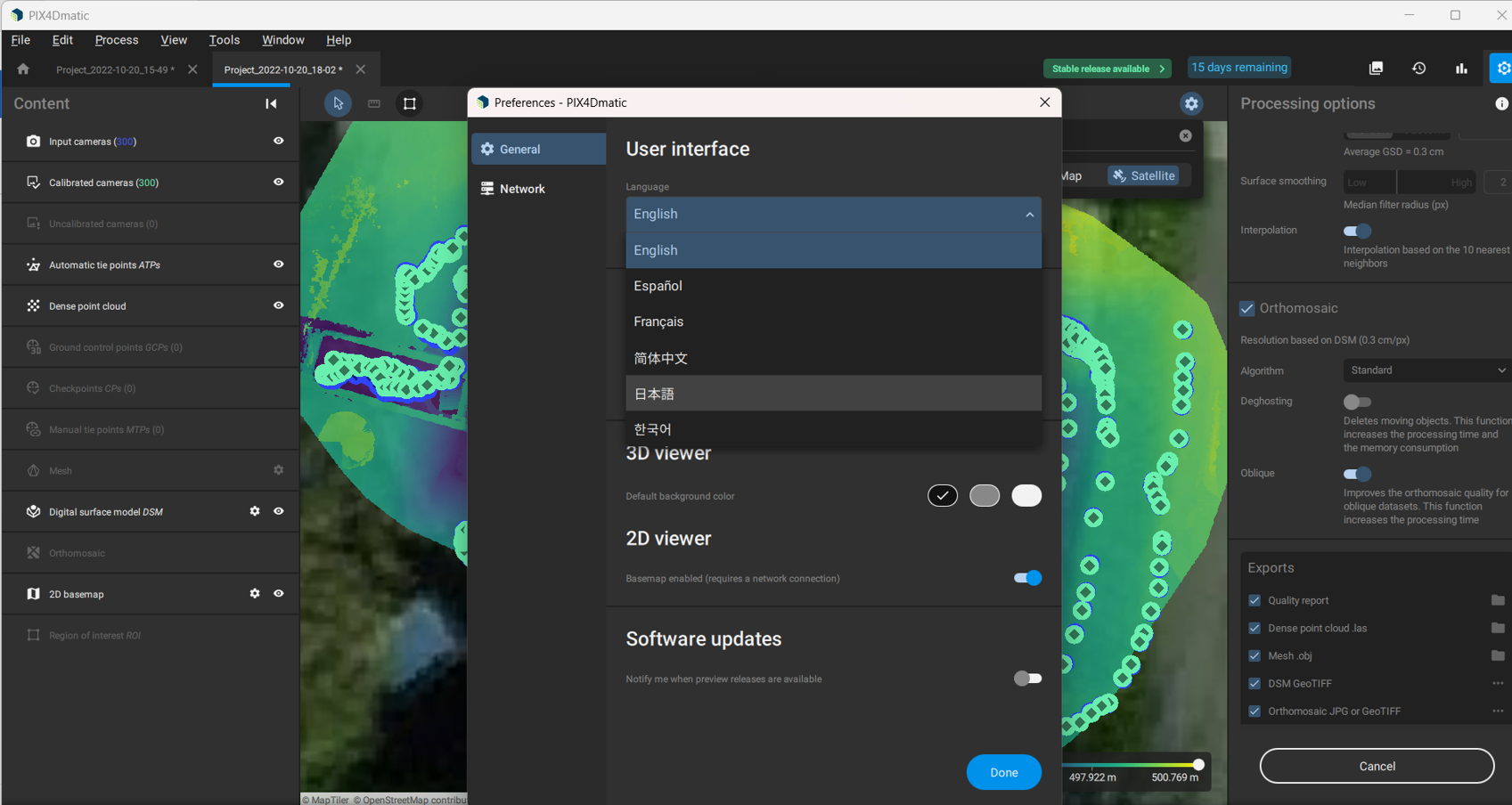
Navigate to General in the menu category. You can customize:
- User Interface: Adjust layout, themes, and tool visibility.
- Project Handling: Set default project locations, autosave options, and project templates.
- 2D Viewer: Configure display preferences, layers, and measurements.
- 3D Viewer: Adjust visualization settings, point cloud density, and rendering options.
- Software Updates: Manage automatic updates and notifications.
Network Settings
-
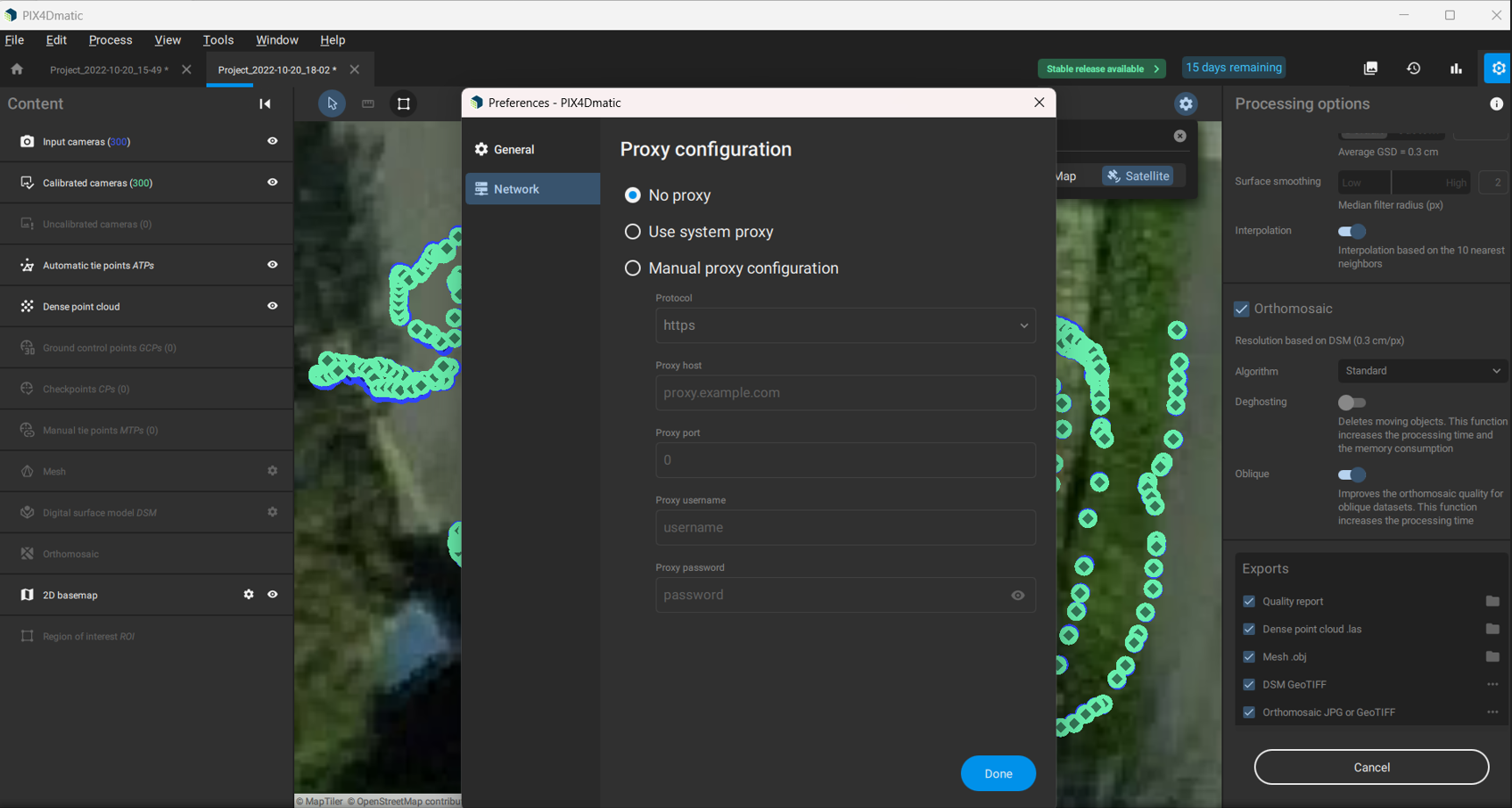
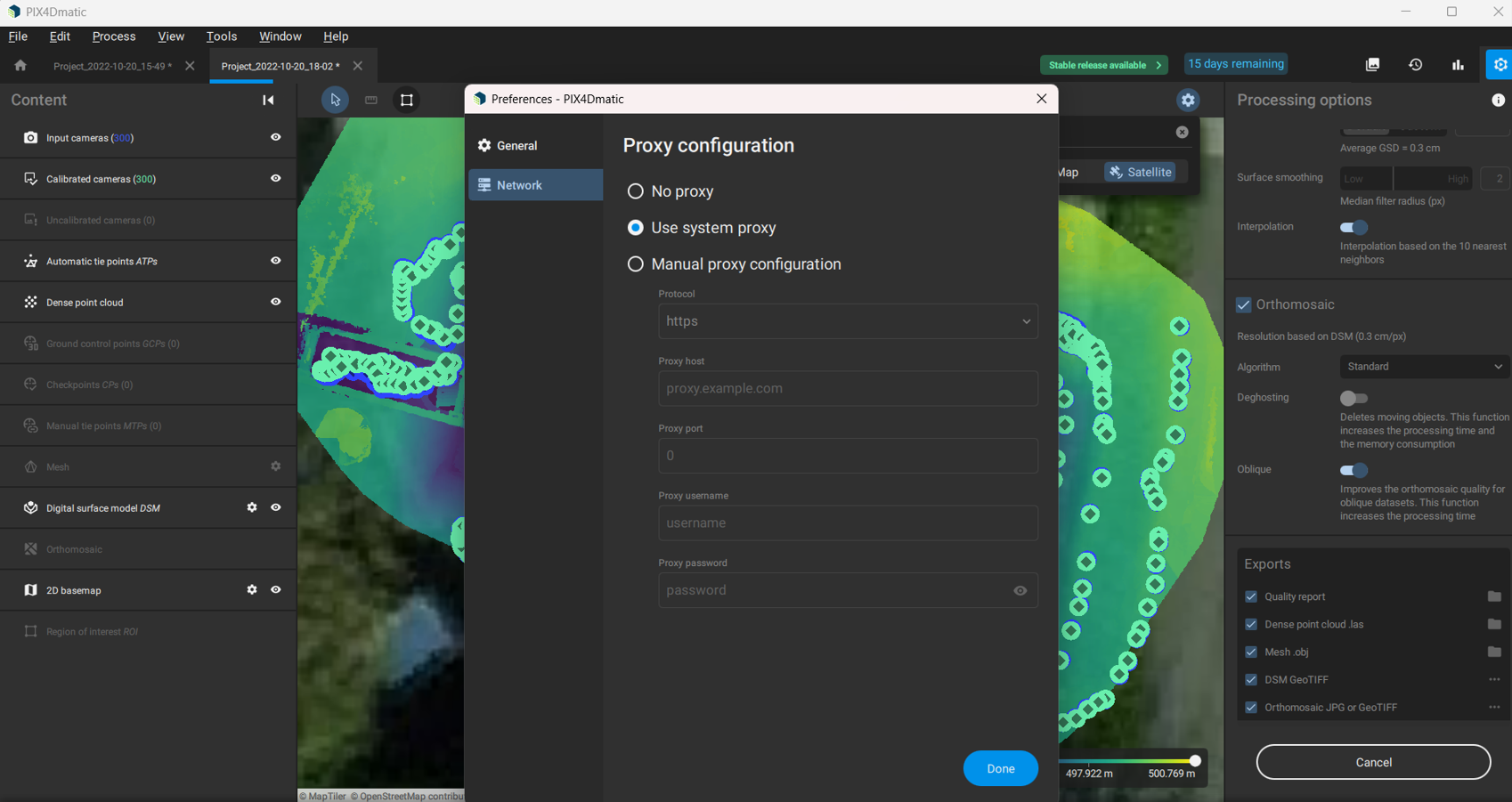
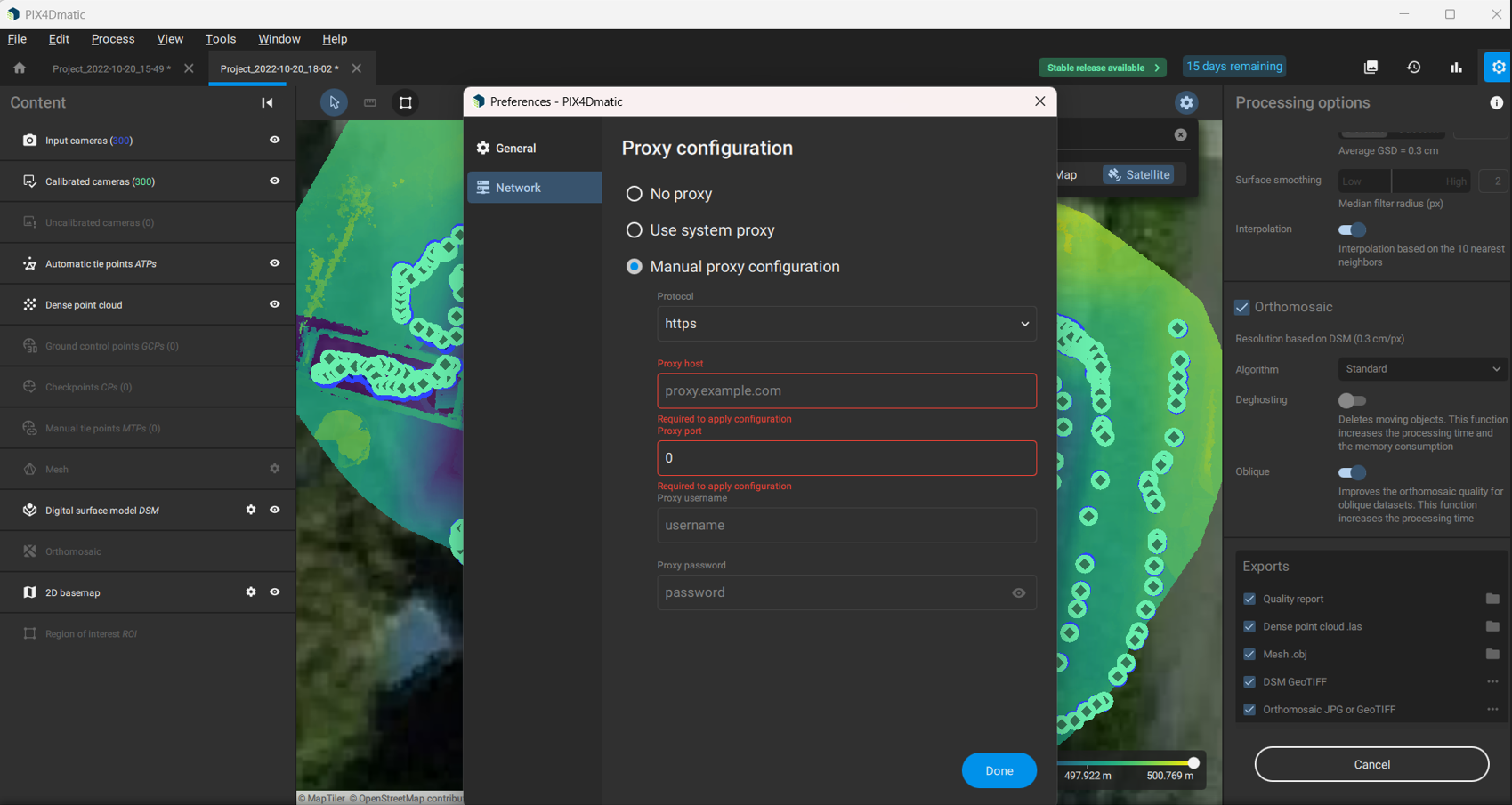
Navigate to Network in the menu category. You can configure:
-
No Proxy: Direct internet connection without a proxy.
-
User System Proxy: Use the proxy settings configured on your system.
-
Manual Proxy Configuration: Enter custom proxy details (IP, port, authentication).
-