Installation
System Requirements
Minimum (Windows and macOS)
- Windows OS: Windows 10 or 11 (64 bit)
- macOS: Monterey or Big Sur
- CPU: Quad-core or hexa-core Intel i5
- GPU: Any NVIDIA GPU supporting OpenGL 4.1 or higher
- RAM:
- 32 GB (2,000–5,000 images at 20 MP)
- 64 GB (5,000–10,000 images at 20 MP)
- Disk Space:
- SSD 150–300 GB free (2,000–5,000 images)
- SSD 300–450 GB free (5,000–10,000 images)
Recommended (Windows only)
- Windows OS: Windows 10 or 11 (64 bit)
- CPU: Intel i7/i9/Xeon or AMD Threadripper
- GPU: GeForce GTX 10 series or RTX series
- RAM:
- 64 GB (2,000–5,000 images at 20 MP)
- 128 GB (5,000–10,000 images at 20 MP)
- Disk Space:
- SSD 250–400 GB free (2,000–5,000 images)
- SSD 400–550 GB free (5,000–10,000 images)
Installation Steps
-
Go to the Pix4D Official Website and select Pix4Dmatic under Products.

-
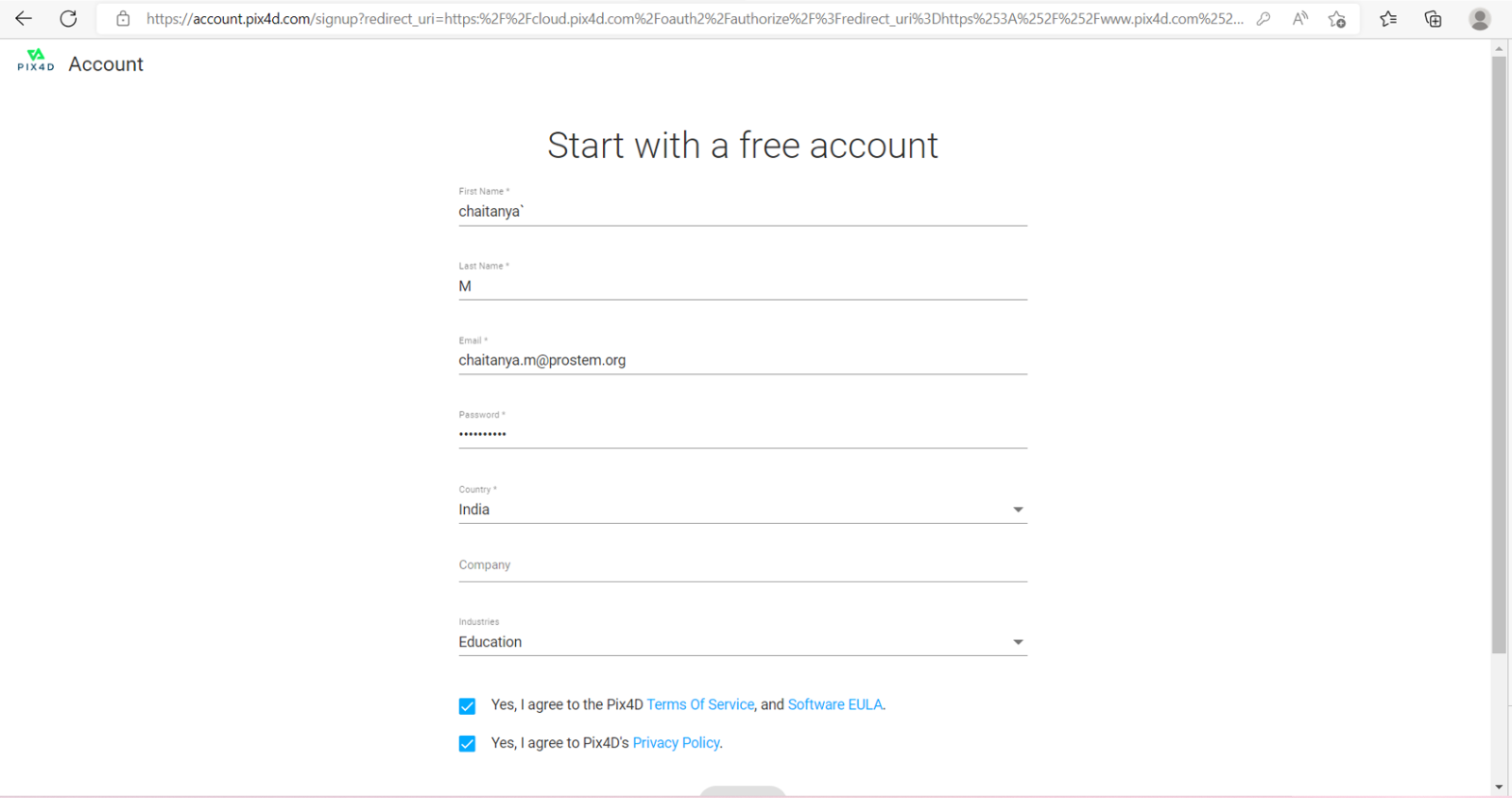
Register a free account or login if you already have one.
-
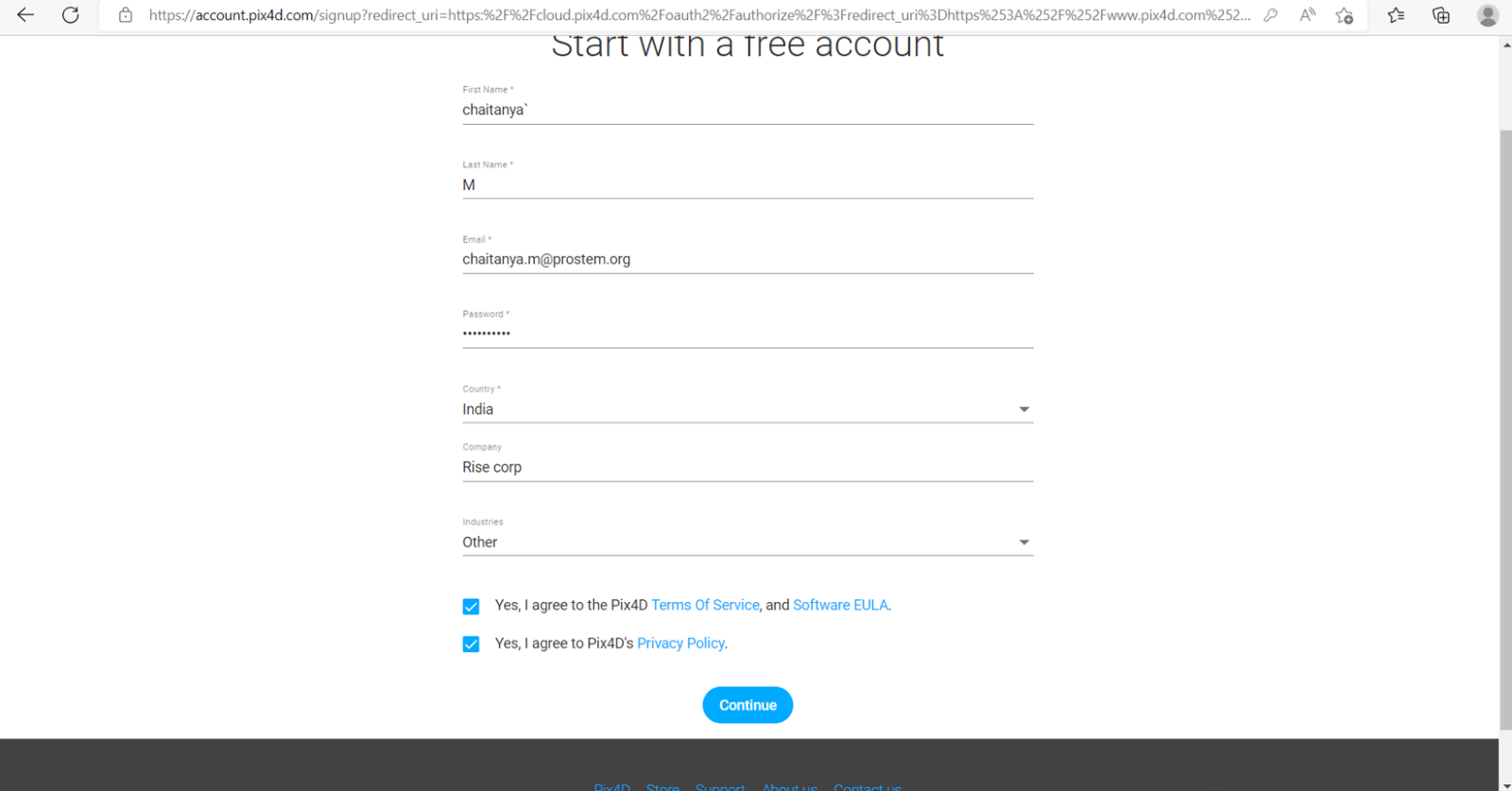
Agree to the Terms and Conditions, Software EULA, and Privacy Policy to enable Continue.
-
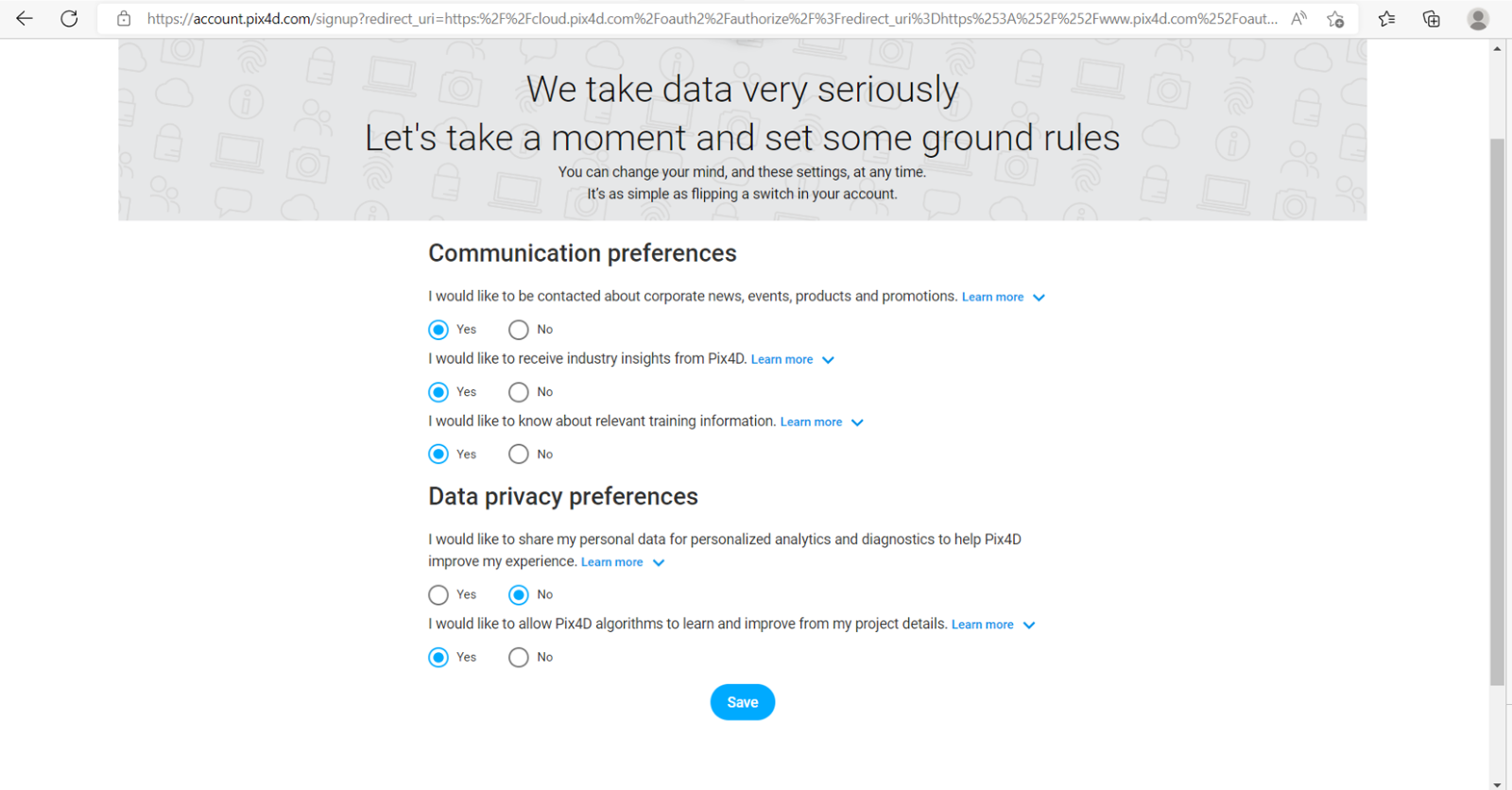
Set Communication Preferences and Data Privacy Preferences, then click Save.
-
Download the
.exefile, right-click and select Run as Administrator.
-
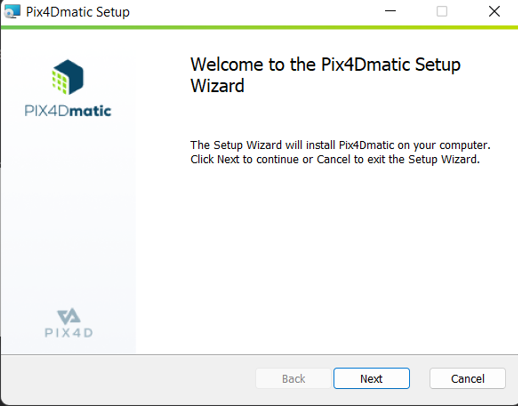
Click Next to proceed through the installation wizard.
-
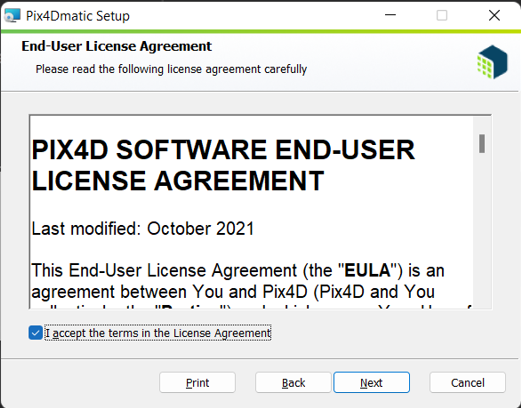
Accept the License Agreement and click Next.
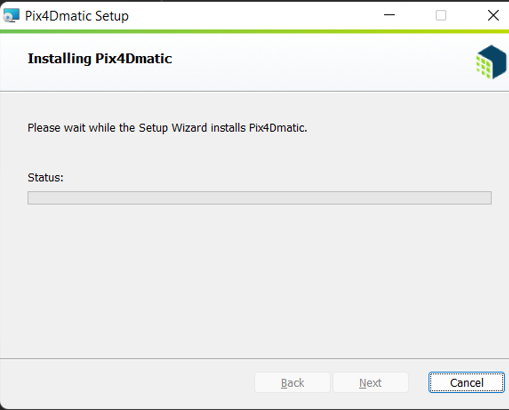
Note: Installation can be done on any disk. -
Click Install and wait for the process to complete.
-
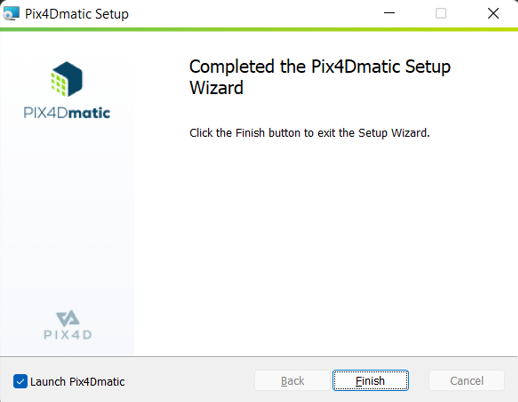
Once installation is complete, click Finish.