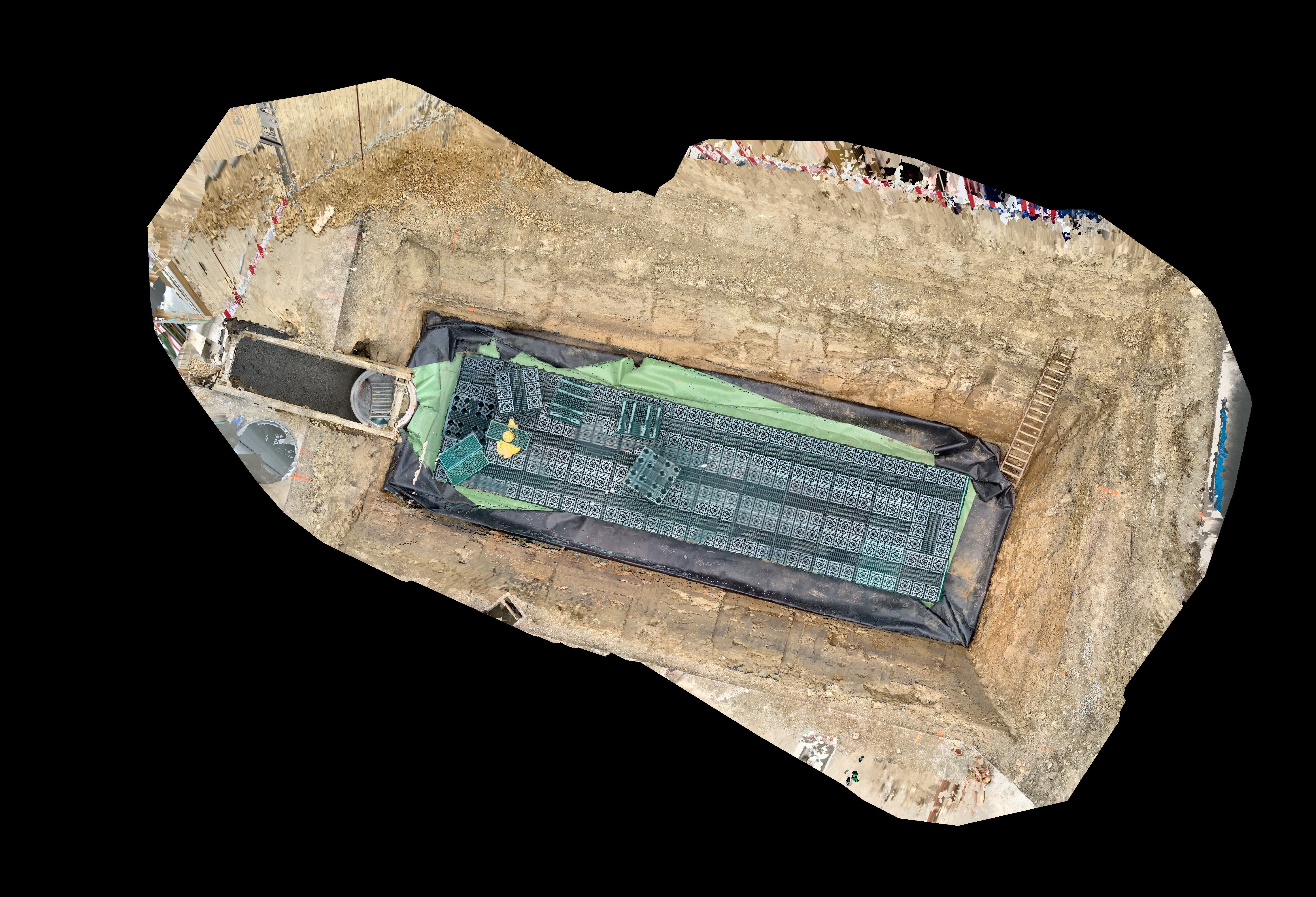
Pix4Dmatic Workflow-1
1. Launch Pix4D Matic
- Open the Pix4D Matic application.
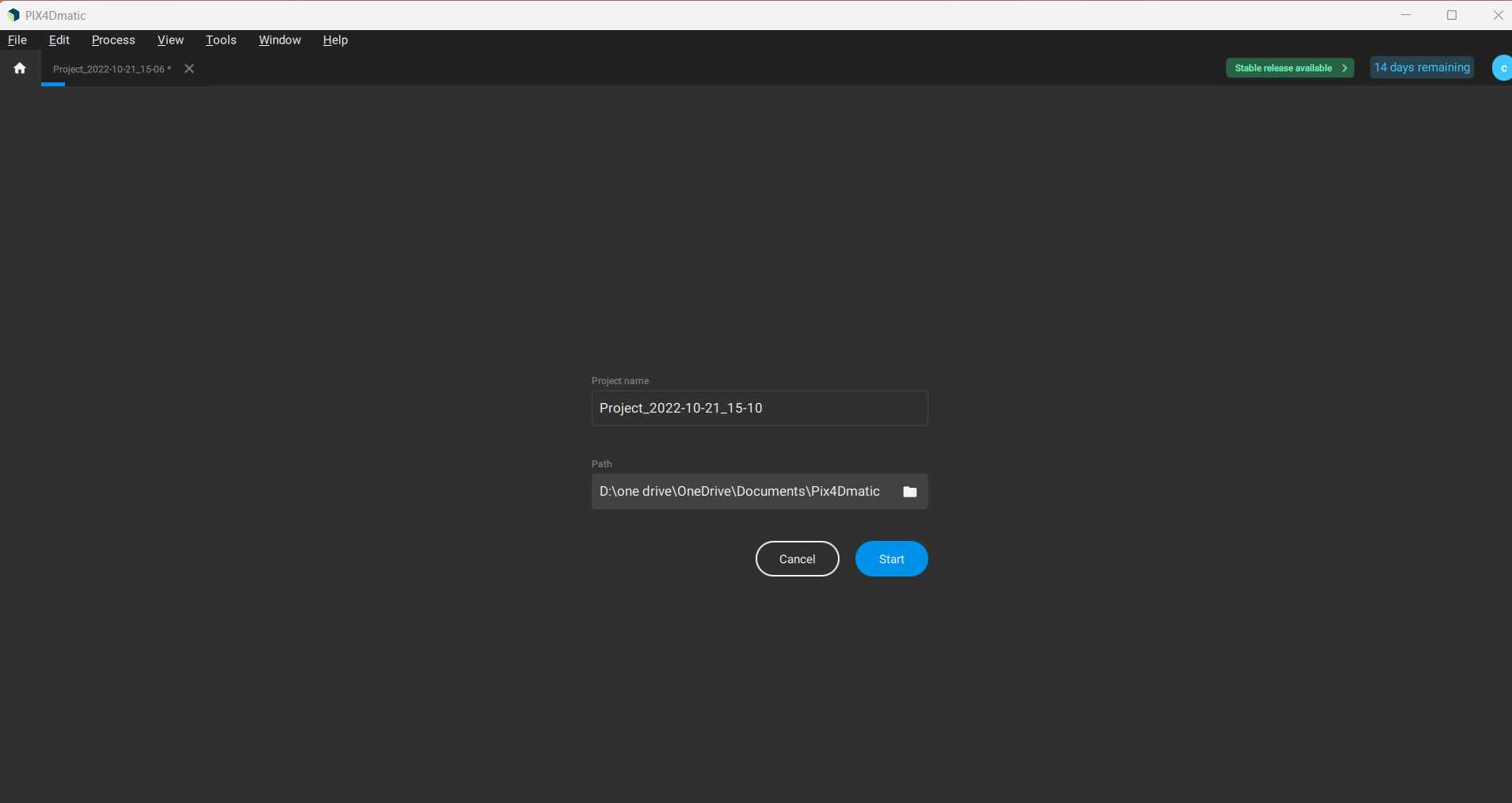
2. Create a New Project
- Go to File → New.
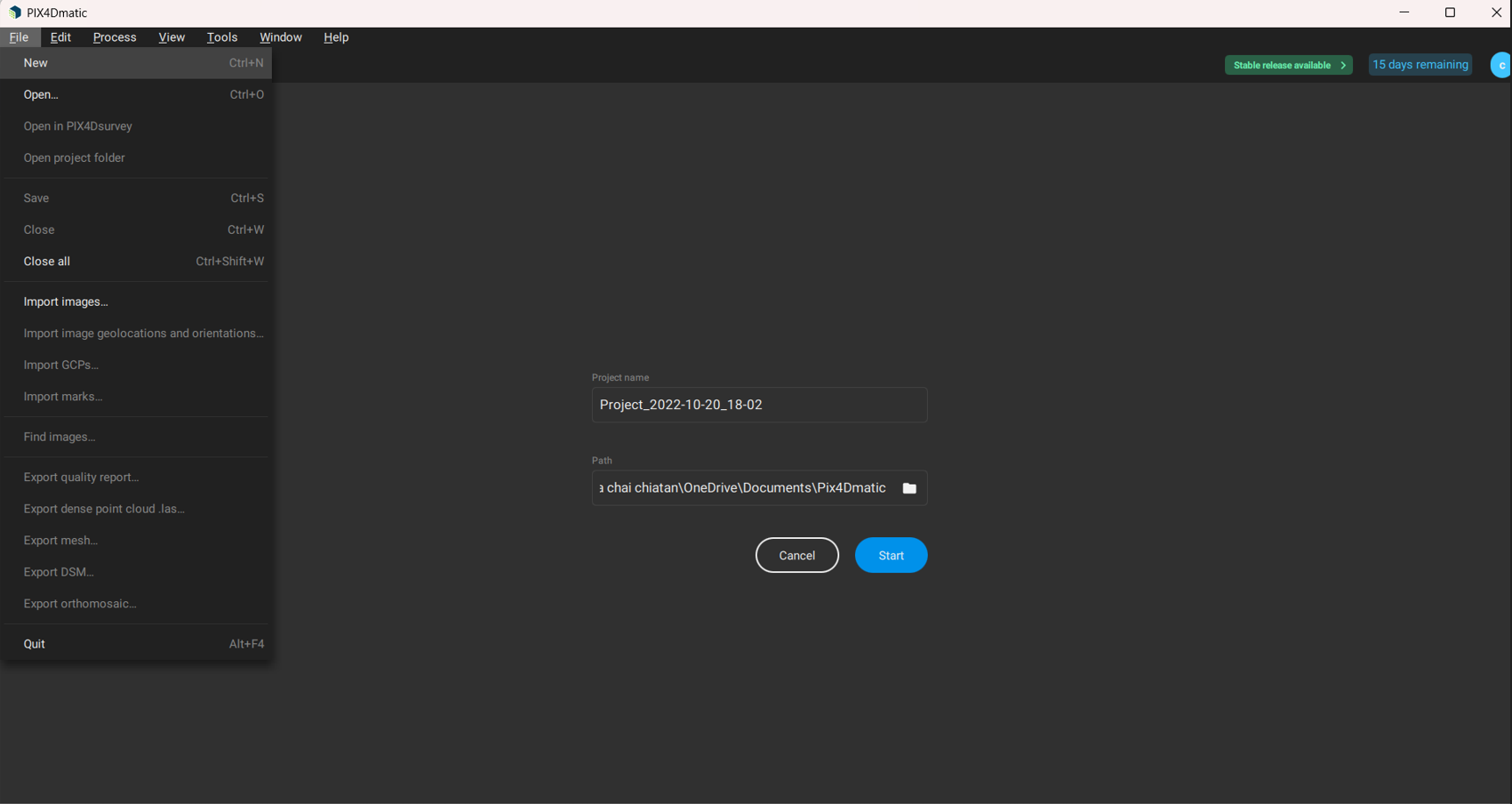
- Enter the project name and choose a path to save. Click Start.
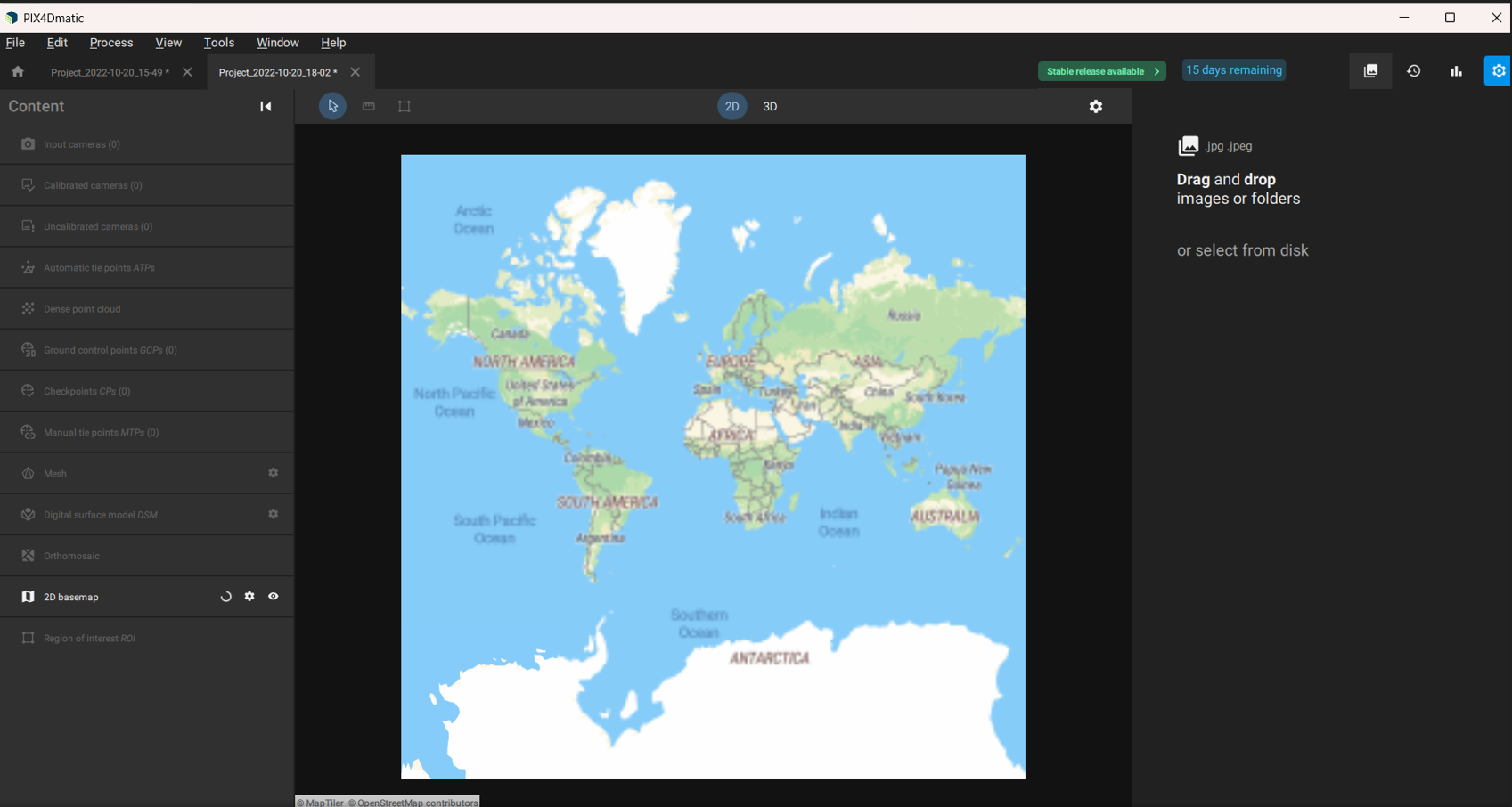
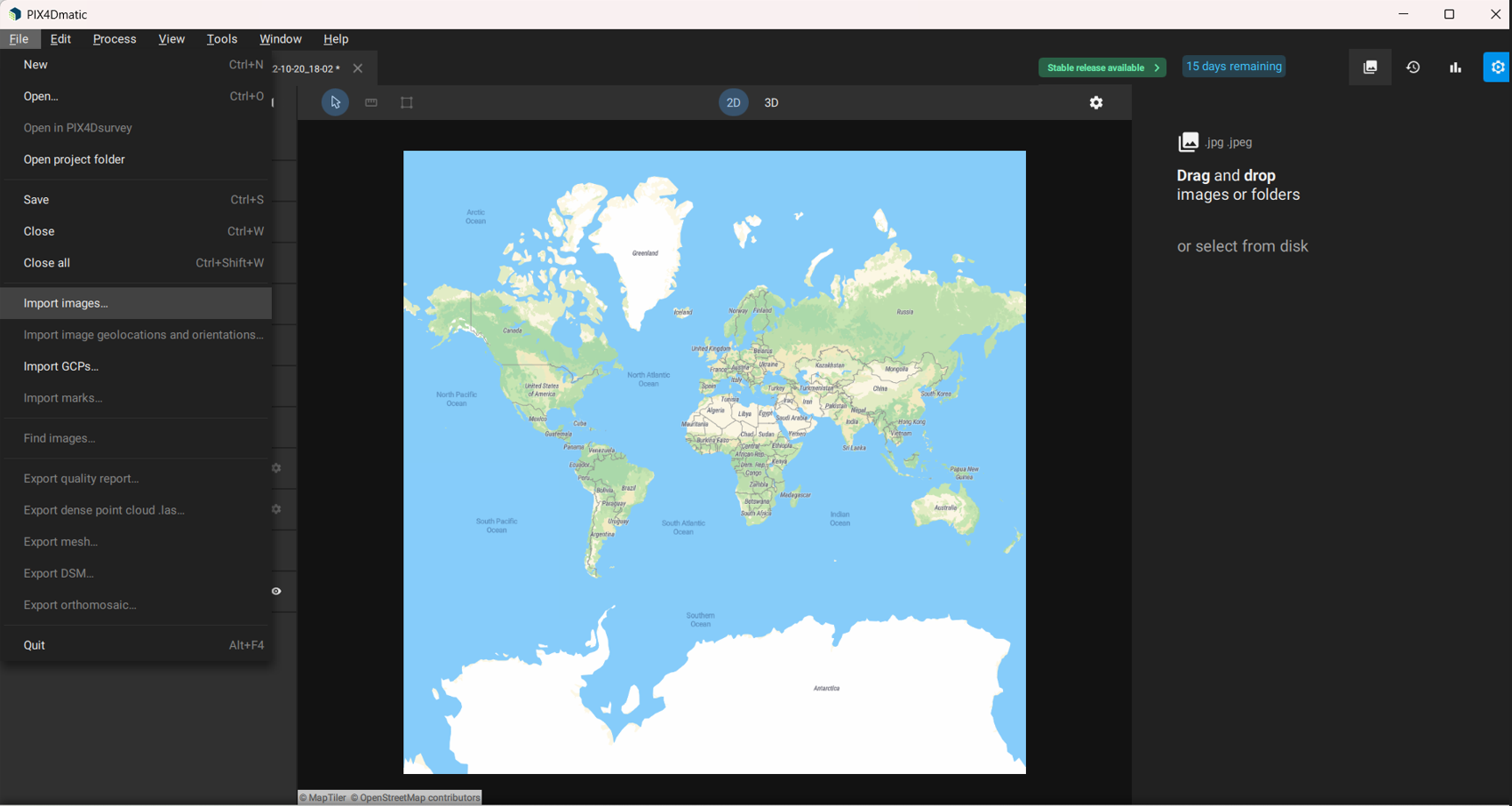
3. Import Images
- Click Import Images and select files from your local disk or Pix4D Cloud sample files.
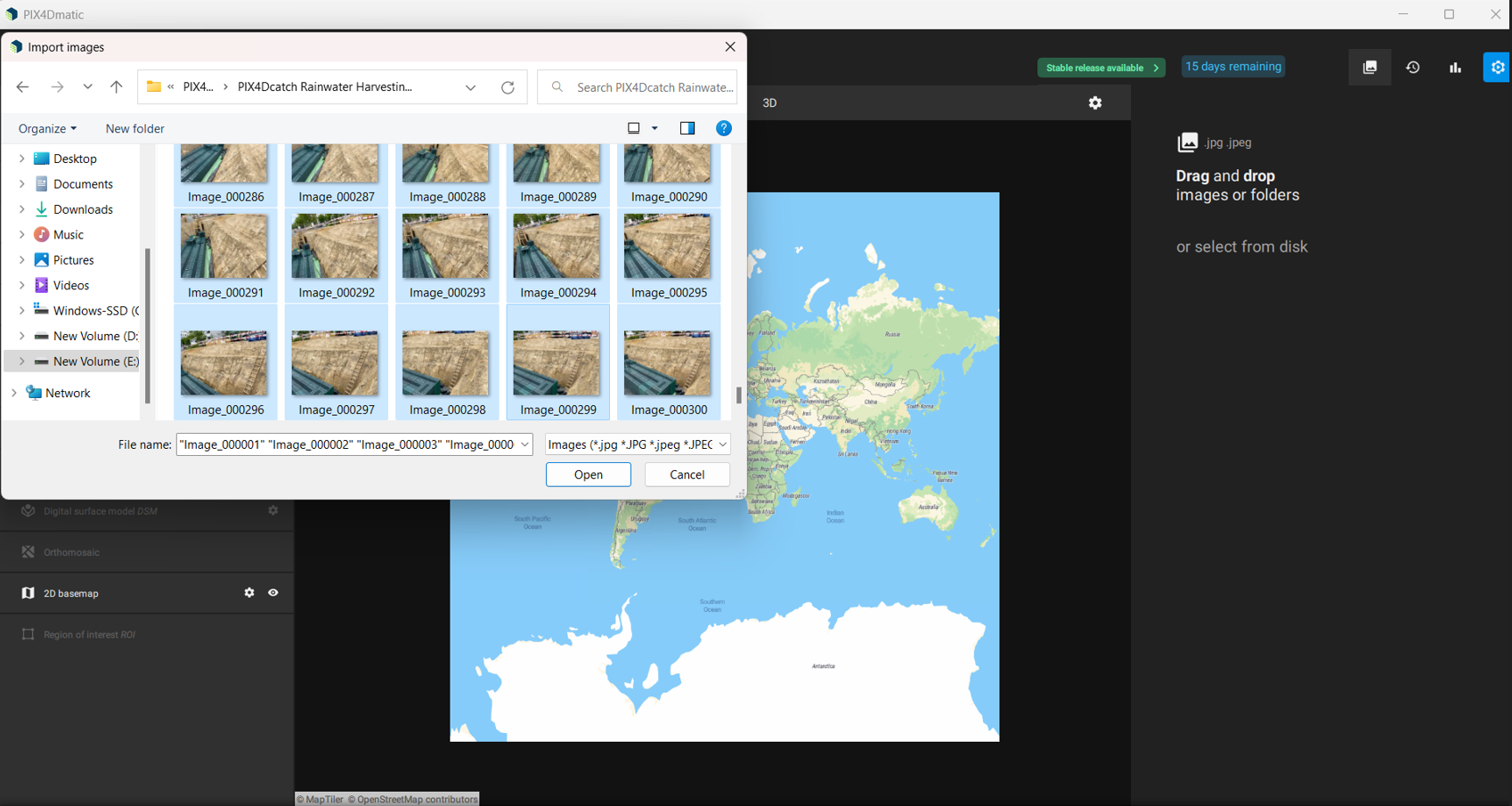
- Supported file formats are displayed.
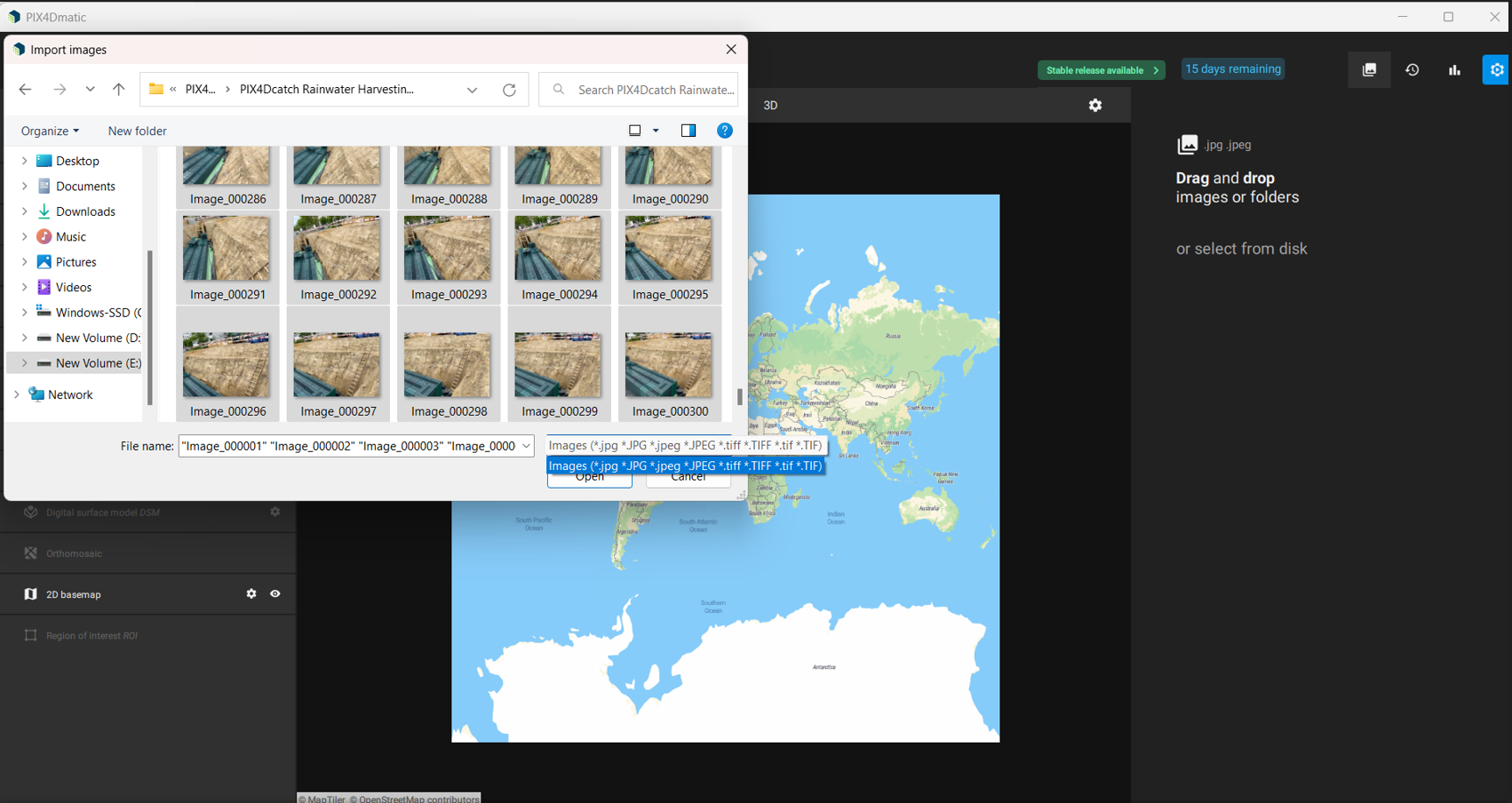
- Click Open after selecting the images.
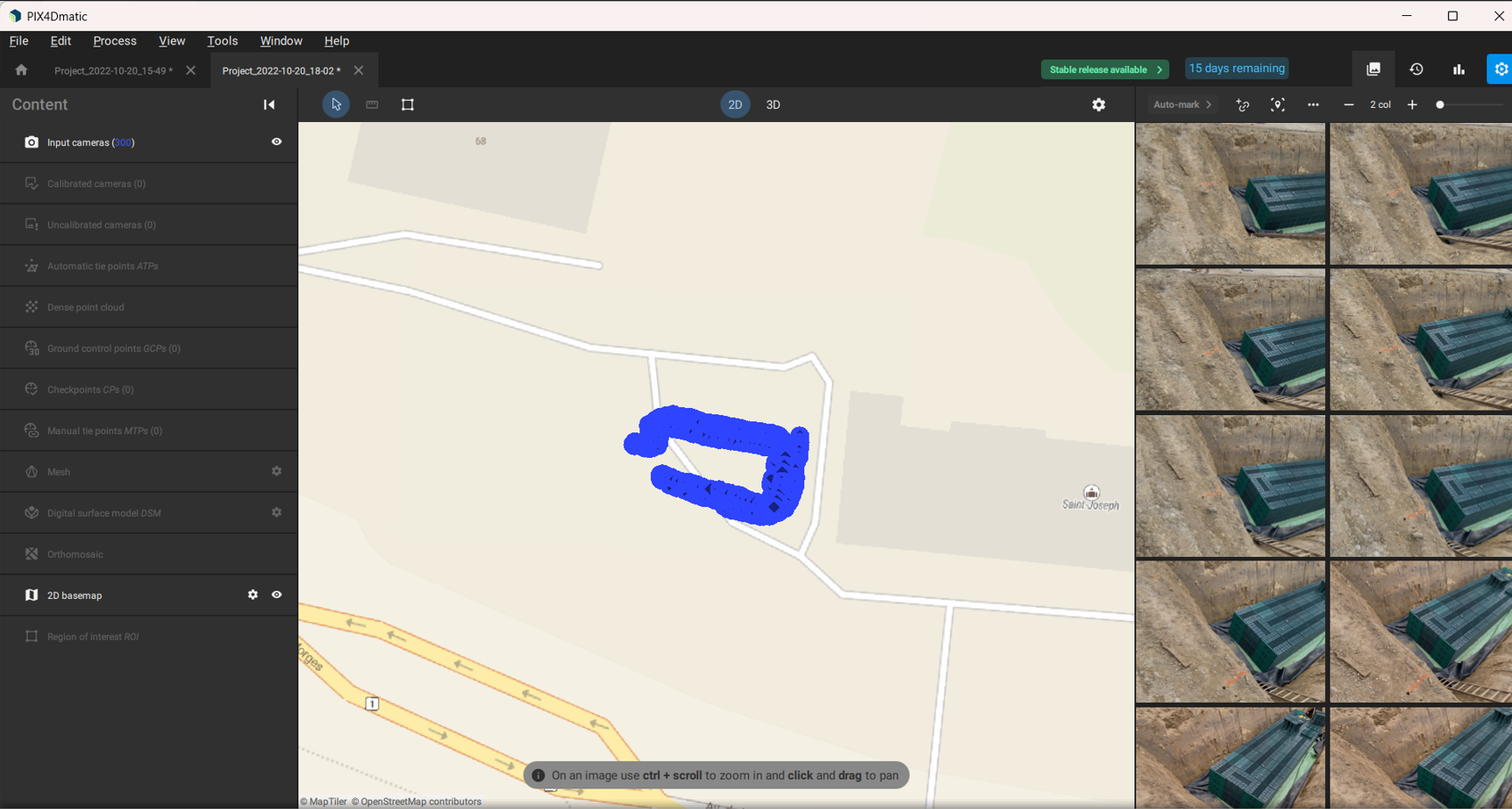
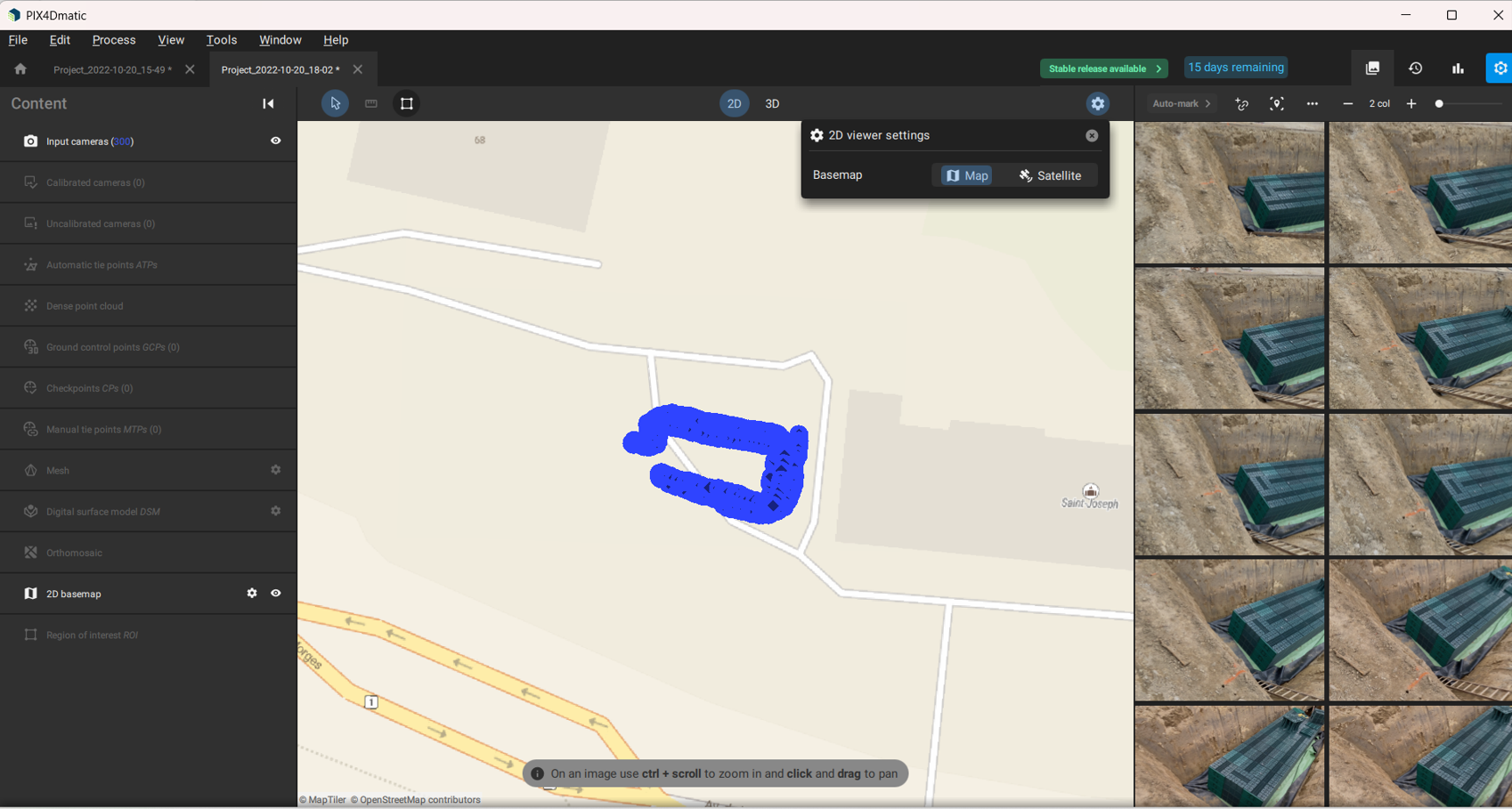
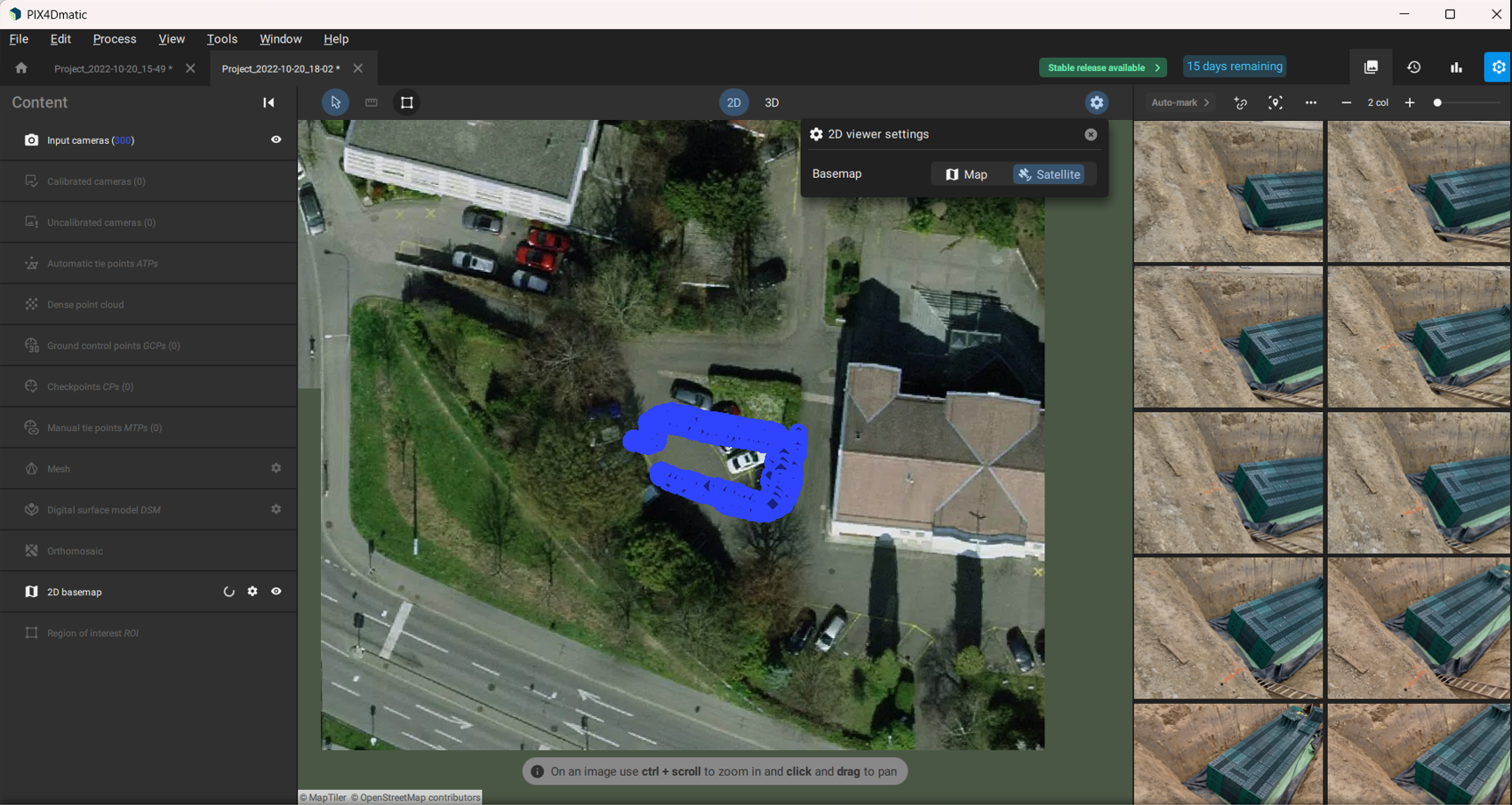
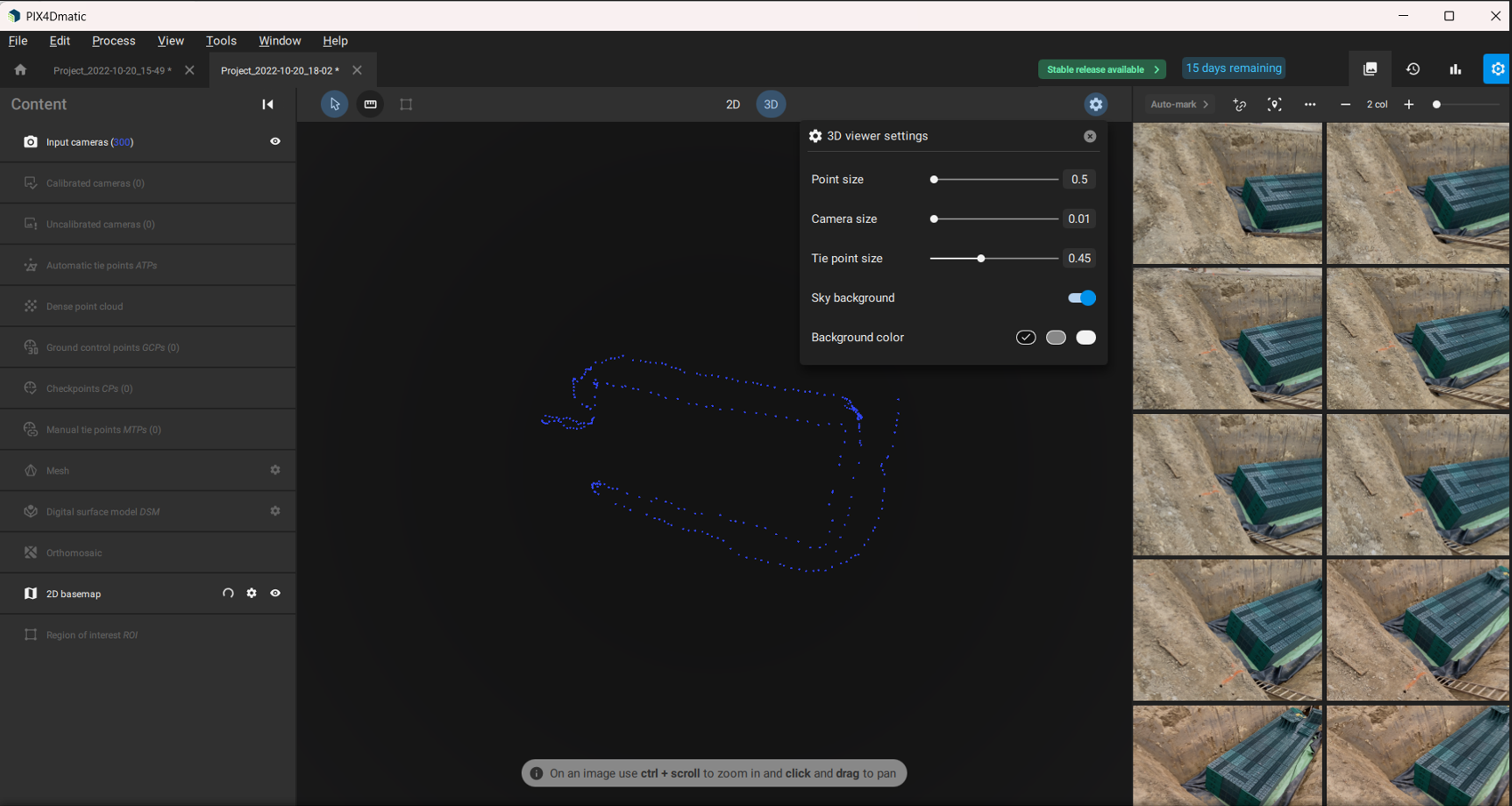
4. Review 2D and 3D Views
- 2D Map View:
- 2D Satellite View:
- 3D Settings:
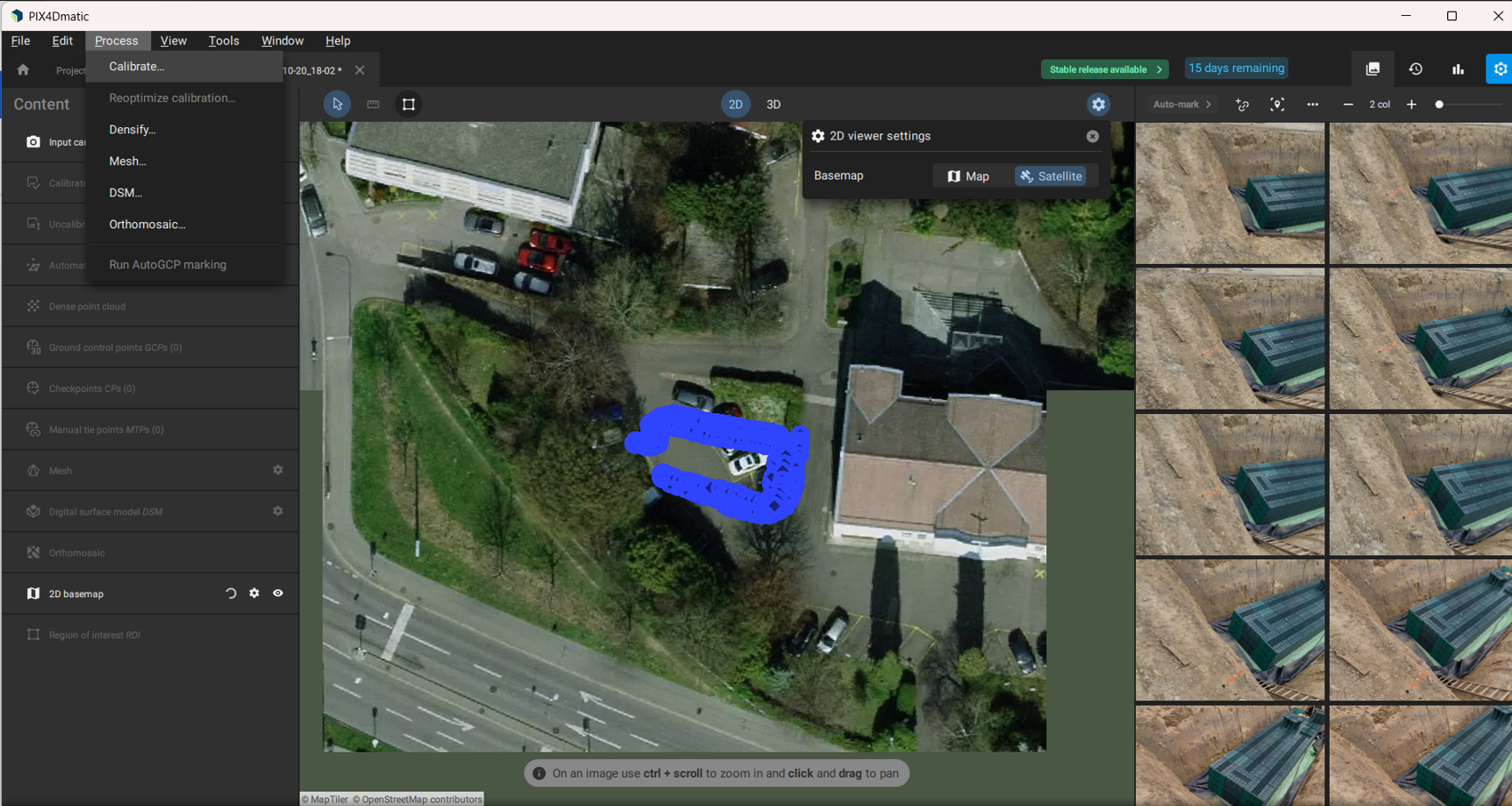
5. Calibrate and Process
- Navigate to Process → Calibrate.
- Select all calibration options.
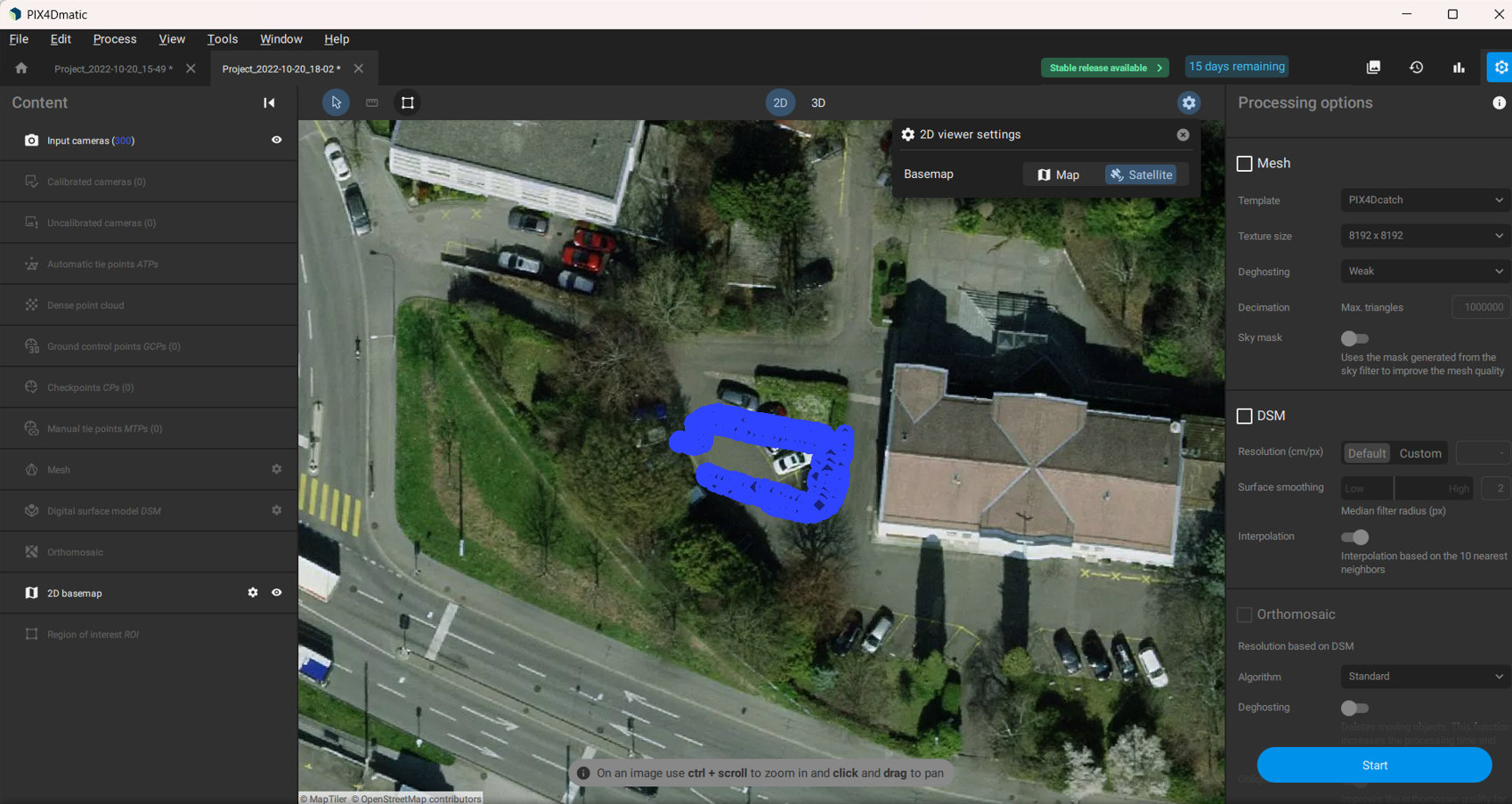
- Select all processing options: Densify, Mesh, DSM, Orthomosaic.
- Enable all Export formats for your outputs.
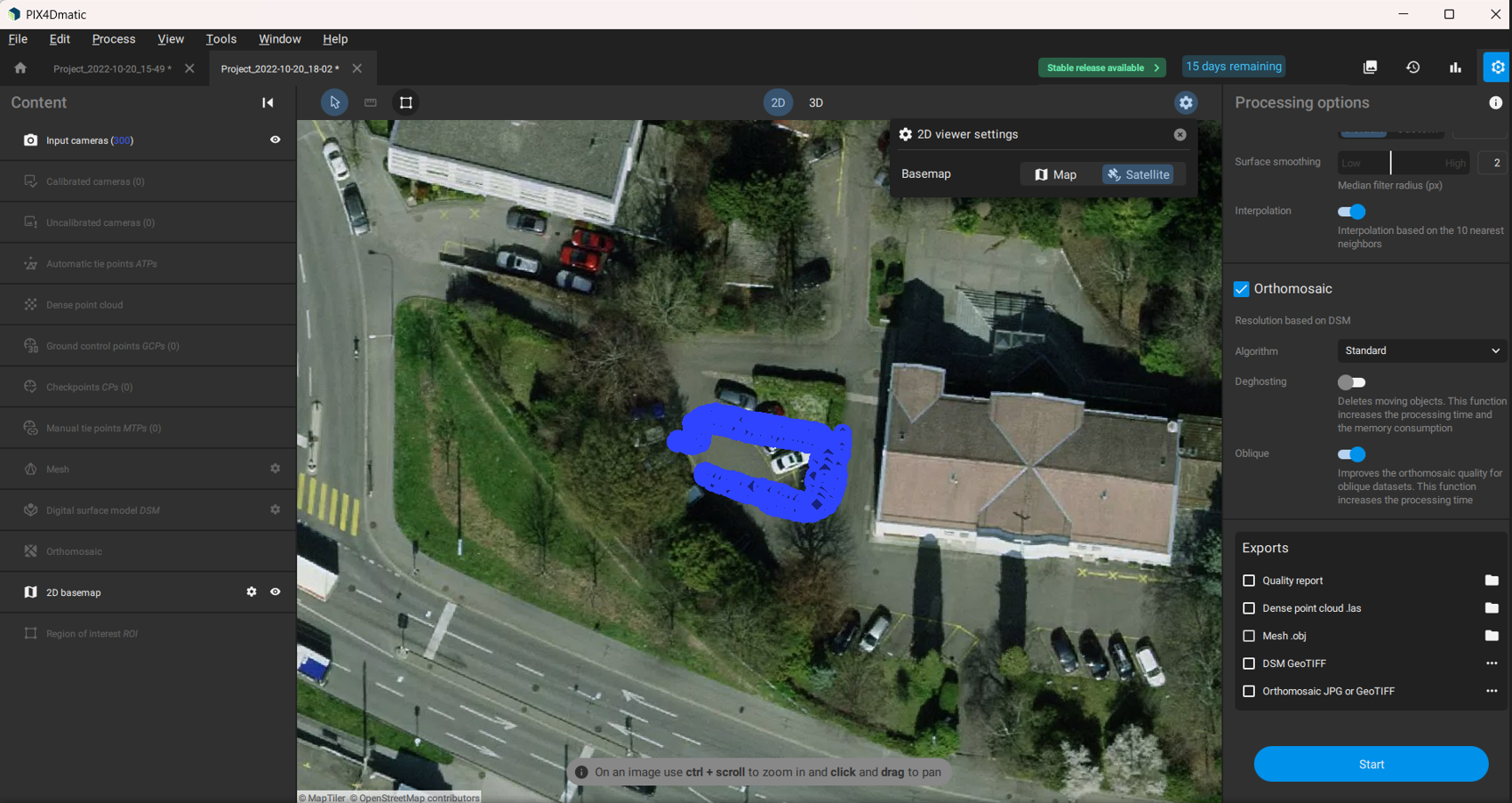
- Click Start to begin processing.
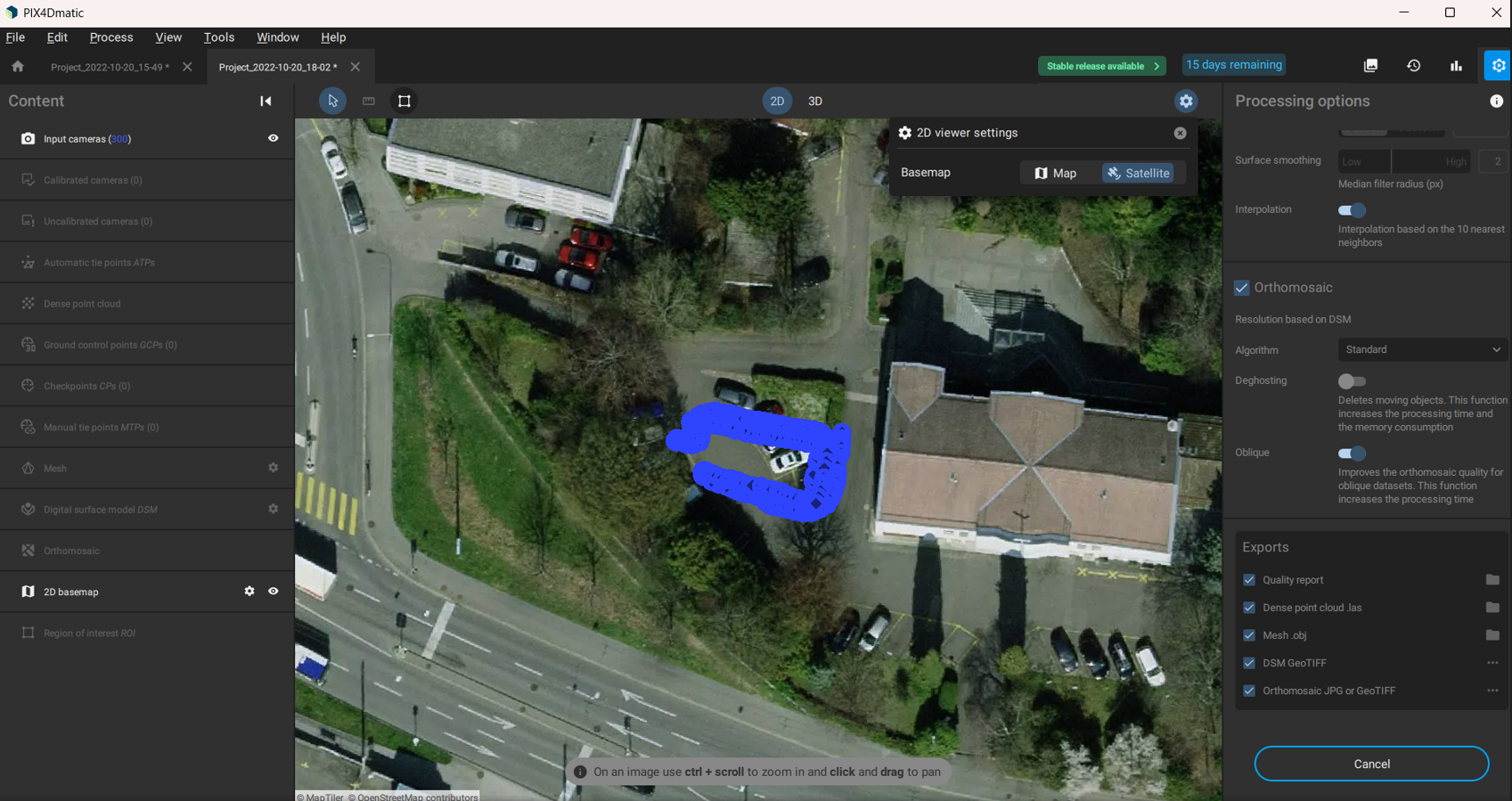
6. Monitor Processing
- Progress is shown above the project name.
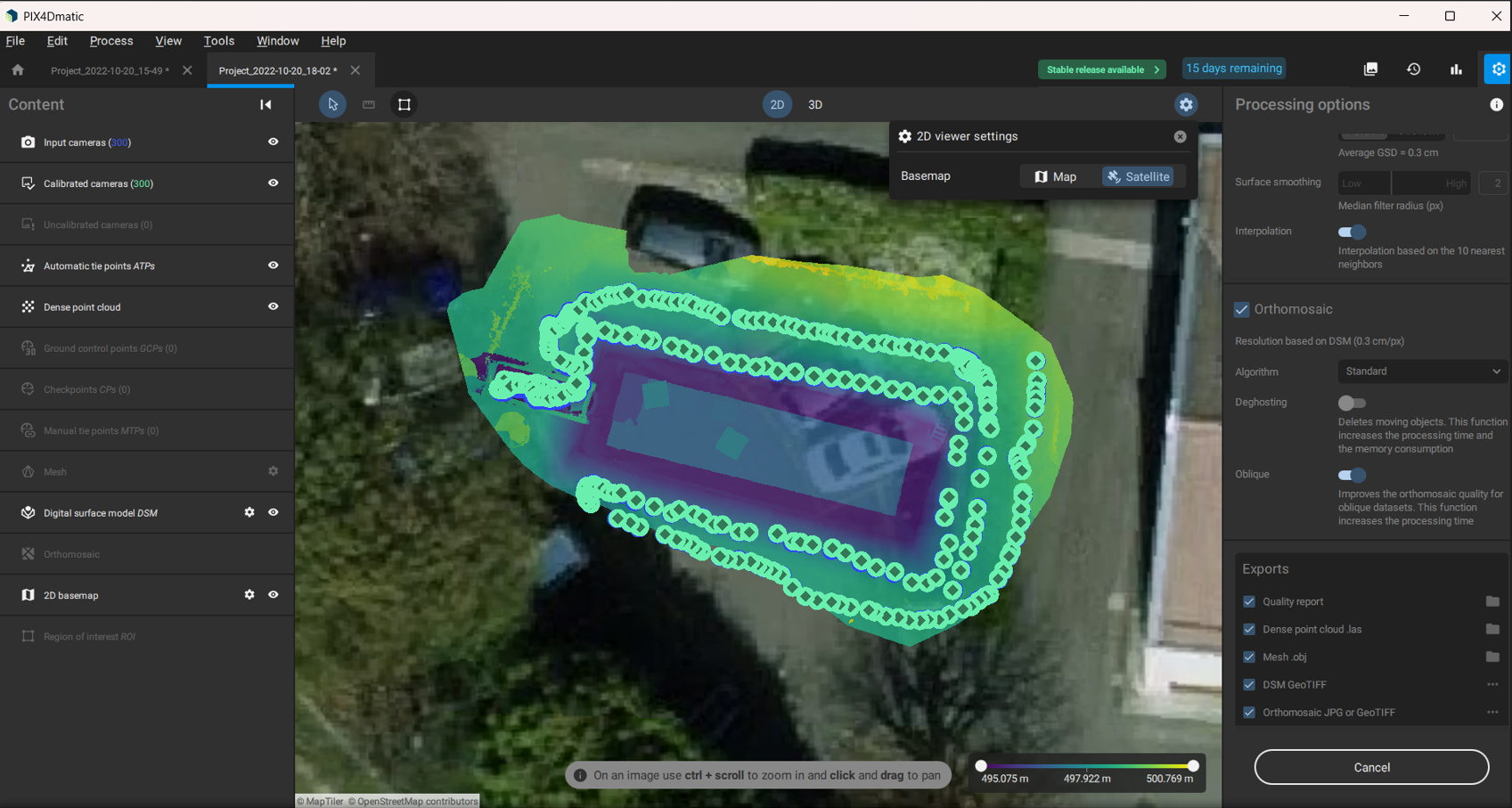
- Completed file preview:
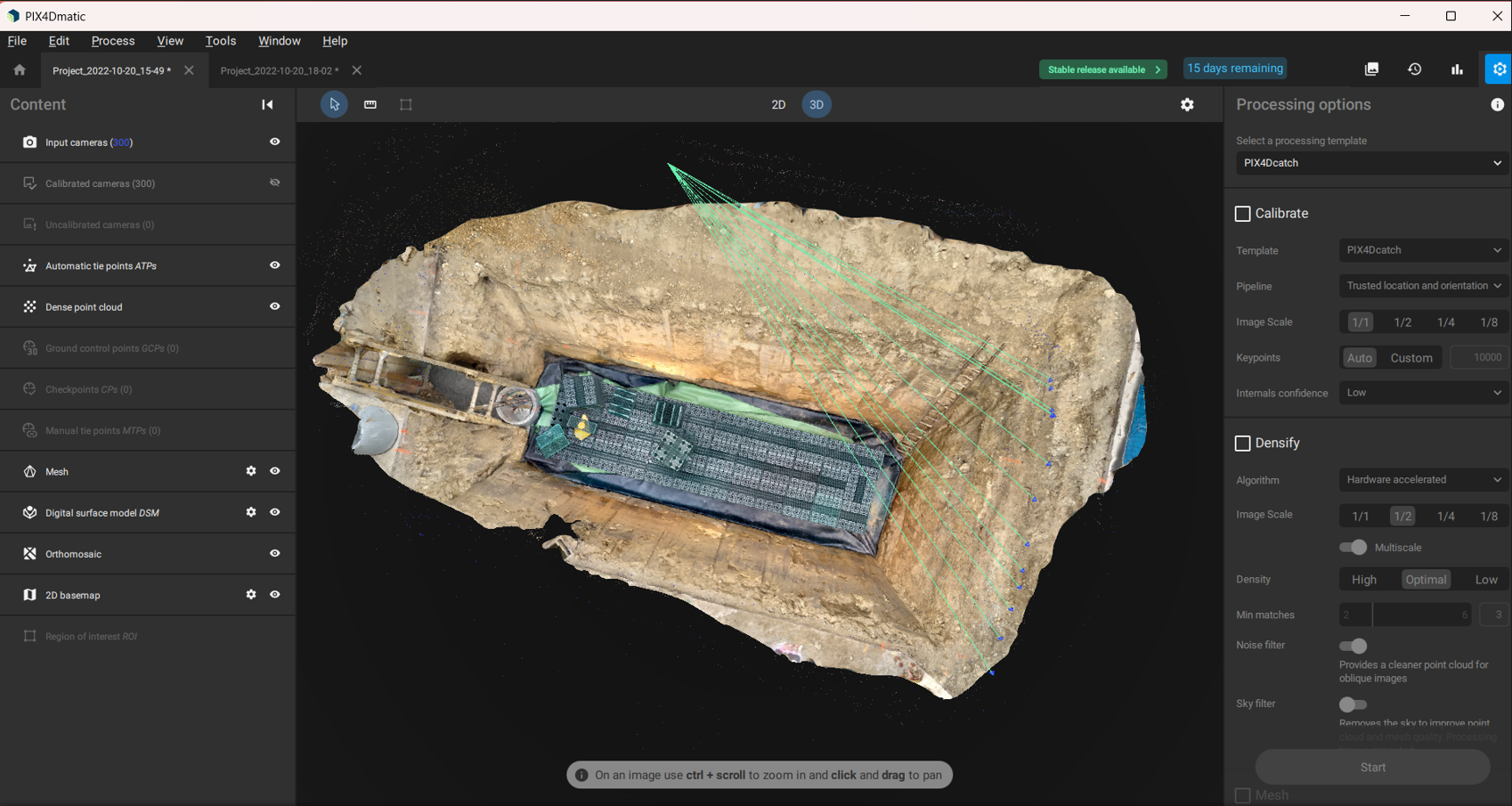
7. Export Outputs
- Go to File → Export.
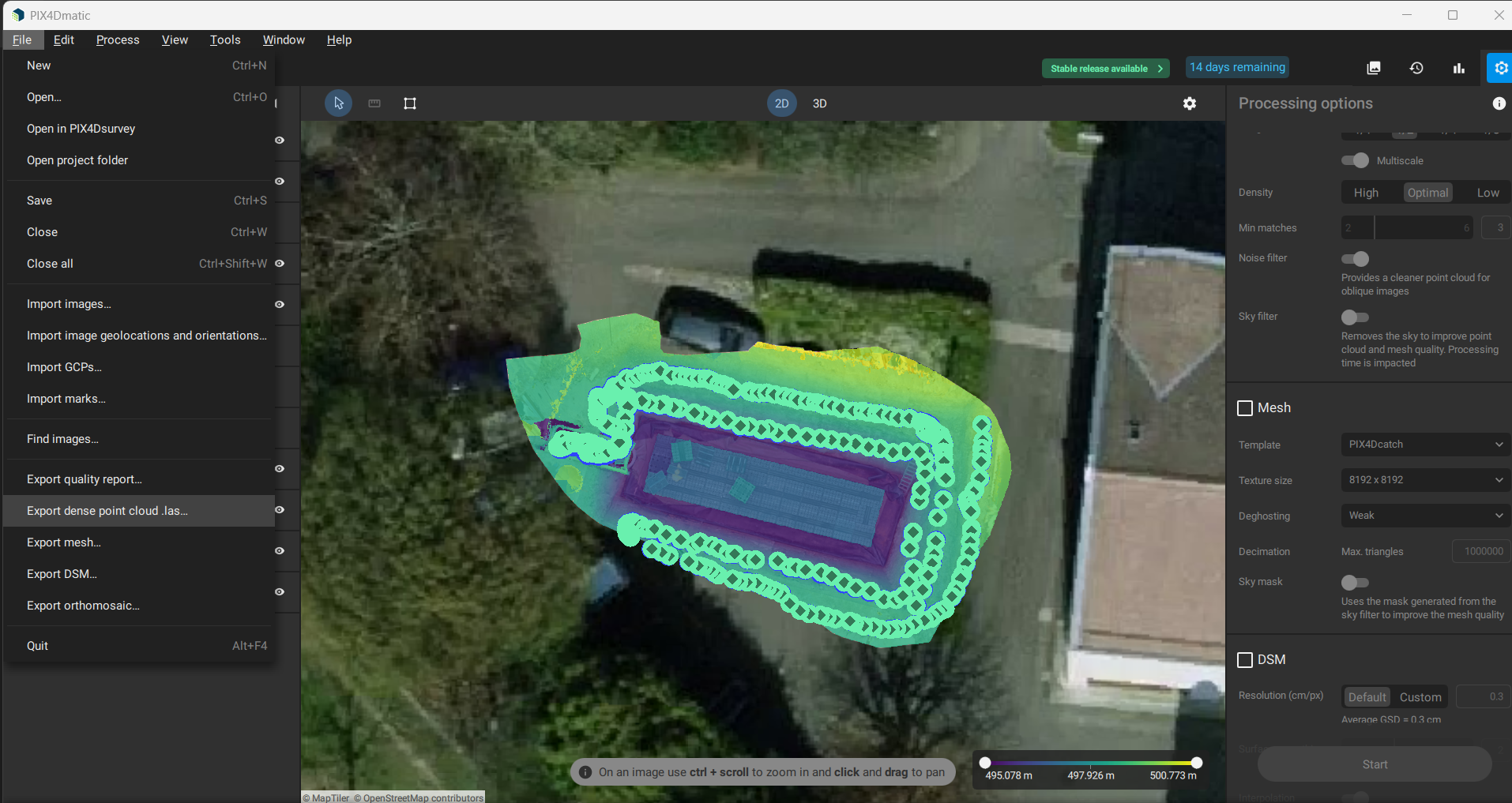
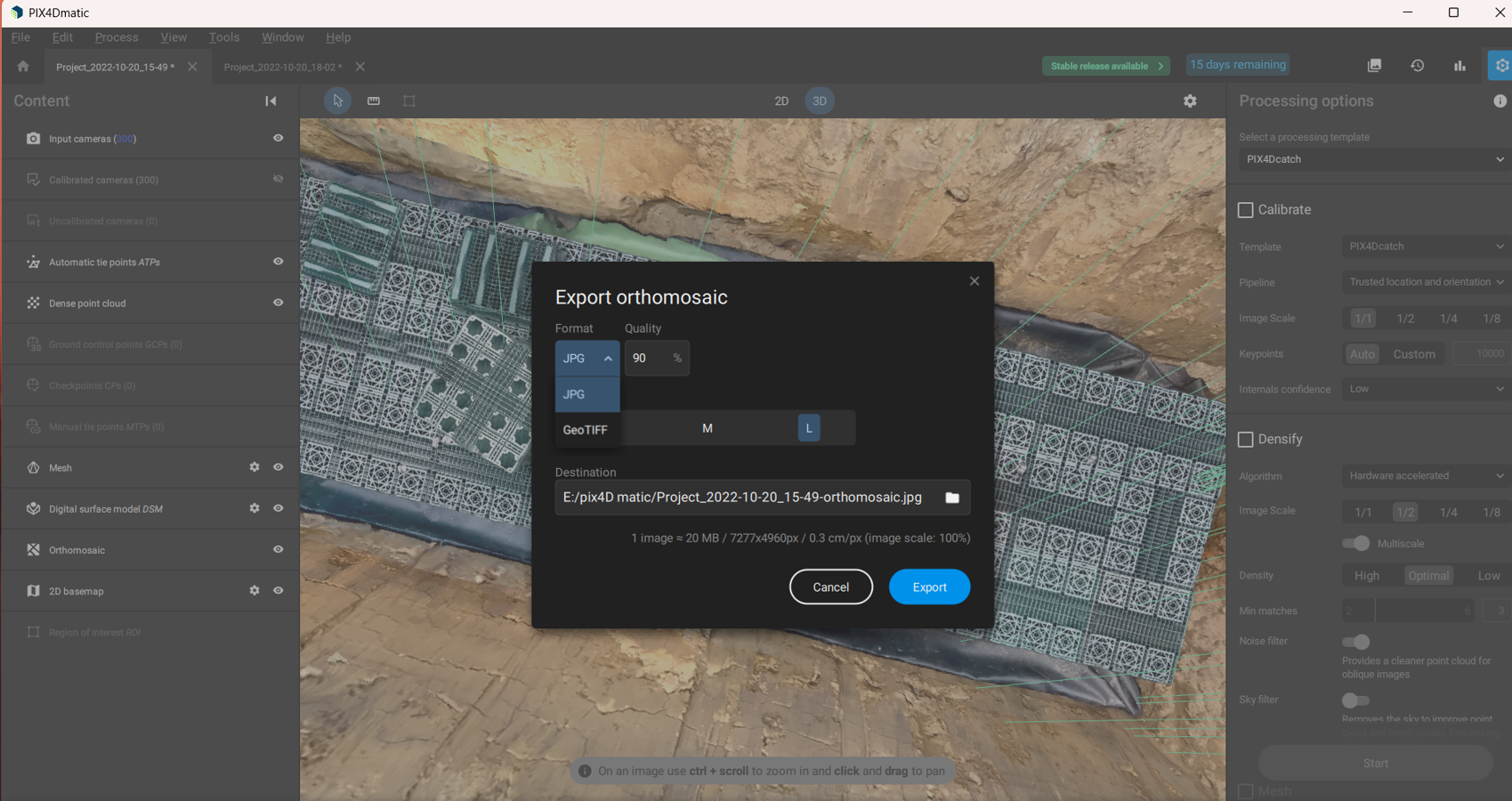
- Choose Export Orthomosaic → GeoTIFF.
- Select save location and click Export.
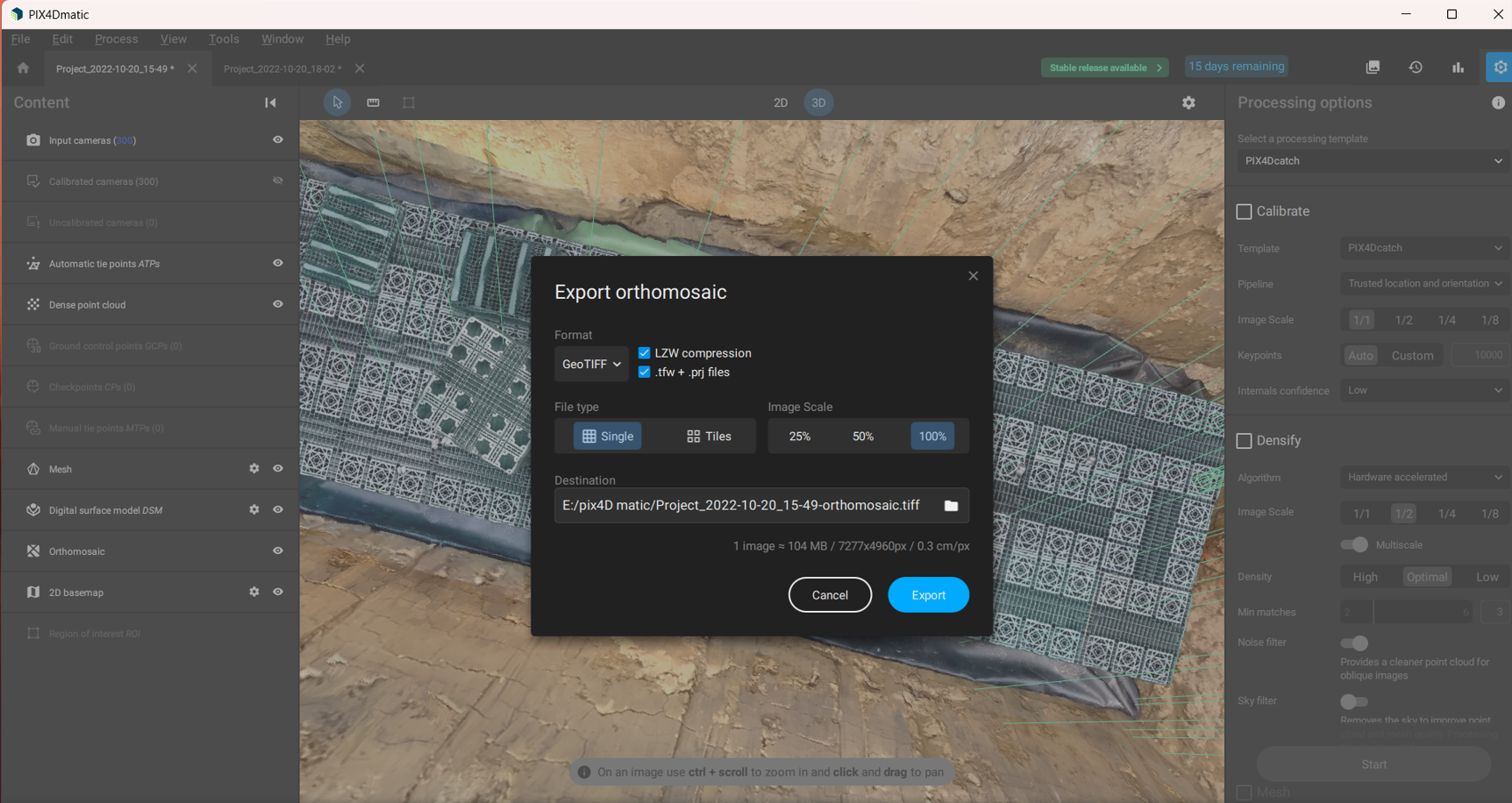
- Exported JPG example: