Autodesk Maya-workflow-3
Decreasing File Size.
-
Here we are Importing the file from the Local Disk itself.
-
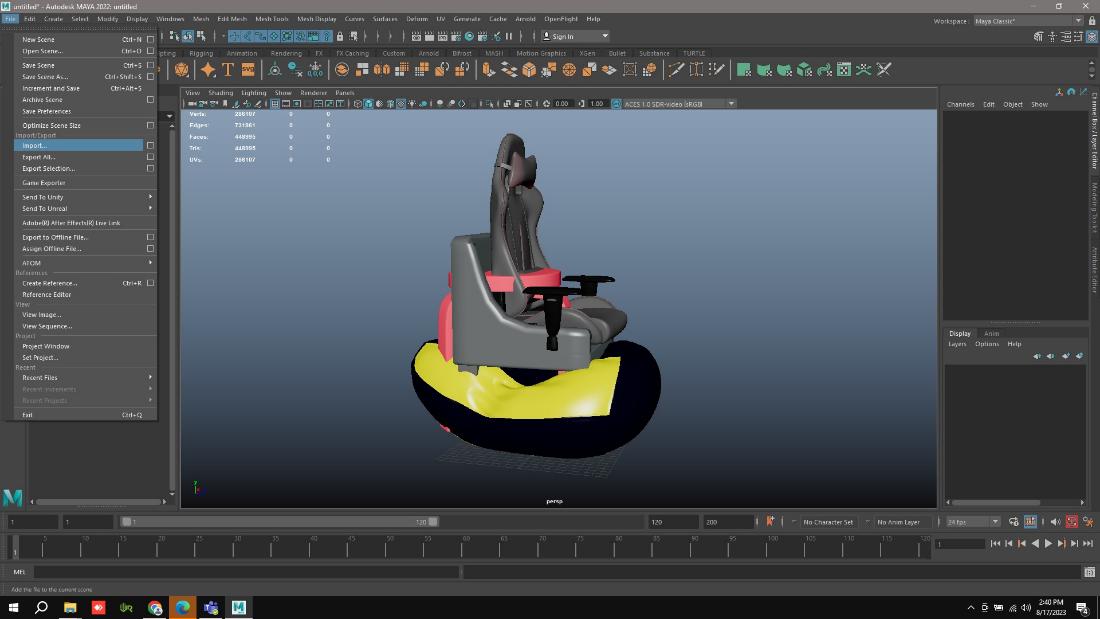
Go to Import in the File option.
-
Automatically the Disk will open or else Just Drag and Drop the file.
-
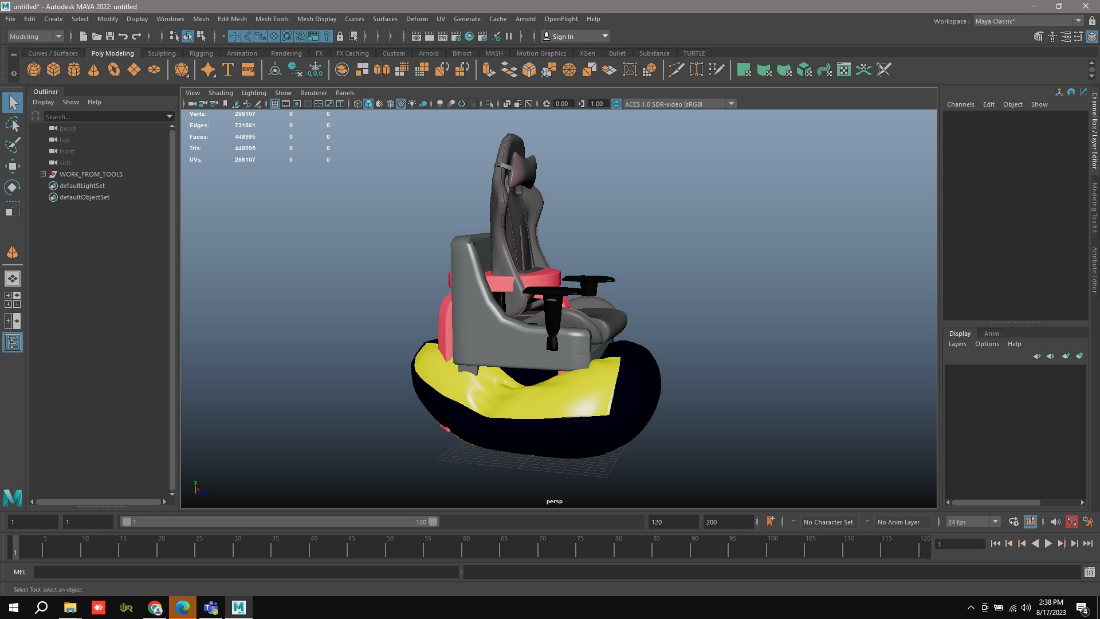
It will take some time to load due to the size of the file.
-
Here is the file which I imported.
-
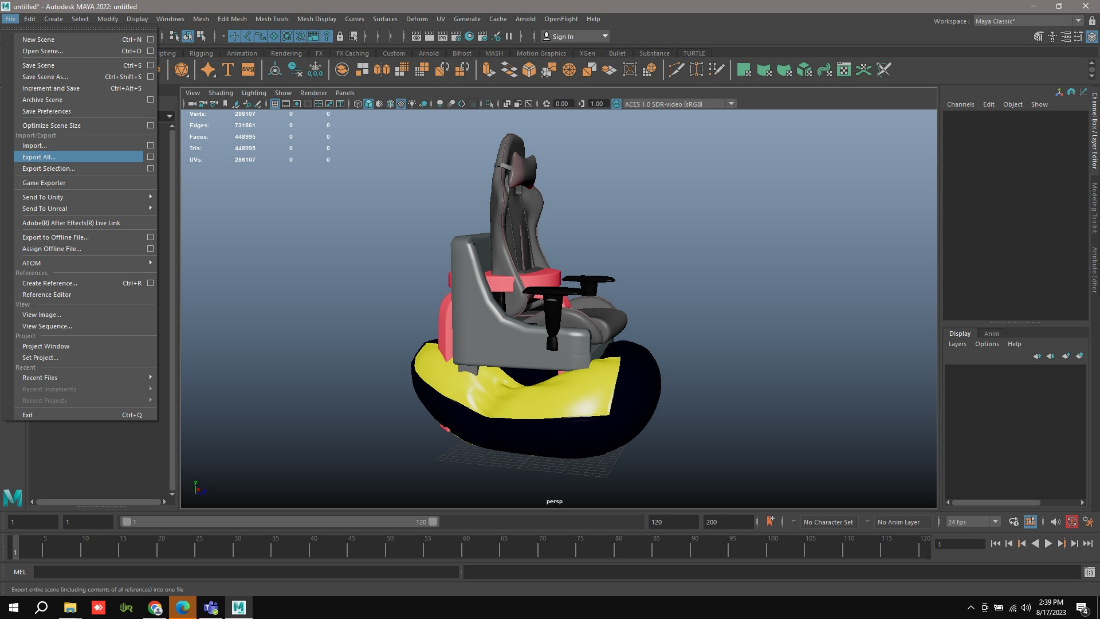
Go to Export All in File and export it.
-
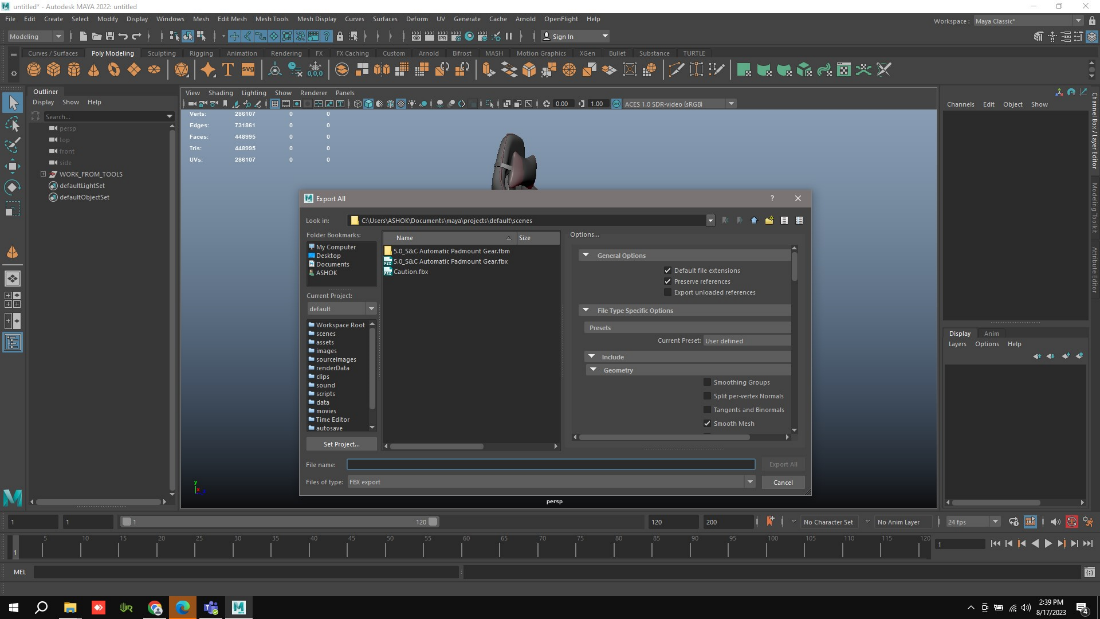
Again, it will Connect to the Disk for the Saving option.
-
There we need to select the Binary in the Type. And as well as the Version to FBX 2020.
-
So, it will get Export by giving the name and selecting the Export All.
-
If we notice in the Below picture the Sizes of the files will vary.
-
Ascii is the file which we Imported. And Binary is the file which we Exported.