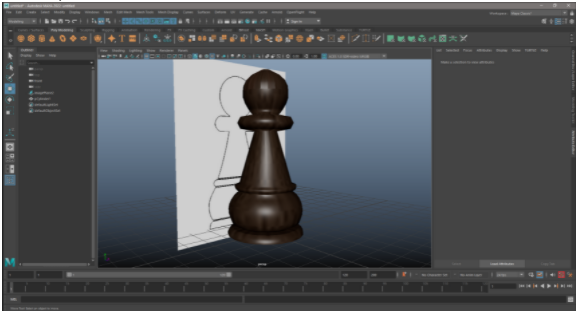
AutoMaya workflow-4
Modelling and Texturing.
Modelling:
-
Create a new model from the Reference.
-
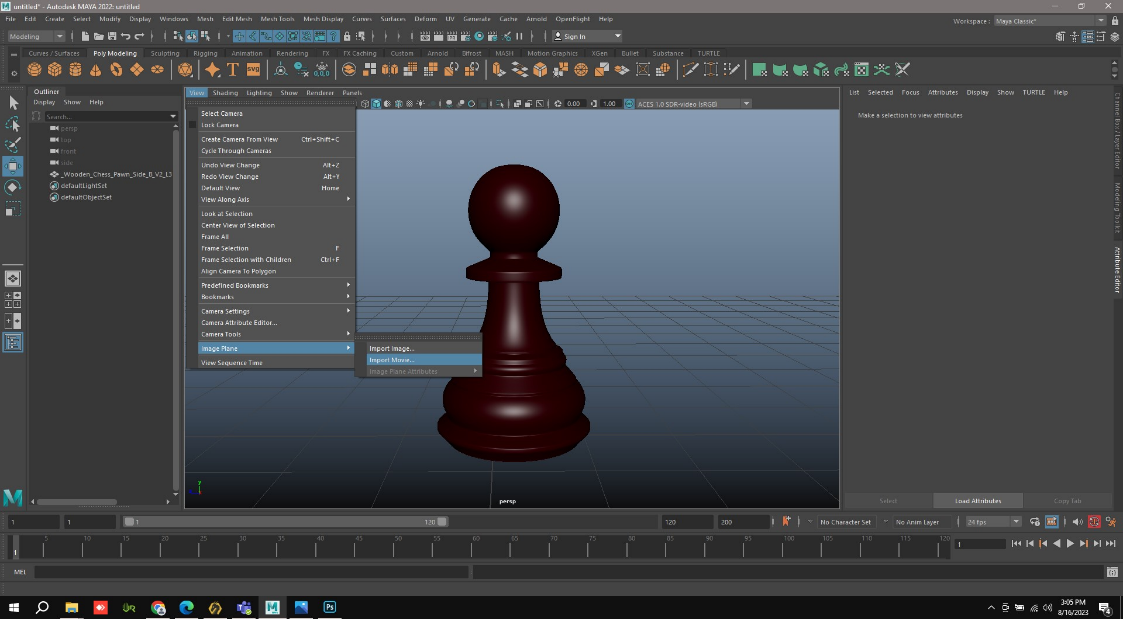
Go to View in that Image plane in that Import image.
-
Select the Reference image, it will open like this.
-
Based on the Shapes in the Reference image. Cylindering will be carried out.
-
If we notice clearly on the top menu,

-
We notice shapes.
-
Select Cylinder in it and the process of Cylindering will be carried out.
-
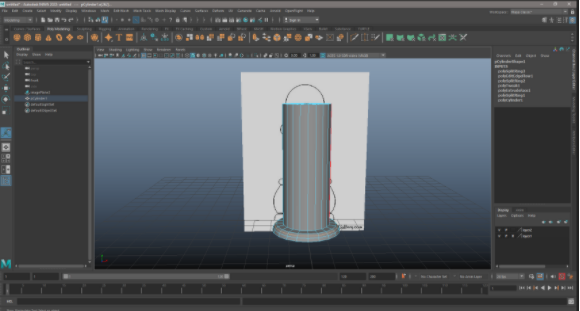
After Selecting the Cylinder in the Shapes. Keep it in the Reference Image taken.
-
This how it will Appear after selecting the Cylinder to do a Cylindering process.
-
Adding the Vertices to get the exact Representation of the Reference Image.
-
To add Vertex, use Mouse left button.
-
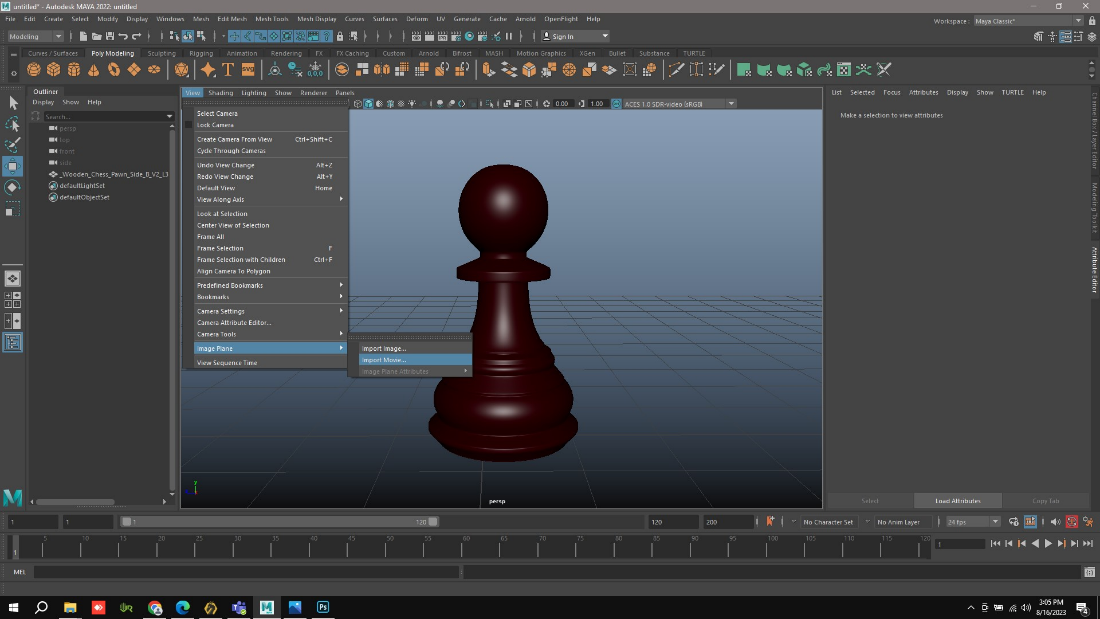
After Adding Vertex, the final 3D will appear like this.
-
And it can also Appear in all the 4 view also.
Texturing: -
Similarly, by using Mouse left button Options will appear.
-
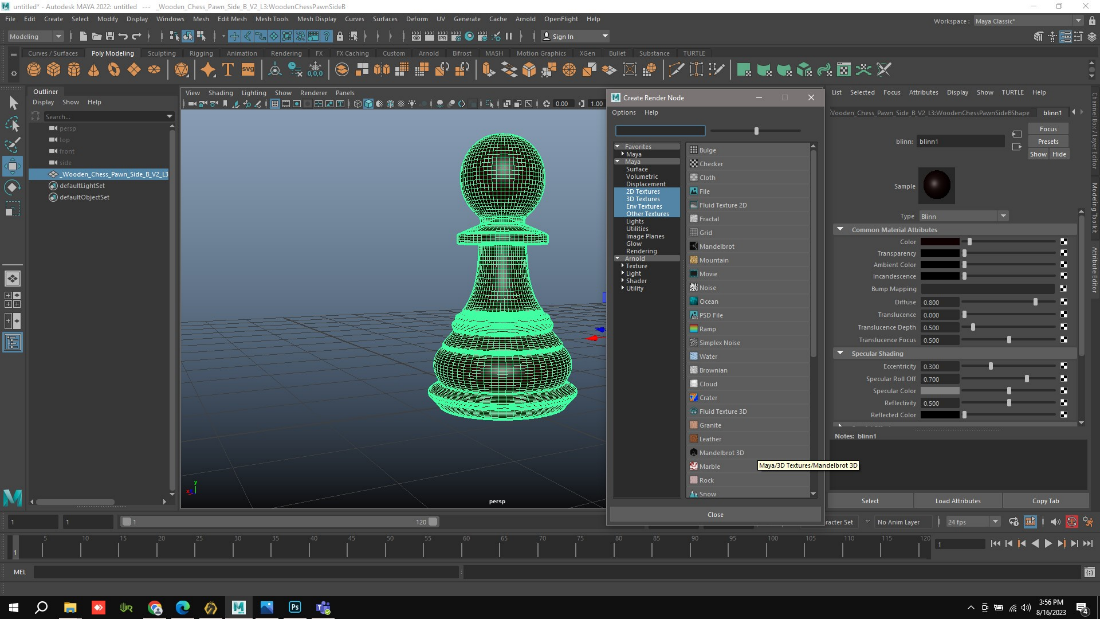
In that select the Texture. It will appear like this.
-
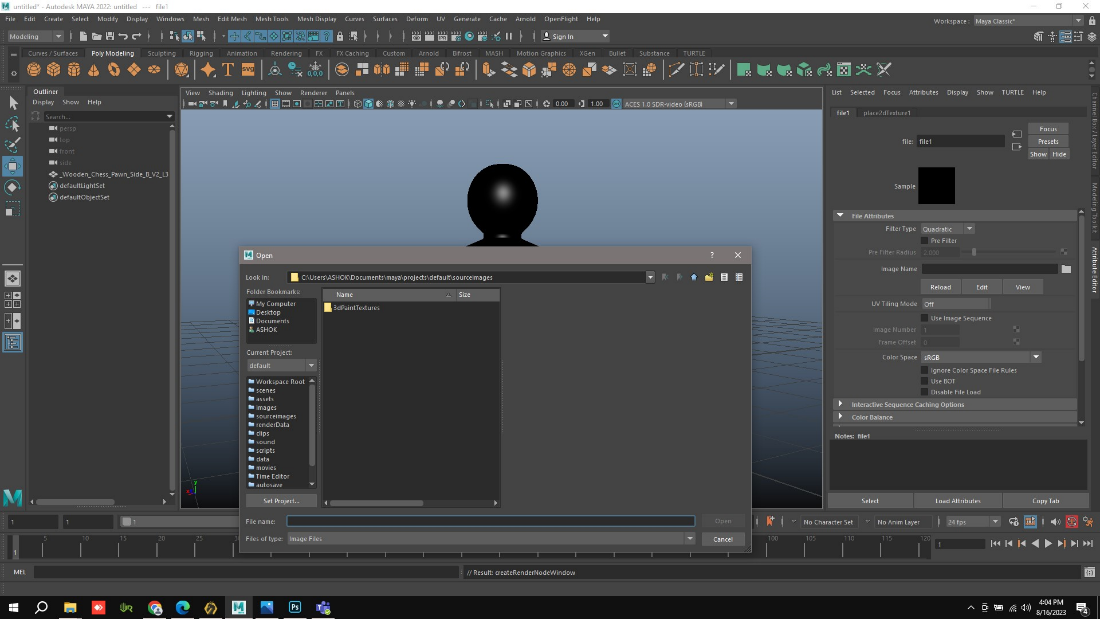
If we select File in Create Render Node. It will connect automatically to the local disc.
-
In that select the Texture and open it. The Texture will Embed on the Object.
-
It will open like this.