Configuration
Leica Cyclone 3DR V 2023.1.2.44141 Configuration
-
Go to the File menu and click on Settings.
-
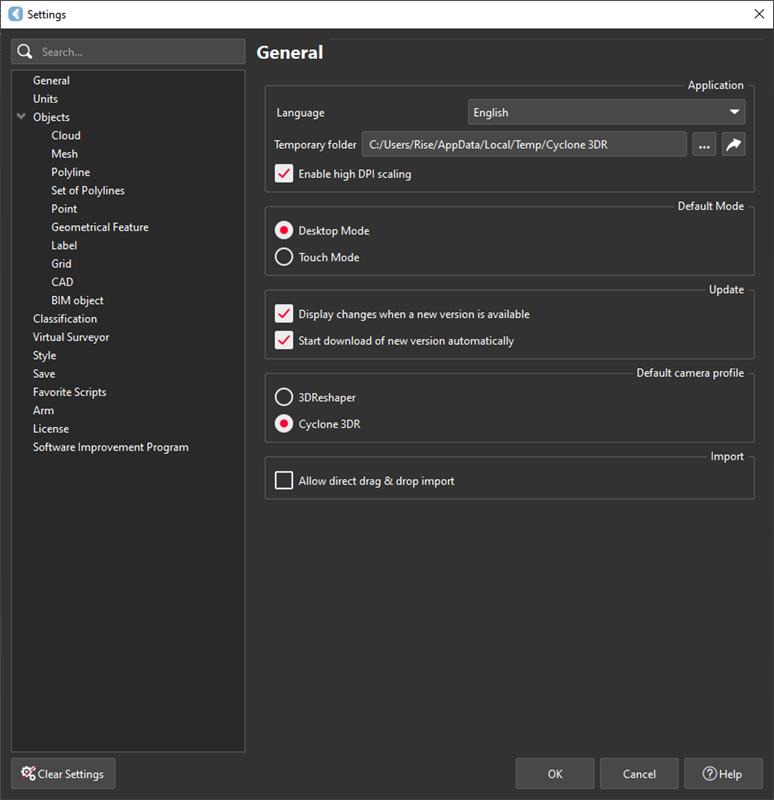
The Settings page appears as shown below:
-
In the General section:
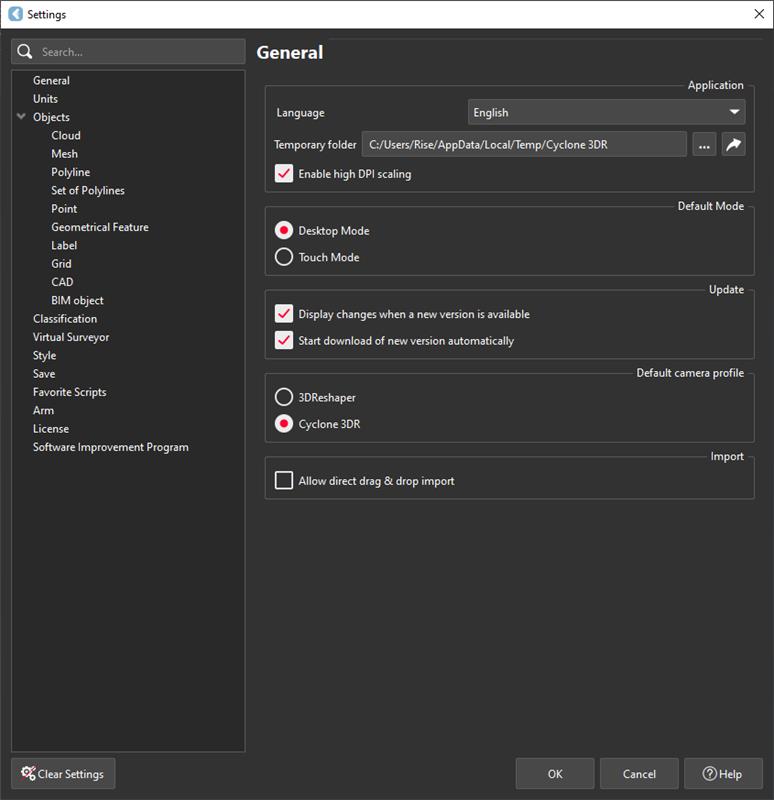
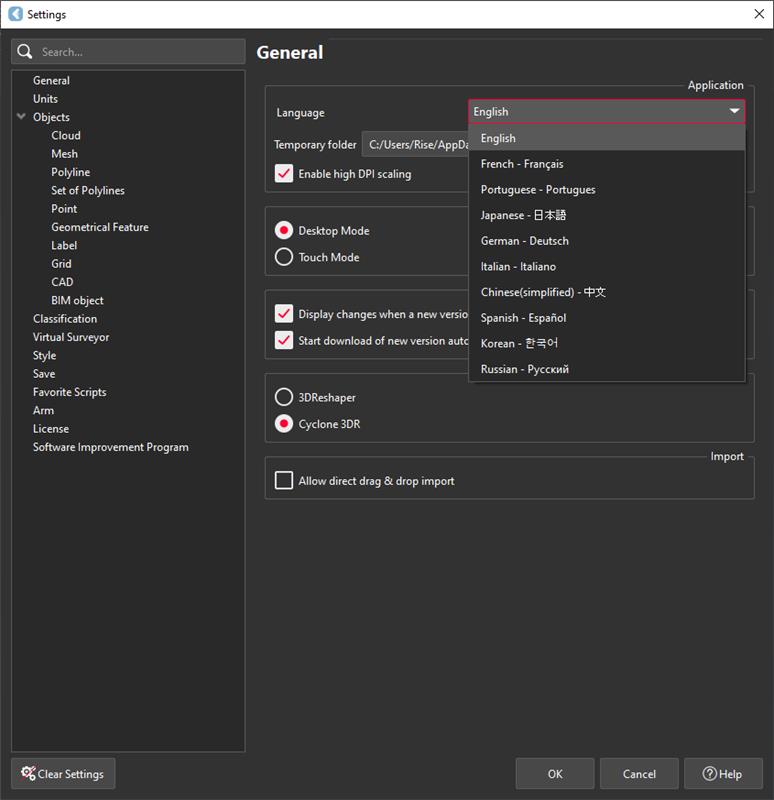
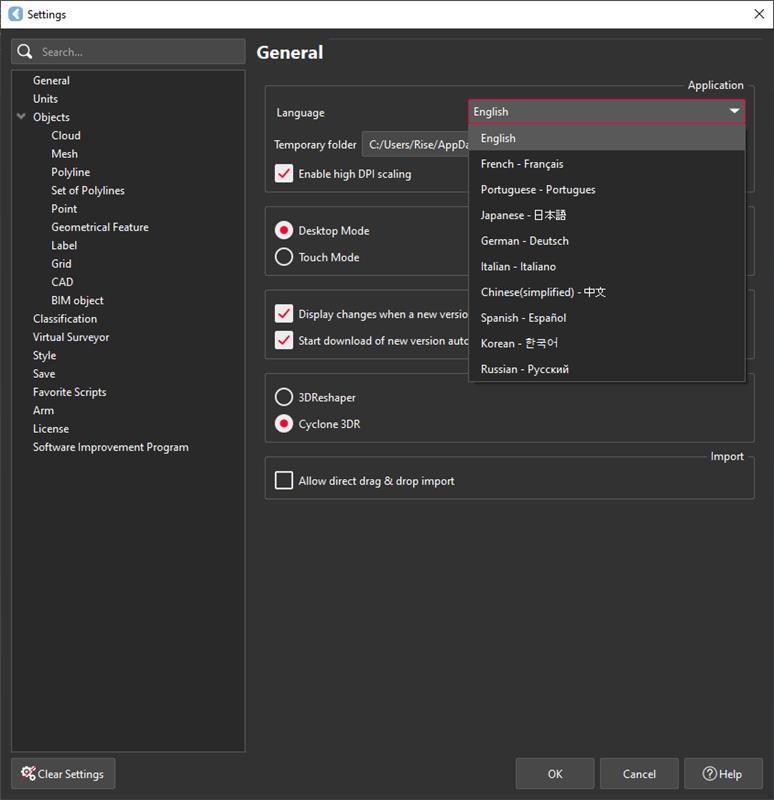
- Select the application language. If some texts are not translated, they will appear in English.
-
Temporary Folder stores log files that can be sent to support:
- Click the
...button to change the folder. - Click the arrow button to open it.
- Click the
-
Enable High DPI Scaling to apply Windows display scaling, recommended for high-resolution screens.
-
Default Mode sets the default application mode:
- Desktop – standard tools
- Touch Mode – tablet-friendly workflows
-
Default Camera Profile:
- 3DReshaper – right-click rotates the view; left-click allows simple rectangular selection.
- Cyclone 3DR – interacts with the 3D view like other Cyclone software.
-
Enable Drag & Drop Import to import files directly without pop-ups.
Unit Settings
-
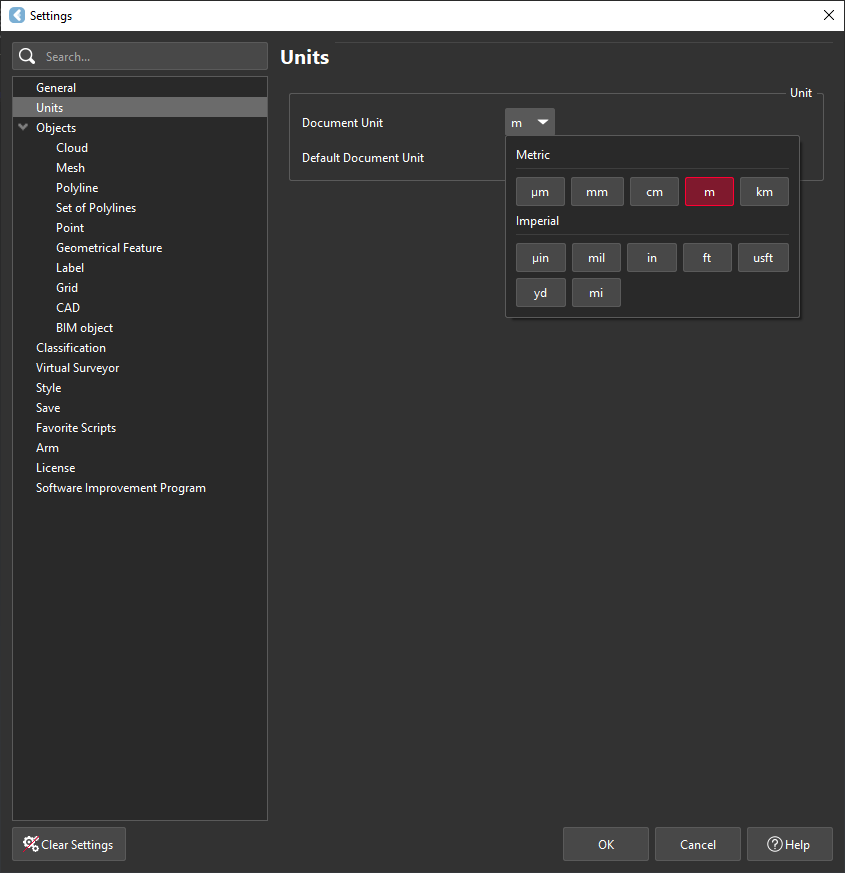
Set units for documents:
- Document Unit – applies to the current document (data not changed).
- Default Document Unit – applies to future documents.
Object Settings
-
10 settings available for new objects:
Cloud Settings
-
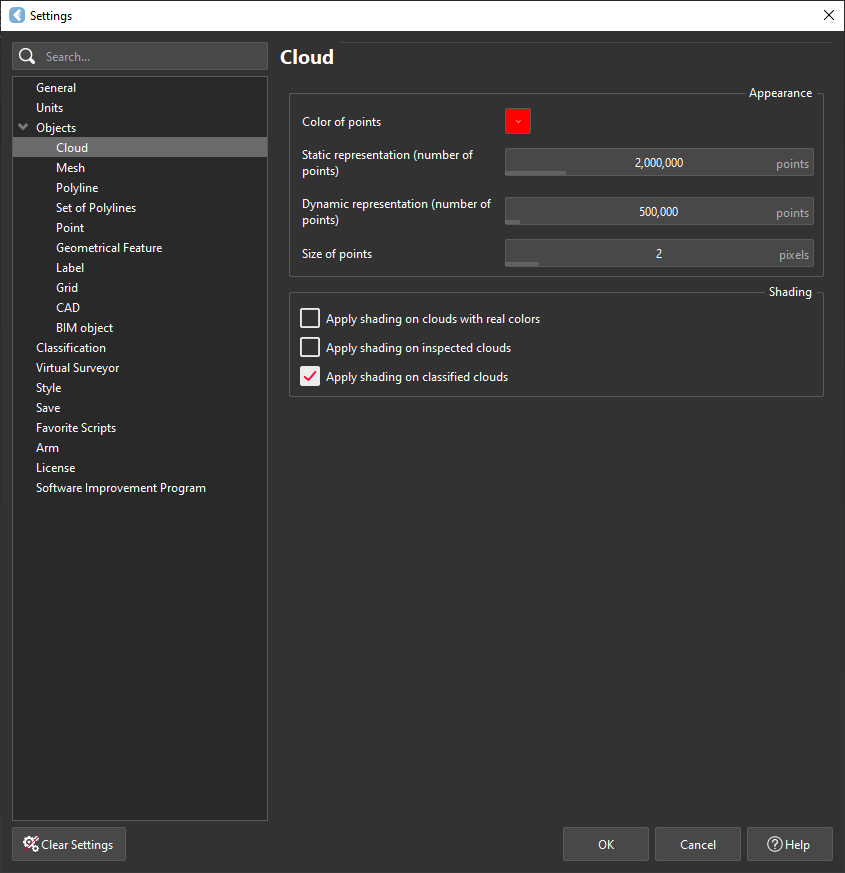
Customize new cloud appearance:
- Default point color (smooth or flat)
- Number of points displayed (static or dynamic)
- Point size
- Apply shading on real-color, inspected, or classified clouds
Mesh Settings
-
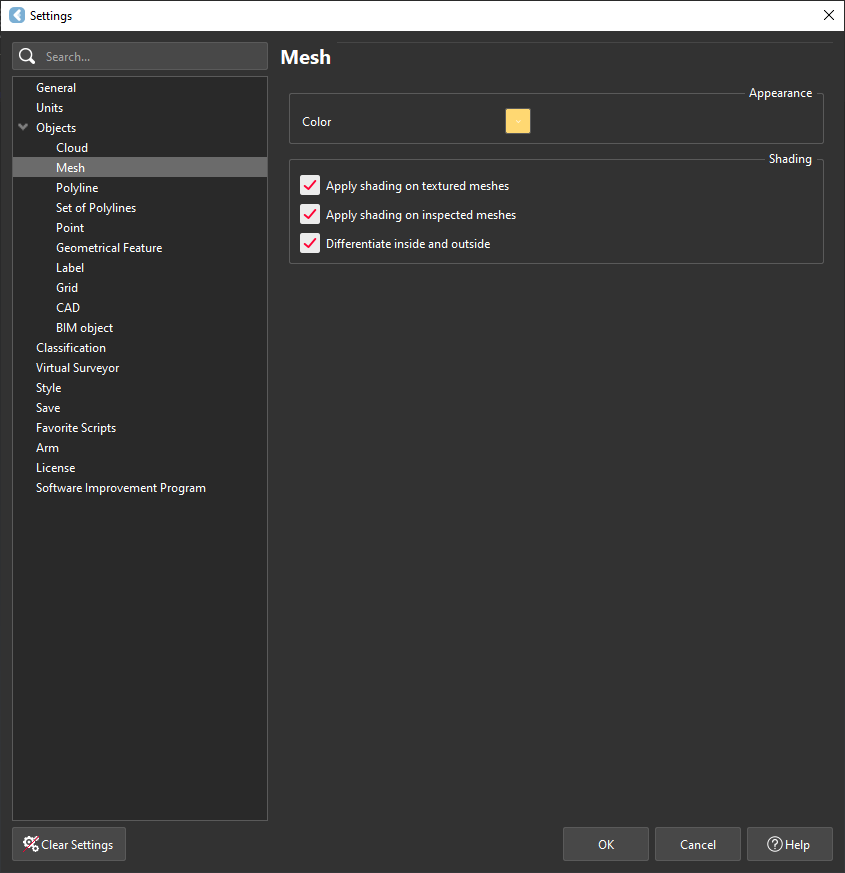
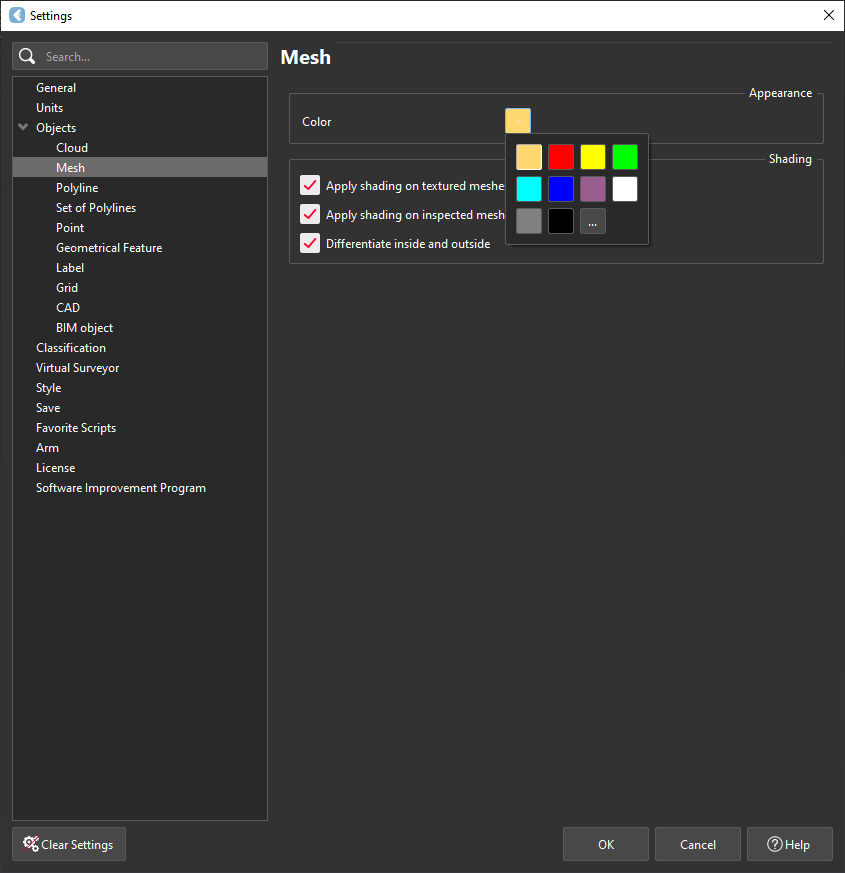
Customize new mesh appearance:
- Default color
- Global shading options
- Shading for textured or inspected meshes
- Differentiate inside/outside colors in smooth/flat mode
Polyline Settings
-
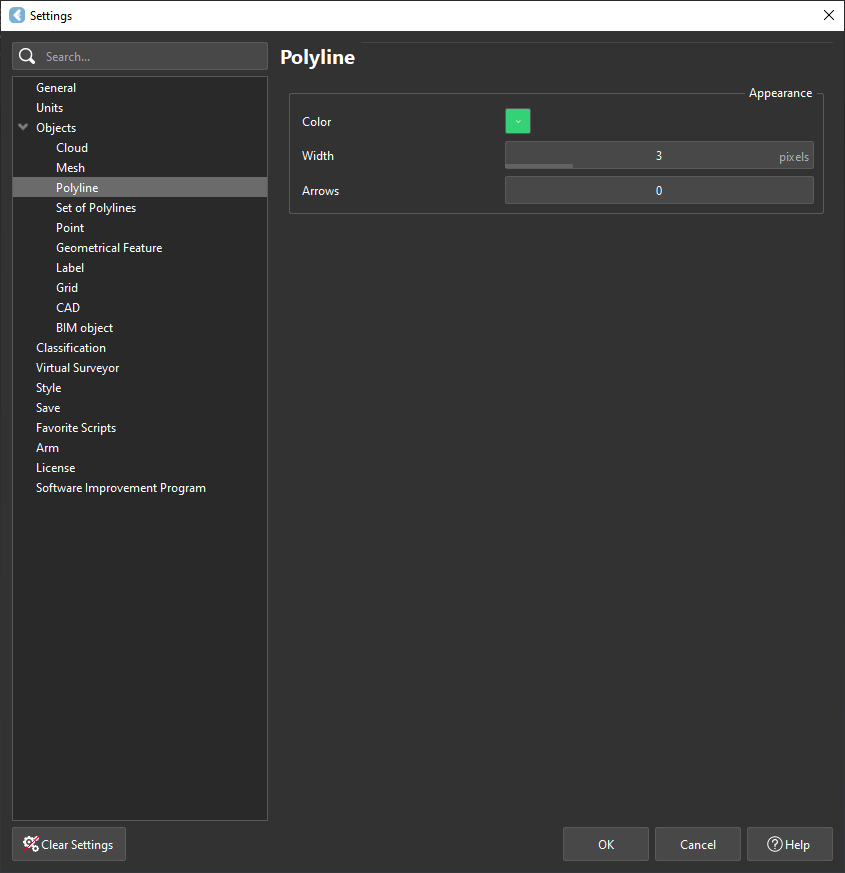
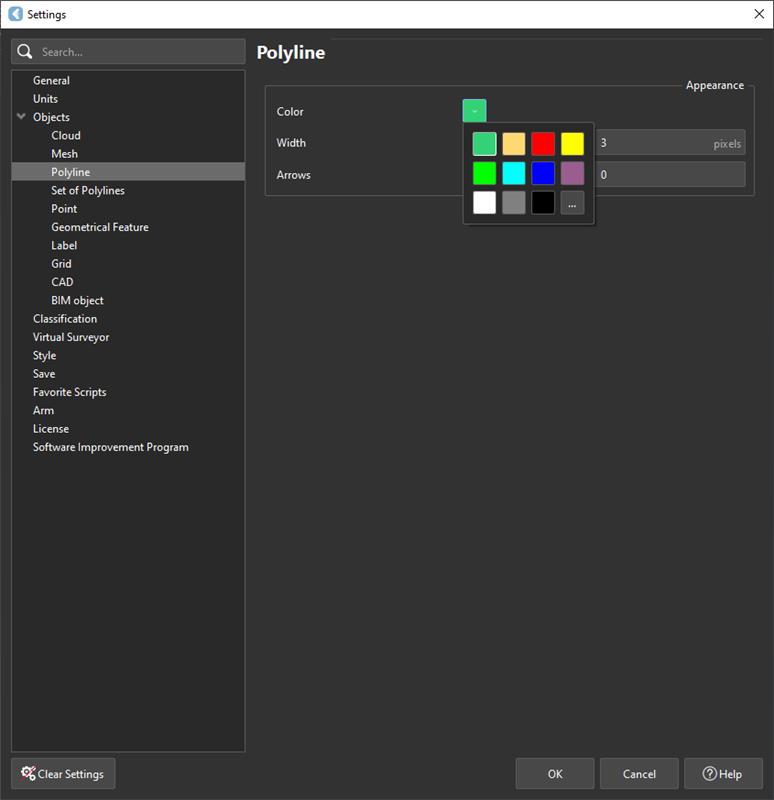
Modify appearance for new polylines:
- Color, Width, Number of Arrows
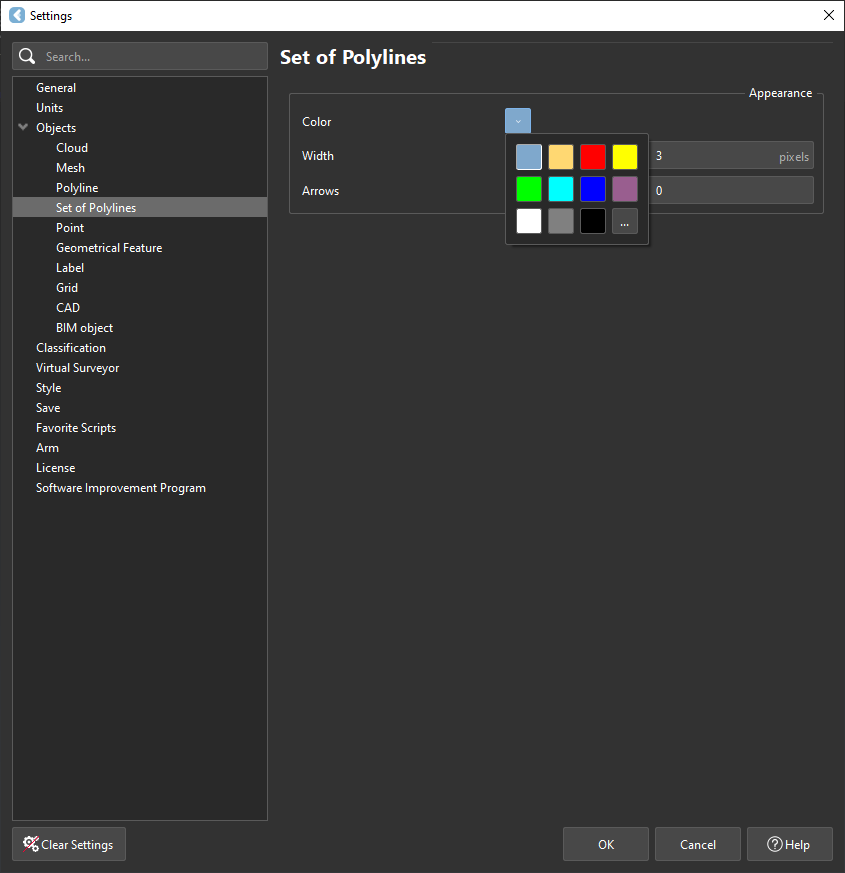
Set of Polylines
-
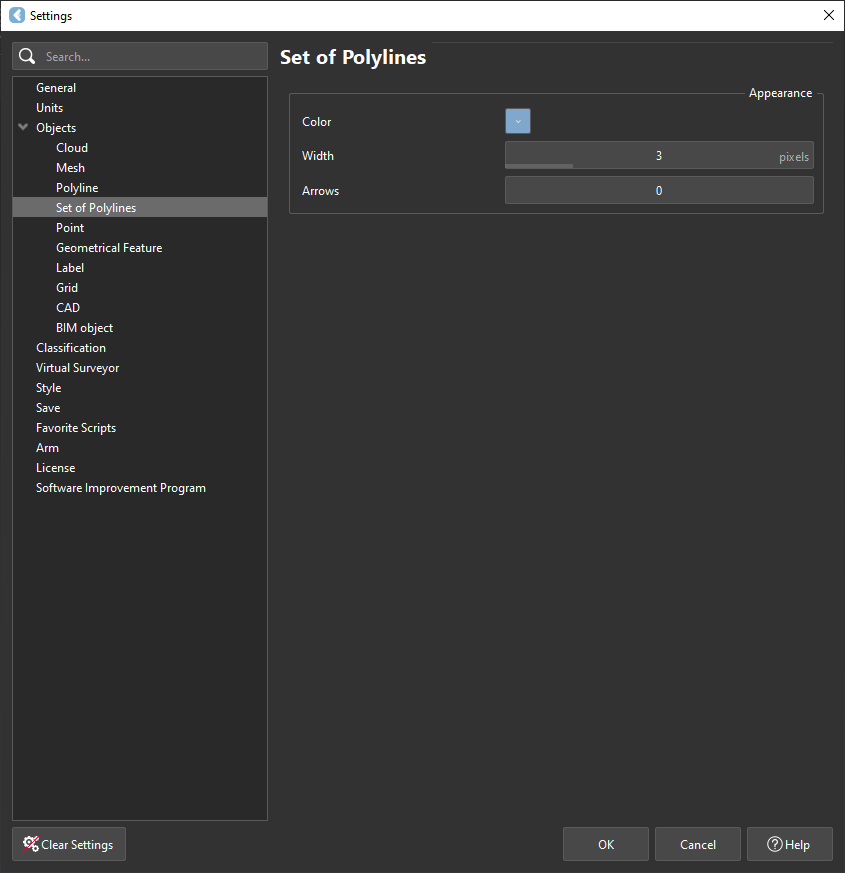
Appearance settings applied to new sets of polylines:
- Color, Width, Number of Arrows
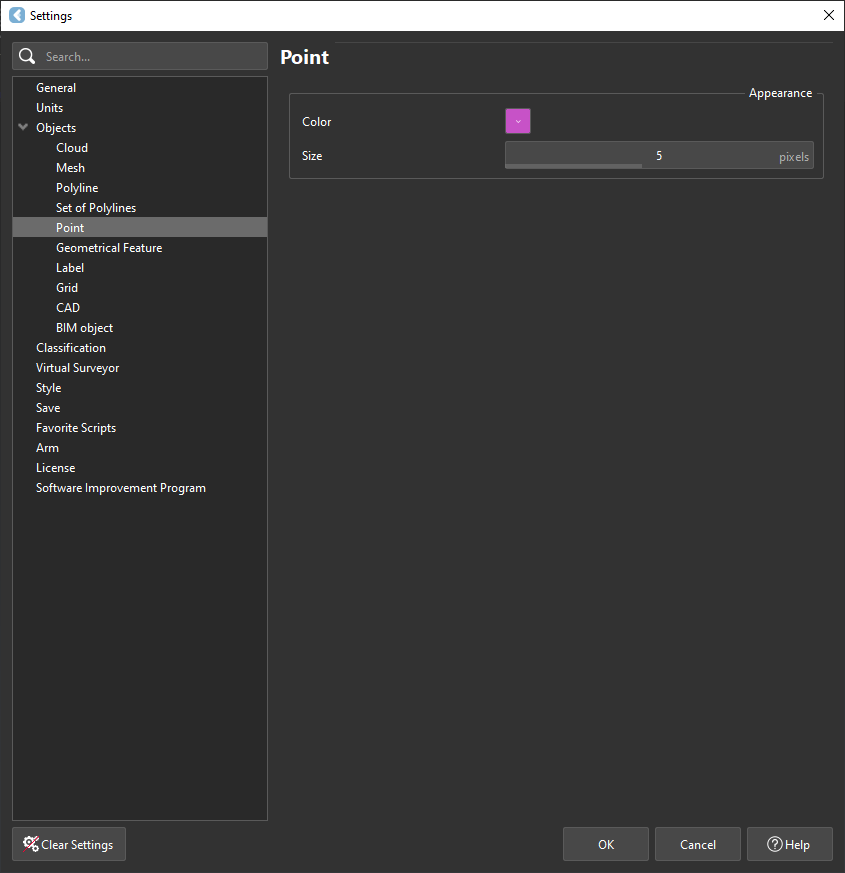
Point Settings
-
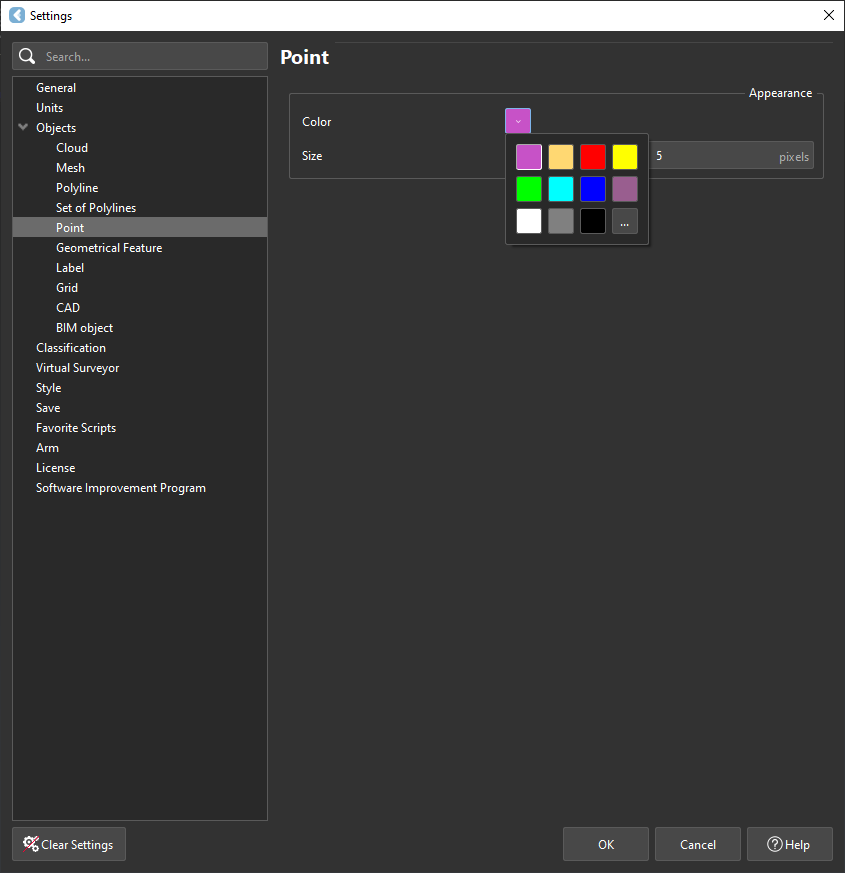
Appearance settings for new points:
- Color and Point Size
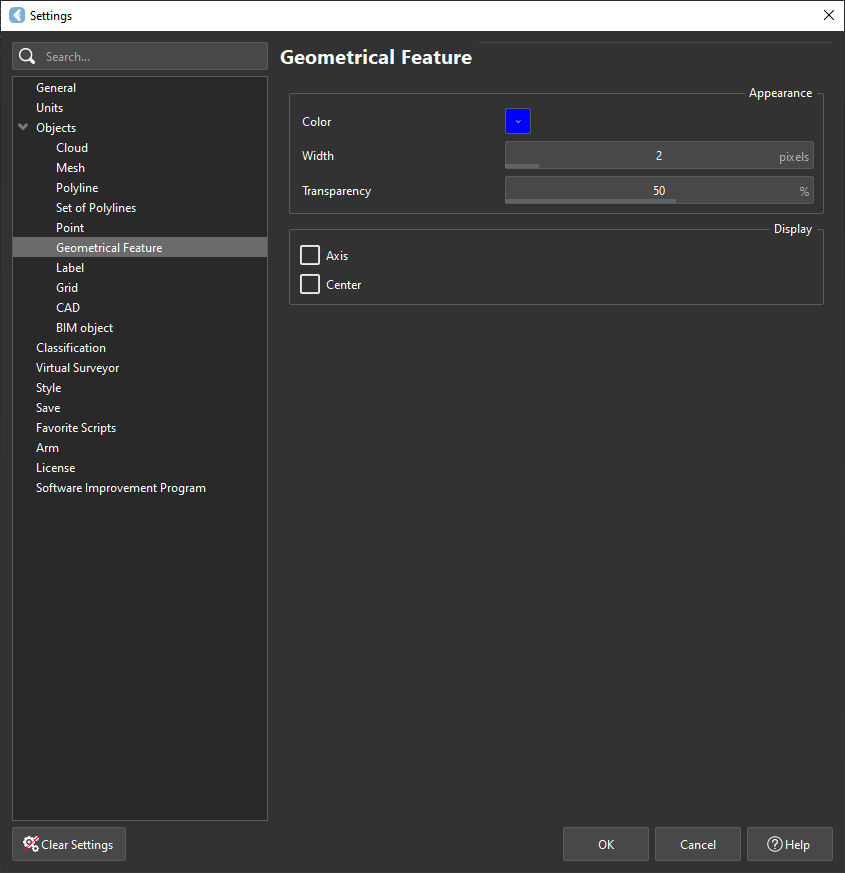
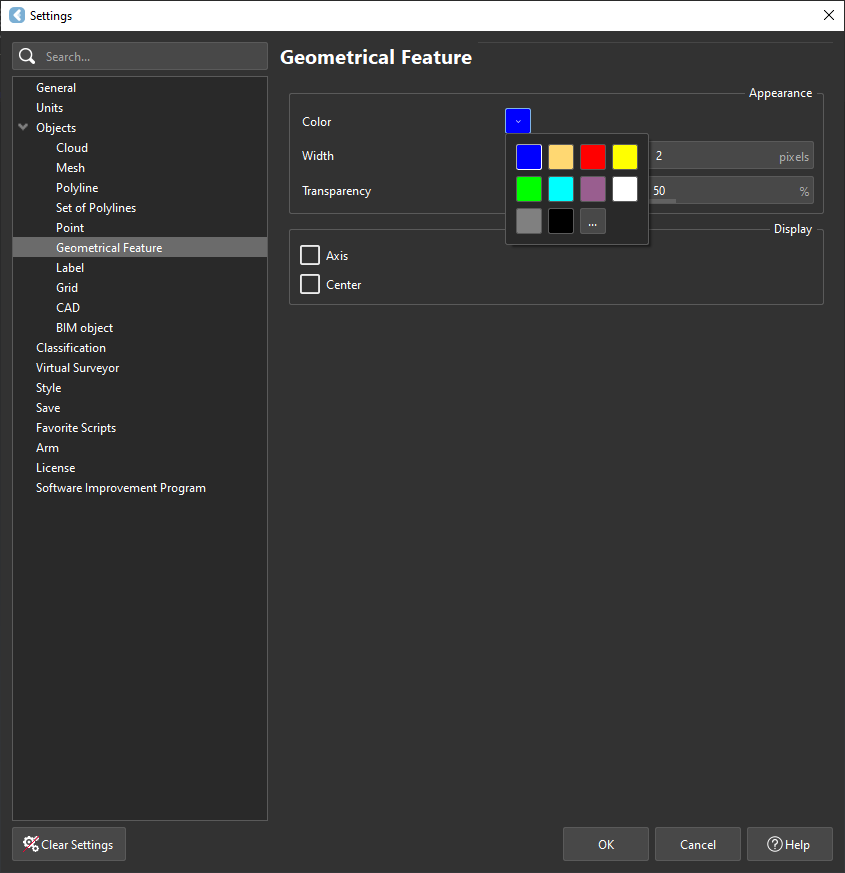
Geometrical Features
-
Appearance for new features:
- Color, line width, transparency, axis display, center display
Label Settings
-
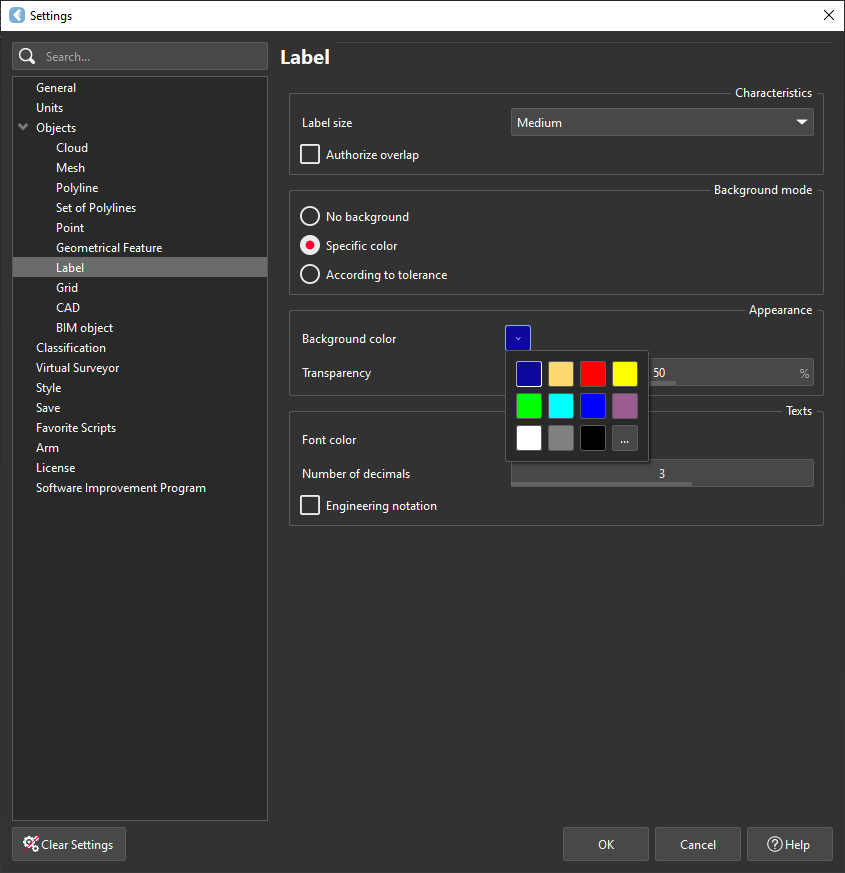
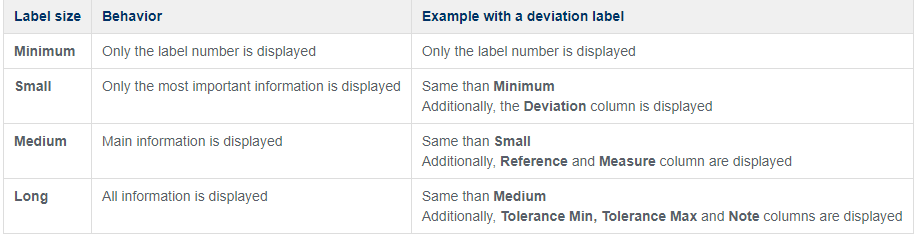
Appearance for new labels:
- Label size, Authorize overlap, Background mode, Background color, Transparency, Font color, Decimals, Engineering notation

Grid Settings
-
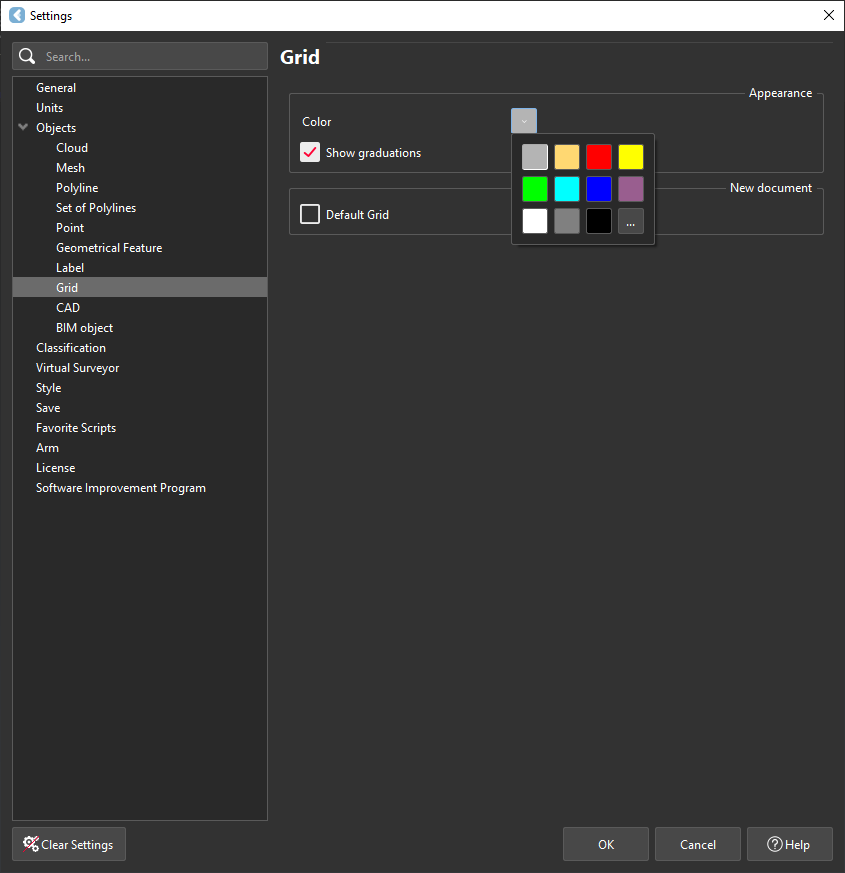
Modify new grids:
- Color, visibility of graduation texts
- Enable Default Grid for dynamic display in new documents
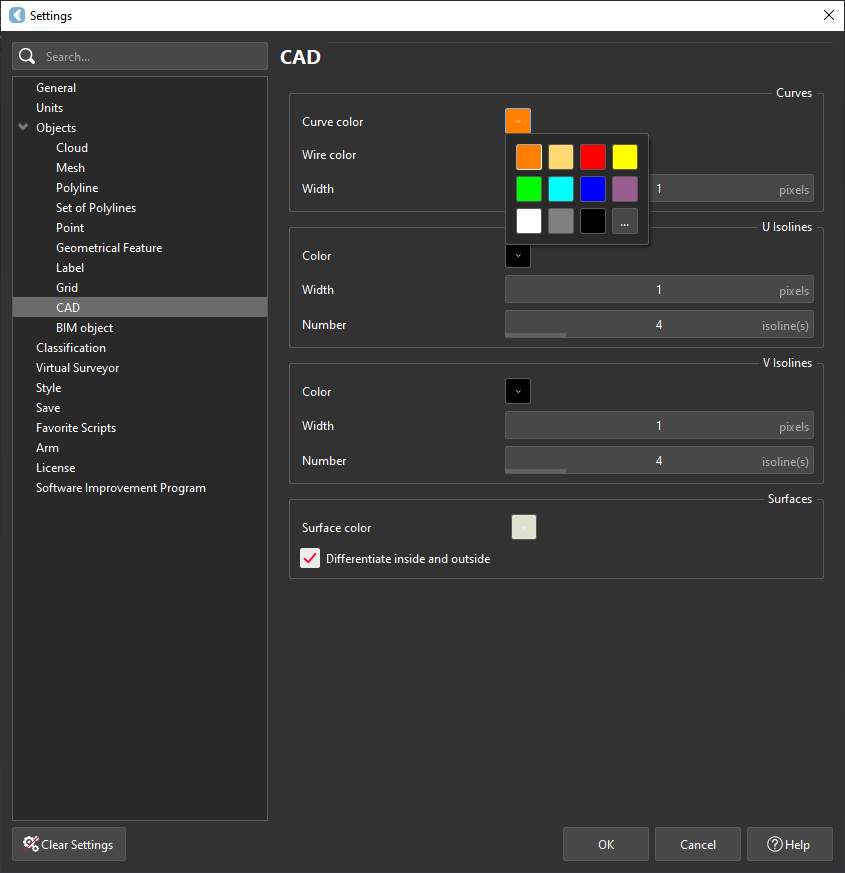
CAD Settings
-
Modify new CAD objects (curves, wires, surfaces):
- Colors, widths, isoline settings, surface inside/outside differentiation
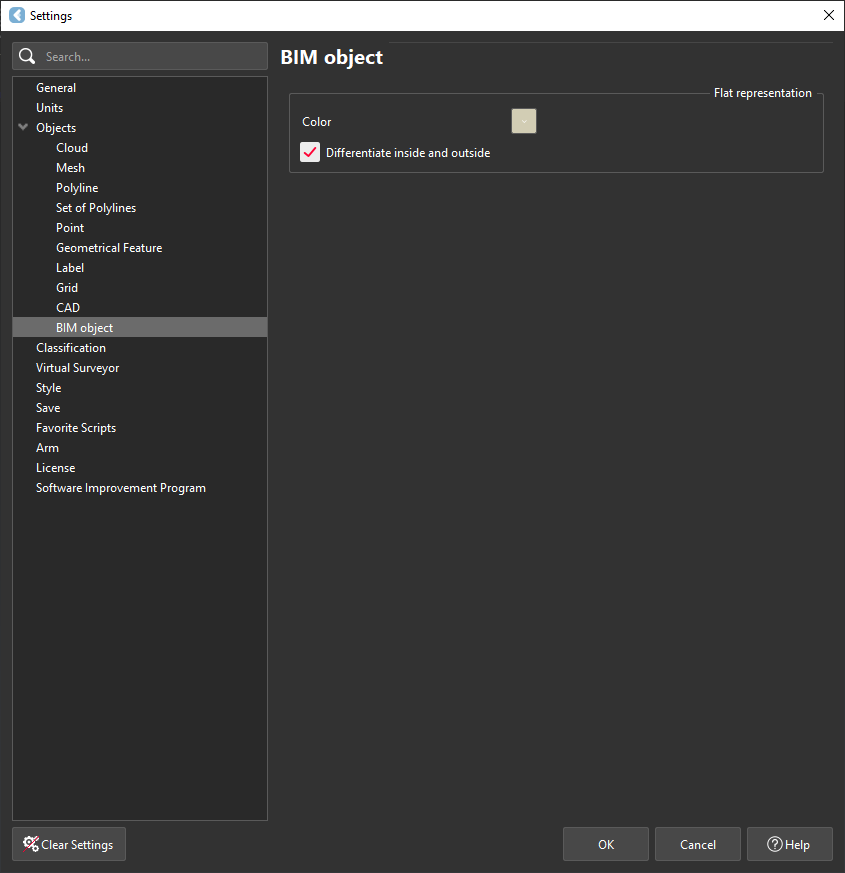
BIM Settings
-
Set default colors for new BIM objects and differentiate inside/outside
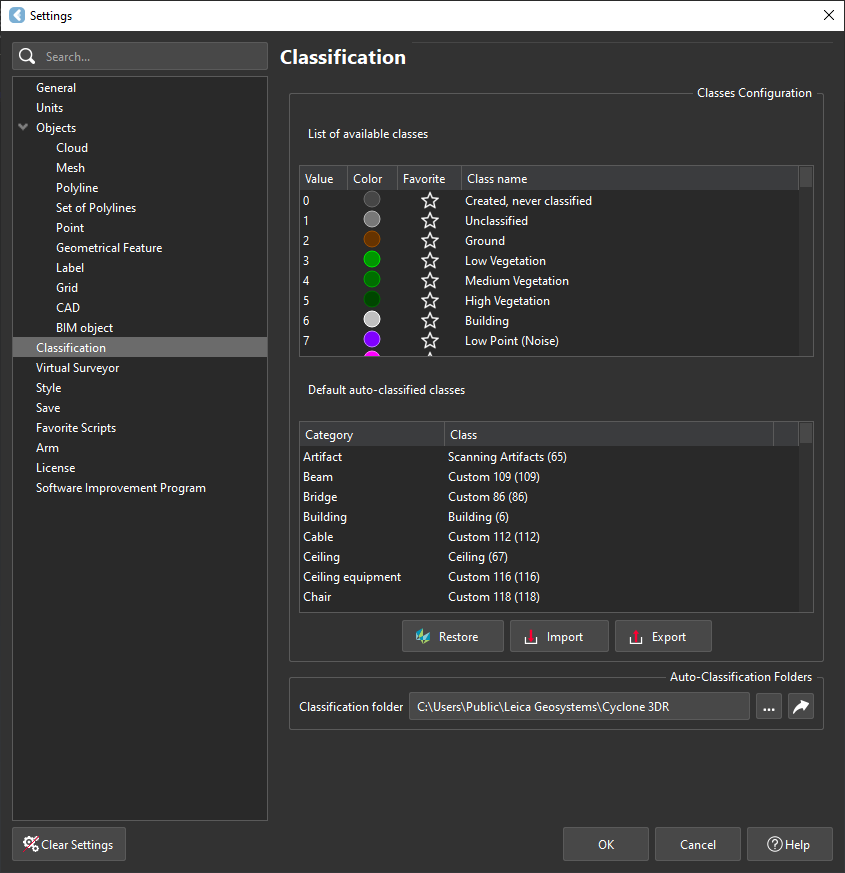
Classification
-
Customize classes: rename, set color, mark as favorite, assign in auto-classification
-
Maximum 256 classes, LAS/LAZ compliant
-
Import/export configurations for sharing or restoring official settings
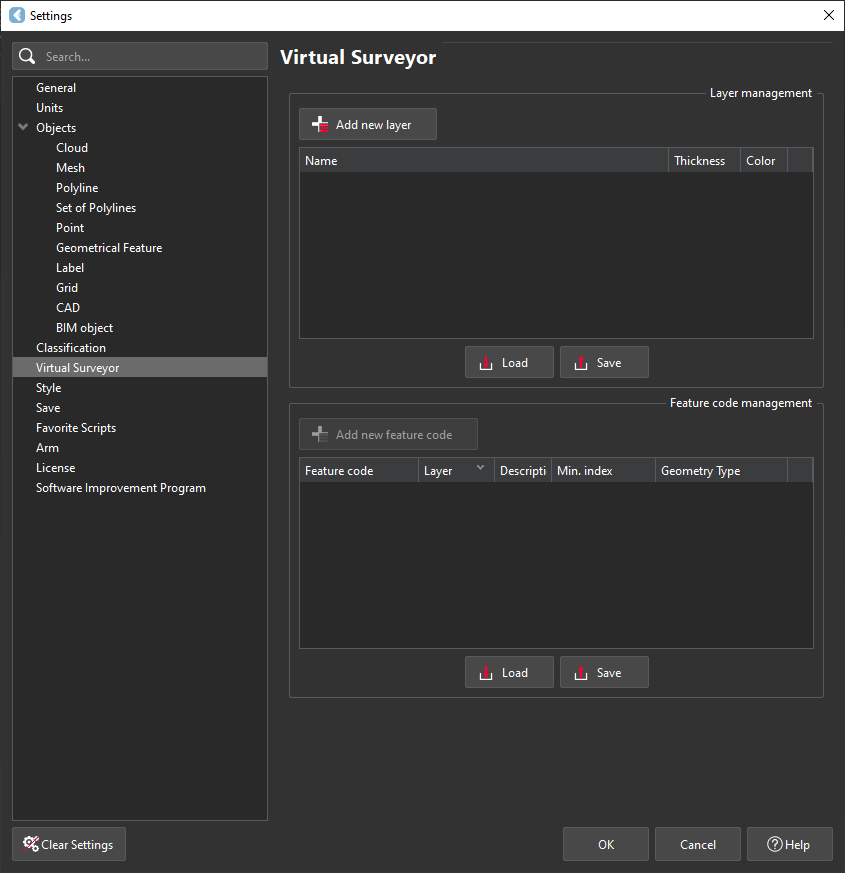
Visual Surveyor
-
Customize feature code list, layer properties, and point ID settings
-
Manage layers and feature codes individually or via TXT/CSV files
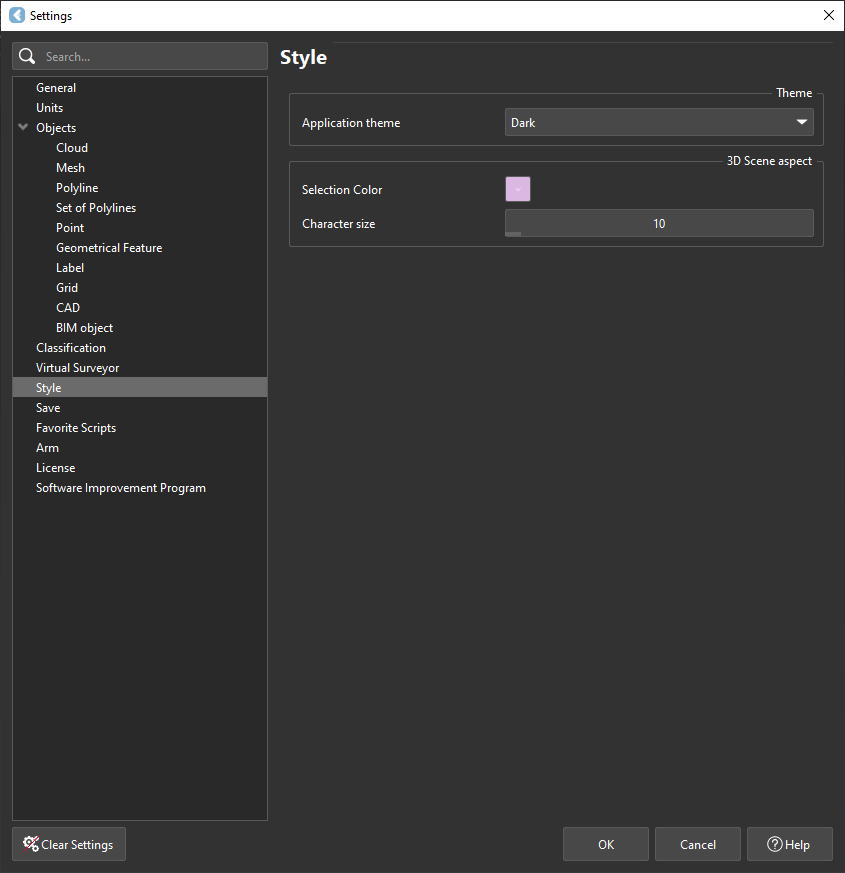
Style
-
Choose or modify theme parameters: 3D scene background, selection color, character size
Save Settings
-
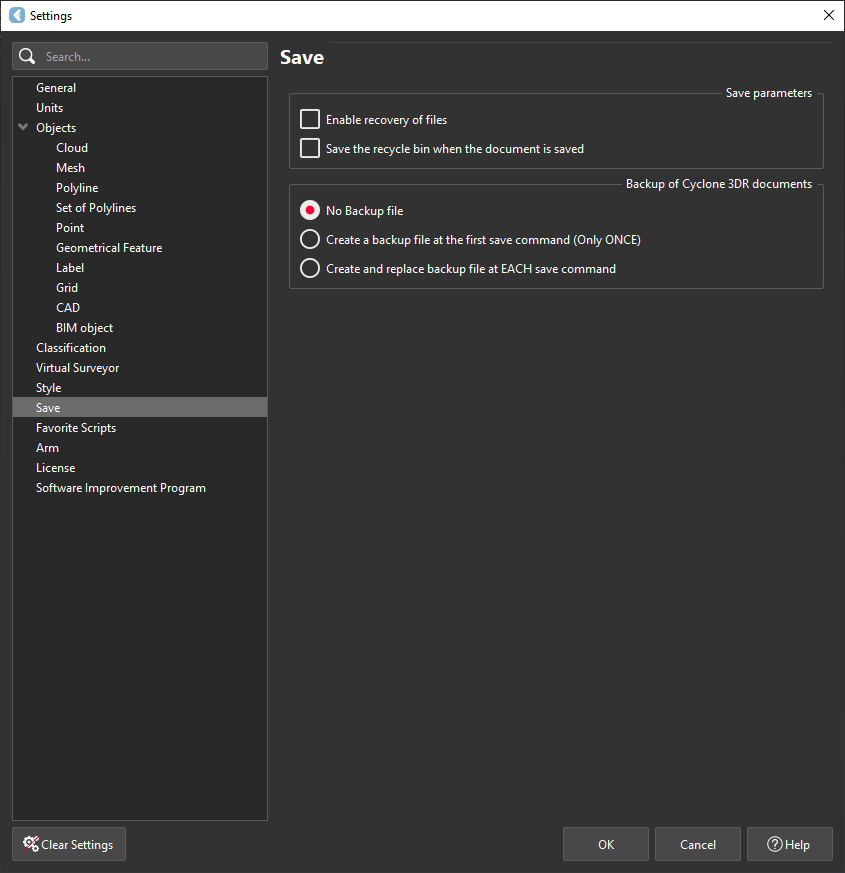
Save parameters and backup Cyclone 3DR documents
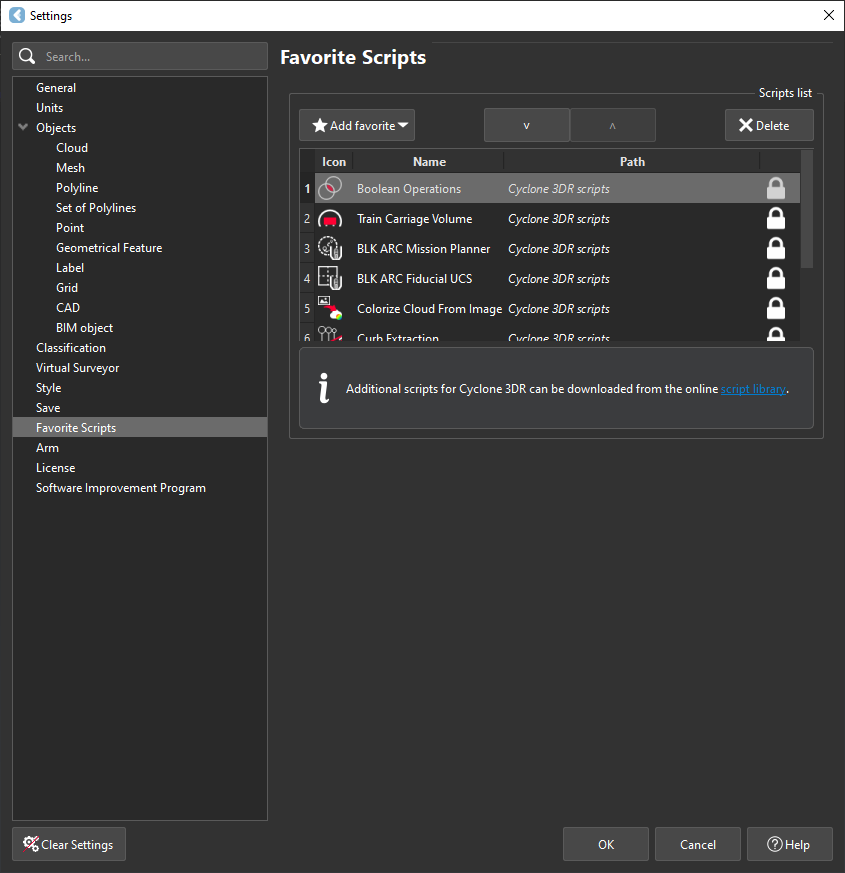
Favorite Scripts
-
Add or delete favorite scripts