Installation
Leica Cyclone 3DR V2023.1 Installation
System Requirements
Minimum Specifications:
- CPU: Dual-core processor at 2.5GHz
- OS: Windows 10 (64-bit)
- RAM: 8GB
- Graphics: OpenGL 3.3 or higher, 1GB video memory
- Hard Drive: Minimum 1GB free space
- Windows 11 and Windows Server 2022 are supported.
- Windows 8/8.1 are no longer supported (from 2021.1).
- Bootcamp for macOS is not officially supported.
- Windows 7 is no longer supported (from 2021.0).
- Virtual machines are not officially supported.
Recommended Specifications for Workstation:
- CPU: Latest i7 quad-core or equivalent, 3.5GHz
- OS: Windows 10 (64-bit)
- RAM: 64GB
- Graphics: NVIDIA GTX 900/1000 series with 8GB VRAM or NVIDIA Quadro P5500 or equivalent
- Hard Drive: Internal SSD
- Install the latest graphics drivers from the manufacturer’s website.
- Laptops with dual GPUs should update both with the latest drivers.
Installation
-
Go to the Leica Cyclone 3DR download page:
Leica Cyclone 3DR Download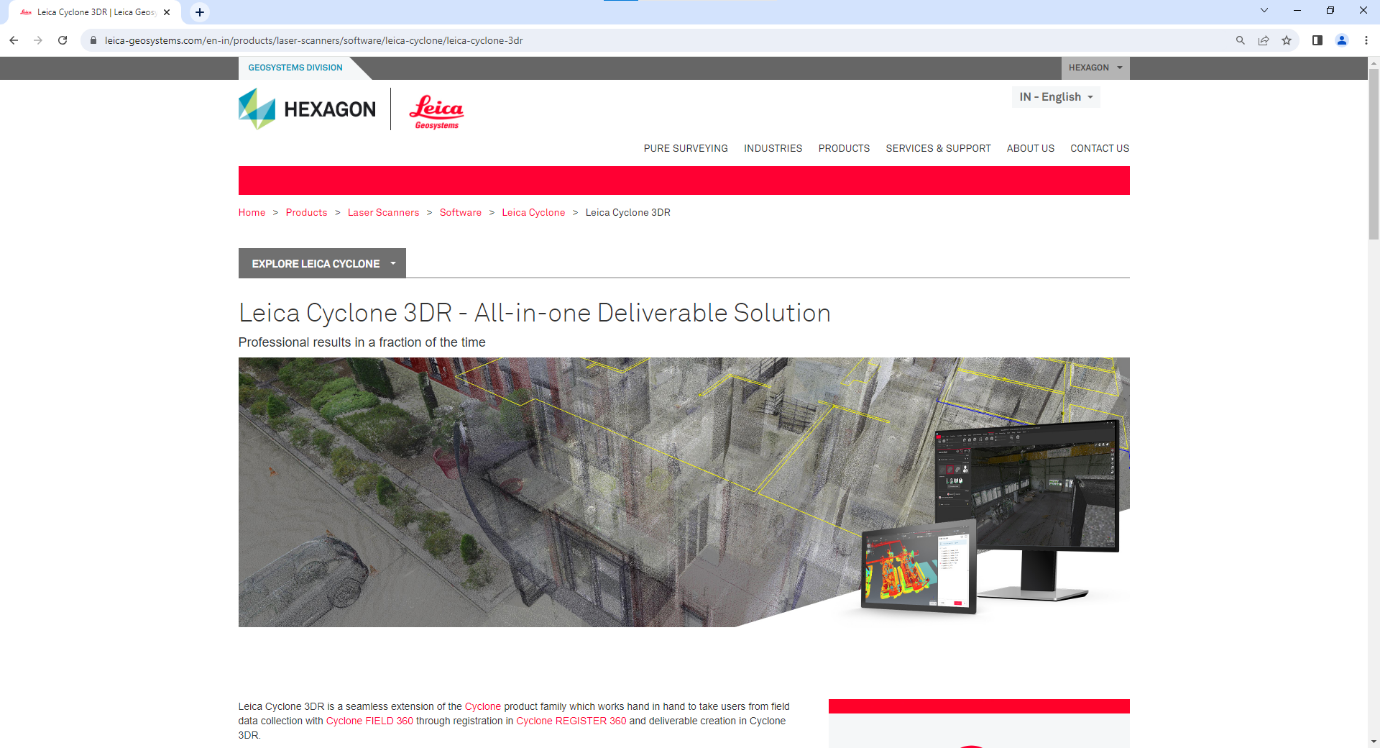
-
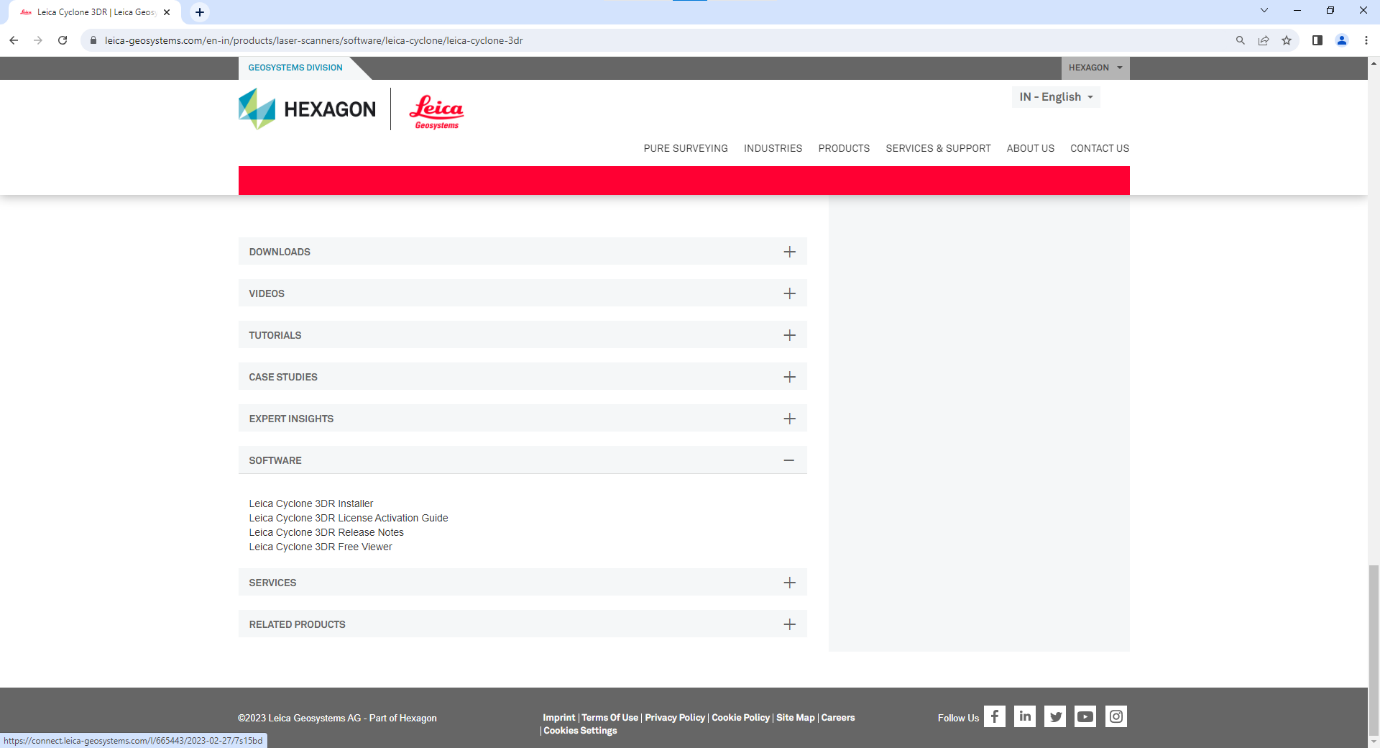
Scroll down to Software and click on it.
-
Click Leica Cyclone 3DR Installer to open the download page.
-
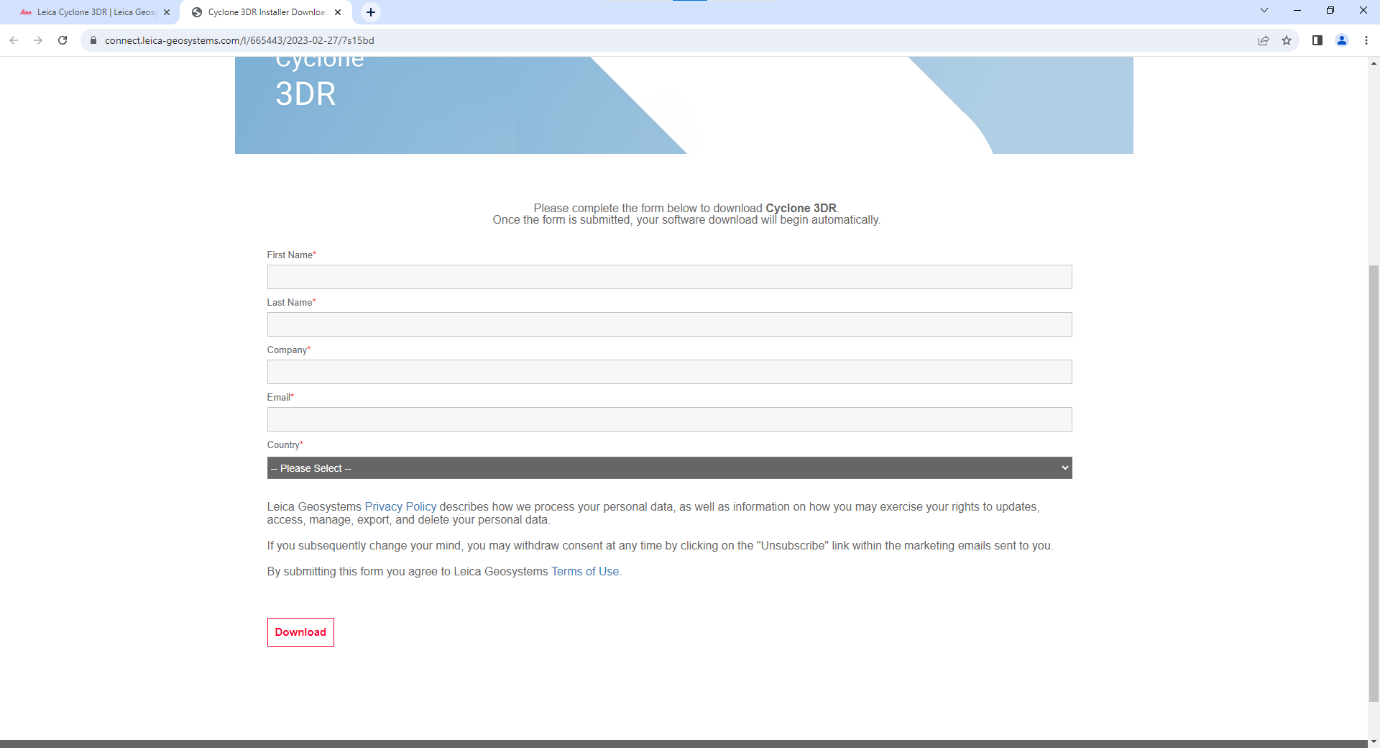
Enter your user details and click Download. The installer will save to local storage.

-
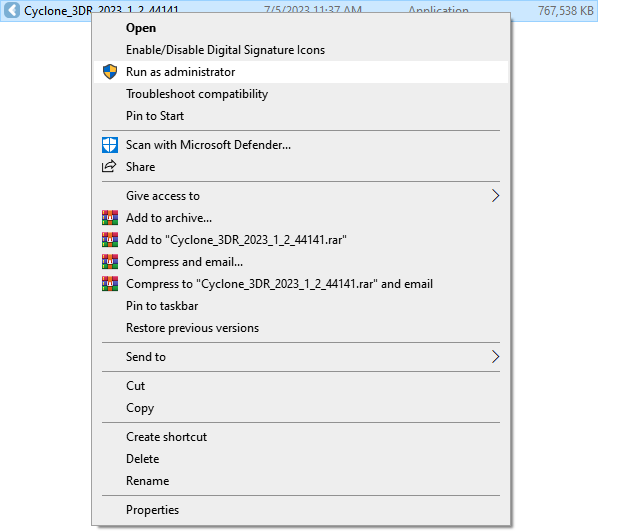
Right-click on Cyclone 3DR and select Run as administrator.
-
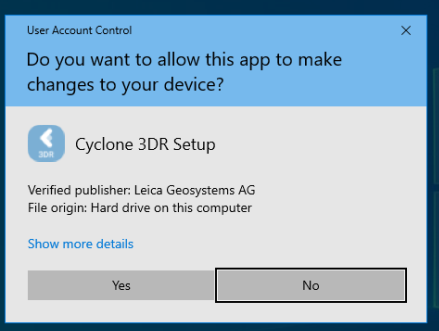
Click Yes to start the installation process.
-
Select your preferred language and click Next.

-
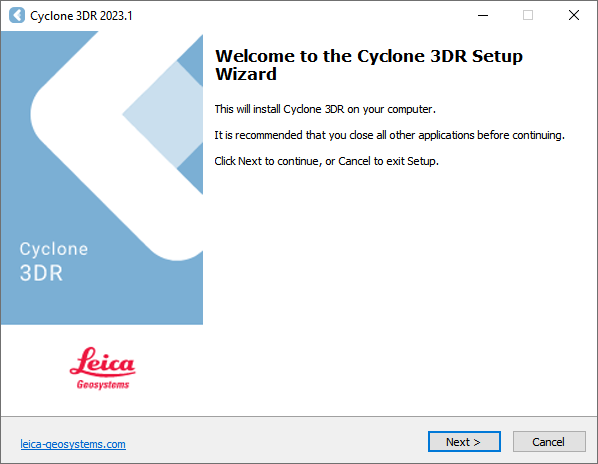
Follow the Install Wizard steps by clicking Next.
-
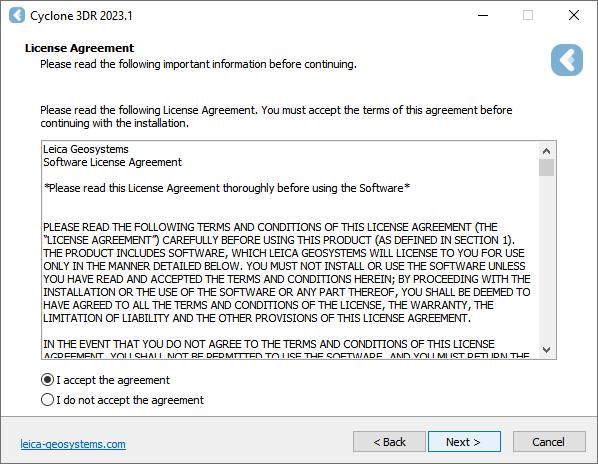
Accept the License Agreement and click Next.
-
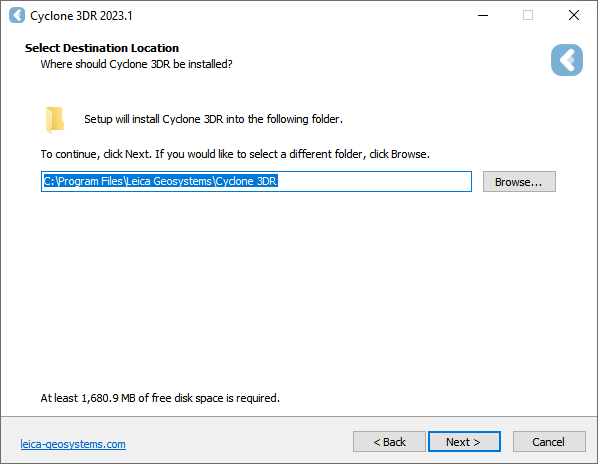
Choose your local installation path and click Next.
-
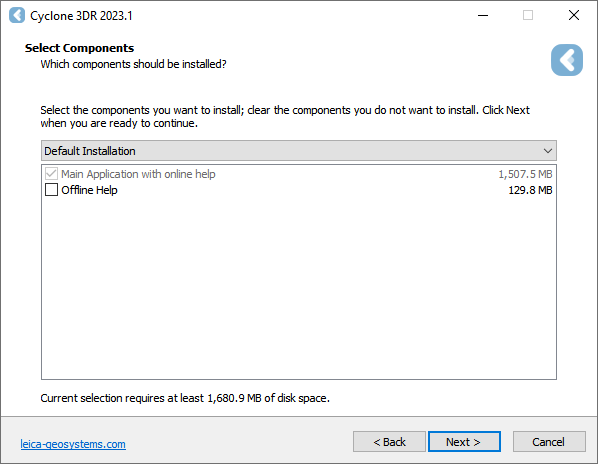
If offline help is needed, select Offline Mode and click Next.
-
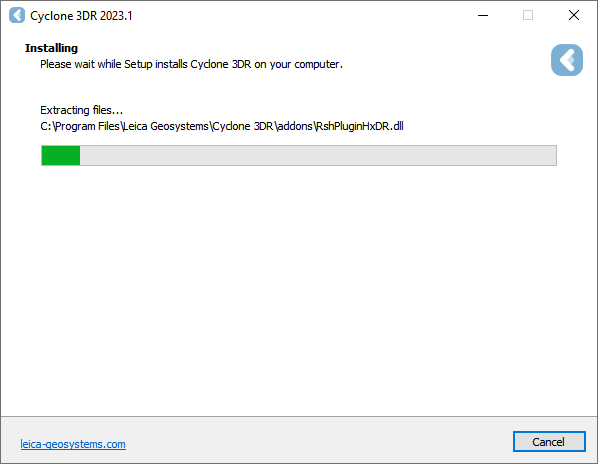
Wait for the installation process to complete.
-
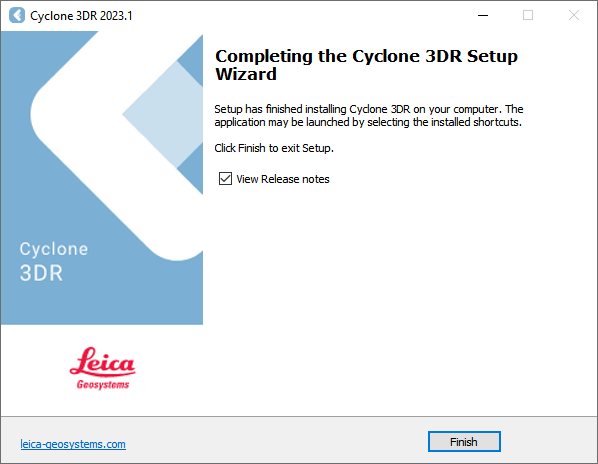
Click Finish to exit the setup.
-
The desktop icon will appear as shown:

-
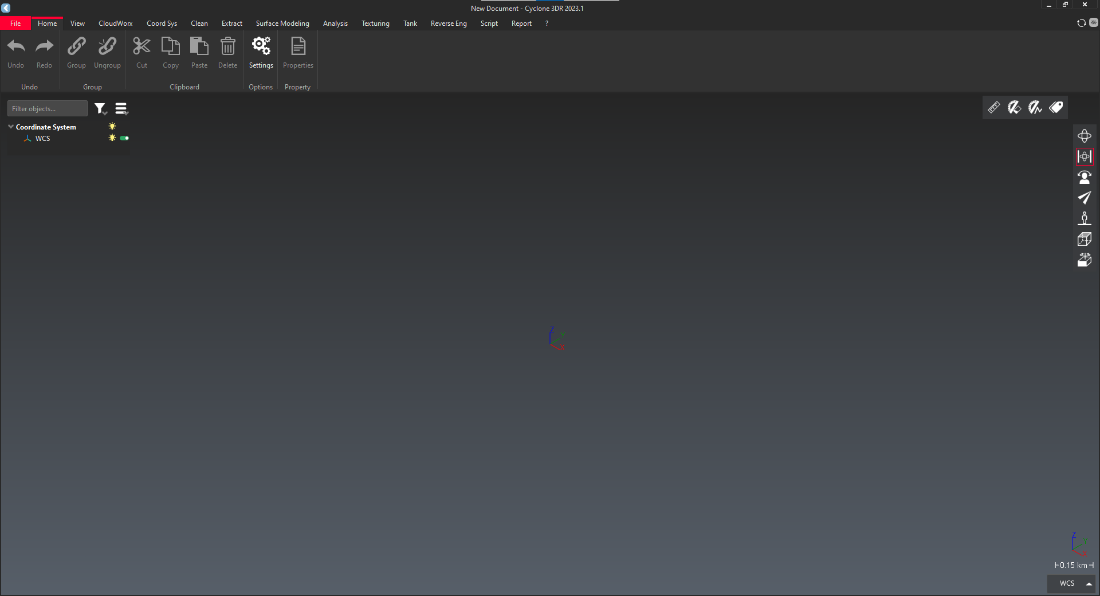
Double-click the icon to launch the application. The home page will appear: