Licensing
Leica Cyclone 3DR v2023.0.2 License
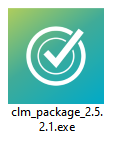
- You can directly install the file "clm_package_2.5.2.1".
Or, if you do not have the file, download it using the following link:
Download Link
-
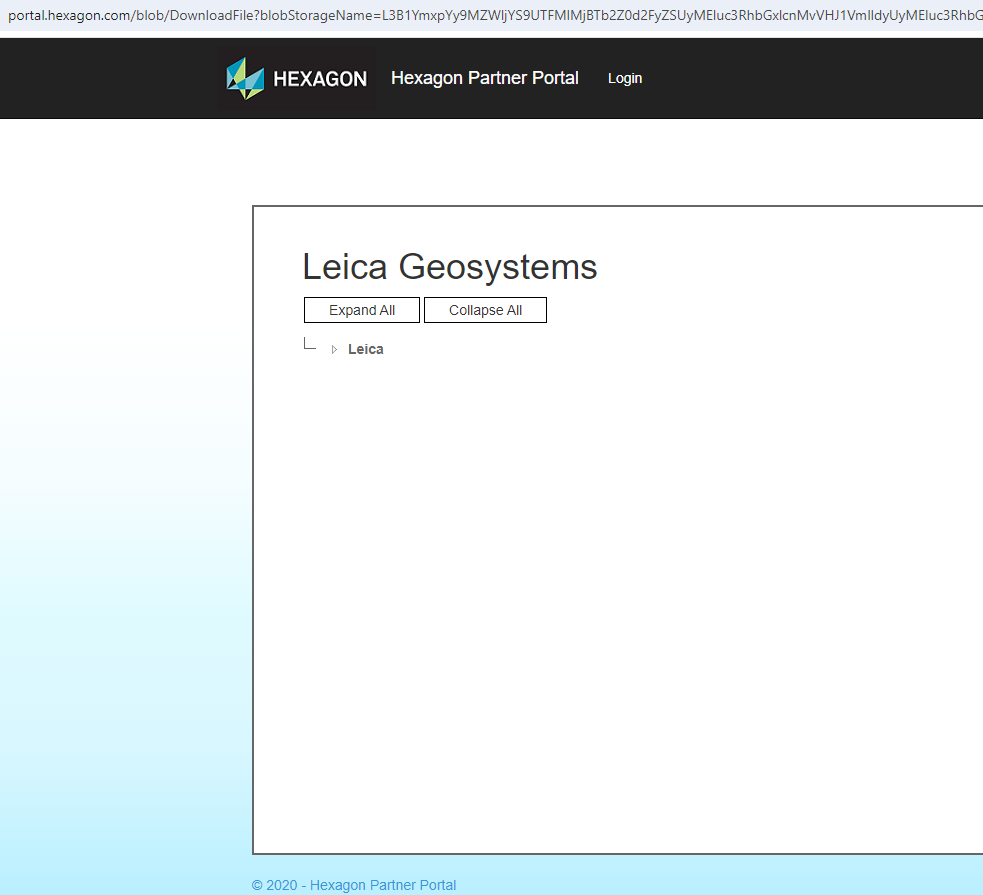
The download page appears as shown:
-
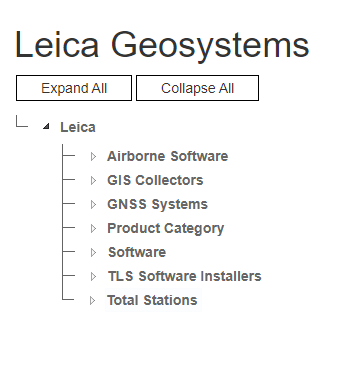
Click on "Leica".
-
Click on "TLS Software Installers".
-
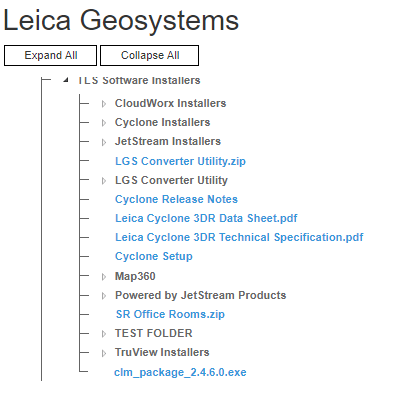
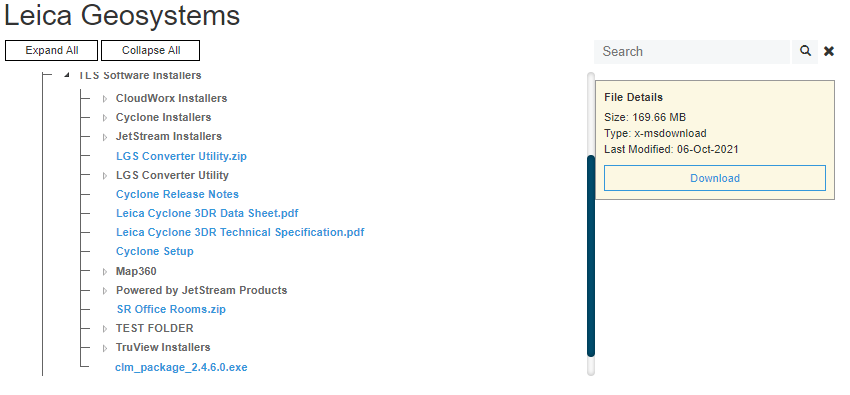
Locate "Clm_package_2.4.6.0.exe" and click it.
-
Click Download to start downloading the installer.
-
Once downloaded, locate the file in local storage:
-
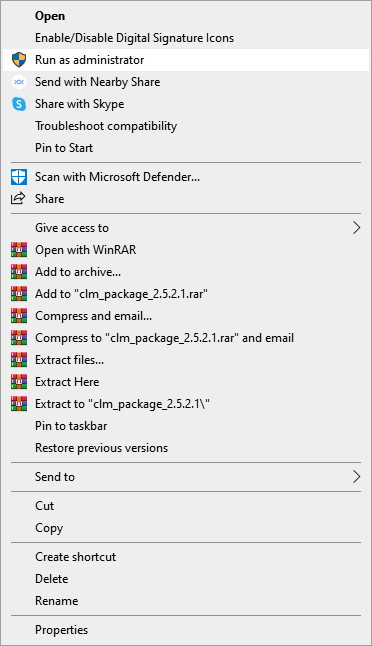
Right-click the installer and select Run as administrator.
-
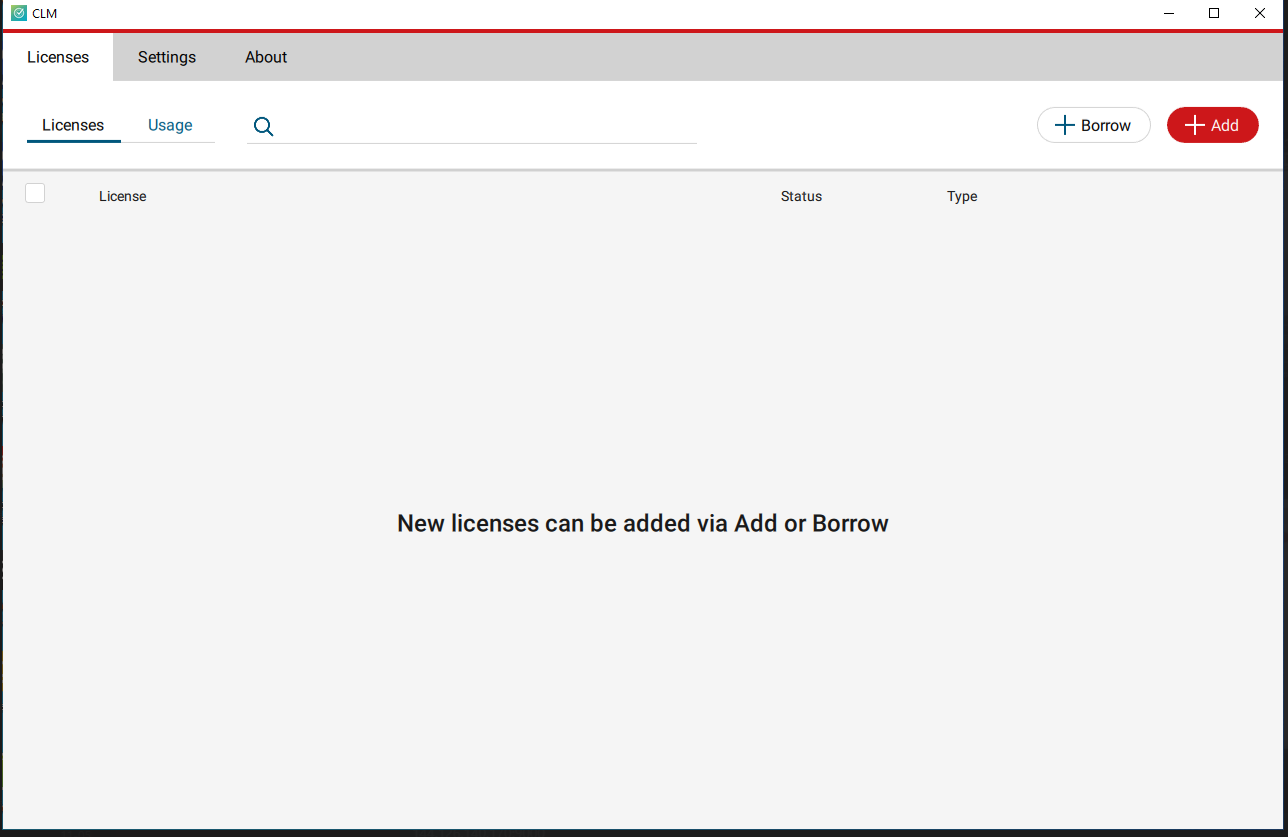
After the installation completes, the following window will appear:
-
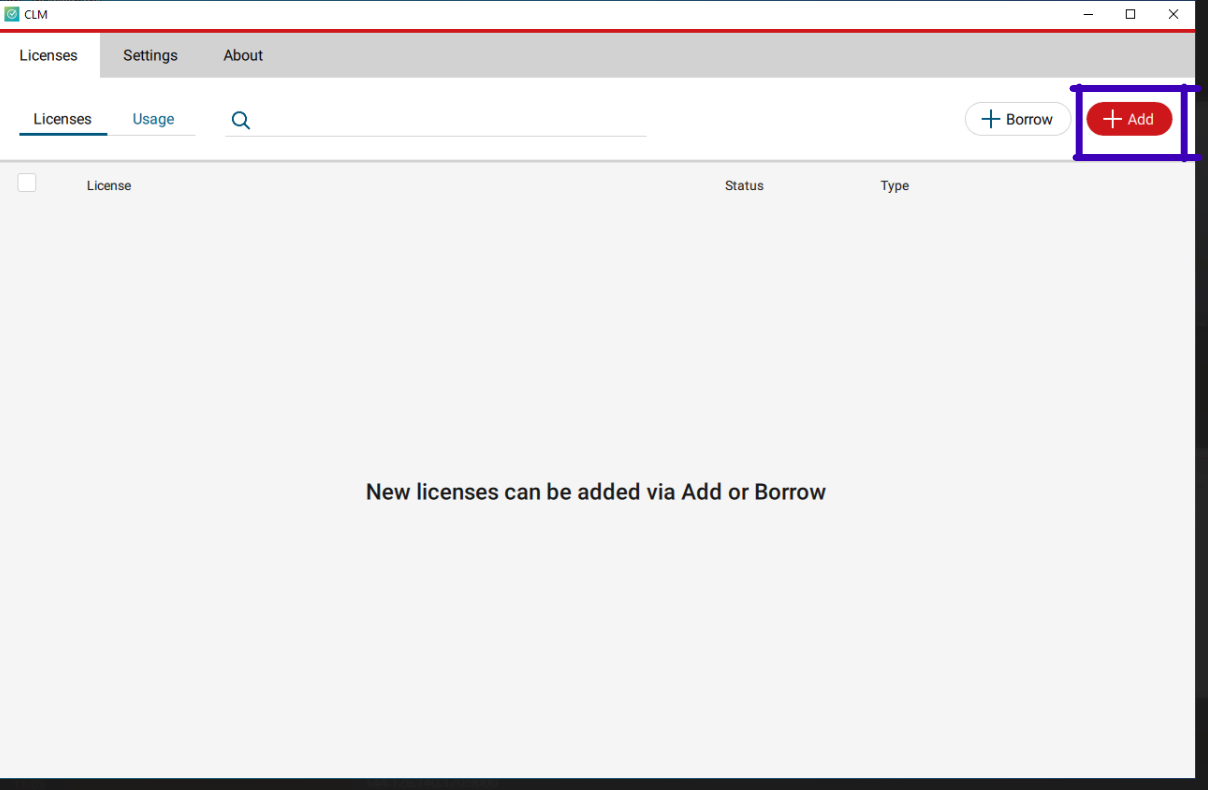
Click Add to input your license number.
-
Enter your EID number to activate the license.
What is EID?
EID is a 25-digit alphanumeric key used by the Licensing Management Software (LMS). It allows the software to run on a client’s PC. LMS replaces the older hardware-based licensing (USB Port lock/HASP).
Note: LMS licensing and Port lock licensing should not be installed on the same computer to avoid conflicts.
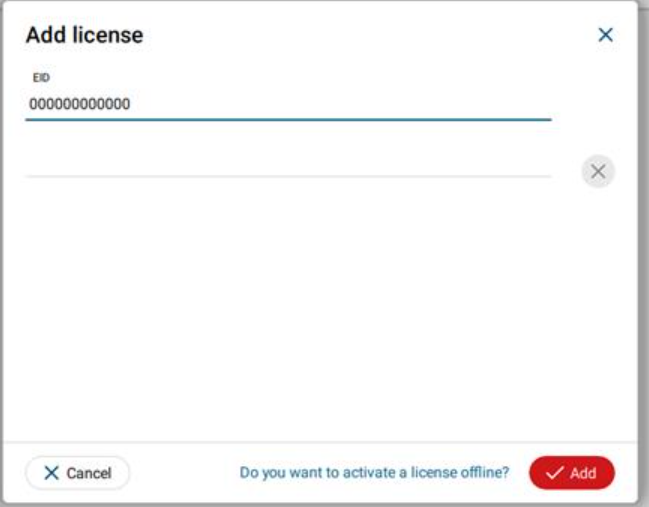
- After entering the EID, press Add to activate your license.