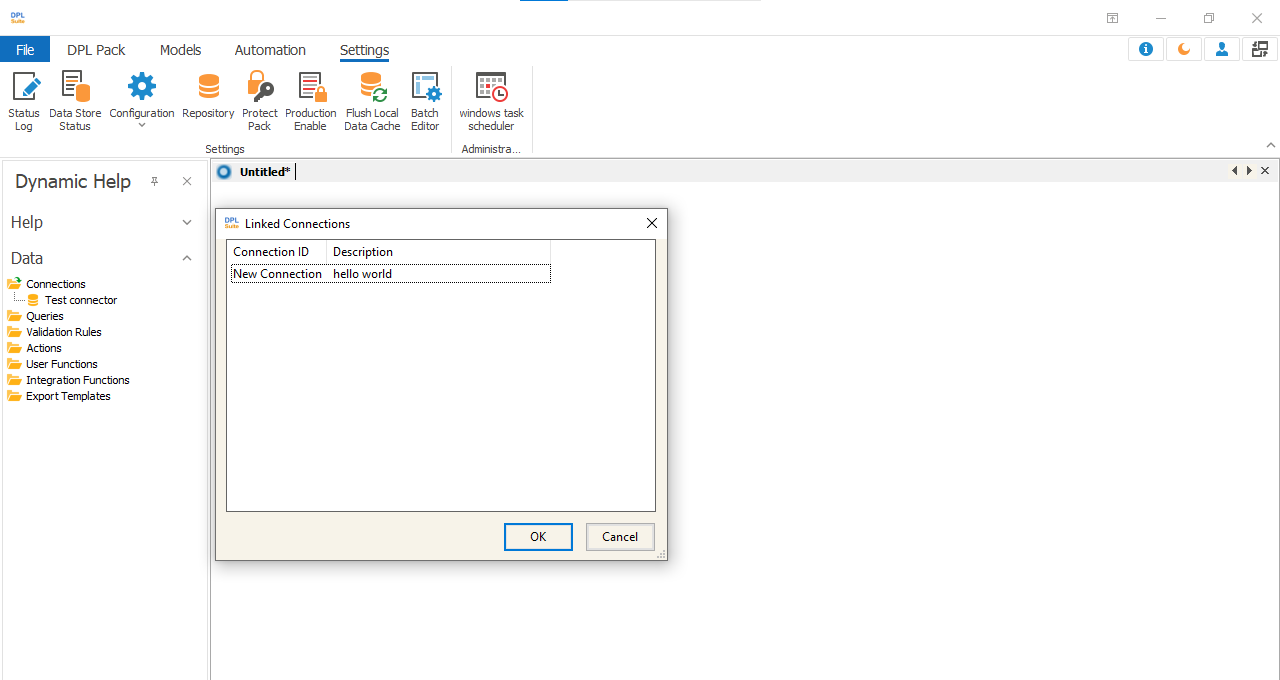
Connection Repository
Creating Data Repository
Data Repository contains data connections, connection names, and brief descriptions of connections that can be shared among multiple DPL packages in a system. It provides ease of use and convenience when users need to use the same connections across different DPL packages. It also improves connection security because the connection details are not exposed when a DPL package is shared or transferred over a network. By adding a connection to a repository, users do not need to recreate the same connection for every DPL package.
Note
Data Repository allows you to create and store connections that can be shared among all DPL packages on the same machine.
To add a data connection to the Data Repository:
1.Under Settings, select Repository... 2.In the Repository window, right-click and select Add Connection.
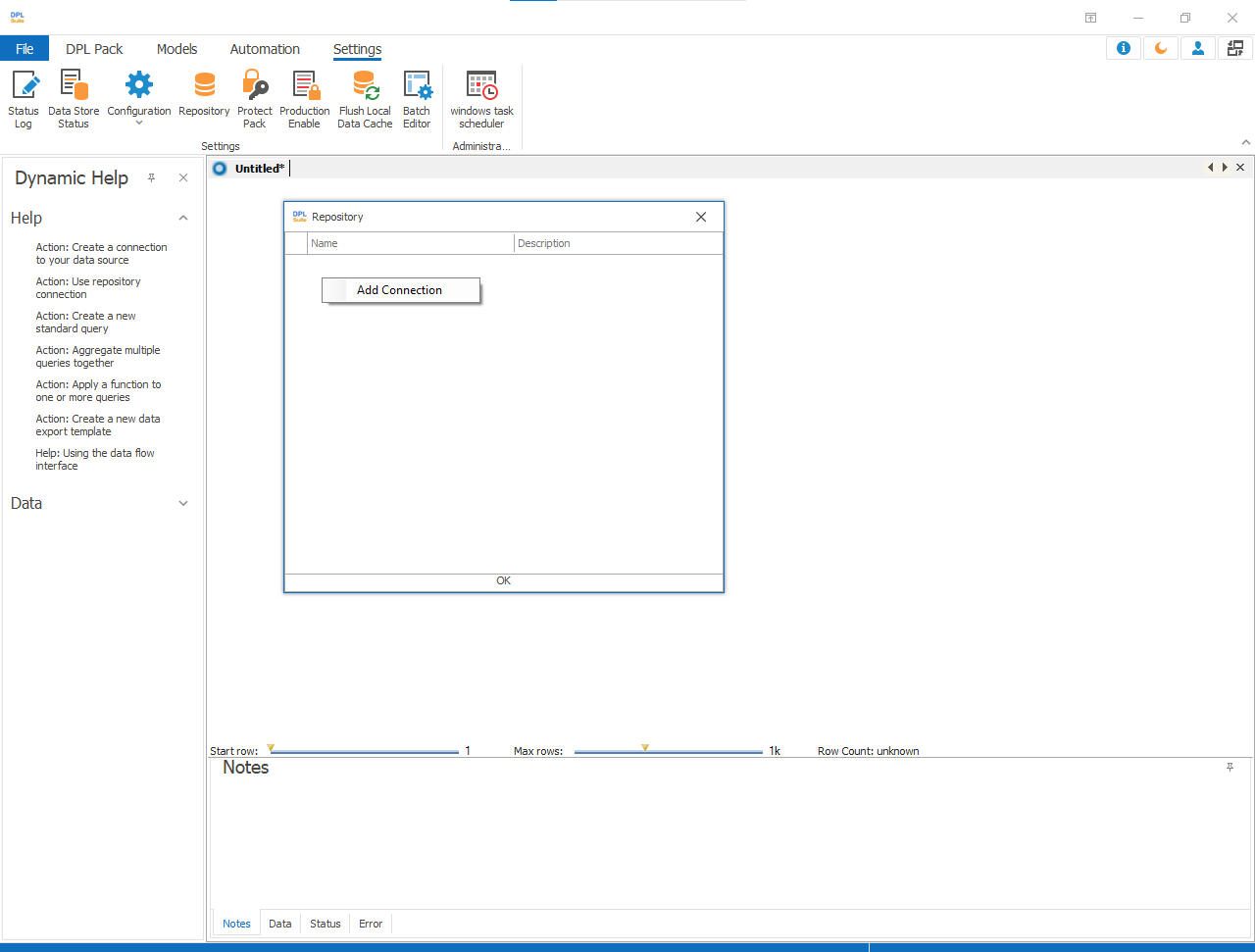
3.When the Create Connection dialog appears, follow the steps to create the required connection. 4.After the connection is created successfully, you can rename the connection or update/add a connection description.

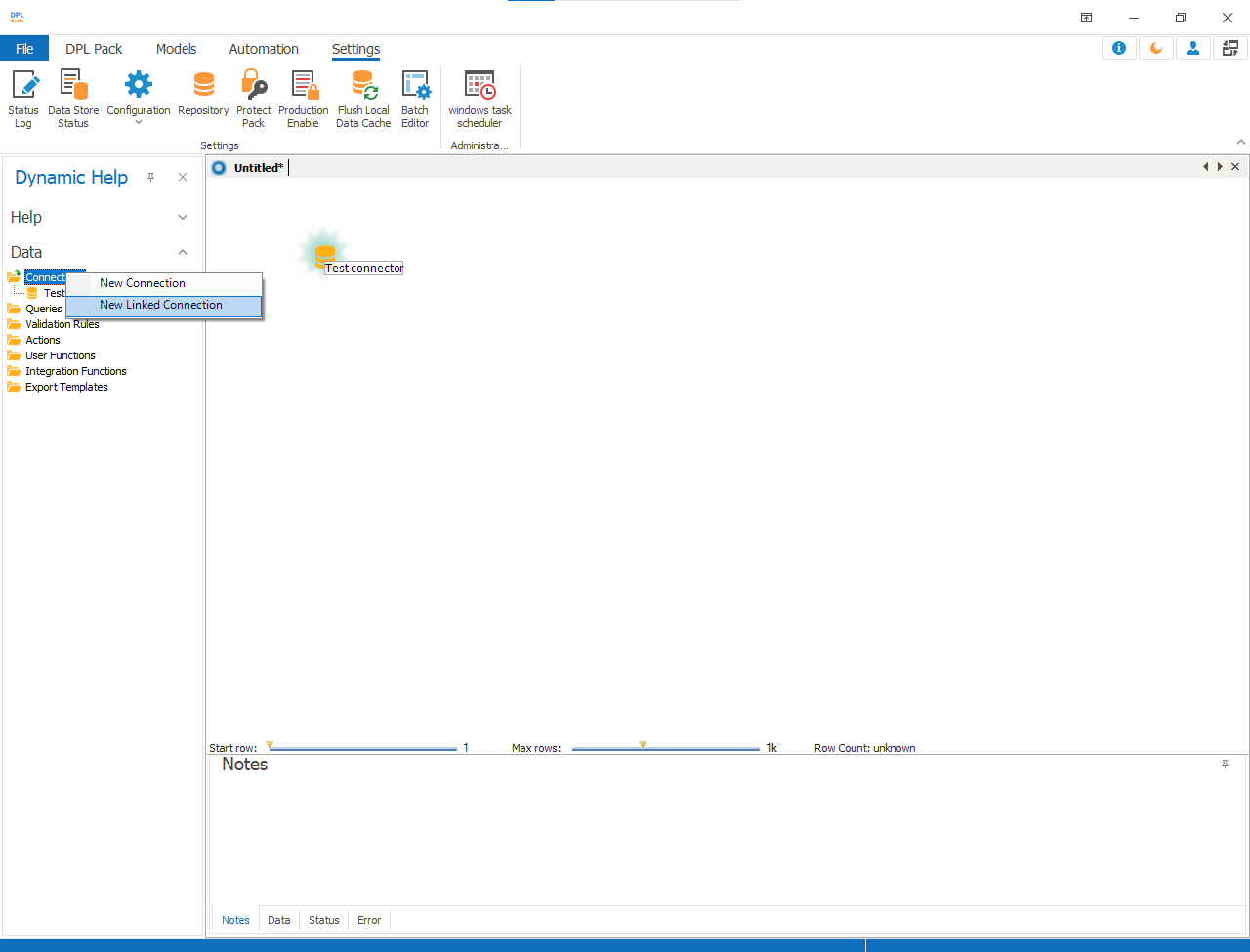
5.To use a connection from the repository:
- Right-click on Connections
- Select New Linked Connection
-
Choose the required Connection ID
-
Click ok