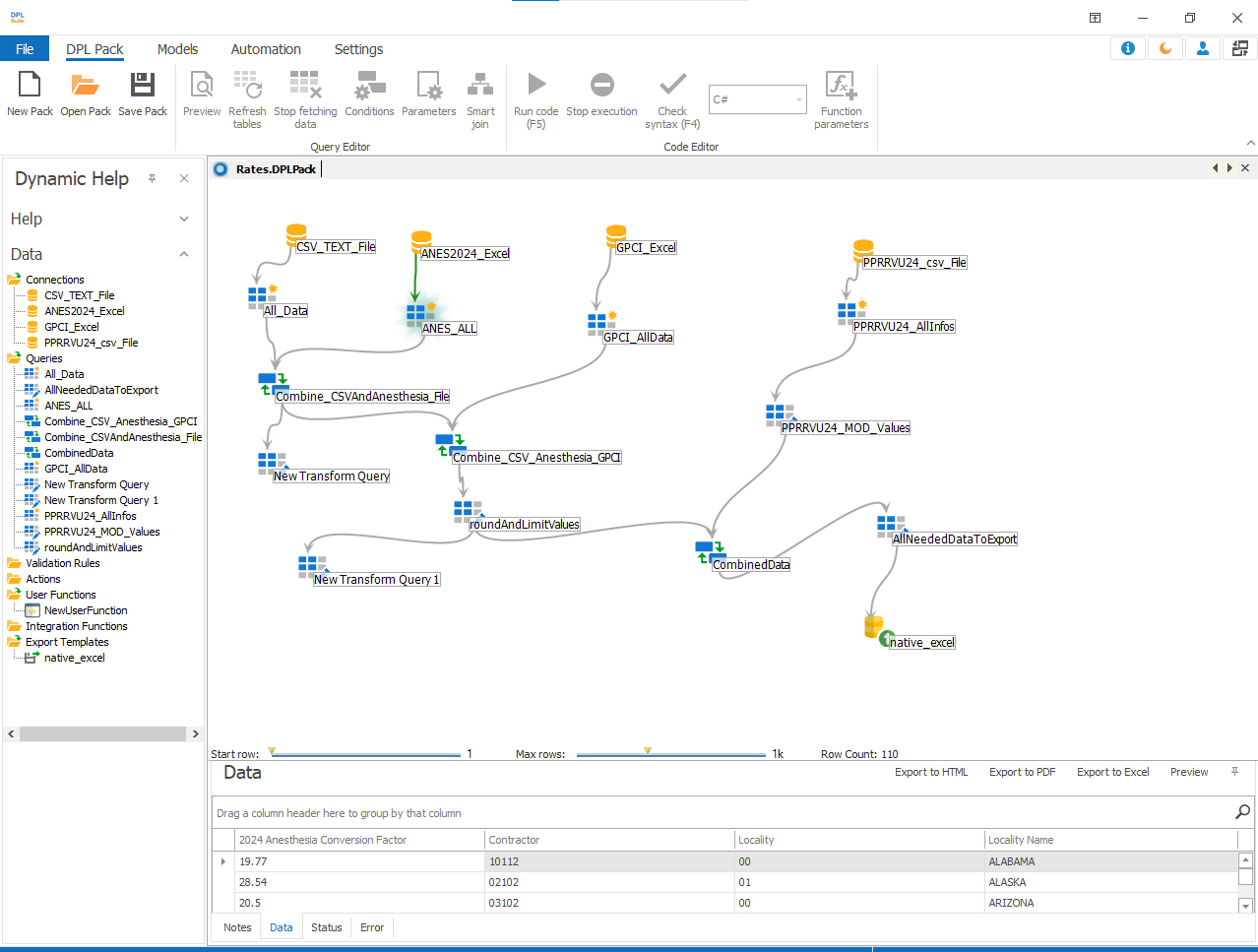
Virtual Connection
Creating Virtual Connection
It is common to have multiple data connections in a DPL package, such as connections for a test system, production system, and other environments. Virtual Connection provides a flexible way to switch between these connections without modifying the queries.
You can create multiple data connections as needed and then create a virtual connection from one of them. Later, you can edit the virtual connection and change its parent connection to any other connection available in the DPL package.
Note
Virtual Connection allows you to switch between different data connections within a DPL package.
To create a virtual connection
- Right-click on an existing data connection and select Create Virtual.
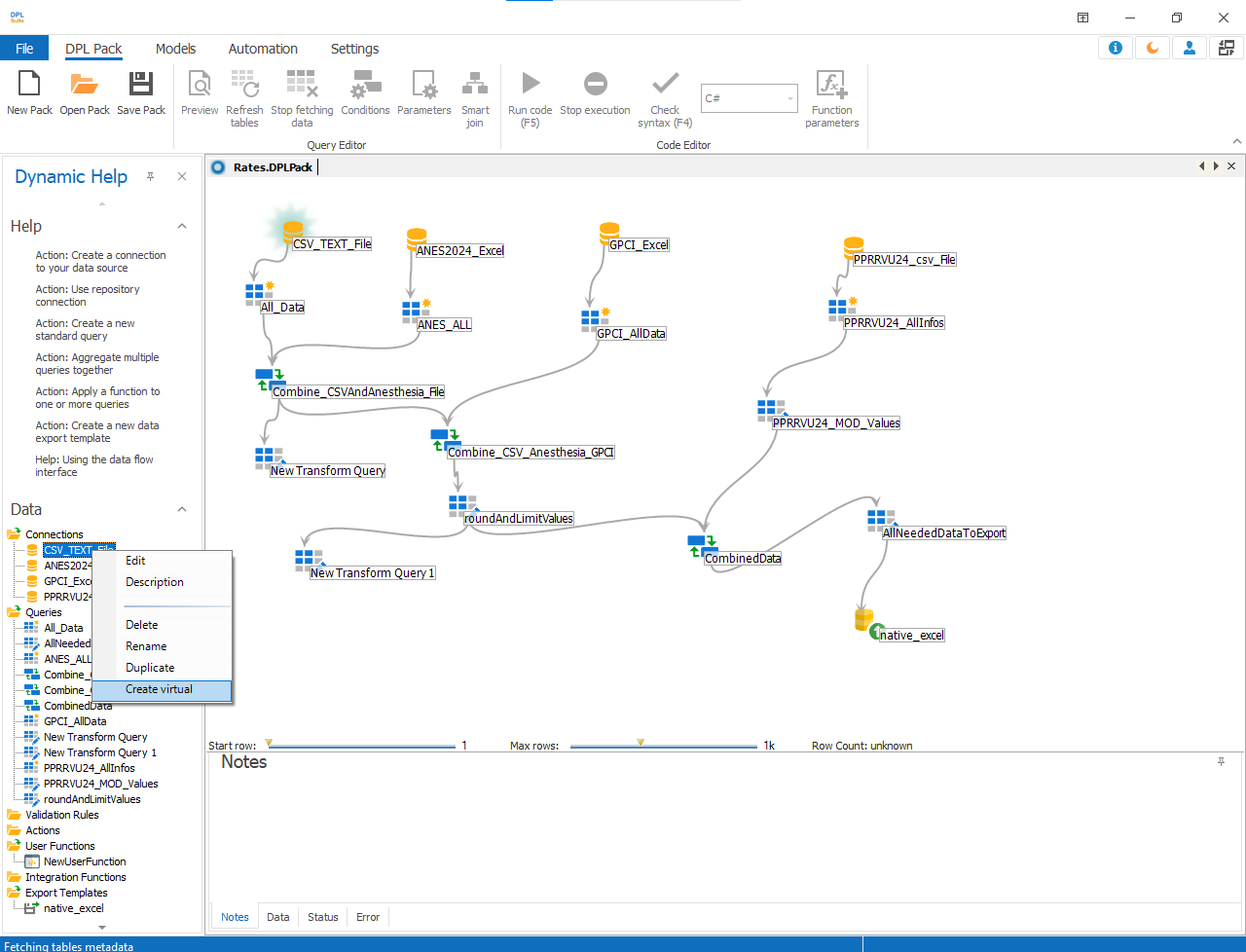
-
A new virtual connection will be created from the selected connection. Rename the virtual connection if required.
-
Create a new standard query using the virtual connection.
-
To switch between connections:
a.Right-click on the virtual connection created earlier
b. Select Edit
c. The Edit Virtual Connection dialog will appear
d. Use the drop-down list to select a different parent connection as needed
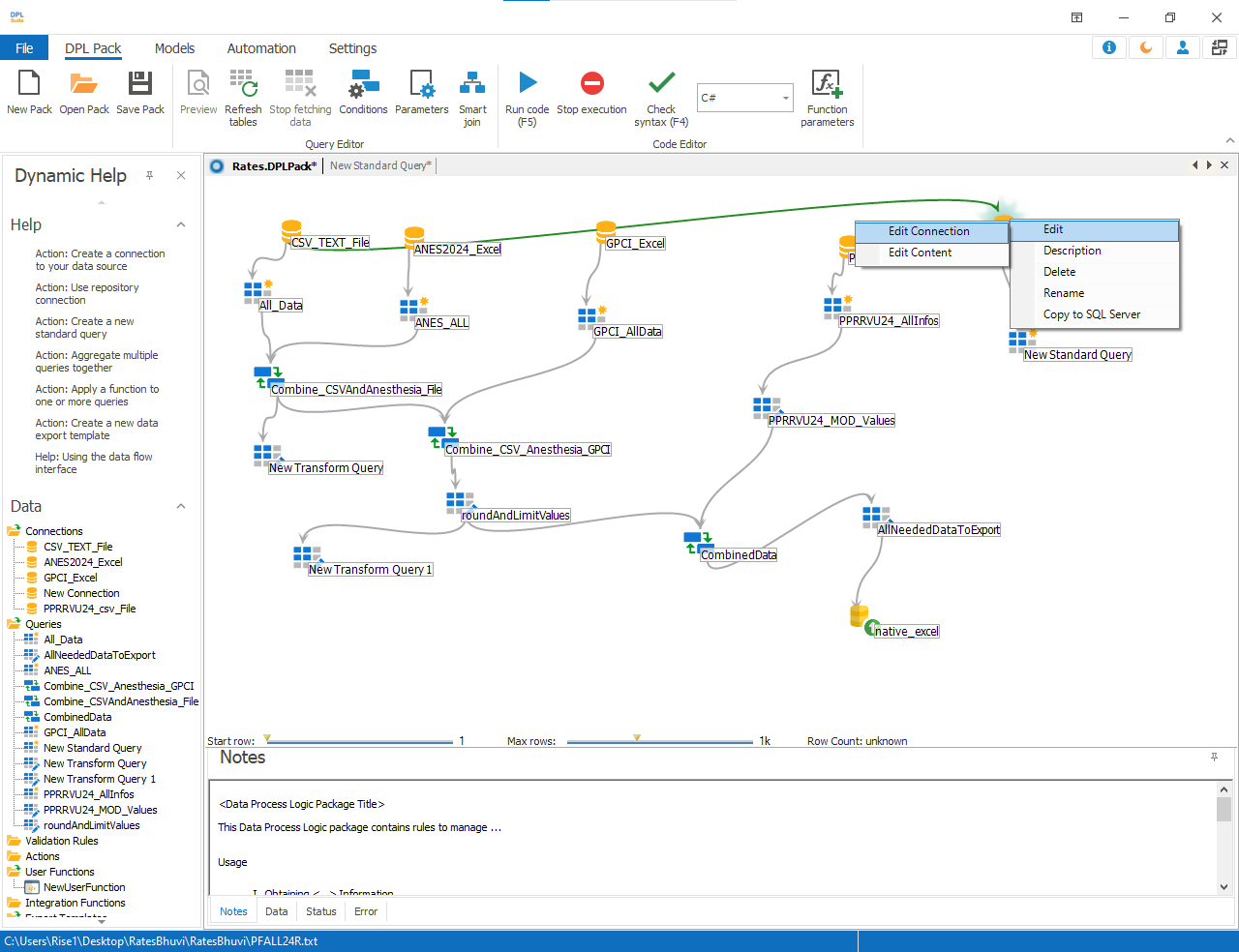

- After editing the virtual connection, the data flow will update automatically to reflect the newly selected data source.