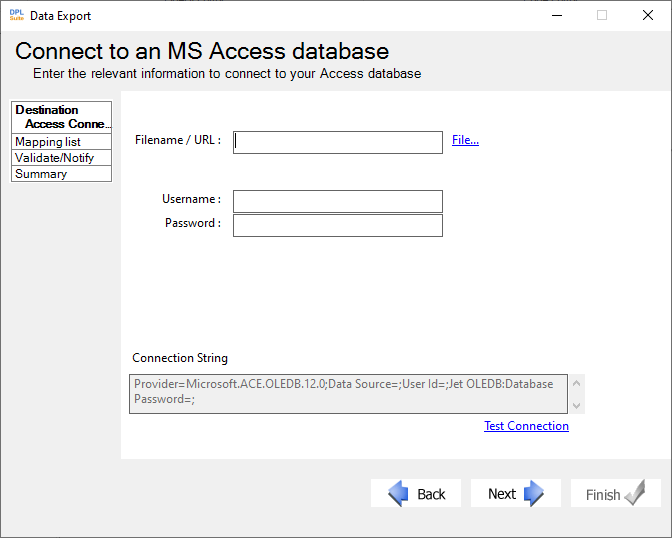
Microsoft Access Data Connector
Setting Up Microsoft® Access Export Connectors
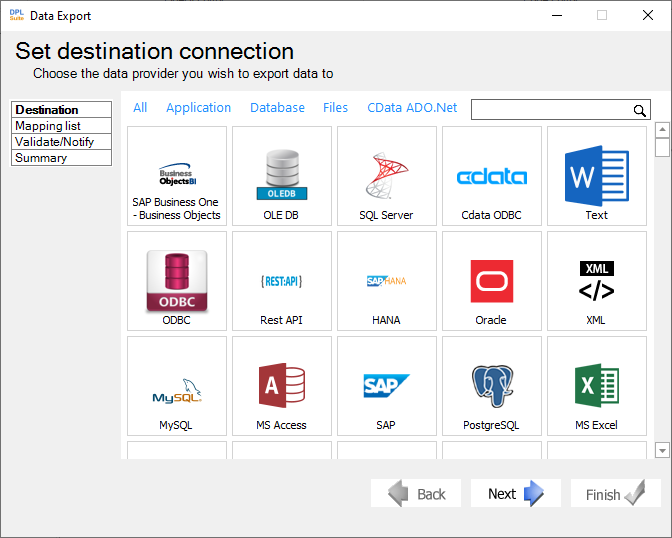
- In the Set Output File dialog:
a. Enter the complete file path and filename for the required output file, -OR-
b. Click File... to browse to the desired location.
-
If the file has security enabled: a. Enter the Username and Password in the appropriate fields. -OR-
-
Click Test Connection to allow DPL Studio to verify the database connection and display the connection status.
-
Click Next to proceed to the next step in the wizard and configure the table mappings between the source and destination files.